-
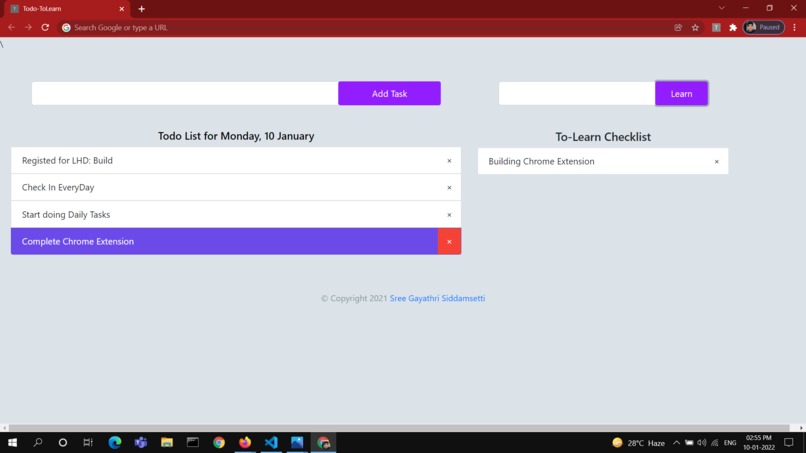
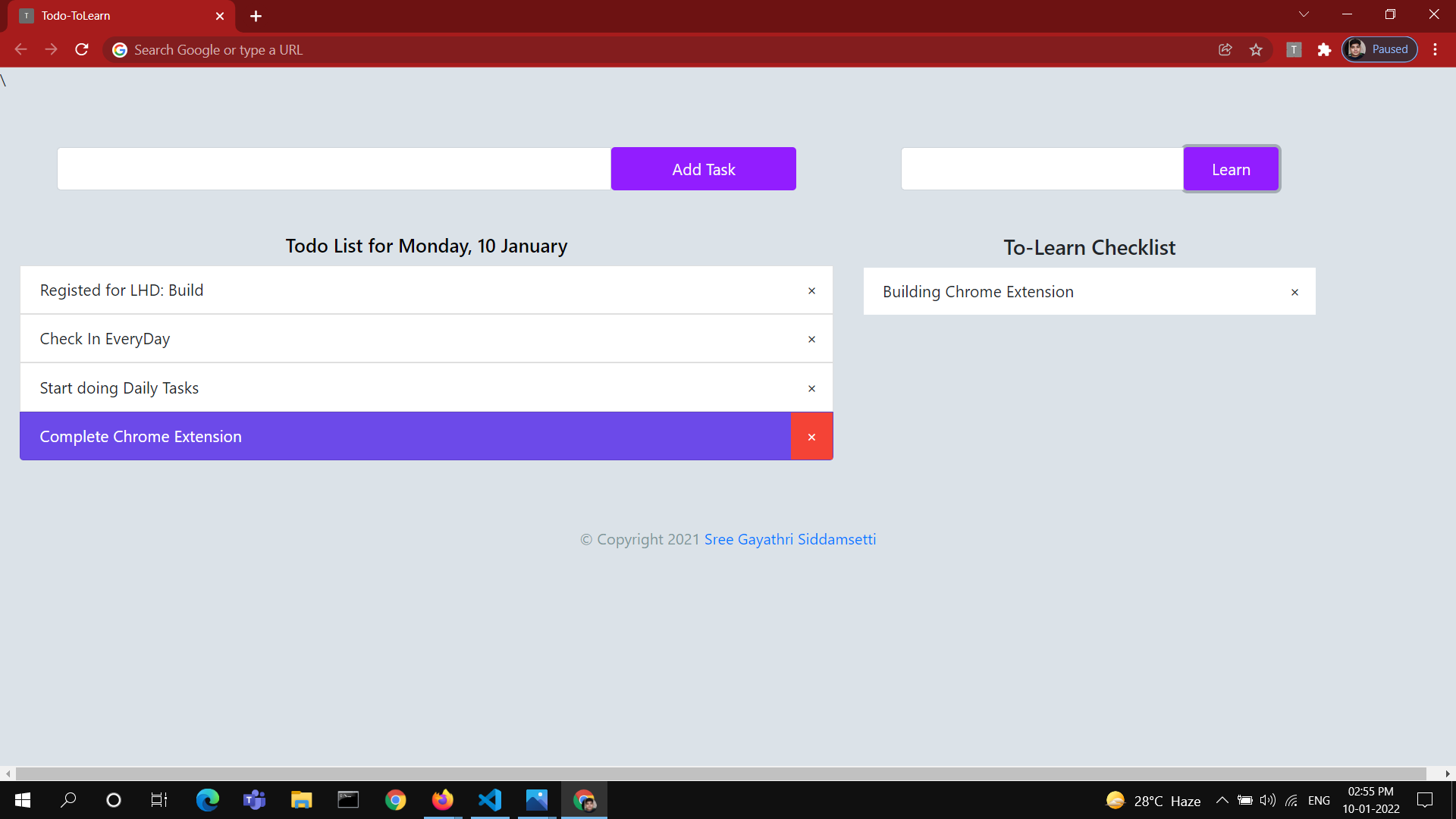
Screenshot of extension with the Todo List and ToLearn Items Added
Inspiration
I use a lot of Chrome Extension and I always wonder how they were built but never looked into it deeply. Luckily in the Local hack Day: Build, one of the task is to develop a chrome extension and by this, I have looked into and started learning how to make extensions. I have many things that runs in my mind all the time because of which I loose track of wishes, tasks I should accomplish. I used many To-Do apps and extensions and want to build one when I thought of build a chrome extension.
What it does
With this extension, you will get your To-Do List and also To-Learn checklist on every new tab you opens. With this, you can remember what all tasks you want to accomplish.
How I built it
Building a chrome extension is very easy that it seems to be. I have used normal HTMl, CSS, Bootstrap and Javascript to make this extension. First of all, I configured the manifest file and then started building the extension like a normal website
Challenges I ran into
I faced some difficulty in understanding the properties of manifest file and decide what to use for my project.
Accomplishments that I'am proud of
This is my first extension and I am proud that I am able to make a working extension. I am sure that I am gonna build more of these soon.
What I learned
I learned how to build extensions and also how to use Local storage !!
What's next for Todo-Tolearn
I will try improving the extensions with more visual elements and keeping it minimal.

Log in or sign up for Devpost to join the conversation.