-
-
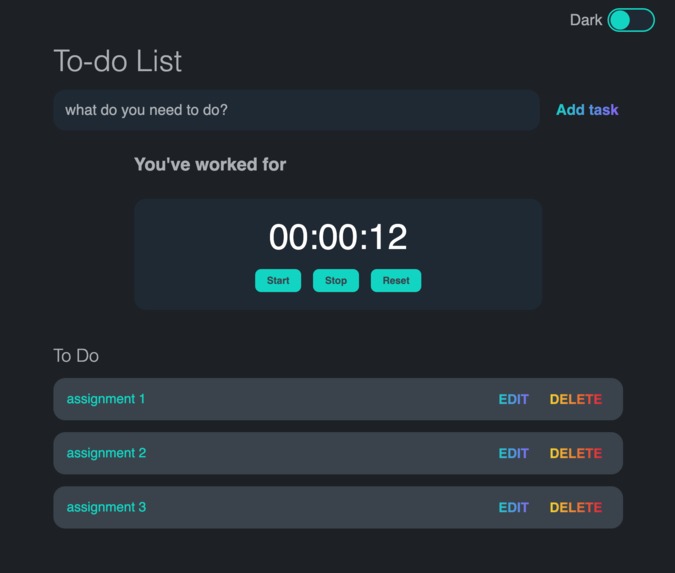
Dark Mode
-
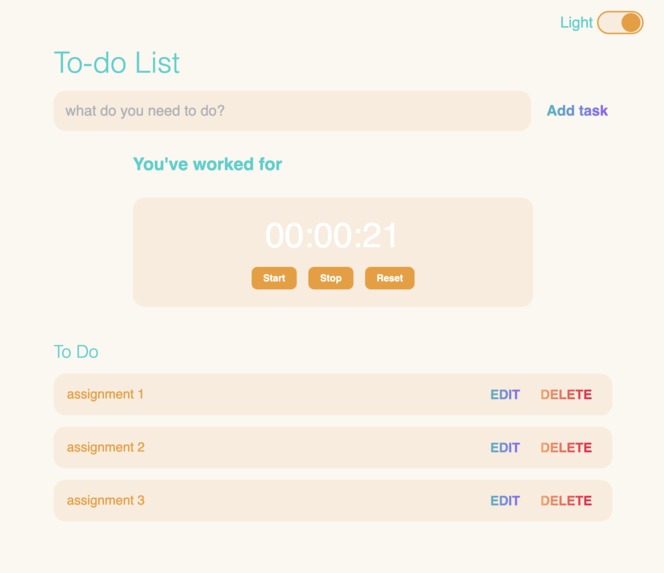
Light Mode
Inspiration
Our inspiration for this project was based on daily task planner/organizer Apps that we all seem to love and hate. We have come to the realization that a simple To-Do list that allows users to easily view and edit tasks is the best type of To-Do List, no need for bells and whistles.
What it does
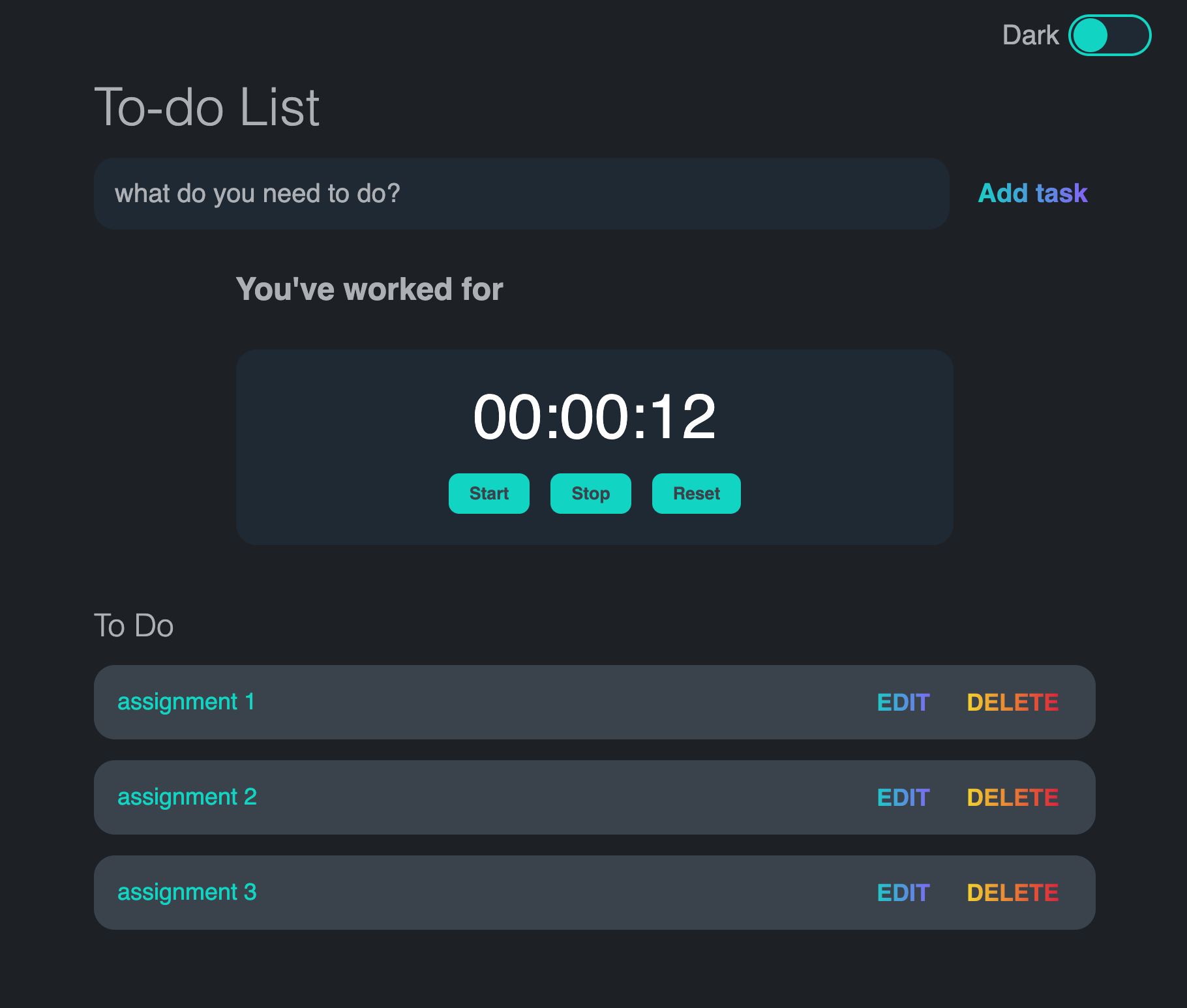
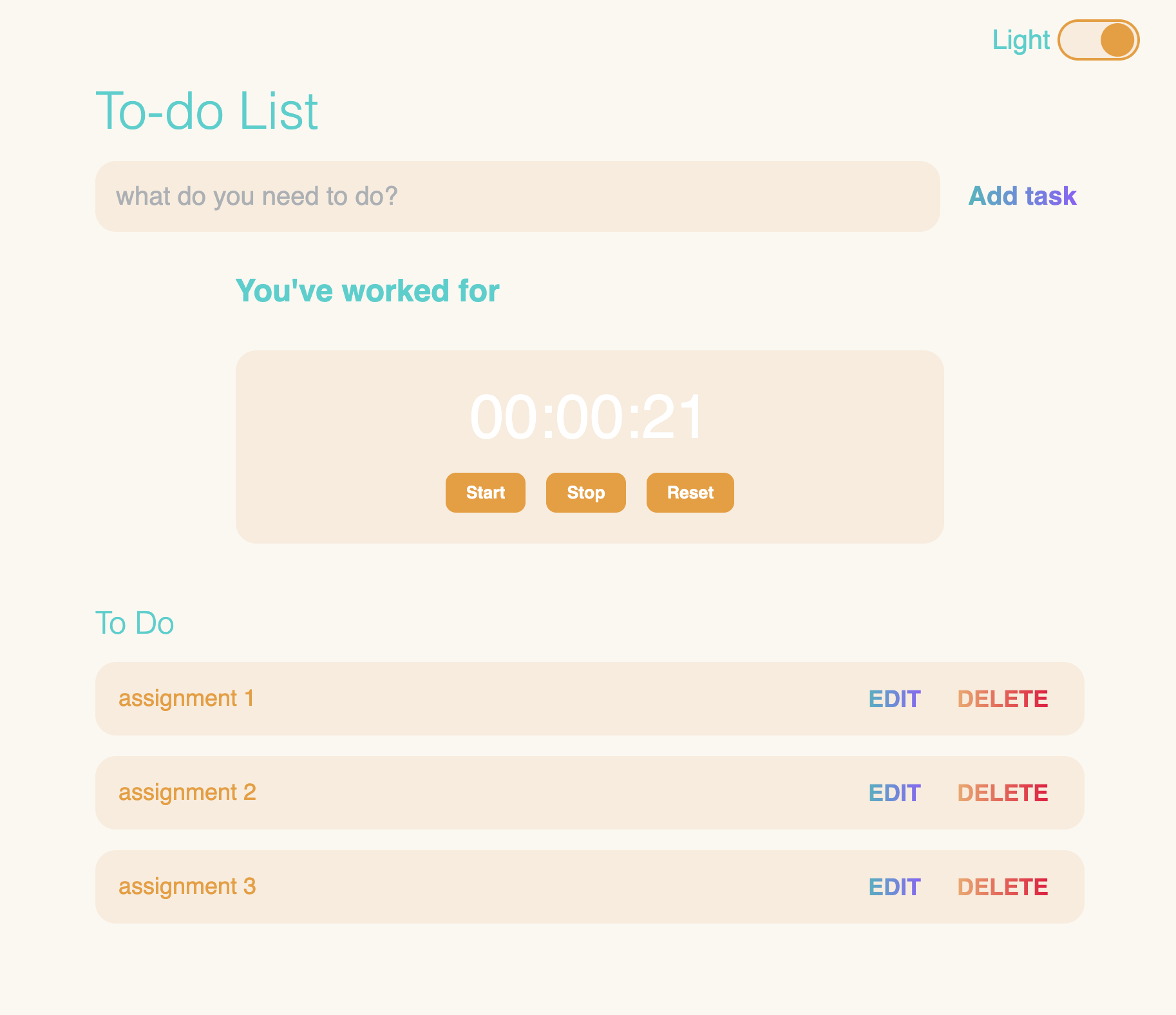
Our site lets users input tasks and stores the tasks in Local Storage so any unfinished tasks will be saved for future view. It also allows users to edit tasks in case of mistakes. There is also a self-discipline timer so users may pace themselves on tasks, it could also serve as a bragging tool among friends, and of course, the most important thing - light/dark mode toggle.
How we built it
We built our site using HTML, CSS, and Javascript. The web hosting is done with Google Firebase, a personal domain name is used to redirect to the Firebase URL for easy access. Oh, and Google Drawings for Favicon creation.
Challenges we ran into
Some challenges we ran into were trying to add a timetable so users may specify at what time they'd like to complete their task and for how long. Another challenge we encountered was during Local Storage implementation. When a user adds, deletes, or edits a task, such action will update entries in Local Storage, we spent some time figuring out how to implement such functionality.
Accomplishments that we're proud of
As two people who barely knew anything about web development, both of us learned a lot through working on this project.
What we learned
Keeping it simple is important. Trying to implement too much can end up in having nothing to show in the end, so we made sure that what we chose to do was manageable for us to complete in 24 hours.
What's next for the To-Do List
We will continue our attempt to implement the timetable as we believe such a feature would visually help users understand their schedules better and lead to more productive behaviors. We also want users to be able to add a description to their tasks for more detail and possibly include a tagging system to categorize their tasks.

Log in or sign up for Devpost to join the conversation.