-
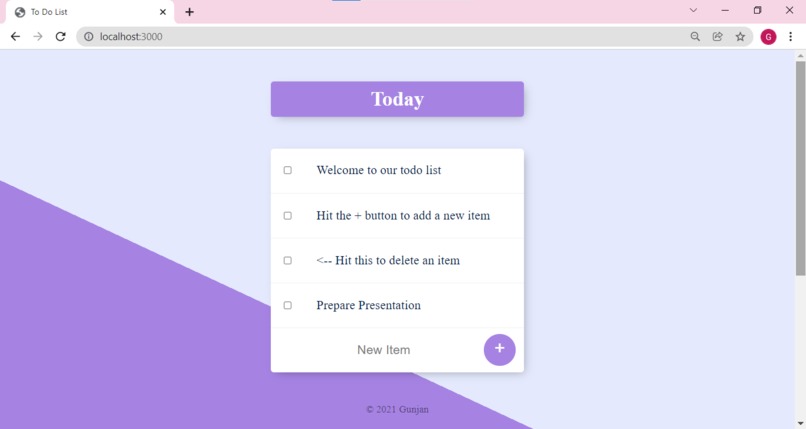
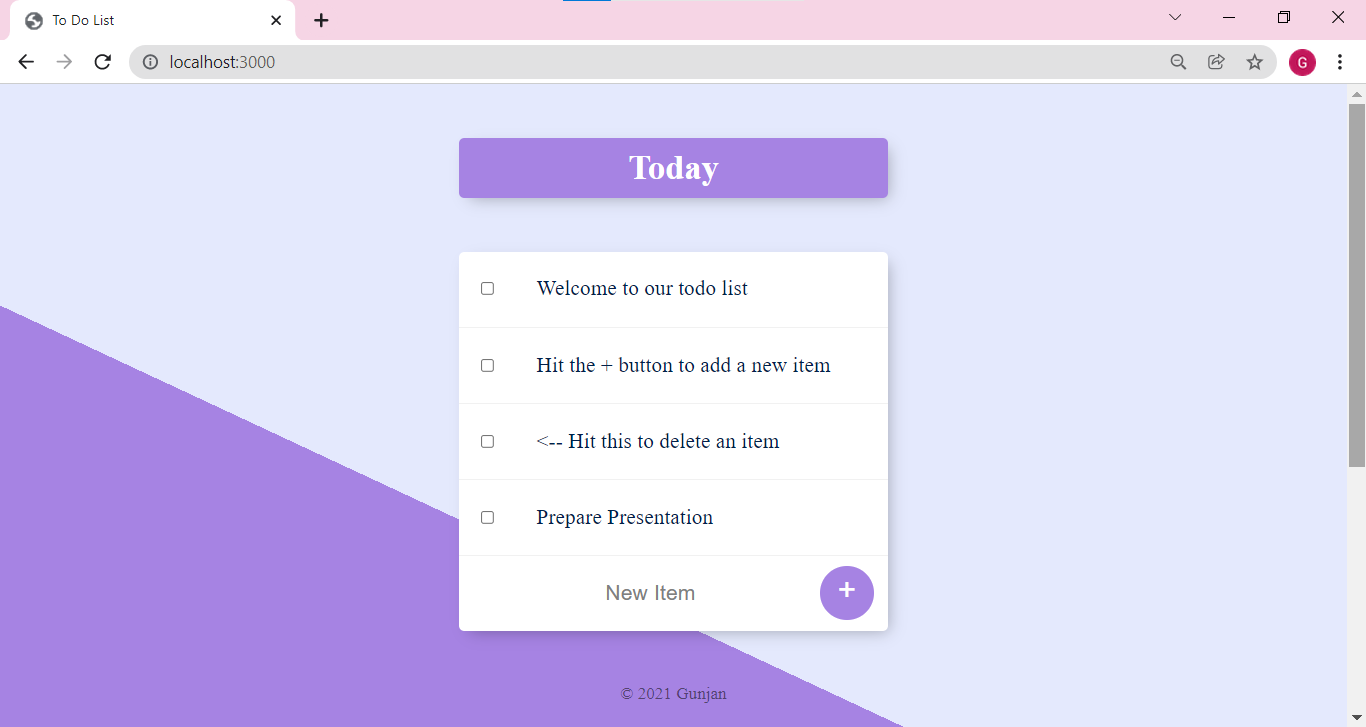
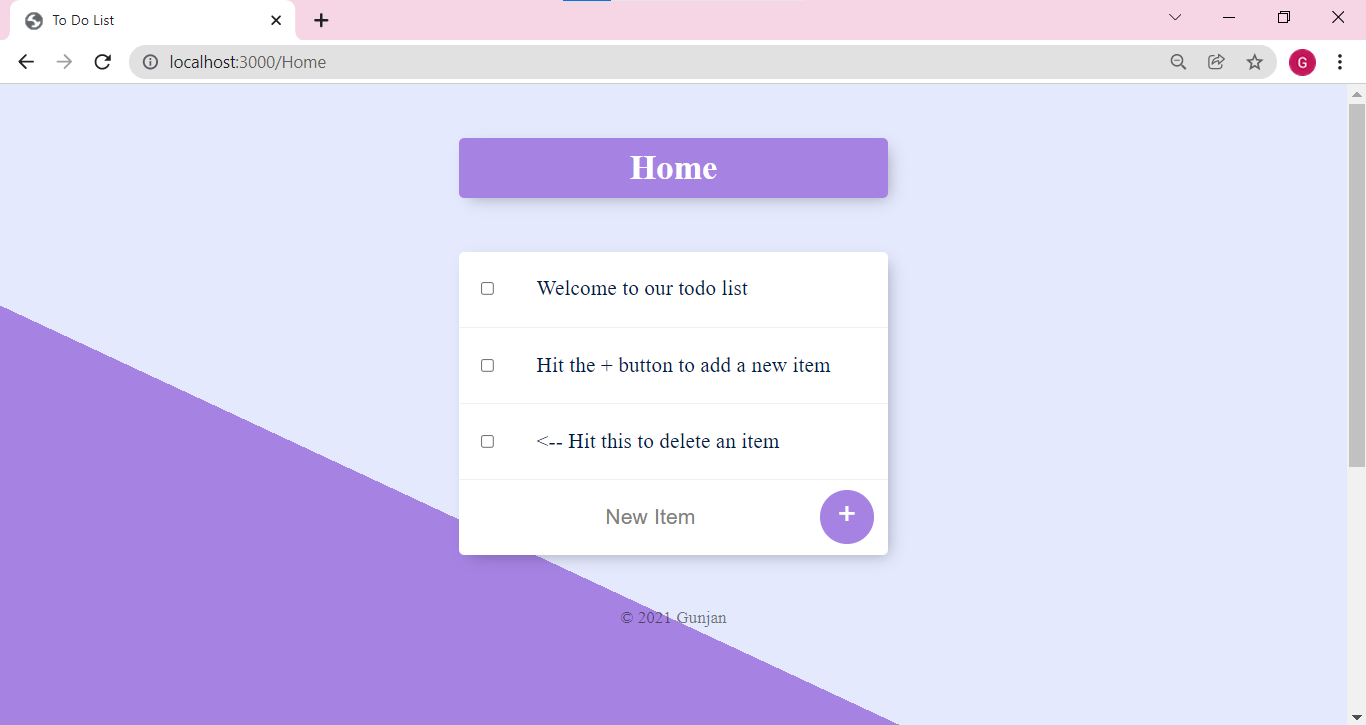
Home page
-
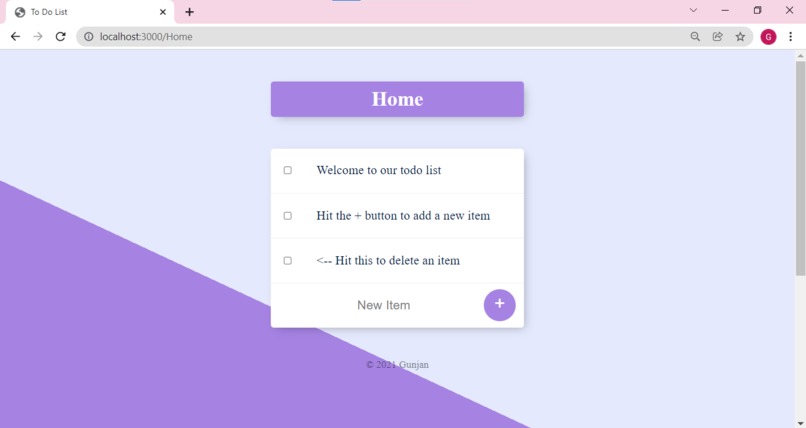
Customized to-do list
-
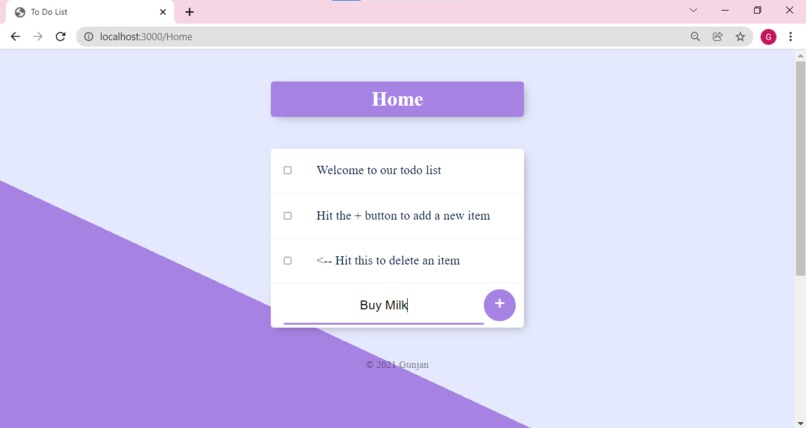
Adding Tasks

Inspiration
In the daily life, we often need a to-do list website that can be used to store our task, so that we complete deadlines on time and do not fail to perform an important task.
What it does
It allows user to add tasks in the list, by writing new task and clicking on + button. If completed, we can check the box and it gets deleted. We can also create a specific to-do list by navigating onto it.
How I built it
The EJS file is list.ejs, the corresponding CSS file is present in css folder in public folder and app.js handles the get and post requests and dynamically processes the data input by user to render a particular page. I use documentation to implement my goal.
Challenges I ran into
The handling of customized to-do list was a challenging part, because we have to create a different schema for creating specific list and changing data accordingly.
Accomplishments that I'm proud of
I was finally able to figure out the proper schema for customized to-do list and how to update and make separate webpage for customized to-do list using mongoose. All the data was stored using MongoDB database.
What we learned
1. How to use a database
2. How to create schema for database
3. How to insert data according to specified schema in database
4. How to update the webpage on every data insertion
5. How to delete data by using checkbox
6. How to make a customized to-do list
What's next for To-Do List
1. Login Page so that every to-do list can be user specific
2. Customized color for every list
Video Link
Link to Video Link

Log in or sign up for Devpost to join the conversation.