-

-
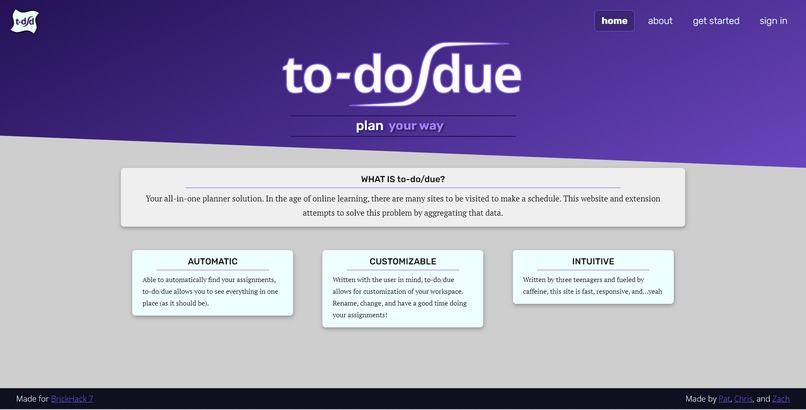
Homepage
-
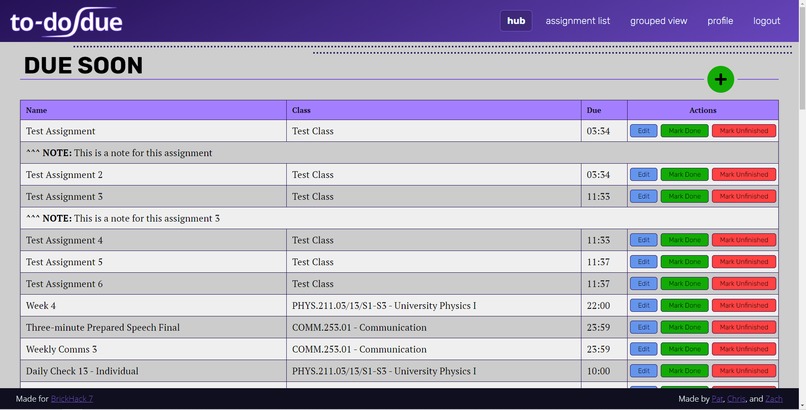
A sample user's view
-
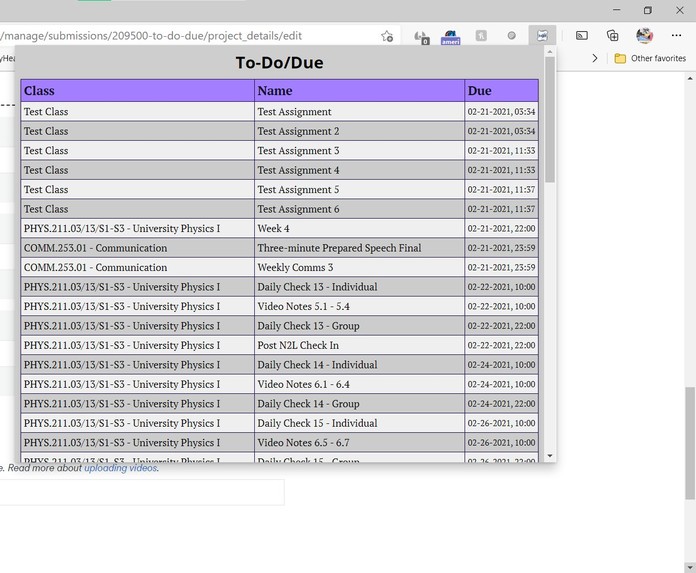
A view of the extension with a full schedule


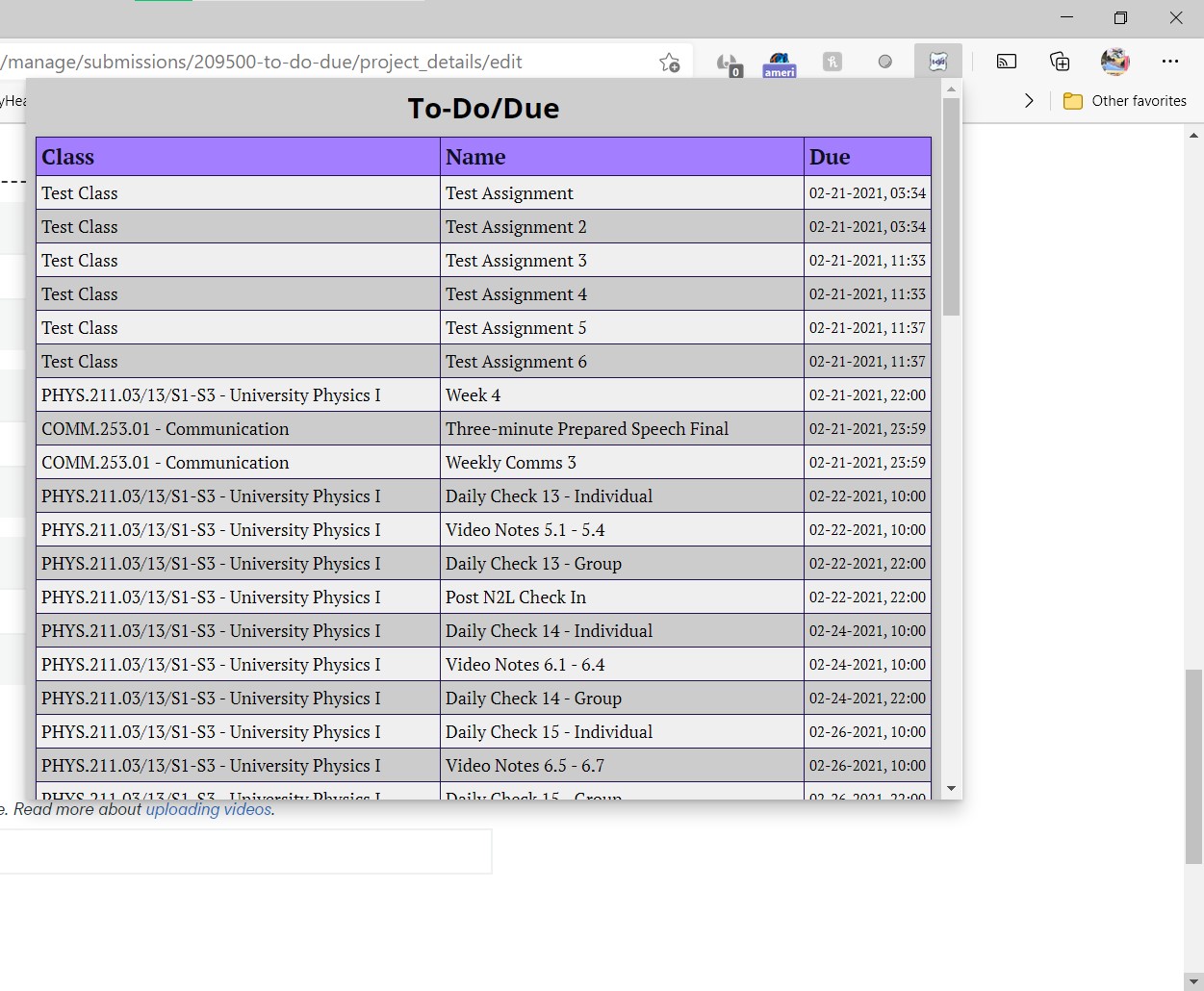
To-Do Due
Hosted at tododue.com
https://github.com/tododue/extension
https://github.com/tododue/server
How to Use
- Create an account on the website
- Download the extension folder
- Go to 'chrome://extensions' or equivalent
- Turn on developer mode for extensions
- Click 'Load Unpacked' and select the folder for the extension
- Right click on the extension icon in your bar, select 'Extension options', and enter your login information into the popup window
- Visit the MyCourses Calendar (https://mycourses.rit.edu/d2l/le/calendar/6605) and watch the magic happen!
Motivation
Your all-in-one planner solution. In the age of online learning there are many sites to be visited to make a schedule. This website and extension attempts to solve this problem by aggregating that data.
Keeping track of up to five different websites for scheduling work, assignments, and exams can be difficult. This website aims to scrape relevant data from all relevant websites and create an easy-to-read planner.
Features
- Scrapes MyCourses for assignment data, planning to implement more
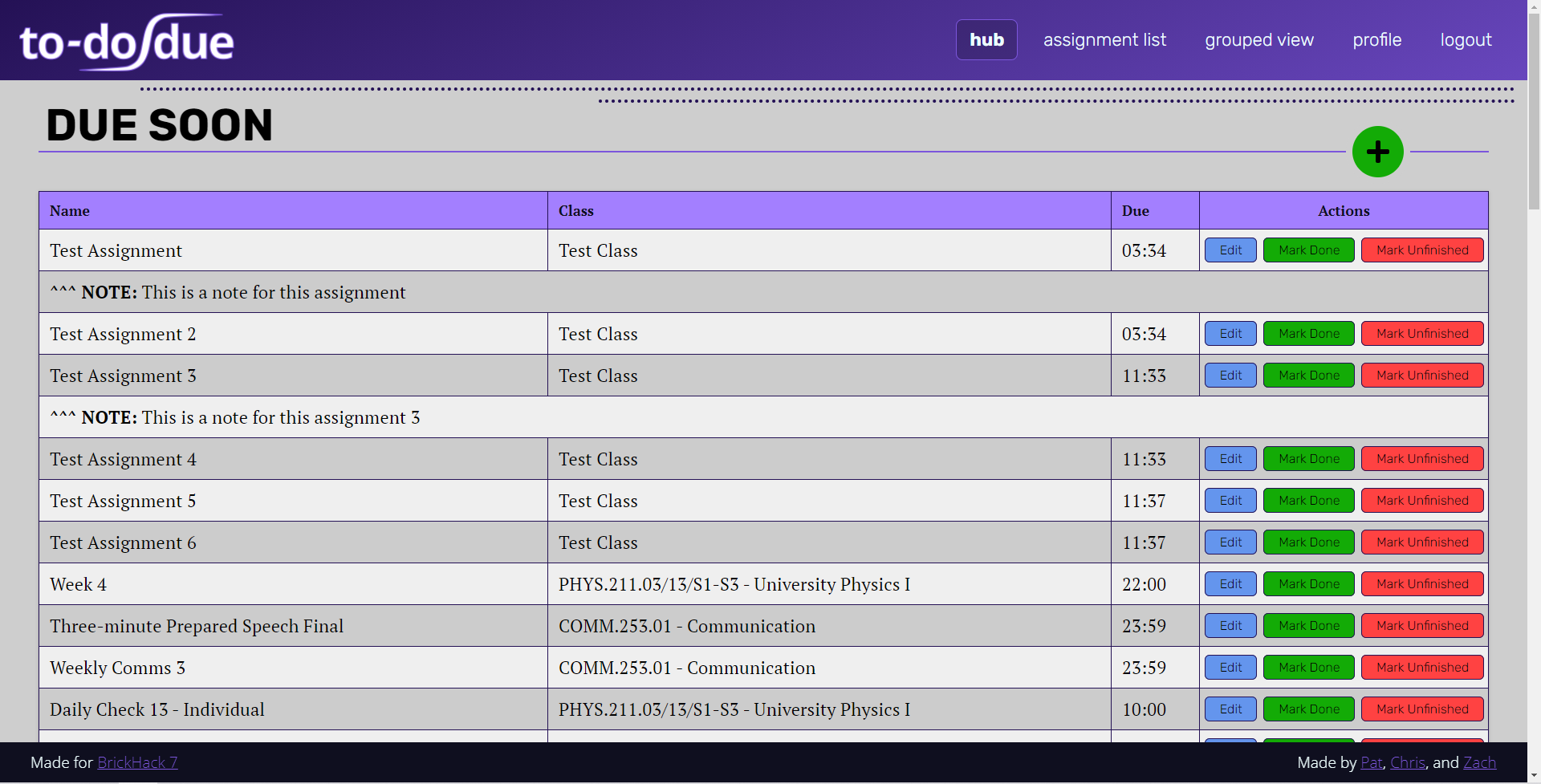
- Displays planner in a user-friendly, readable format
- Chrome extension shows work for the day
Differences
- Automatically scrapes data unlike other planners
- Intuitive reading format
- Intermediary for multiple websites
Challenges
One particular challenge was getting the web extension to properly send a token. Creating a token for a session and retrieving it from the API was not an issue, but sending the token back to the API became difficult when chrome extension storage was involved.
Another issue which we ended up losing hair over was the non-participation of CSS.
Knowledge Gained
- Cut your losses with CSS
- The hardest problems have the simplest solutions
- Keep UI as simple as possible for the end user
API Documentation
Team
 |
 |
 |
|---|---|---|
| Zach Kroesen | Patrick Mehlbaum | Christopher Grabda |


Log in or sign up for Devpost to join the conversation.