-
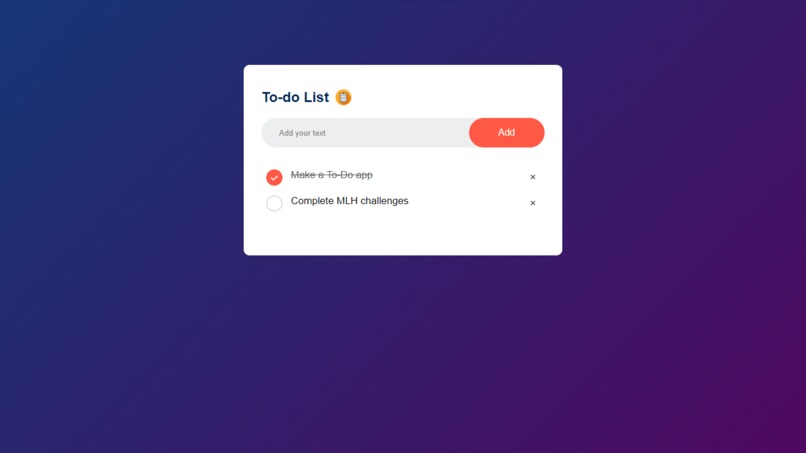
The To-Do app
Inspiration
We wanted to make it vibrant
What it does
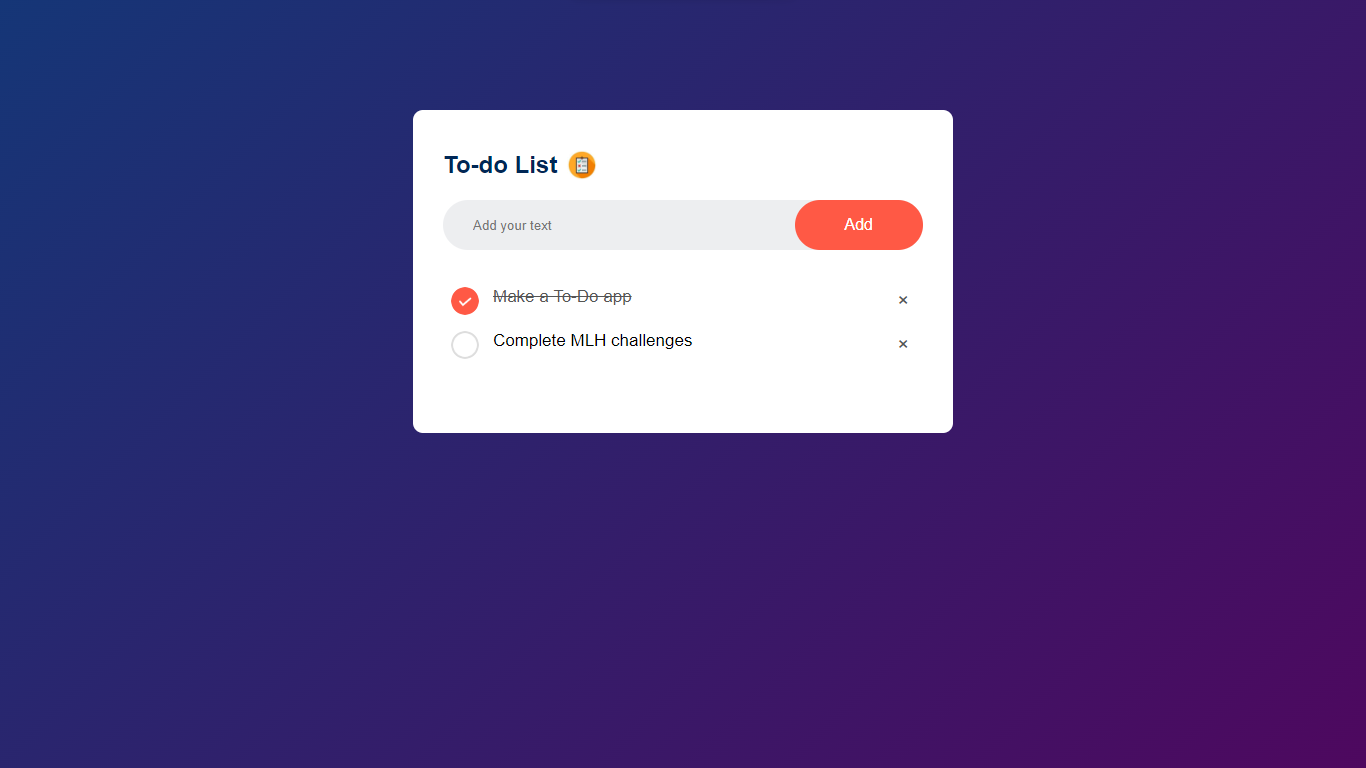
It allows the user to input a task that they want to do and then appends the task to a list. Once complete, the user can tap into the check-box which then crosses out the task hence making it easier for someone to keep track of their To-Dos
How we built it
We used HTML to prepare a list and then CSS to make it visually appealing. We then used Javascript then to append new tasks into the list.
Challenges we ran into
Changing the color of the checkbox, we then decided to use two different png files for each. Input data getting lost after a user refreshes- stored the tasks in users browser.
Accomplishments that we're proud of
Getting it to work
What we learned
How to store data in website cookies.
What's next for To-Do App
Writing it to be more functional and adding better features.

Log in or sign up for Devpost to join the conversation.