-
-
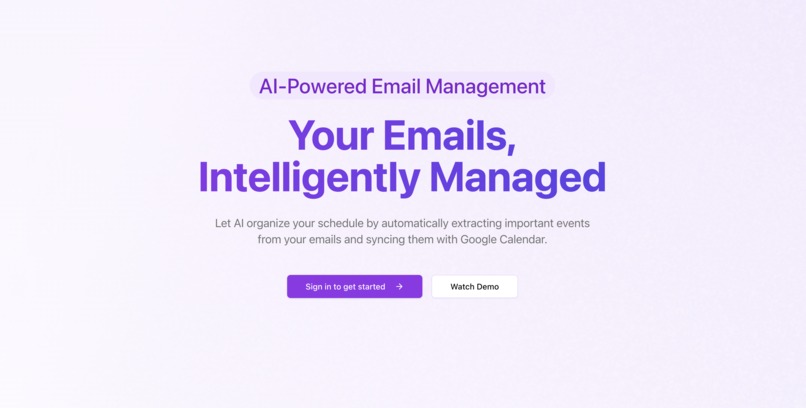
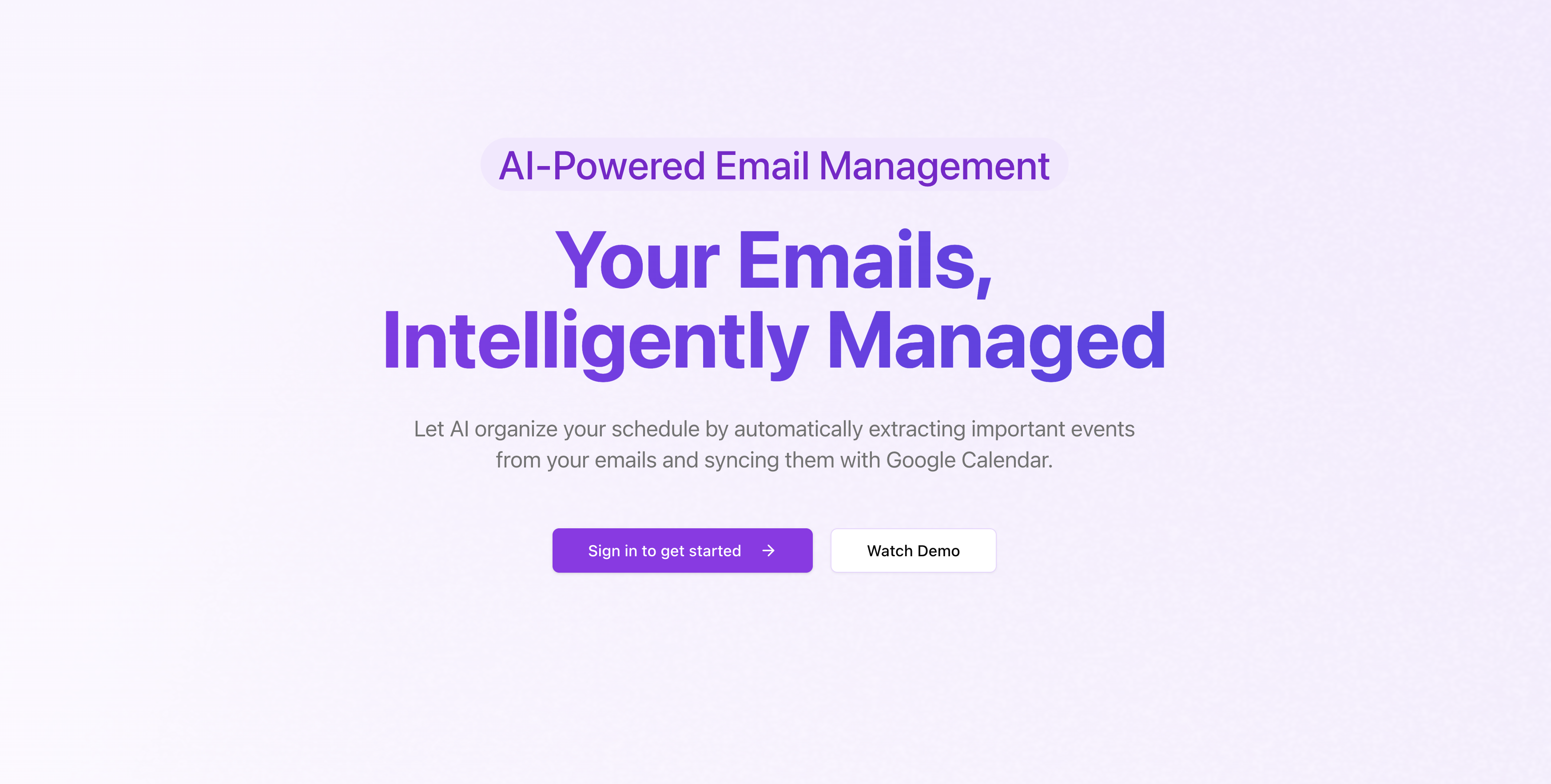
Landing Page
🚀 Inspiration
As students, we receive a flood of emails daily 📩, making it difficult to sift through important information. We wanted a solution that streamlines email management and helps us stay organized effortlessly.
🔍 What It Does
TLDRMail allows users to specify a date range to retrieve their emails. From there, users can:
✅ Summarize emails to quickly grasp key points
📅 Extract details about upcoming events
⏳ Track important deadlines
All in one place! 🎯
🛠️ How We Built It
We developed TLDRMail using:
- Next.js ⚛️ for both the frontend & backend
- OpenAI API 🤖 for AI-powered email summarization
- Clerk 🔐 for authentication
- Google API 🌍 for Gmail & Google Calendar integration
⚡ Challenges We Ran Into
🔗 Gmail & Calendar API Integration: Clerk authentication complicated Google API access, requiring extensive debugging and documentation review.
🔍 API Validation Errors: Ensuring accurate outputs required refining our approach.
🚀 Deployment Hurdles: Hosting on Vercel presented some challenges, but we successfully resolved them!
🎉 Accomplishments We're Proud Of
We built and deployed a fully functional project—without pulling an all-nighter! 🌟
📚 What We Learned
💡 Implementing authentication with Clerk
📝 Effective prompt engineering for AI-generated summaries
🎨 UI/UX design best practices
🔮 What's Next for TLDRMail
We want to make TLDRMail more of a personal assistant 🤖 by incorporating agent-like capabilities. Future updates will include:
✨ Smarter automation
🗣️ Enhanced user interactions
🔗 More integrations for better productivity
🚀 Try It Out
🔗 Check it out: tldrmail.us
Built With
- clerk
- nextjs
- openai
- react.js
- typescript


Log in or sign up for Devpost to join the conversation.