Inspiration
In The Odyssey, Tiresias helps Odysseus understand the path ahead. We borrowed the name for a smaller, practical question: can a familiar FaceTime call help someone navigate around by themselves? We built Tiresias with blind and low-vision people in mind. The prototype focuses on spoken visual questions and readable labels.
What it does
Call Tiresias over FaceTime Video, point the camera at an item, and ask what you want to know. It can read a label, answer a question about the current scene, or check a fresh view after you move the camera. You can say “Stop,” “Wait,” or “Repeat” during the conversation.
At tiresias.ink, choose among six verified voices and save tone and speed settings. A short one-time setup links your FaceTime phone number or email to those preferences: hear four digits during a call and enter them on the signed-in website. Future calls can load your saved voice automatically. The link selects voice settings; it does not grant account access.
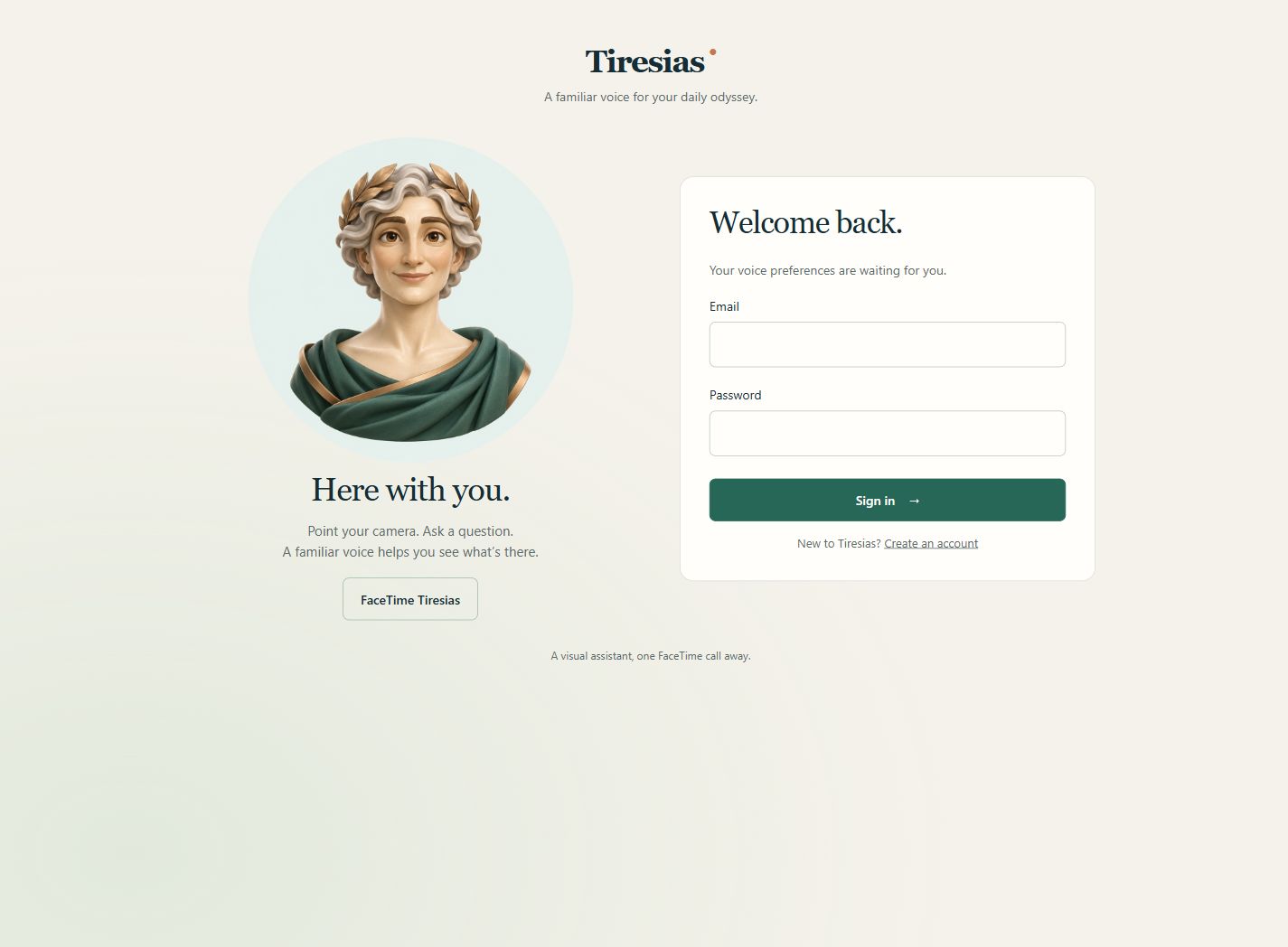
An original animated oracle character shows when the assistant is listening, thinking or speaking. Voice remains the primary interaction.
How we built it
Chert's FaceTime API and cloud Mac bridge carry a real phone's video and audio into LiveKit. A Python LiveKit agent receives completed speech turns, samples current camera images and asks Gemini for concise visual answers. We use gemini-3.5-flash-lite through Google Cloud. Images arrive throughout the call; visual questions use selected current images rather than a Gemini Live video session.
The FastAPI website, Python call worker and Chert connector run on a Vultr VM as persistent services, with the website behind Caddy HTTPS. The operator’s laptop no longer needs to stay on. Hosted Tiger Data, using PostgreSQL and TimescaleDB, stores saved preferences, caller bindings and real call-stage telemetry. The dashboard summarizes recorded processing stages. Caller bindings use keyed fingerprints and masked displays rather than storing raw caller identifiers in that table.
We generated the oracle artwork and its listening, thinking and speaking GIFs with Higgsfield, then render the appropriate state back into the call. The animations are generated assets, not live video generation or lip synchronization.
How We Used ElevenLabs
- Realtime speech recognition:
scribe_v2_realtimetranscribes the caller's microphone stream so the agent can act on completed spoken requests. - Streaming spoken answers:
eleven_flash_v2_5turns Gemini's answers and short call controls into audio returned through LiveKit and FaceTime. - Personal voice settings: Six verified voices, saved tone and speed, and real audio previews let callers choose how Tiresias sounds. Caller linking applies those preferences on later calls.
ElevenLabs is part of both sides of the interactive conversation: understanding the caller and speaking the visual answer.
Challenges we ran into
The hard part was coordinating a live conversation across camera frames, transcription, model requests and audio playback. Old frames can produce an answer about an item the caller has already moved. Overlapping turns can let stale answers speak after a new question. Short backchannels should not erase a useful answer, while “Stop” needs to interrupt it.
We added bounded frame freshness, cancellation tied to the current request, completed-turn dispatch and explicit interruption controls. We also found an SDK audio warmup that muted early caller input, reproduced the issue and changed its configuration. Bridge readiness now gates the greeting rather than assuming that joining a room means the caller can hear us.
Real handset use exposed further issues: background noise could trigger too many acknowledgments, and incidental language changes could change the reply language. We removed unsolicited “Got it” cues, filtered common noise and incomplete fragments, and made reply-language changes explicit. Calls start in English; “Speak Russian” and “Speak English” switch the language for that call. Regression tests and real Vertex checks verify the language behavior; the updated phone experience still needs its final handset check.
Accomplishments that we're proud of
We connected a real FaceTime camera and microphone to Gemini visual understanding and ElevenLabs speech, rather than demonstrating only an uploaded image. The owner verified label reading and saved caller settings on a handset. The public website has working HTTPS, persistent preferences and real voice previews backed by hosted Tiger Data.
Our final automated suite passed 233 tests. Calls start in English and change response language only after an explicit language command. Filler sounds and incomplete fragments no longer trigger automatic “Got it” acknowledgments. Separate real-provider tests exercised repeated label checks, caller interruption and returned animated video. In one isolated delayed-ready test, the worker stayed silent until readiness and began audio 0.623 seconds afterward. That is a scoped readiness measurement, not total FaceTime latency or a recognition accuracy claim.
What we learned
A useful visual voice assistant needs more than an image model. It needs to know which image and which question belong together, when to speak, when to stop, and which settings belong to the caller. We learned to test the actual audio path and to distinguish a passing isolated integration from what a person hears through a phone speaker.
What's next for Tiresias
We want structured testing with blind and low-vision participants, better handling of difficult label views, and clearer recovery when a provider or call connection fails. The current noise/language refinements and cloud call handoff need their final real handset check.
This build is an everyday visual-question prototype. Human-helper handoffs, hazard navigation, payments, Solana transactions and Grok Bot automation are not implemented.

