-
-
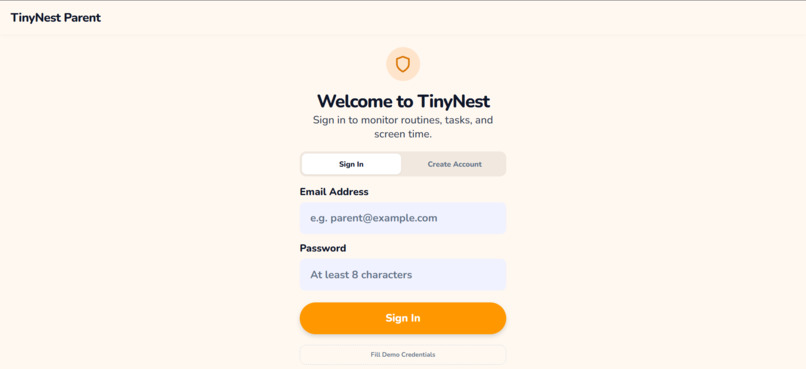
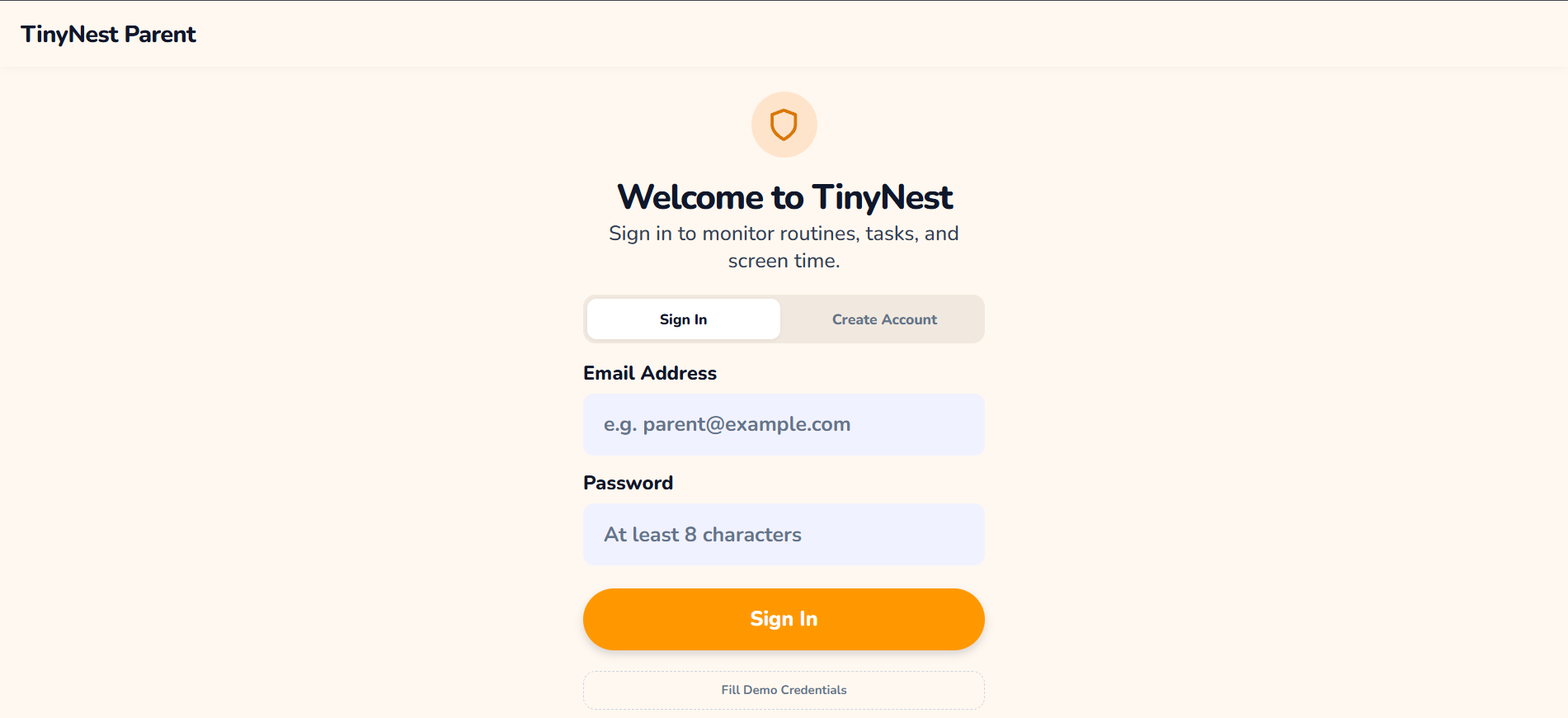
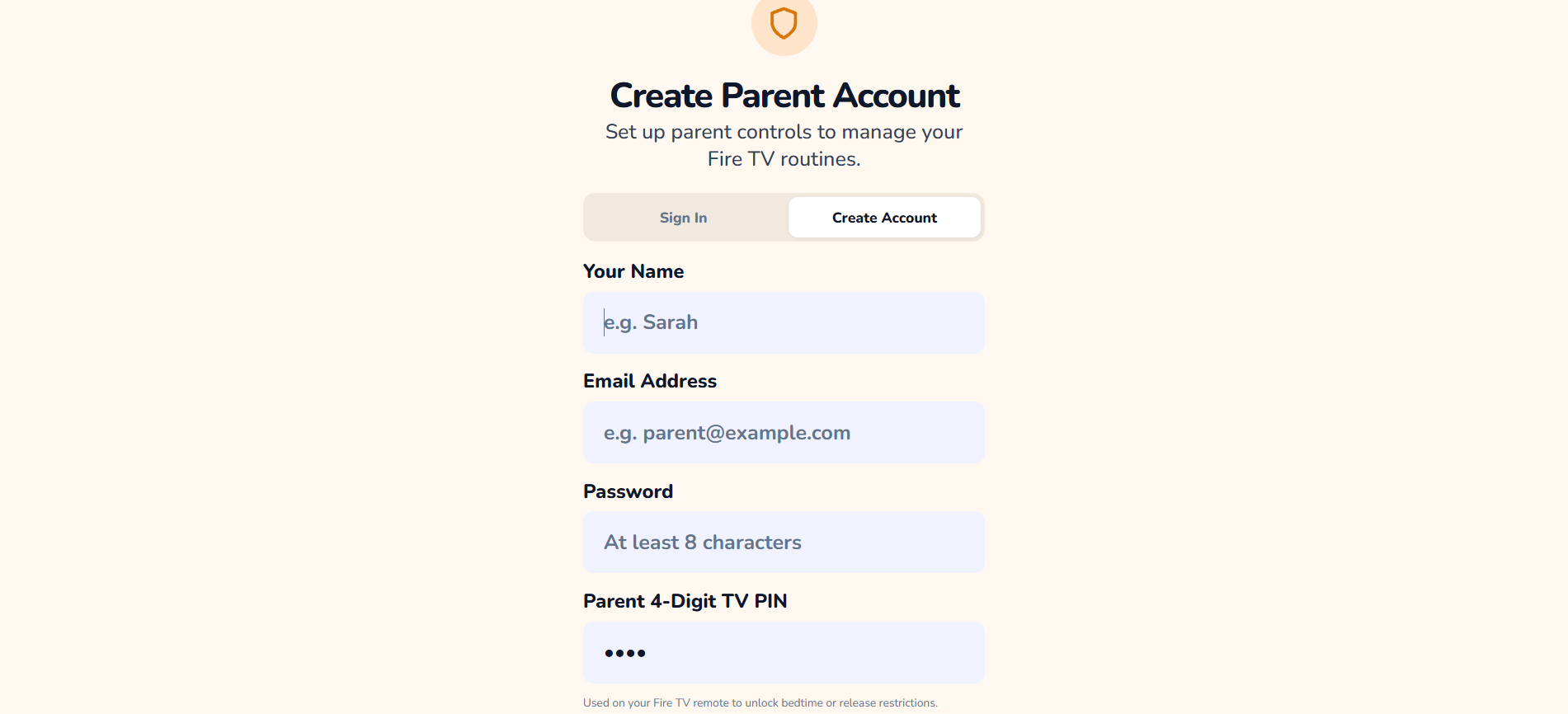
parent web page
-
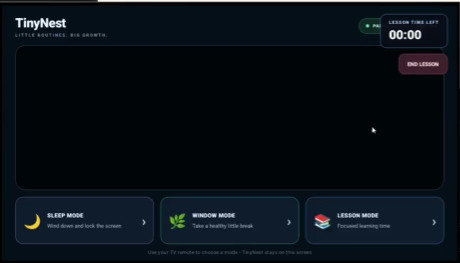
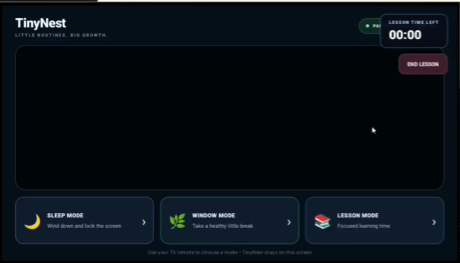
tv web app
-
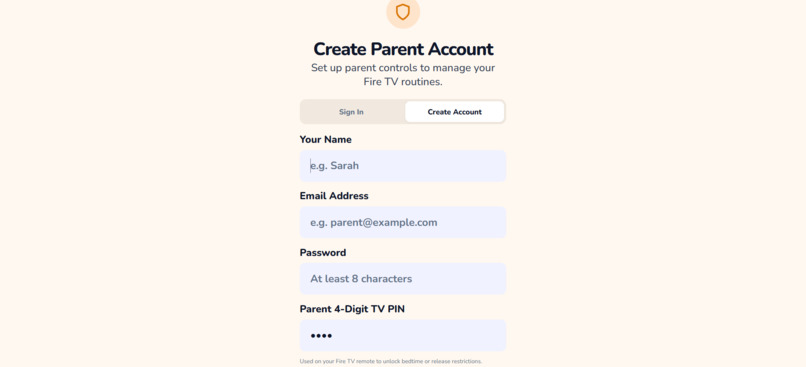
sign-in page
-
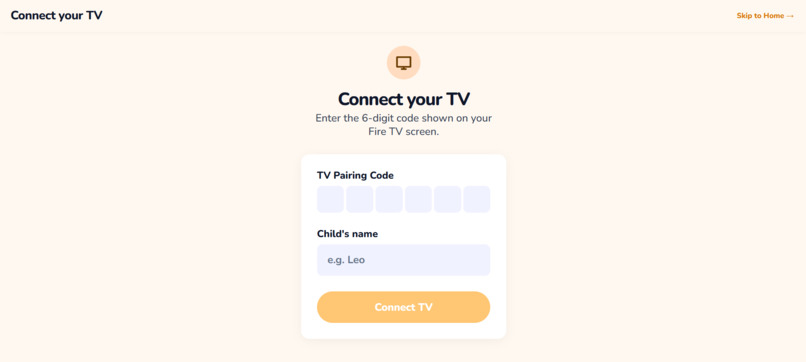
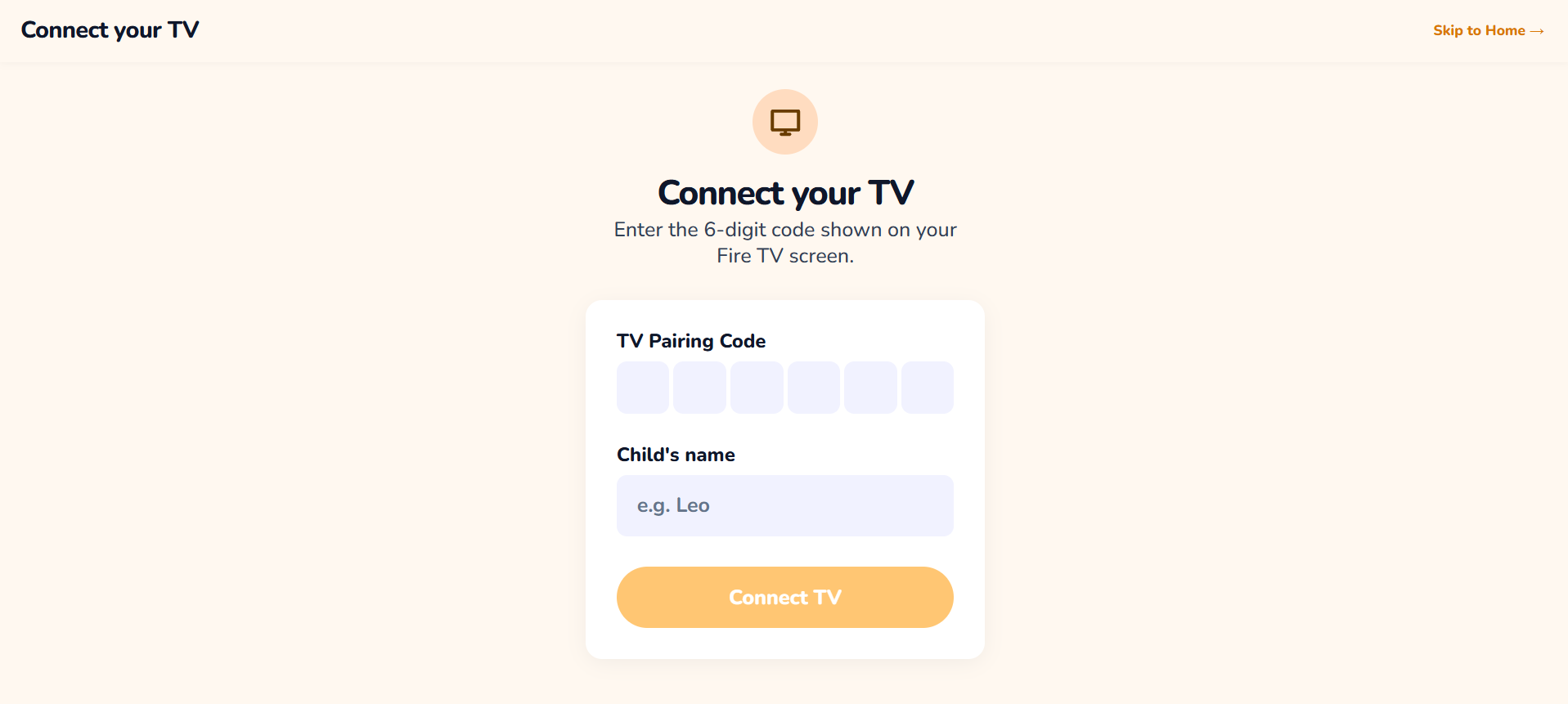
connect to tv page
-
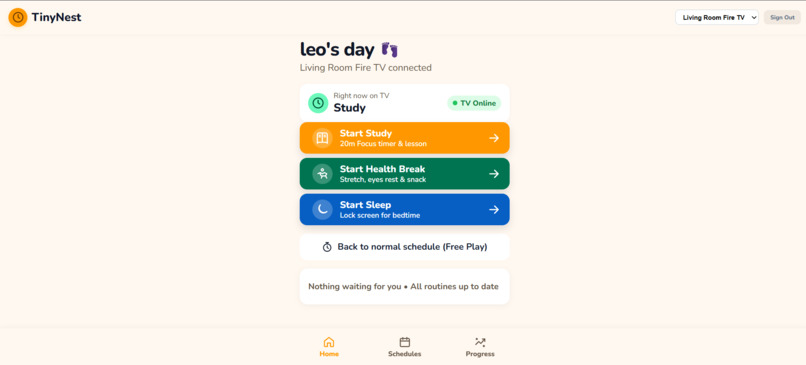
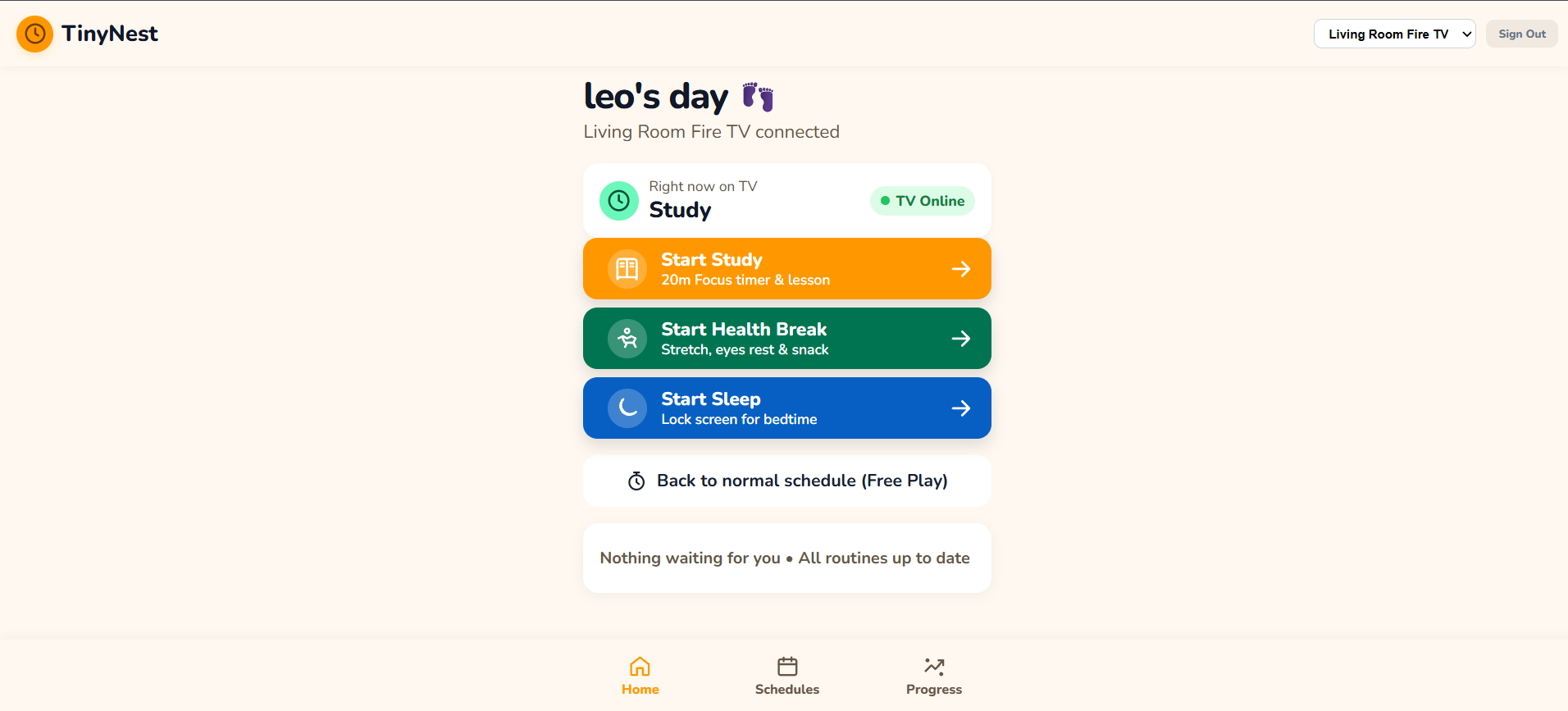
home page
-
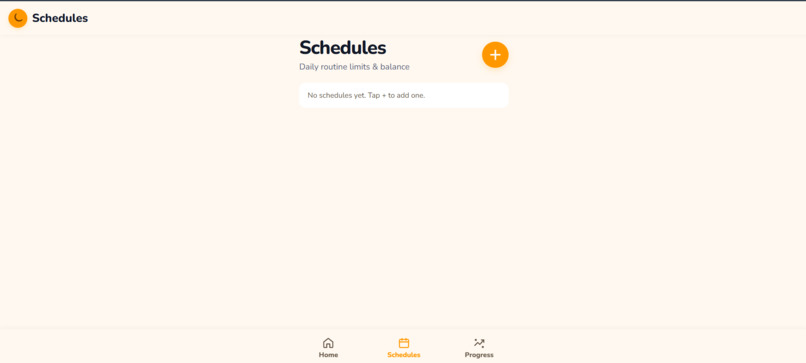
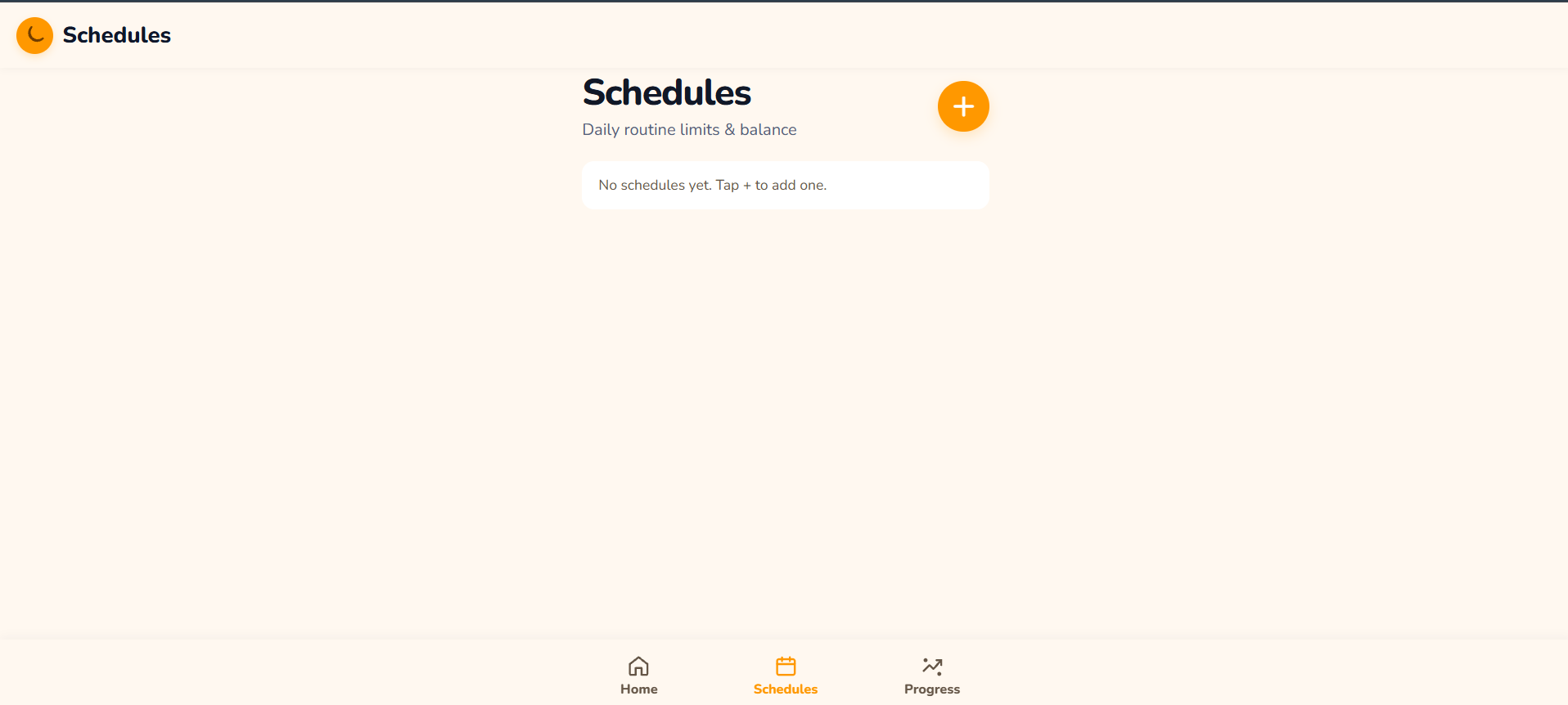
schedule page
-
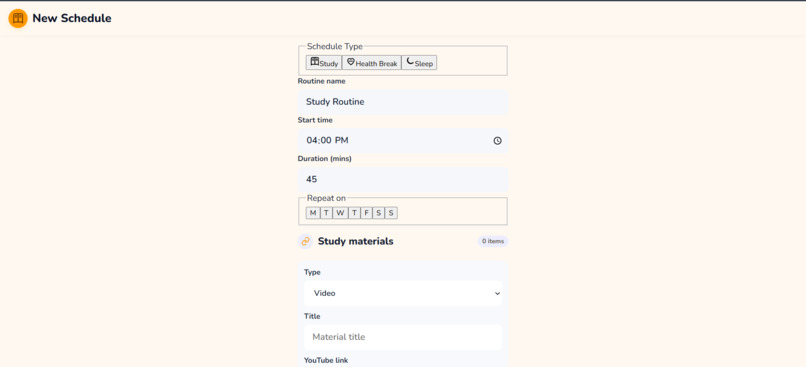
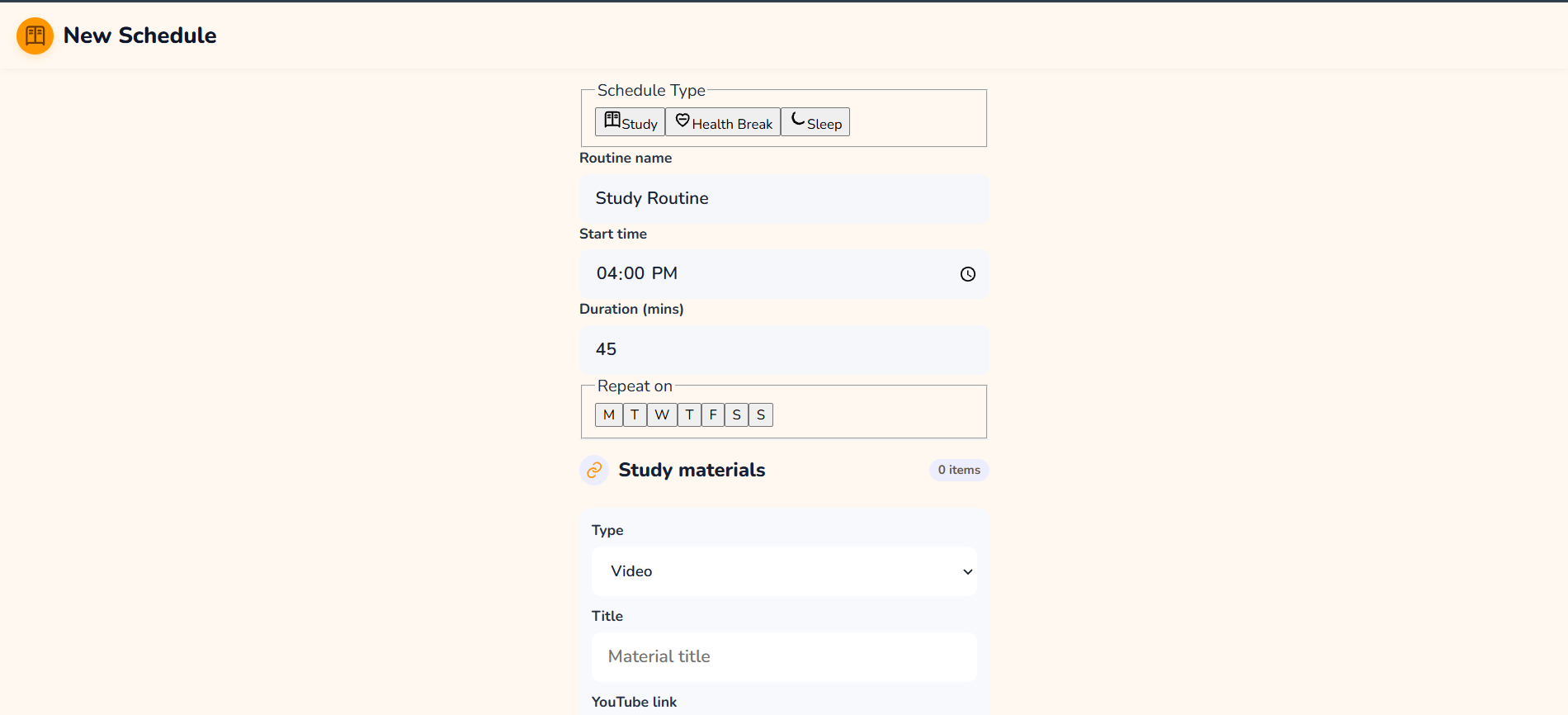
schedule page
-
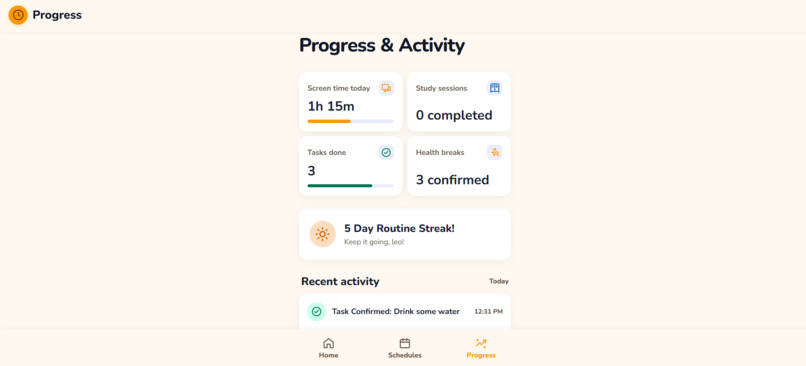
progress page
-
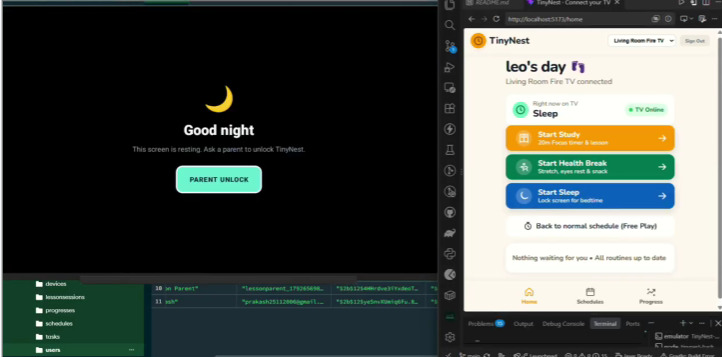
whole structure
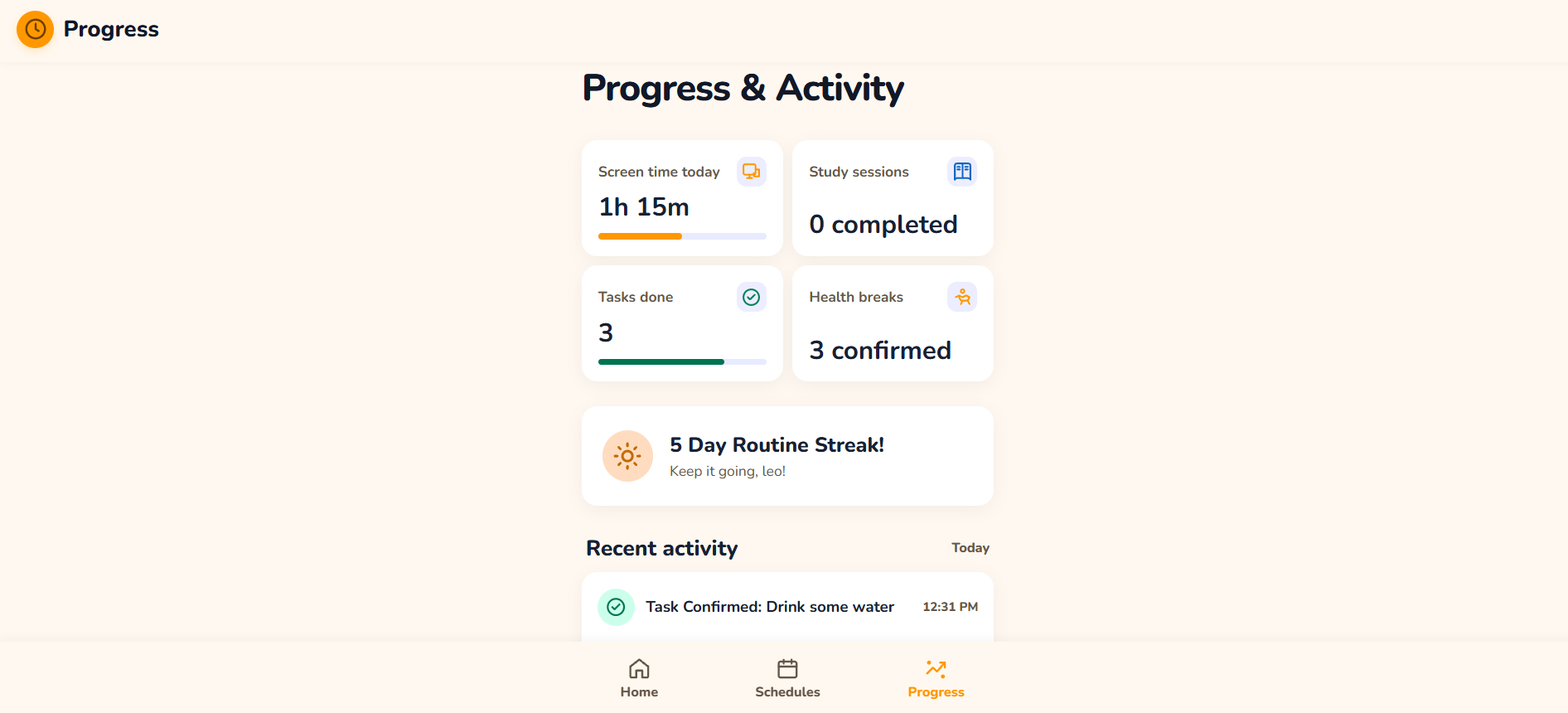
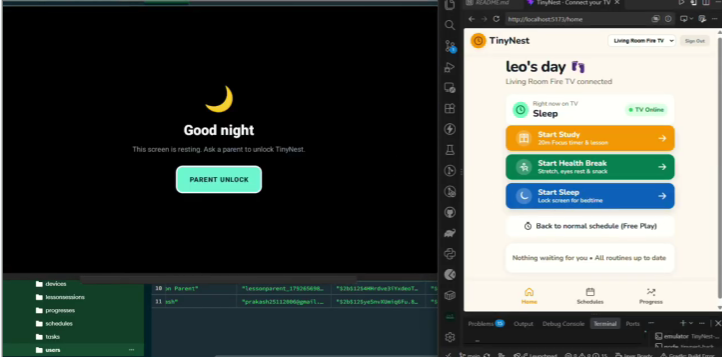
TinyNest — A Smarter, Calmer Screen-Time Experience for Kids
Inspiration
In today's digital world, children often spend long periods watching videos, while parents struggle to balance screen time with learning, physical activity, and healthy sleep habits. Simply turning off the television can lead to frustration and screen-time conflicts between parents and children.
We were inspired to build TinyNest, a cozy TV companion that transforms screen time into a more balanced and guided experience. Instead of treating the television as just a source of entertainment, TinyNest encourages children to transition naturally between watching, learning, taking healthy breaks, and preparing for bedtime.
Our vision is simple: help children build healthier screen-time habits without turning every screen-time limit into a fight.
What It Does
TinyNest is designed for Amazon Fire TV and Android TV, with a connected web dashboard that allows parents to manage their child's viewing experience.
The project focuses on three core modes:
- 🌙 Sleep Mode: Provides a gentle bedtime warning before transitioning to a locked screen, encouraging children to stop watching and prepare for sleep.
- 🥤 Window Mode: Encourages children to take healthy breaks, such as drinking water or completing a simple activity. A parent can verify the task before viewing resumes.
- 📚 Lesson Mode: Supports parent-assigned learning activities with a timer. When the session ends, parent verification is required before returning to entertainment.
TinyNest uses an embedded YouTube player to keep video playback within the app's main interface. The goal is to create a consistent, child-friendly TV experience with simple controls, clear mode transitions, and remote-friendly navigation.
The connected parent dashboard and backend are designed to help parents manage settings and coordinate the experience across devices.
How We Built It
We developed TinyNest with a focus on cross-platform compatibility, a clean user interface, and practical screen-time management.
Our technology stack includes:
- React Native and Expo: For developing the TV application.
- JavaScript: For application logic and mode management.
- React Native WebView: For embedding YouTube video playback within the app.
- Node.js and Express.js: For the backend API and communication between connected components.
- MongoDB: For storing application data and parent-managed settings.
- React: For the parent web dashboard.
- Environment variables: For configuring API endpoints and device identification during development.
We designed the TV interface around a persistent main screen, allowing the video player and mode controls to remain central while overlays display warnings, break activities, lesson timers, and parent verification prompts.
We also considered television-specific usability, including directional-pad navigation, visible focus states, simple interactions, and compatibility with Fire TV and Android TV remotes.
Challenges We Faced
One of our biggest challenges was adapting a mobile-oriented React Native development workflow to television devices. TV applications require a different navigation experience, especially when users interact through a remote rather than a touchscreen.
Other challenges included:
- Embedded video playback: Integrating YouTube playback inside the application while keeping the experience within a single screen.
- Android development environment: Resolving Java and Gradle compatibility issues, configuring the Android SDK, and troubleshooting emulator connectivity on Windows 11.
- TV navigation and accessibility: Designing clear focus indicators and predictable remote-control interactions.
- Mode transitions: Coordinating timers, warning overlays, parent verification, and transitions between viewing and restricted states.
- Cross-device communication: Planning reliable communication between the TV application, backend, and parent dashboard.
- Platform limitations: Recognizing that ordinary Android TV and Fire TV applications cannot universally prevent users from exiting the app or opening other applications without supported system-level permissions or device-management capabilities.
These challenges taught us that building a successful TV application involves more than creating an attractive interface. Reliability, accessibility, platform constraints, and the needs of both children and parents are equally important.
What We Learned
Through TinyNest, we gained practical experience with React Native, Expo, embedded web content, Android TV development, backend architecture, and remote-friendly interface design.
We also learned the importance of separating application features into manageable components, testing on emulators, debugging build environments, and distinguishing between features that are implemented and those that still require integration.
Most importantly, we learned to approach technology from a family-centered perspective. A useful screen-time solution should not simply restrict children; it should guide them toward healthier routines while keeping parents involved in important decisions.
What's Next?
Our next steps include strengthening the connection between the parent dashboard and TV application, improving parent authentication, expanding customizable routines, adding progress tracking, and testing compatibility across more Fire TV and Android TV devices.
We also want to explore age-appropriate learning activities, personalized schedules, and more engaging transitions that make healthy habits feel rewarding rather than restrictive.
Our Vision
TinyNest is more than a TV application. It is an attempt to make digital entertainment more thoughtful, balanced, and family-friendly.
TinyNest — A cozy TV companion that guides kids from play to study to sleep, without the screen-time fights.
Built With
- amazon-fire-tv
- android
- android-tv
- cross-platform-development
- css
- d-pad-navigation
- expo.io
- express.js
- full-stack-development
- javascript
- mongodb
- node.js
- parental-controls
- react
- react-native
- rest-api
- screen-time-management
- timers
- ui/ux-design
- webview
- youtube-iframe-api


Log in or sign up for Devpost to join the conversation.