-
-
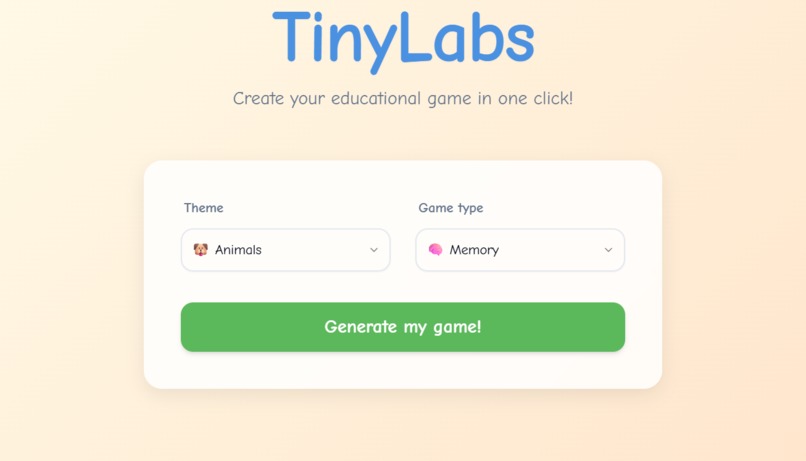
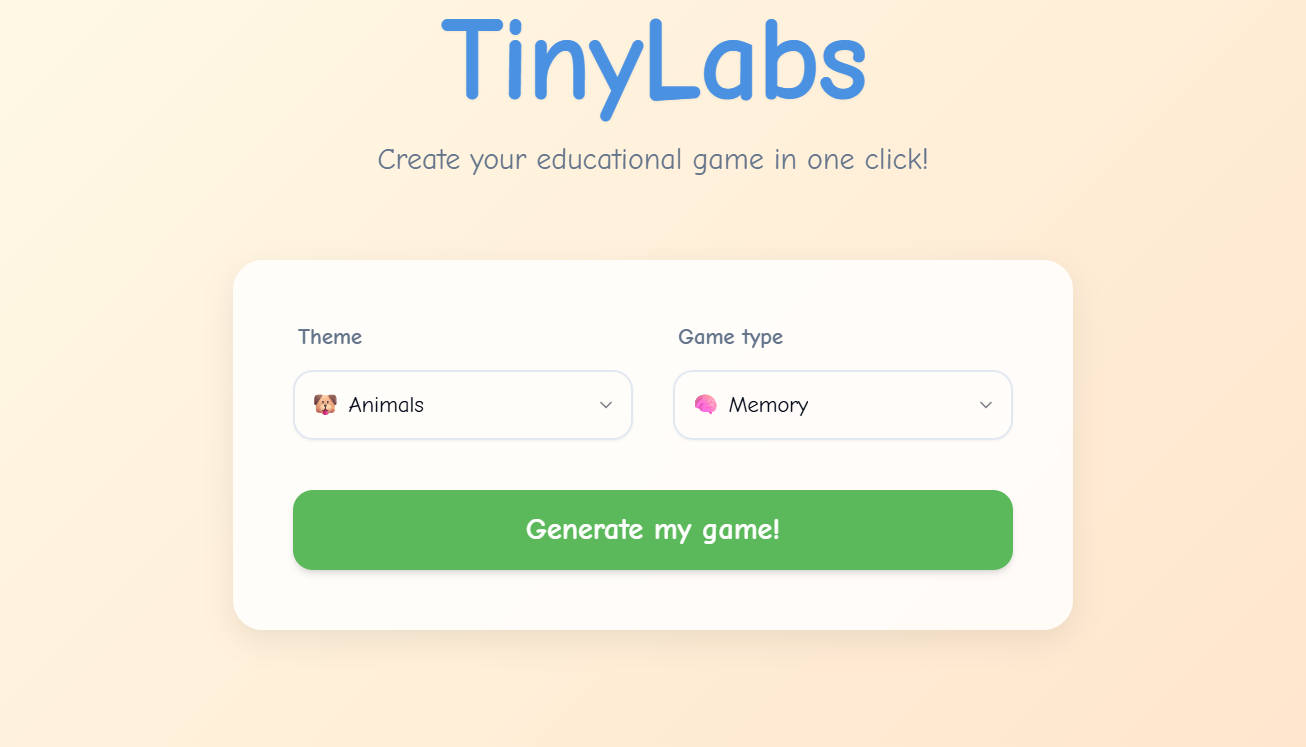
Theme and game type selection
-
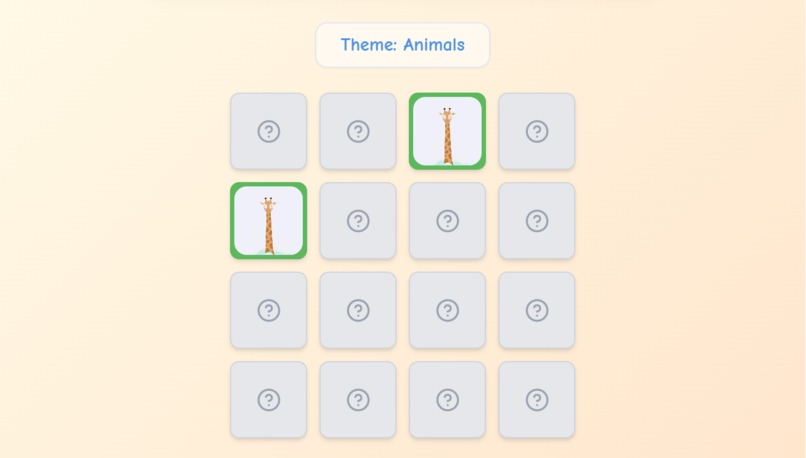
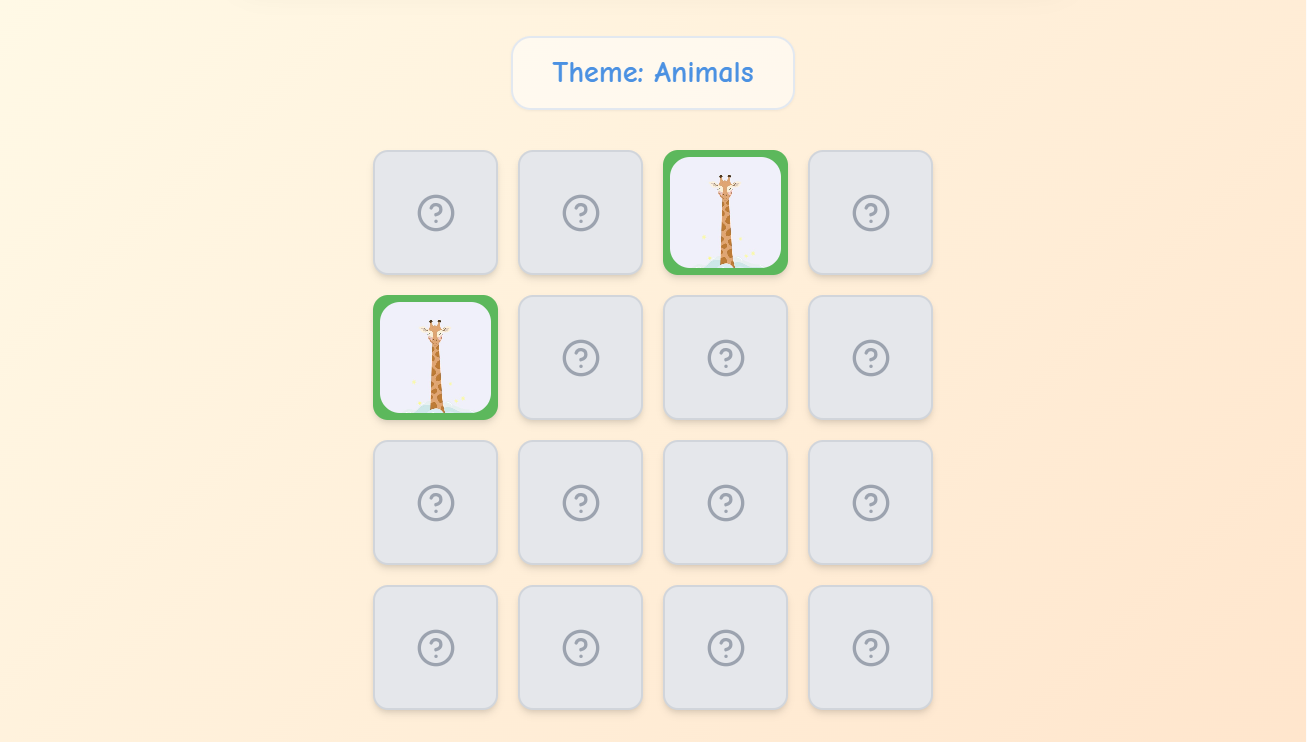
Memory game – find matching pairs
-
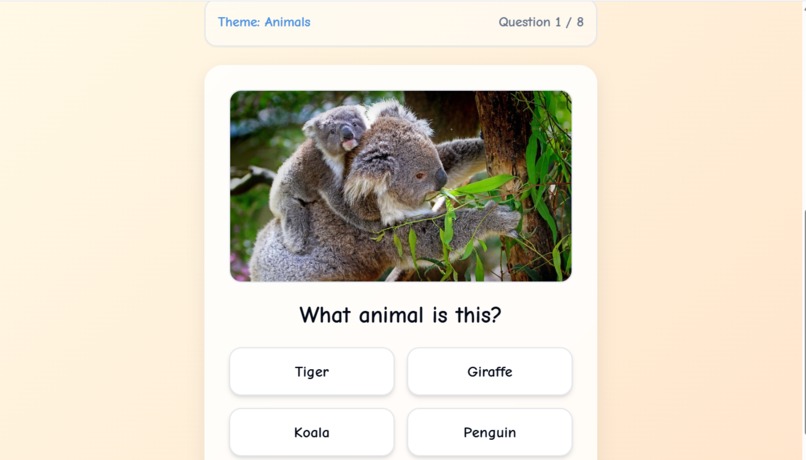
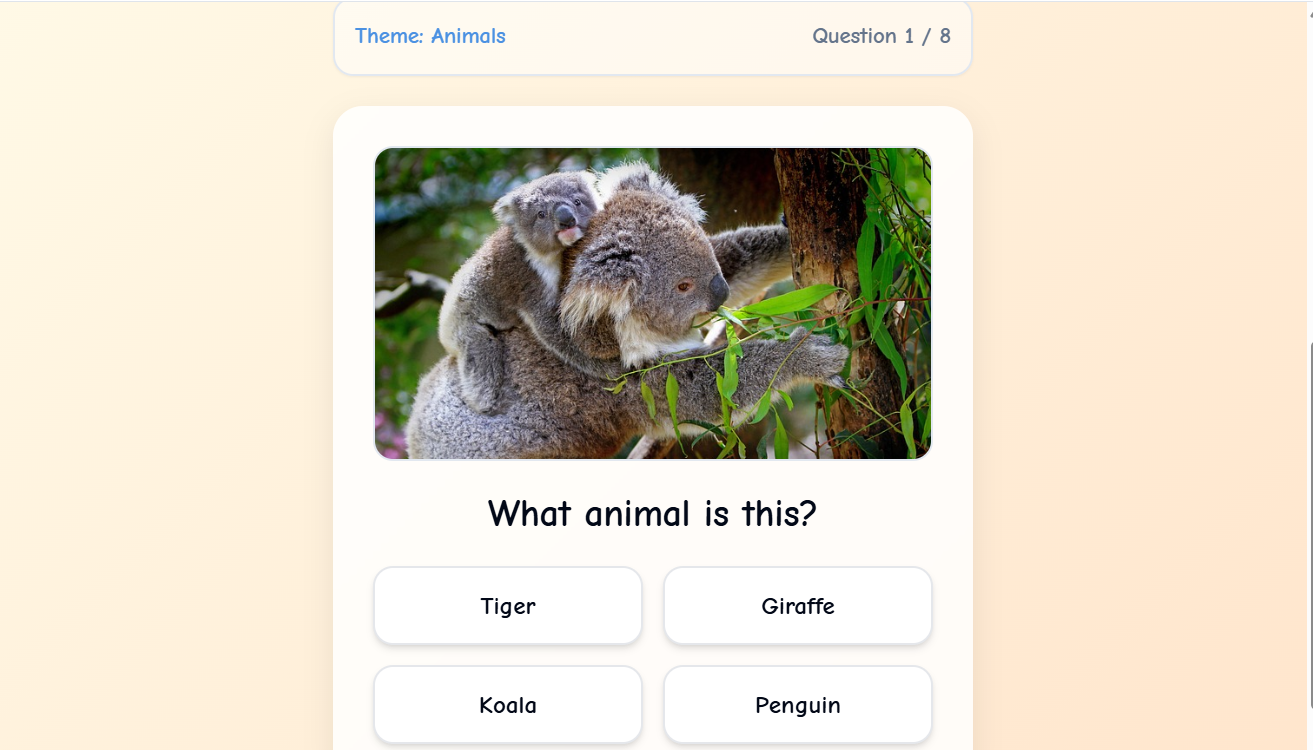
Quiz game – multiple choice questions
-
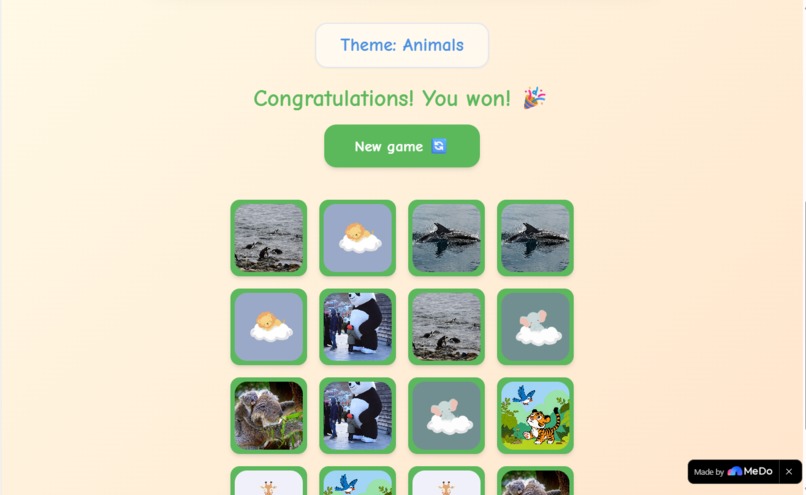
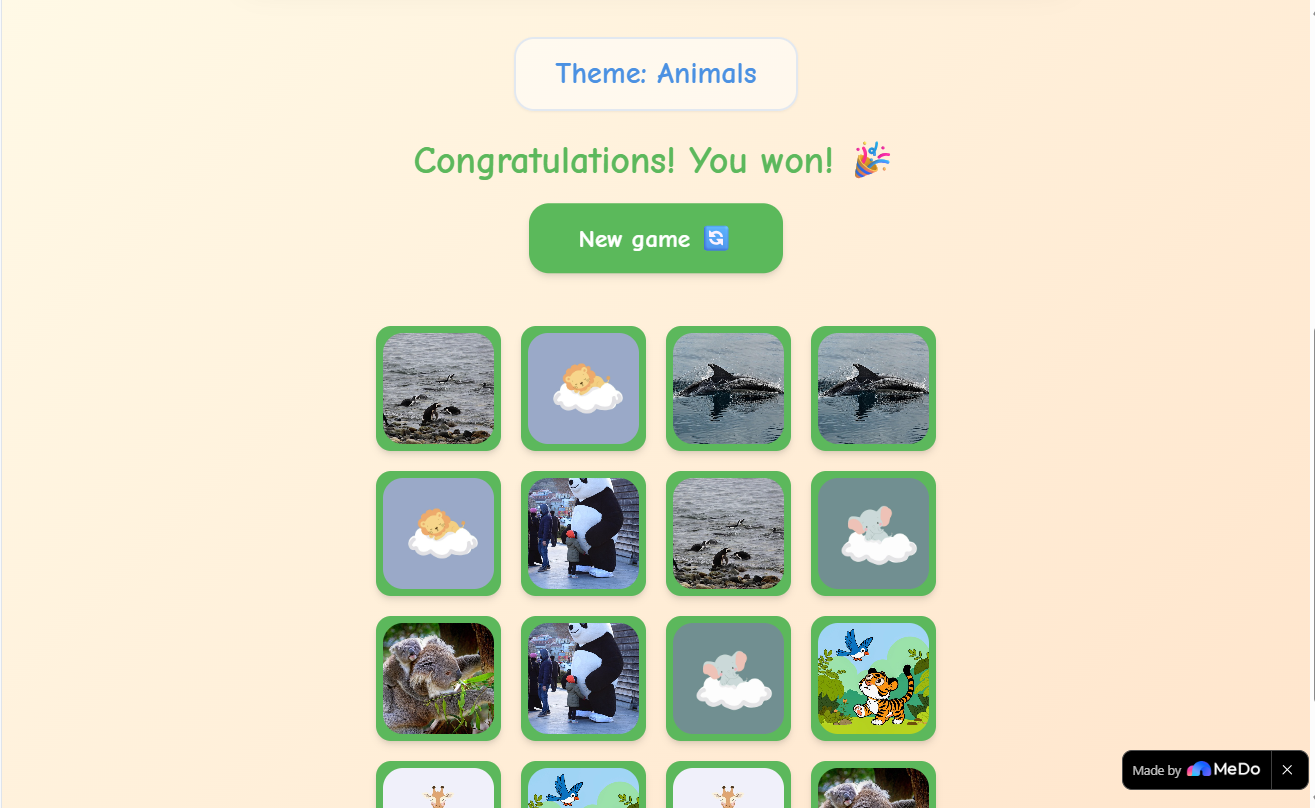
Congratulations! You won!
Inspiration
As a parent and former teacher, I've seen how quickly children lose interest in static educational apps. The same flashcards, the same memory games – after a few plays, the magic fades. I wanted to build something that never gets old: a game that creates itself based on what the child loves. With MeDo's no-code AI platform, I realized I could turn this vision into reality. TinyLabs was born from the idea that learning should be infinite, personalized, and fun.
What it does
TinyLabs is an AI-powered educational game generator for kids (ages 4–10). You choose a theme (Animals, Space, Food, Colors, Geometric shapes) and a game type (Memory or Quiz). Click "Generate my game!" – and within seconds, a brand new game appears, complete with unique word-image pairs tailored to that theme.
Memory Game: A 4x4 card grid. Flip two cards at a time to match each word with its corresponding image. The game tracks matches and declares a winner when all pairs are found.
Quiz Game: Multiple-choice questions. Each question shows an image (or hint) and asks "What animal/object is this?" with four possible answers. Instant feedback and a final score.
Every game is different because the content pairs are dynamically generated. Parents and teachers can reuse TinyLabs endlessly – no two sessions are the same.
How we built it
I built TinyLabs entirely with MeDo, the no-code platform from Baidu. I never wrote raw React or TypeScript – I described everything in natural language.
Step-by-step process:
Initial prompt: "Create a web app with theme and game type dropdowns, a generate button, and an empty game area."
Adding game logic: "Build a Memory game that shuffles pairs and shows images. Build a Quiz game with multiple-choice answers."
Data generation: Initially I tried to integrate Baidu ERNIE via Supabase Edge Functions, but encountered a 405 error. As a fallback, I created high-quality mock data for all five themes – each with 8 unique pairs (word + image search term).
Image integration: I added Pixabay API support to fetch real images based on the imagePrompt field, with emoji fallbacks for reliability.
Iterative refinement: Through multi-turn chat, I improved the UI (rounded corners, gradient backgrounds, animations), added win detection, score tracking, and a "New game" button.
MeDo generated the full-stack React application, including state management (useState), component structure, Tailwind CSS styling, and deployment configuration – all from plain English prompts.
Challenges we ran into
LLM API 405 error: The initial call to https://mendo.ai/llm failed with "Method Not Allowed". I debugged with console logs, tried alternative endpoints, but ultimately implemented a robust fallback using local mock data. This taught me to always plan for API failures.
Image loading issues: Unsplash and generic image APIs often returned irrelevant or broken images. I switched to Pixabay API (free tier) which provides reliable, searchable images. For cases where even Pixabay fails, I added an emoji + word fallback so the game never breaks.
State management complexity: Coordinating the game logic (card flips, match detection, quiz scoring) across components required careful prompting. I broke down each feature into small, specific requests to MeDo.
Accomplishments that we're proud of
Fully functional generator that works 100% offline (with mock data) – judges can test every theme and game type without any external dependencies.
Child-friendly design: Bright gradients, rounded buttons, playful fonts, and smooth animations that make learning feel like play.
Scalable architecture: The mock data structure is ready to be replaced by any LLM (ERNIE, GPT, Llama) – I documented the exact API contract.
Two complete games in one app: Memory with flip animations and win detection, Quiz with scoring and retry logic.
What we learned
MeDo is incredibly powerful for rapid prototyping. I built a full-stack, interactive game generator in hours, not weeks.
Plan for API failures: Always have a fallback (mock data, local storage, cached responses) when integrating external services.
Break down complex features: Instead of asking for "a complete memory game", I asked for "a 4x4 grid", then "flip animation", then "match detection", then "win message". Each step worked perfectly.
Image APIs are tricky: Pixabay worked best for educational content. Unsplash required better search terms. Emoji fallbacks save the day.
What's next for TinyLabs – AI Educational Game Generator
Live LLM integration: Connect Baidu ERNIE (or GPT-4o mini) so themes are truly infinite – kids could even suggest their own theme like "Dinosaurs" or "Superheroes".
User accounts & progress tracking: Save scores, unlock achievements, and let parents monitor learning progress.
More game types: Add "Drag & Drop", "Spelling Bee", and "Matching Pairs" (match word to definition).
Voice support: For pre-readers, read questions aloud and accept spoken answers.
Teacher dashboard: Bulk generate games for entire classrooms, export progress reports.
Mobile app: Wrap the web app in Capacitor for iOS/Android stores.
Built With
- css
- html
- javascript
- medo
- pixabay
- react
- supabase
- tailwind
- typescript


Log in or sign up for Devpost to join the conversation.