-
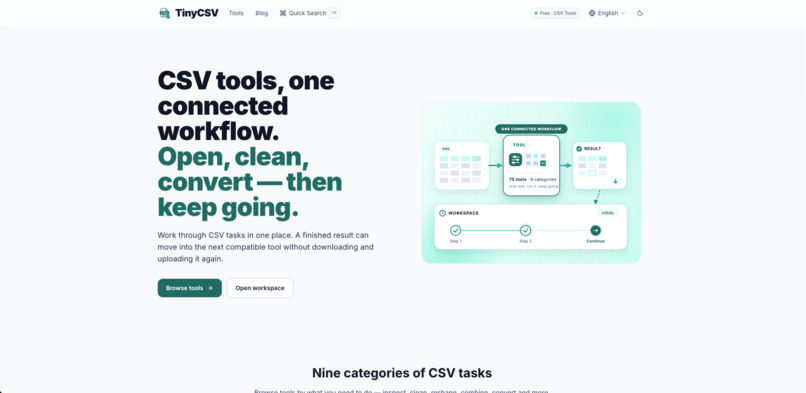
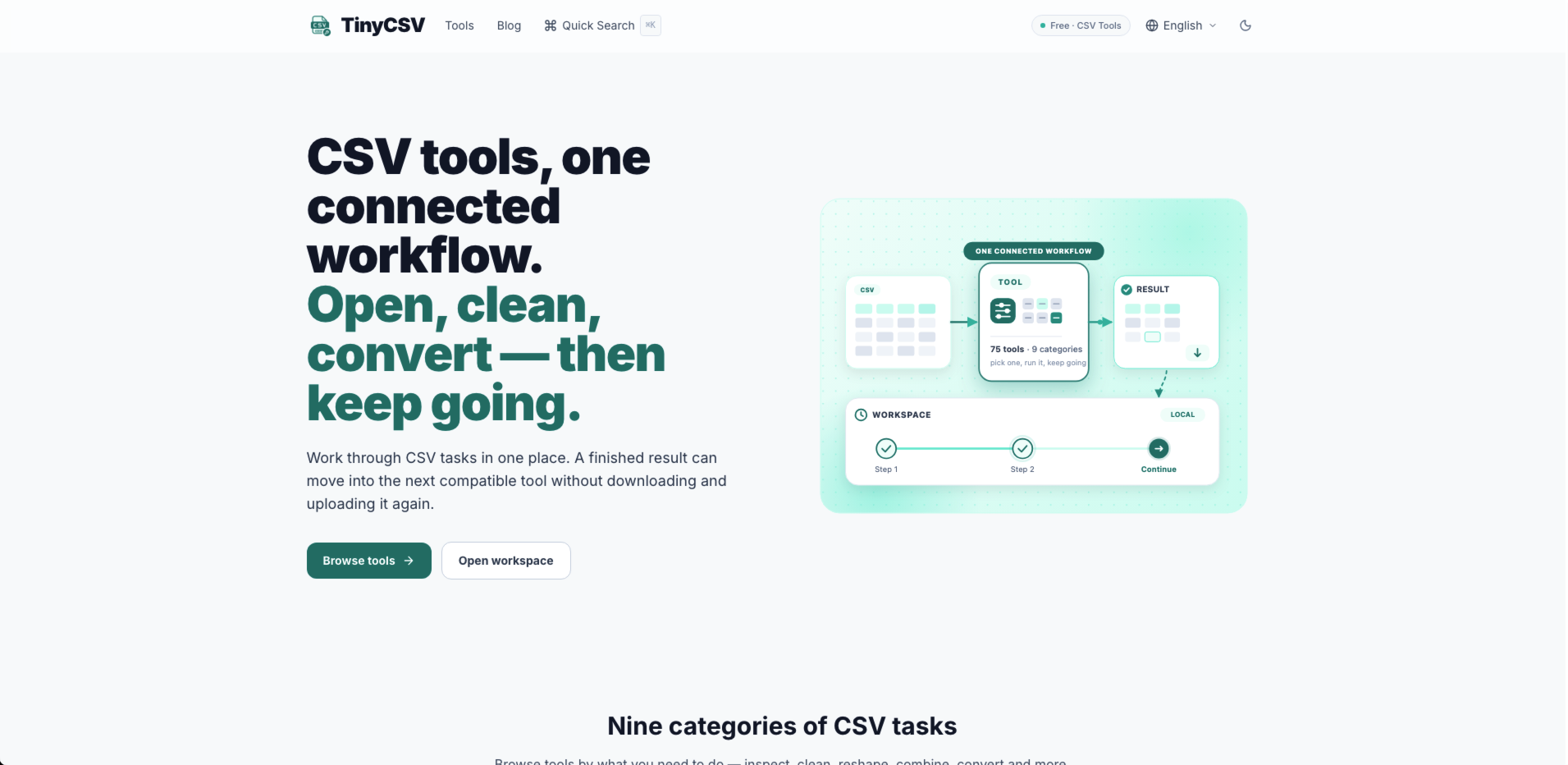
tinycsv home page
Inspiration
CSV work rarely ends with a single operation. You open a file to inspect it, clean up a few fields, convert it into another format, and then realize you need another tool. Each step can mean downloading an intermediate file and uploading it somewhere else.
I wanted to make that process feel less fragmented. The idea behind TinyCSV is simple: individual tools should be useful on their own, but they should also work together when a task needs more than one step.
What it does
TinyCSV brings CSV viewing, cleaning, and conversion into a connected workspace.
Users can start with a specific task, inspect the result, and pass that result to a compatible next tool without manually downloading and uploading an intermediate file.
The workflow is built around three actions:
- Start with the tool that matches the task.
- Review the output before making another change.
- Download the result or continue with a compatible operation.
The goal is not to replace a full spreadsheet application or database. It is to make focused CSV tasks easier to complete—and easier to connect.
How I built it
I organized TinyCSV around a shared workflow: tool input, processing, result review, and an optional next step.
Each tool has a clear responsibility, while the result becomes the connection between operations. Rather than treating every page as an isolated utility, the architecture centers on passing a defined data output to a compatible tool.
That separation also guides the interface: tool-specific settings belong with the operation, while inspecting, downloading, and continuing belong with the result.
The emphasis is on a consistent experience rather than making users learn a different process for every tool.
Challenges I ran into
One central challenge has been defining what “continue with another tool” should mean. Not every output is a table, not every tool accepts the same input, and some operations can produce multiple results. The handoff needs to make the selected data and the next action explicit.
Another challenge is preserving meaning. Empty values, duplicate records, headers, and formatting can all matter. A convenient workflow should not quietly change data or hide information loss during conversion.
Scope has also required care. There are many possible CSV utilities, but adding more pages is not the same as creating a better product. The priority is making the supported tasks fit together clearly.
Accomplishments that I'm proud of
I’m proud of giving TinyCSV a coherent direction beyond being a collection of unrelated utilities.
The connected-workflow approach makes the result of one task the starting point for another. Just as importantly, users can still use a single tool without committing to a larger workflow.
I’m also proud of keeping review and user choice central to the design. The aim is not to automate every decision, but to make each step understandable.
What I learned
Designing TinyCSV has reinforced that the boundaries between tools deserve as much attention as the tools themselves.
A useful operation is only part of the experience. Users also need to understand what changed, what the output contains, and what they can safely do next.
I’ve also learned the importance of separating product plans from product promises. Clear compatibility rules and honest limitations are more valuable than claiming to support every format or workflow.
What's next for tinycsv.com
The next priority is to strengthen the core experience: clearer result previews, more reliable handoffs, and better guidance when an operation changes or loses information.
I also plan to expand tool coverage around practical, connected tasks rather than adding features only to increase the tool count.
A longer-term direction is TinyCSV Web Capture, a browser extension for extracting supported webpage tables and bringing selected data into TinyCSV. It is currently at the requirements stage, not an available extension.
The guiding idea remains the same: help users understand their data, finish the current task, and move naturally to the next one.
Built With
- cloudflare
- css3
- node.js
- tailwind
- typescript
- vue

