Inspiration
What it does
How we built it
Inspiration
We use ACs, TVs and microwaves every day, but almost nobody knows what is inside them. Searching for it gives long articles or blurry diagrams, and school textbooks make it feel boring. We wanted curiosity to feel like play.
The theme "find joy in technology" gave us the idea: what if you could just take a photo of any gadget, see its insides in 3D, and have a funny panda explain it like a friend would? [Add one line about your own moment of curiosity here.]
What it does
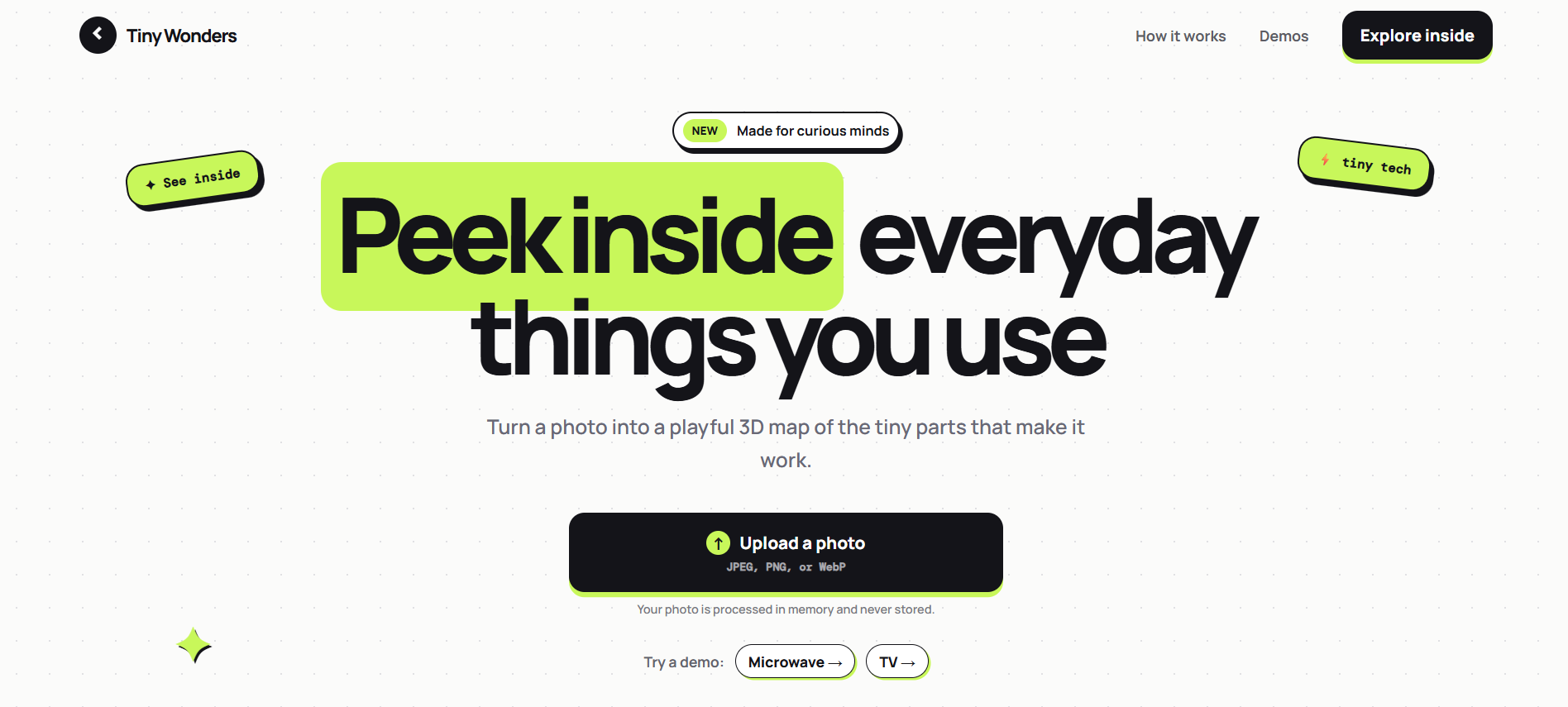
Tiny Wonders turns a photo of an everyday object into a simple 3D view of its insides.
- Upload a photo of a TV, AC, fridge, microwave or any daily object
- Orbit the 3D view and use the explode slider to pull the parts apart
- Hover any part to see its name, job and a fun fact
- Click a part, press Explain, and a 3D panda explains it out loud in a Gen Z tone, with its mouth moving to the audio
It is made for ages 12 to 20, with safety notes on powered devices so nobody is encouraged to open them at home.
How we built it
- Gemma 4 through the Gemini API identifies the object from the photo, then turns the photo plus web search results into a structured Blueprint JSON
- Wikipedia and Tavily search give Gemma real information about the object's internals, since the model does not browse by itself
- FastAPI backend validates the JSON with Pydantic, retries once if it is broken, and caches results in SQLite
- A custom layout engine places each part in its own cell, so parts never overlap
- React, Three.js and React Three Fiber render the 3D scene with hover tooltips, click selection and the explode slider
- ElevenLabs gives the panda its voice. Audio is made only for the part you click, then cached to save credits
- A separate small 3D scene holds the panda, whose mouth is driven by the live audio loudness through the Web Audio API
The key design choice: Gemma never outputs 3D coordinates. It only picks a layout template and a slot name for each part, and our code does the placing.
Challenges we ran into
- AI is bad at 3D coordinates. Early thinking showed parts would overlap or float. Moving placement into our own layout engine fixed this by design.
- Getting reliable structured output from the model every time. We added validation, a retry with the error message, and a generic fallback.
- Keeping the panda accurate and not cringe. We wrote a strict style guide: facts first, light slang only, short spoken sentences.
- Voice credits and latency. We generate audio on demand and cache it.
- [Add a real challenge you hit while building, with how you solved it.]
Accomplishments that we are proud of
- A full pipeline from a plain photo to an interactive 3D explanation
- A schema and layout engine that work for any object, not just a fixed list
- [Add your real result, for example "works on X different objects" or a user reaction.]
What we learned
- How to make an AI model return reliable structured data and validate it
- Why splitting work between the AI (what) and normal code (where) gives better results than asking the AI for everything
- How to build a 3D scene with React Three Fiber and sync animation to live audio
- How to design for a young audience: accuracy, safety and fun together
- [Add anything you personally learned while building.]
What is next for Tiny Wonders
- Let users ask the panda follow up questions about a part
- An open source voice option so the whole app runs without paid services
- A quiz mode: "which part does this?" with points
- More object types and languages, including Hindi ## Challenges we ran into
Accomplishments that we're proud of
What we learned
What's next for Tiny Wonder
Built With
- gamma


Log in or sign up for Devpost to join the conversation.