-
-
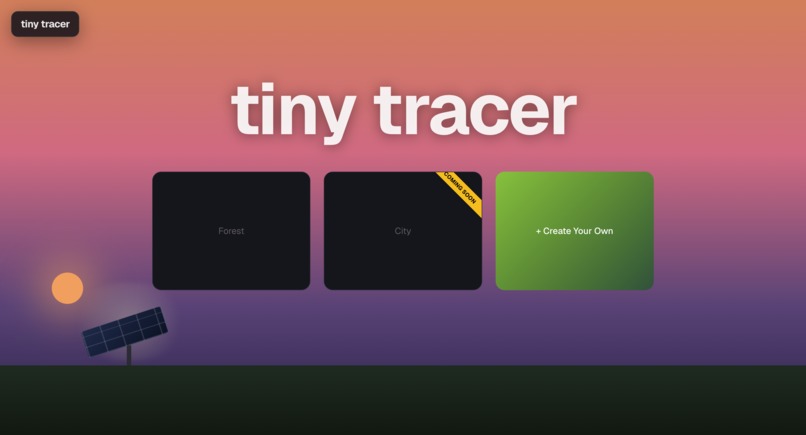
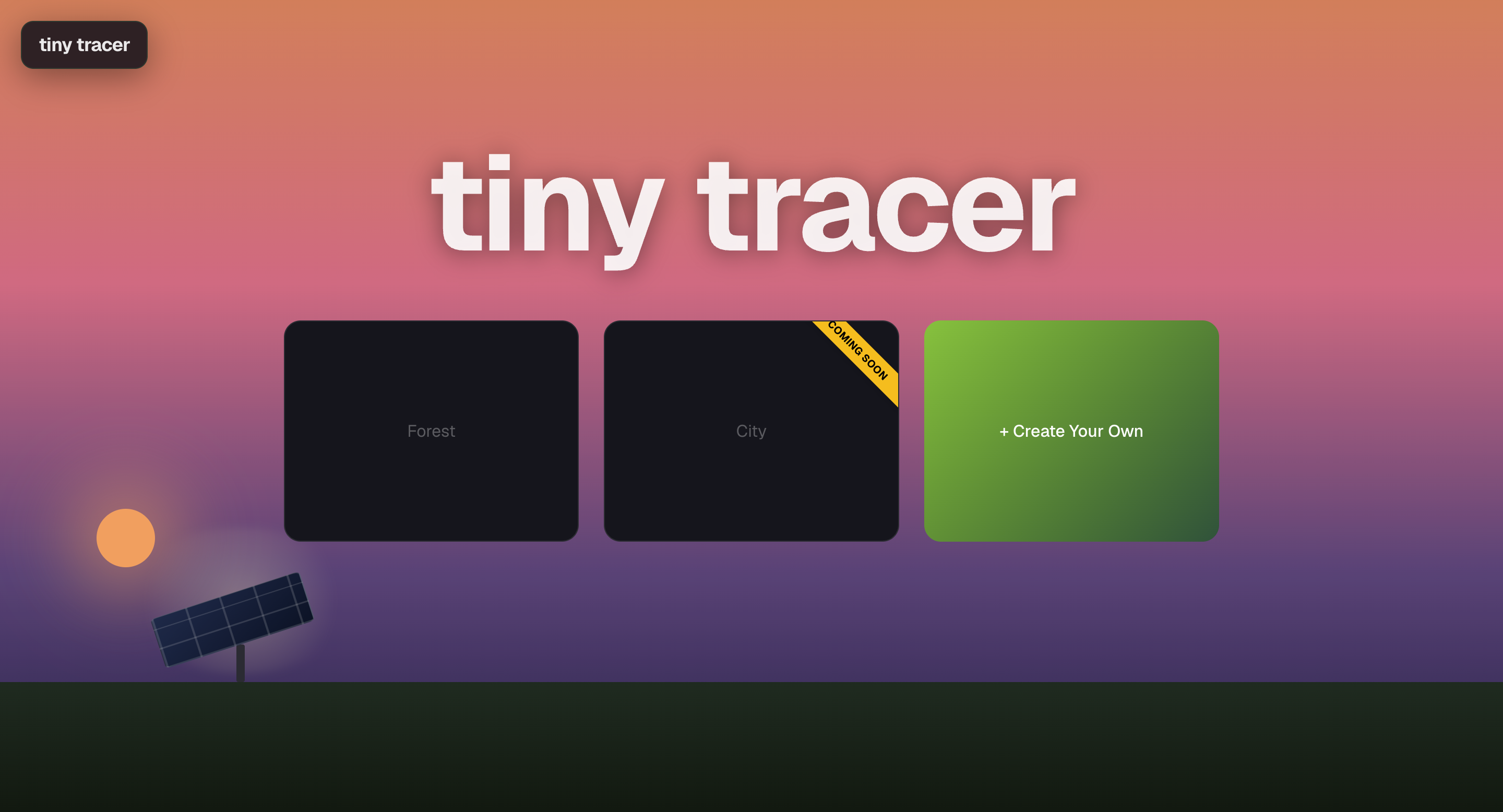
Landing Page
-
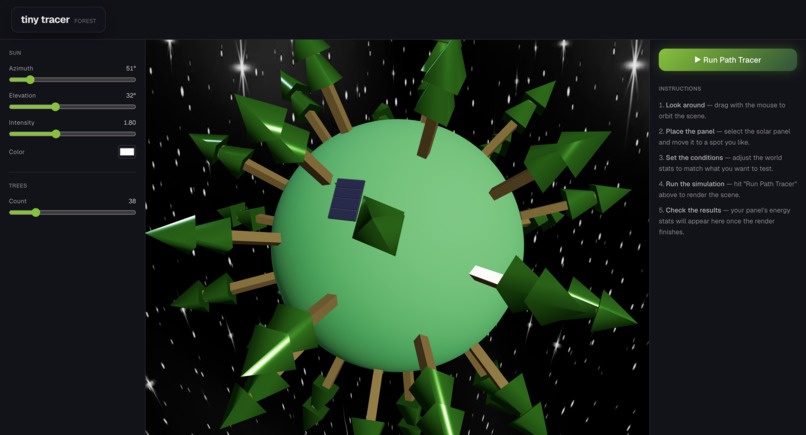
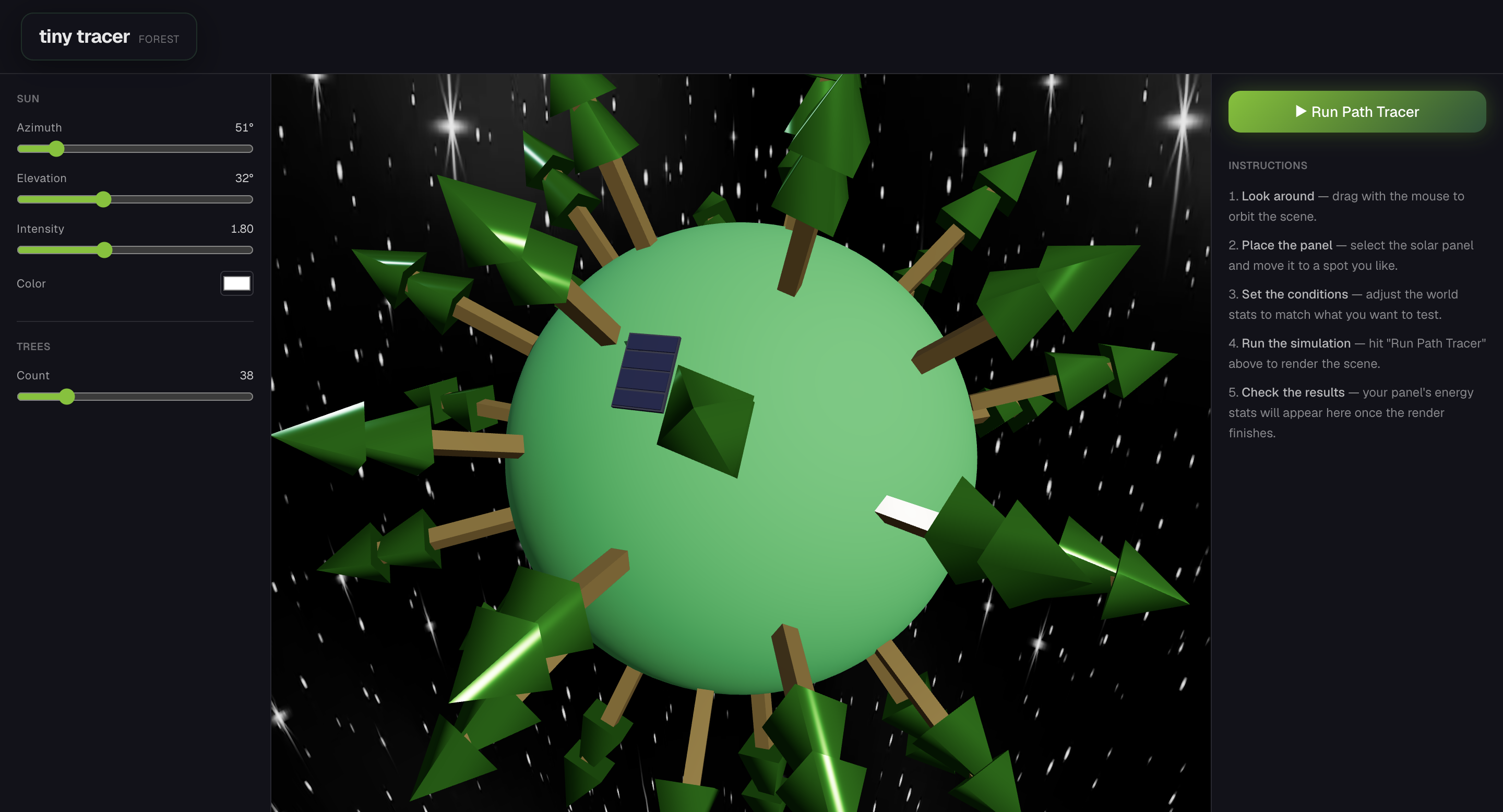
Forest Scene
-
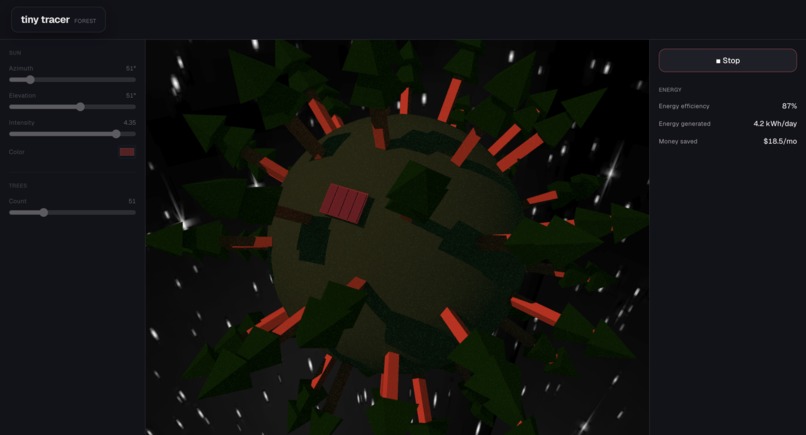
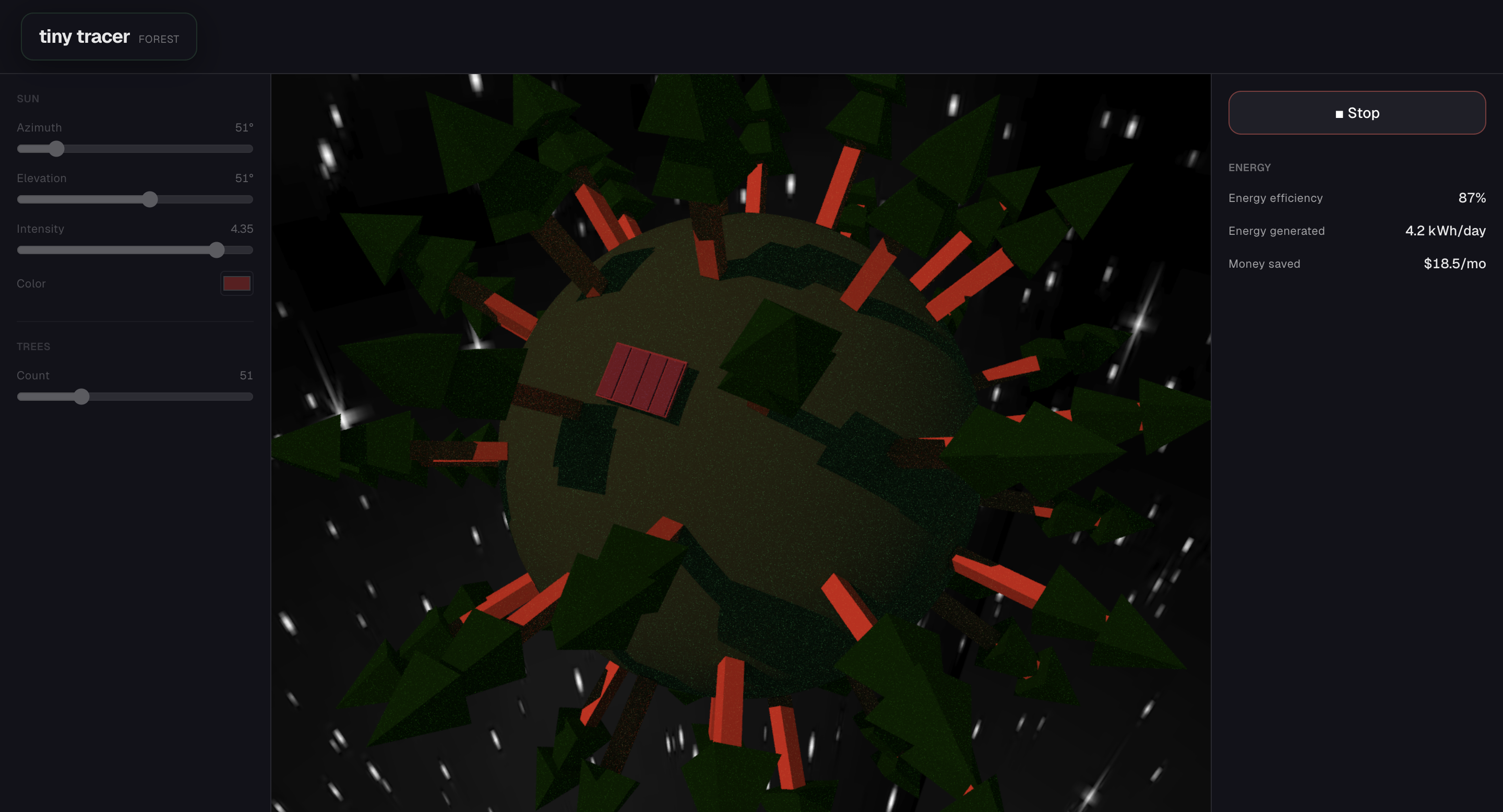
Forest Render
-
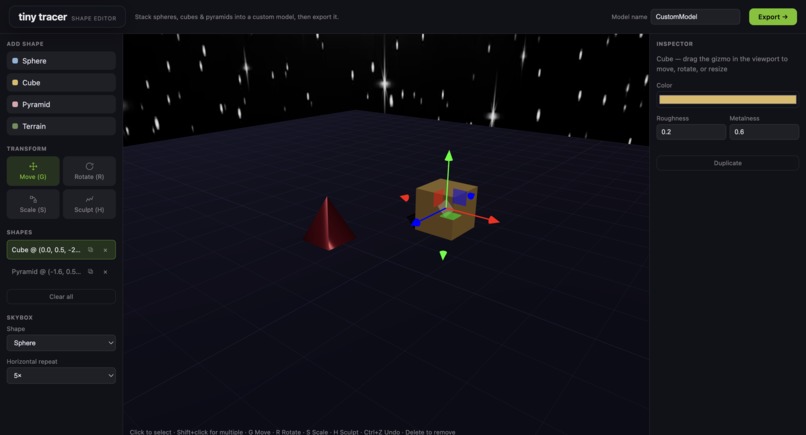
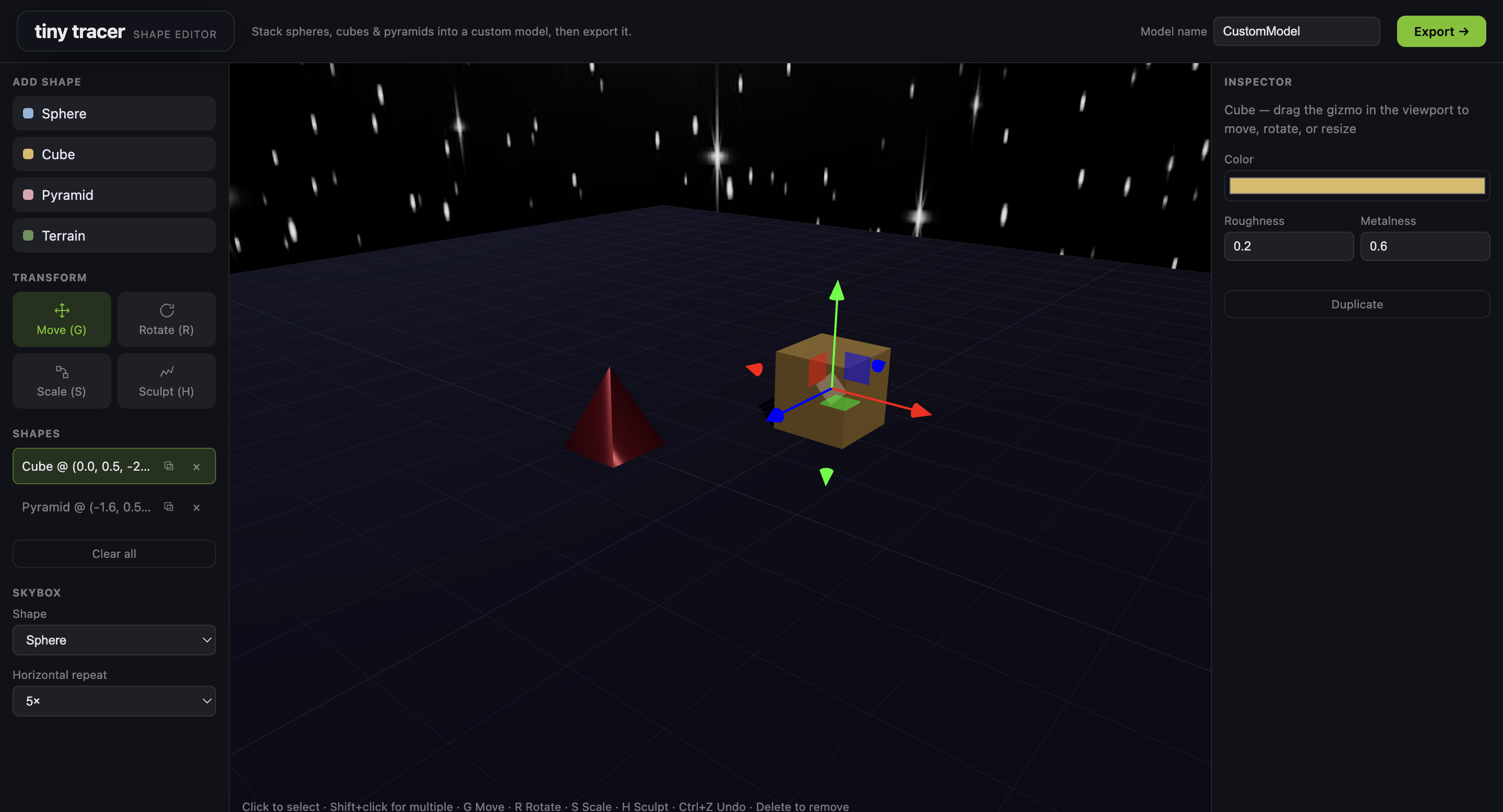
Editor
Inspiration
- We wanted to make a complex renewable energy sim that incorporates ray tracing on the kernel level as well as solar panel simulator that will calculate how energy efficient it is when you place it around the world.
- We were fascinated by the concept of a custom ray tracer and path tracer and how the environment would affect its efficiency.
What it does
- Tinytracer lets users edit objects and scenes using a Three.js context. Within a scene, a solar panel can be positioned around a planet. A ray tracer can be initiated, which simulates sunlight hitting the planet. This paints accurate shadows onto the scene and gives a realistic view into how the solar panel would perform.
How we built it
- We used already established render graph context from Three.js to easily allow for the addition and manipulation of models within a scene. We then used WebGPU’s ecosystem to write a compute shader that runs a path tracing simulation. This allowed us to take advantage of the GPU’s parallelism and heavily optimize performance. We used Next.js to build and rapidly deploy the project via Vercel.
Challenges we ran into
- Using the compute path tracer’s shader to include an atomic counter that then informs the Three.js context of the amount of light that hit a given solar panel was very difficult, we had to keep track of leaks and bad early returns that caused the path tracing simulation to crash.
- Creating a custom world as terrain was our biggest challenge with the custom ray tracer. We originally had a flat terrain that could be custom edited by the vercities, but because it was a one sided mesh, it caused a lot of problems within the path tracer’s code, which did not pick it up and render it. We ended up having to use a sphere at the center of the world within our simulation, as it was much more compatible with the ray tracing code.
- The skybox was another challenge. We first needed to figure out how to use resource information to map a texture to the skybox. Then, we iterated on how this skybox was displayed within a scene. It began as a spherical shape around the scene, but we tried to change it to a cylinder, since it better fit for our chosen background image. In the end, we ended up using a spherical background around the scene, as it was compatible with the path tracer.
Accomplishments that we're proud of
- On behalf of Maxwell Lokshin and Grant Bonzo, this our first hackathon and we were very proud of what we could accomplish in so little time.
- Creating a custom simulator with editor and custom models.
- A custom ray tracer and path tracer to work in the simulator.
- Different materialistic properties that can be change within the editor that will show up on the ray tracer.
What we learned
- We gained an understanding on how to divide work between a CPU and GPU, taking advantage of the GPU’s high parallelism to make a performant application on the browser.
- We sharpened our skills in vector math, dot products, matrix transformations, and mapping 3d objects.
- Learned how to balance a high tech simulation tool with a simple, game-like UI so it remains fun and intuitive to use.
What's next for Tiny Tracer
- Finishing our urban environment to simulate complex architectural challenges like skyscraper shadows, cloud particles, dust particles, and vertical solar harvesting.
- Write a proper backend and deploy it on a cloud service like Google Cloud. We can pair this with a dashboard or market-style page to allow users to share created scenes and objects with each other.


Log in or sign up for Devpost to join the conversation.