-
-
Thumbnail
Inspiration
Most early childhood apps are cluttered with complex menus, timers, and stressful failure states. Watching my own daughter interact with digital spaces, I realized there was a massive need for something purely positive, tactile, and visually guiding. The inspiration for Tiny Touch & Learn was to challenge an AI generation platform to build a stress-free, expansive educational hub tailored specifically for the cognitive milestones of a two-year-old.
What it does
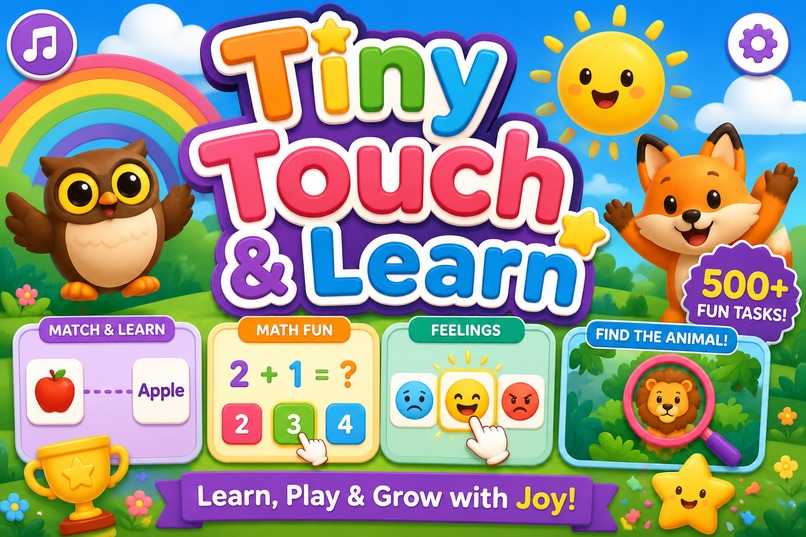
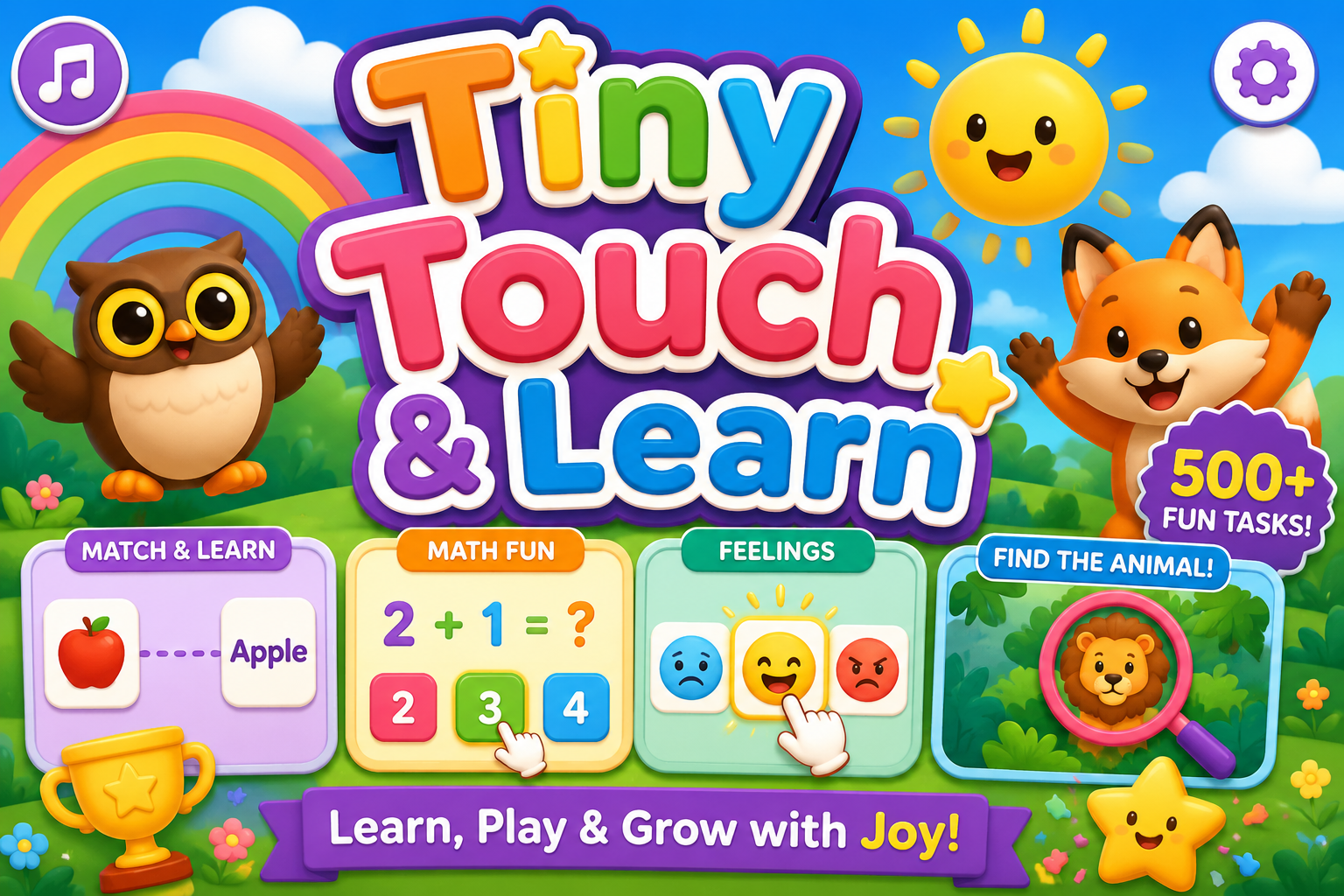
Tiny Touch & Learn is an interactive, multi-modal web application designed for toddlers to practice foundational learning through a gamified, tap-based experience.
- Multiple Themed Worlds: Children can choose their learning environment from a dynamic main menu, featuring Classic, Space, Jungle, or Ocean world states.
- Varied Learning Modules: The core loop goes far beyond basic shapes, supporting picture-to-word matching, word-to-picture, math questions, and emotional recognition (e.g., identifying a "Happy" face).
- Interactive Minigames: To prevent fatigue, the application seamlessly transitions into interactive breaks, such as a tactile "Find the Hidden Animal" minigame.
- Positive Reinforcement Loop: There are no countdown timers or negative error screens. As children progress, they earn stars and trophies, triggering celebratory animations and pop-up messages to encourage continued play.
How we built it
- Master Prompting: We utilized MeDo's AI to scaffold the entire application by structuring our prompt like a strict technical specification document, defining multiple interactive states.
- Complex State Management: We explicitly defined the flow between the world-selection menu, the core learning loops, and the hidden-object minigames, ensuring the AI built a navigable architecture that doesn't crash during transitions.
- Dynamic Logic Generation: We pushed the platform to handle varied logic sets within a single app—seamlessly switching between matching arrays (for shapes and math) and coordinate-based hit-detection (for the hidden animal minigame).
- Visual Polish: We used targeted language to force the AI to apply specific CSS and animation logic—like soft drop-shadows, looping background gradients, and custom confetti triggers—bypassing the flat look of standard template clones.
Challenges we ran into
The biggest challenge was managing the complexity of the state machine using only natural language. Forcing the AI to "unlearn" standard gaming tropes (like timers and Game Over states) while simultaneously asking it to build multiple game modes (quiz loops vs. hidden object scenes) required highly precise prompt engineering to ensure the different logic models didn't overlap or break.
Accomplishments that we're proud of
We are incredibly proud of the seamless transitions between the different learning modules. Going from a structured picture-to-word matching loop directly into an exploratory "Find the Hidden Animal" scene proves that AI generation can handle highly complex, multi-tiered applications rather than just simple, single-function tools.
What we learned
Building this reinforced that no-code AI generation is most powerful when guided by strict architectural rules. We learned how to define exact UI parameters and complex game logic entirely through text, proving that AI can generate deeply empathetic, audience-specific interfaces that scale into massive educational hubs.
What's next for Tiny Touch & Learn
- Expanded Curriculums: Broadening the math modules and introducing interactive phonics and tracing minigames.
- Audio Voiceovers: Adding an AI-generated gentle voiceover to read the prompts aloud (e.g., "Can you find the Blue Square?").
- Parental Dashboard: Integrating a PIN-protected backend portal that silently tracks which modules the child excels in versus which ones require visual guidance, giving parents insight into their cognitive development.
Built With
- medo

Log in or sign up for Devpost to join the conversation.