-
-
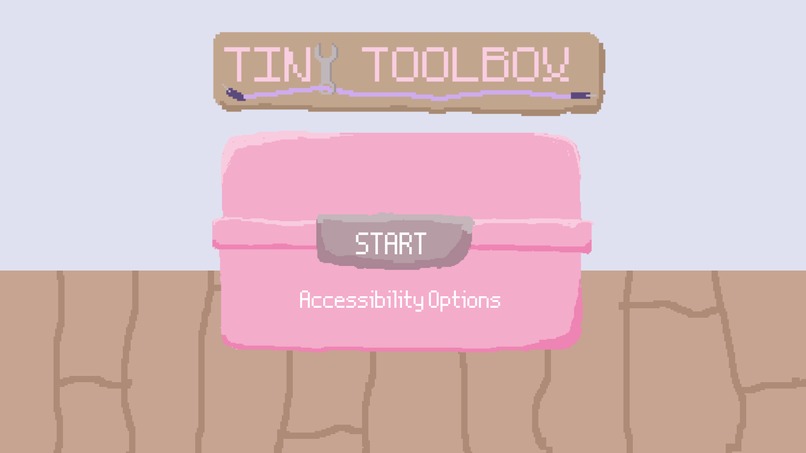
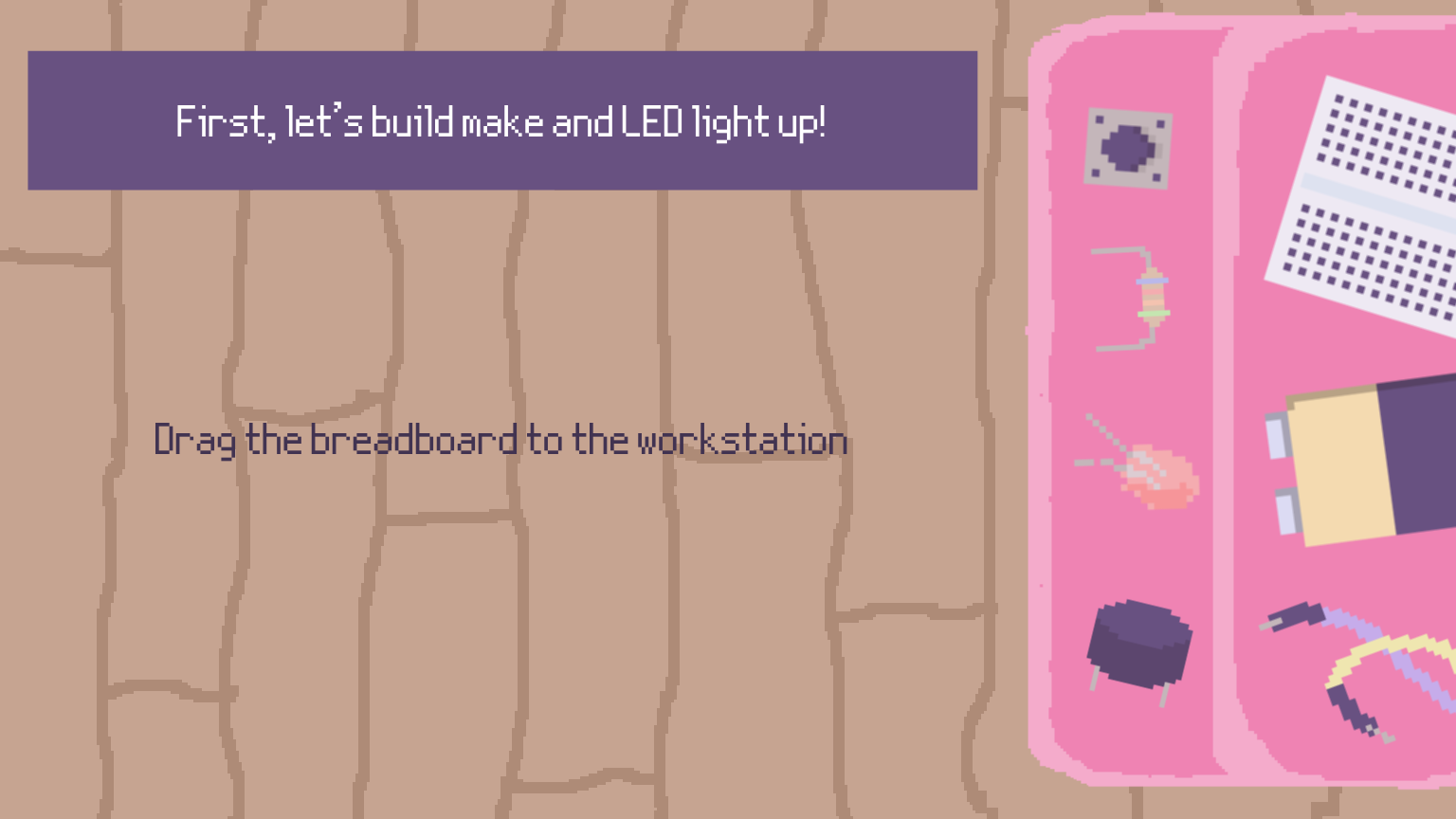
Start Screen
-
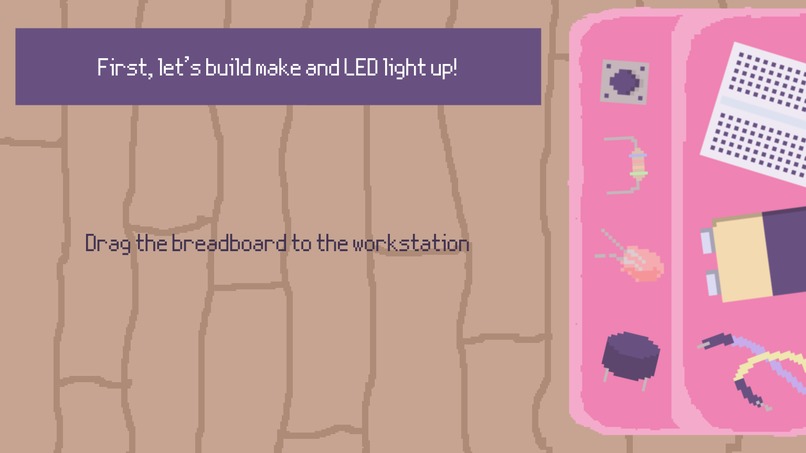
Build Screen
-
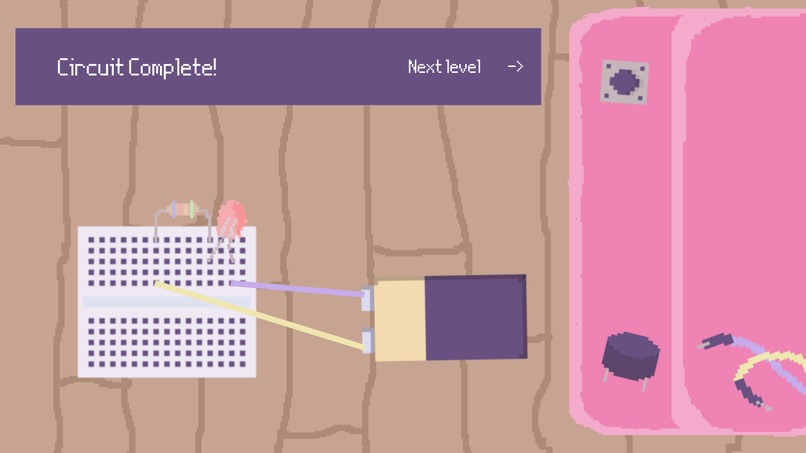
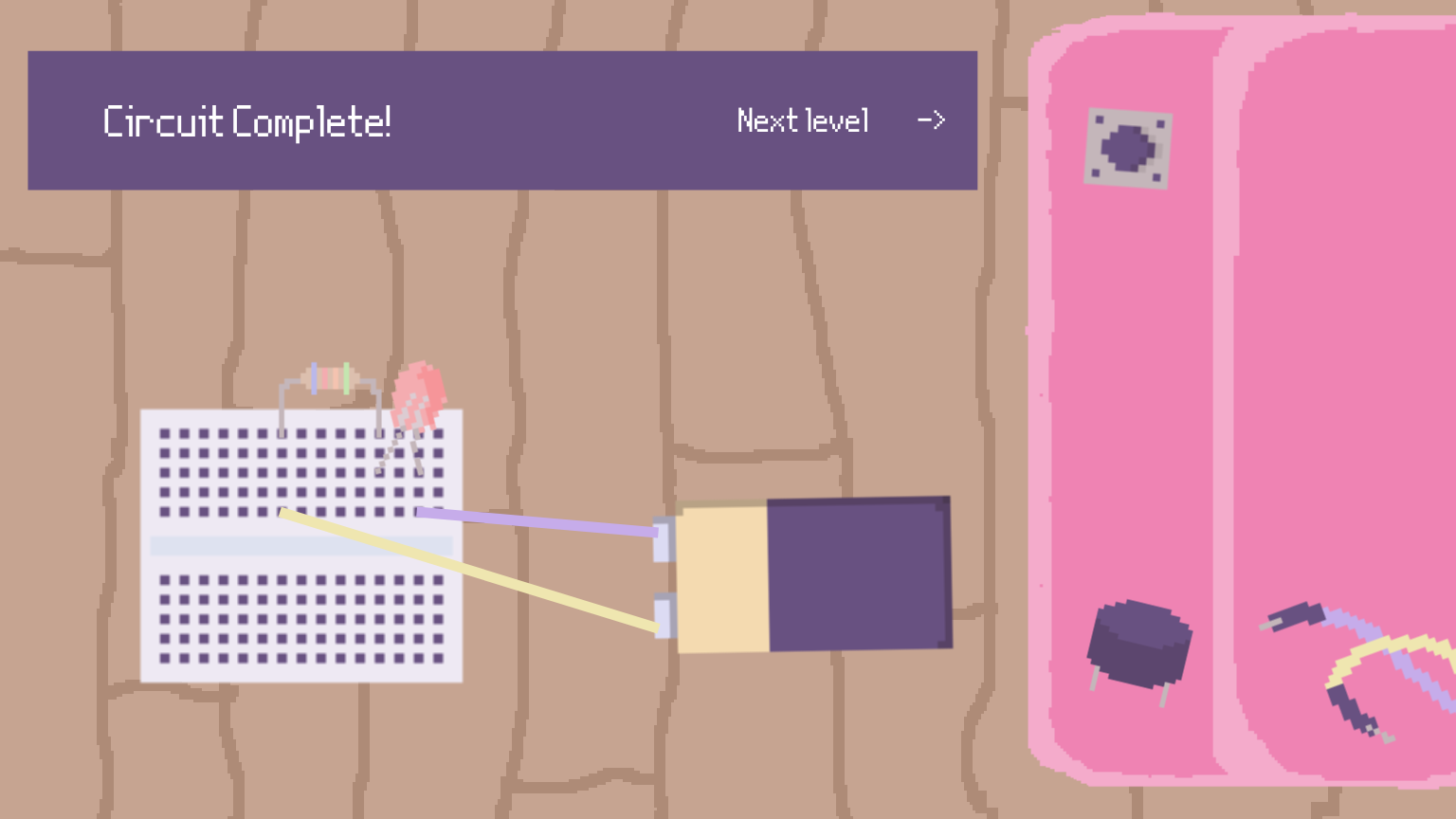
Finished Level
Inspiration
Our team all have backgrounds in various engineering disciples, particularly mechanical, mechatronics, and electrical engineering. As women in engineering, all 3 of us have seen the lack of gender diversity in our classes. This stems from the lack of resources available to us in our childhood and developing years. Despite the lack of resources and funding for girls in STEM projects, our team still chose to pursue engineering as a career. However, while pursuing our engineering degrees, our team experienced imposter syndrome due to the lack of technical skills. Fearing that our future female engineers would feel the same way, we wanted to propose an idea that would foster creativity and early development learning. Our inspiration comes from wanting younger girls to engage in technical tasks using hardware, bridging the gender gap in engineering.
What it does
Tiny Toolbox aims to show young girls how to use engineering hardware through a virtual simulation platform while teaching them about each component being used. This game is an interactive browser based educational program that provides a gateway into the word of engineering. Users can explore a toolbox full of common mechanical and electrical components such as resistors, LEDs, and batteries.
How we built it
We chose React as it was easy to keep track of the multiple components on screen at once. We used StackBlitz which allowed us to collaborate on the same file, but fork when we had errors. This made it easy to debug in a shorter amount of time. We also used Pixilart to hand-draw our cute and cozy toolkit and background. For the program itself, the drag and drop logic was implemented using React event handlers.
Challenges we ran into
We ran into many challenges with the code and image incorporation for the game. We created our own hand-drawn pixelated images to use for the game and incorporating it was a tedious task. Since we have many icons to display our components, the code implementation took countless tries to get the right size and orientation. Another challenge we encountered was creating the UI as we could not get the simulation interface to work as expected. We wanted the wires to connect to the components, however we could only implement the drag and drop. The coding and debugging was definitely our biggest challenge.
Accomplishments that we're proud of
We are very proud of the assets that were hand-drawn pixel art. Instead of using stock icons, we opted for a cute and cozy pixel art that makes up the tiny toolbox. Another accomplishment that we are immensely proud of is learning CSS and React in a short amount of time. Using React was a leap outside of our comfort zones and it shows our adaptability and problem-solving skills. Creating this game helped us become more confident in ourselves as programmers and as engineers, chipping away at that imposter syndrome.
What we learned
We learned that coding is mainly debugging and a lot of research has to go into learning a new interface. We gained a deeper understanding of React and how to import CSS to make the interface cute and functionable. This experience helped us to strengthen our frontend development foundations, managing state and user events to make an interactive experience.
What's next for tiny toolbox
We want to implement a feature where the user can upload the hardware they have and the tiny toolkit will recommend projects that can be done. Another goal we have in mind is to do more than just a drag and drop interface and make the simulator more interactive. This would include having microcontrollers with input and output pins that the users can connect the wires to, simulating physical hardware.


Log in or sign up for Devpost to join the conversation.