Inspiration
What happens when two VR veterans team up for the love of the game? Tiny Pitch™ happens!
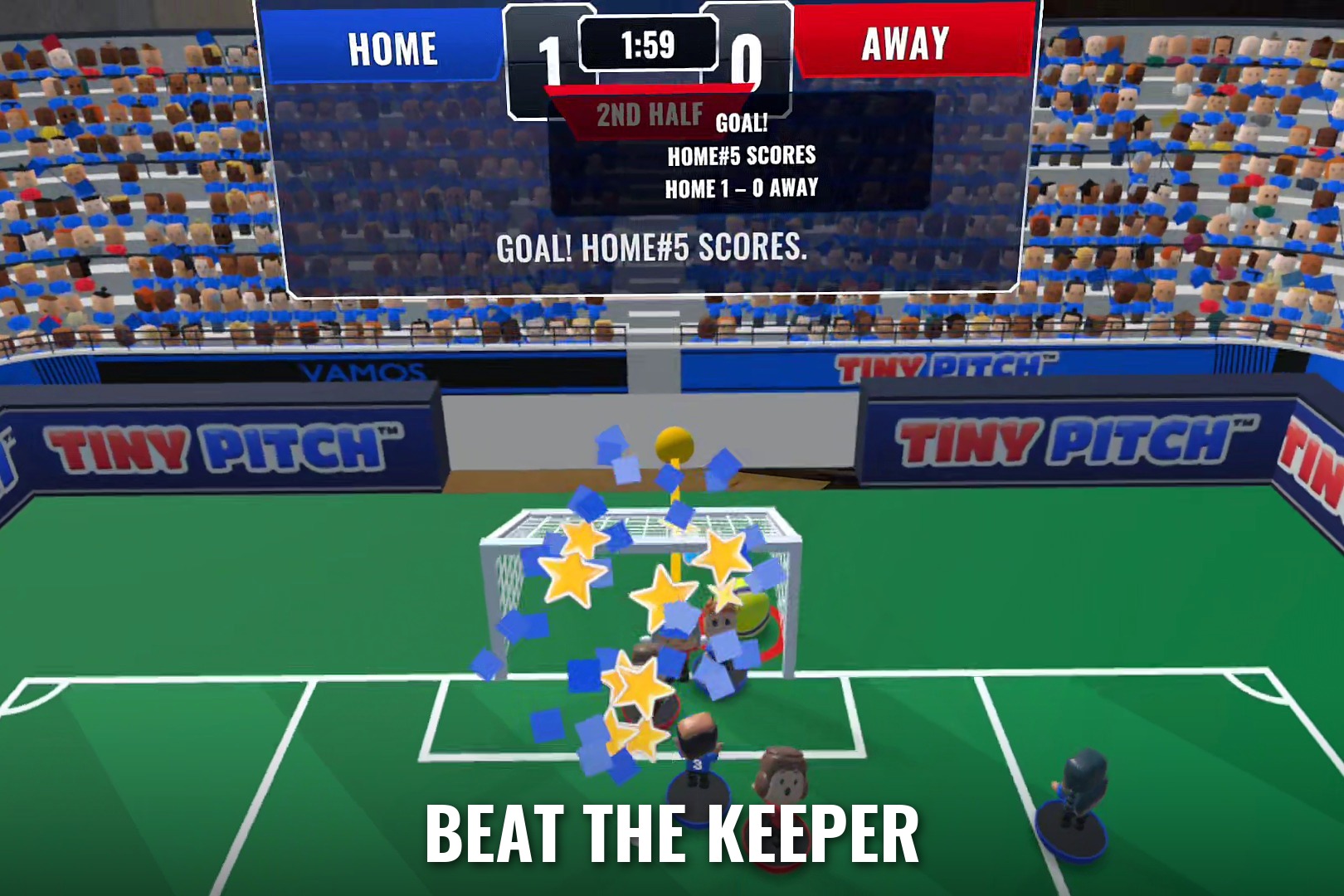
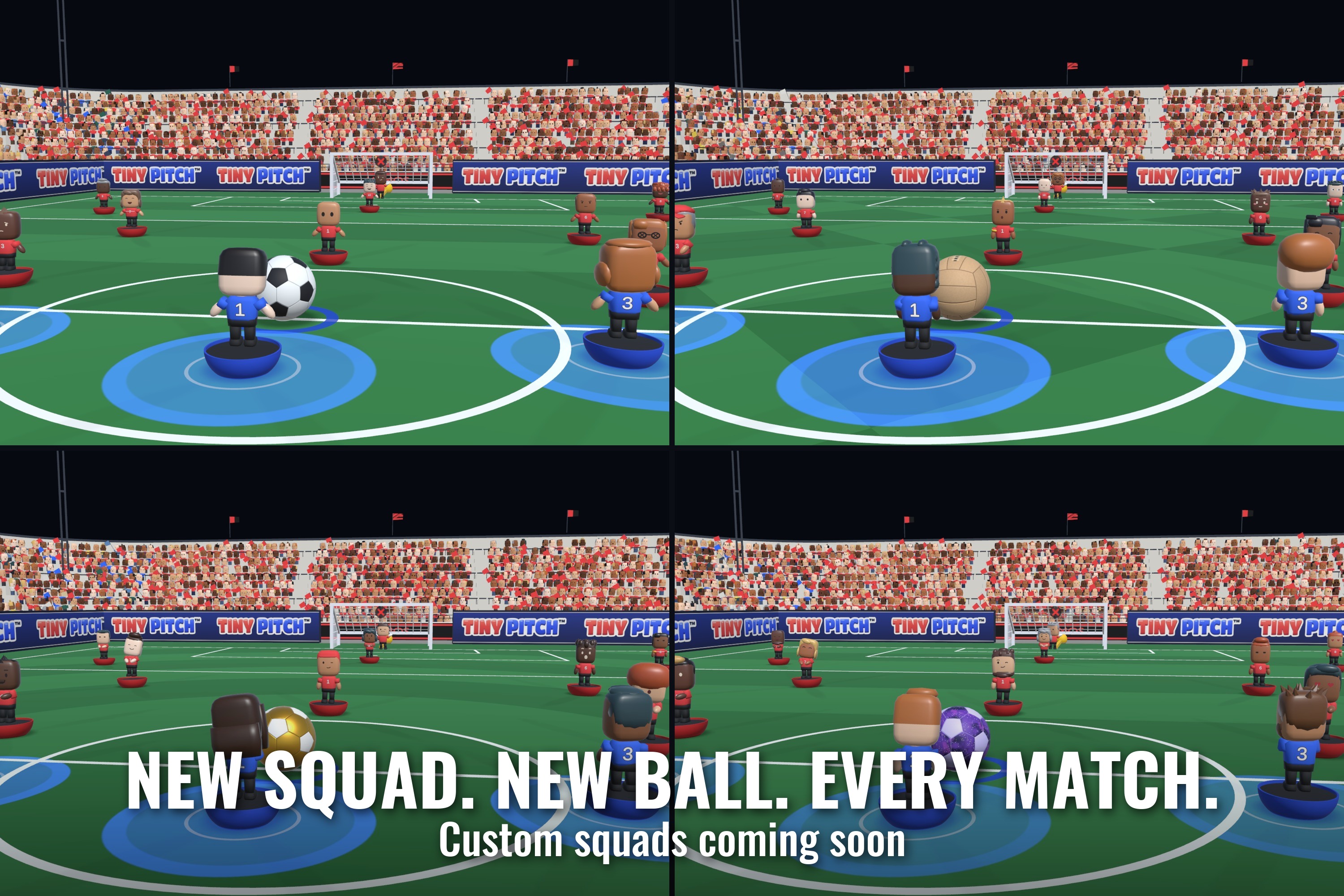
It's a VR take on the tabletop football games some of us played as kids: a pitch, tiny plastic figures, a ball and a set of very specific football rules for possession, set pieces, time and physics.
Antonis had carried this idea around for years. From day one, Woj made it his own, and it quickly became a game that belongs to both of us. We kept building on each other's ideas. Woj suggested putting figures on the main menu, Antonis wanted them animated, then Woj added funny interactions with them, and so on. Both our personalities ended up on the pitch.
What it does
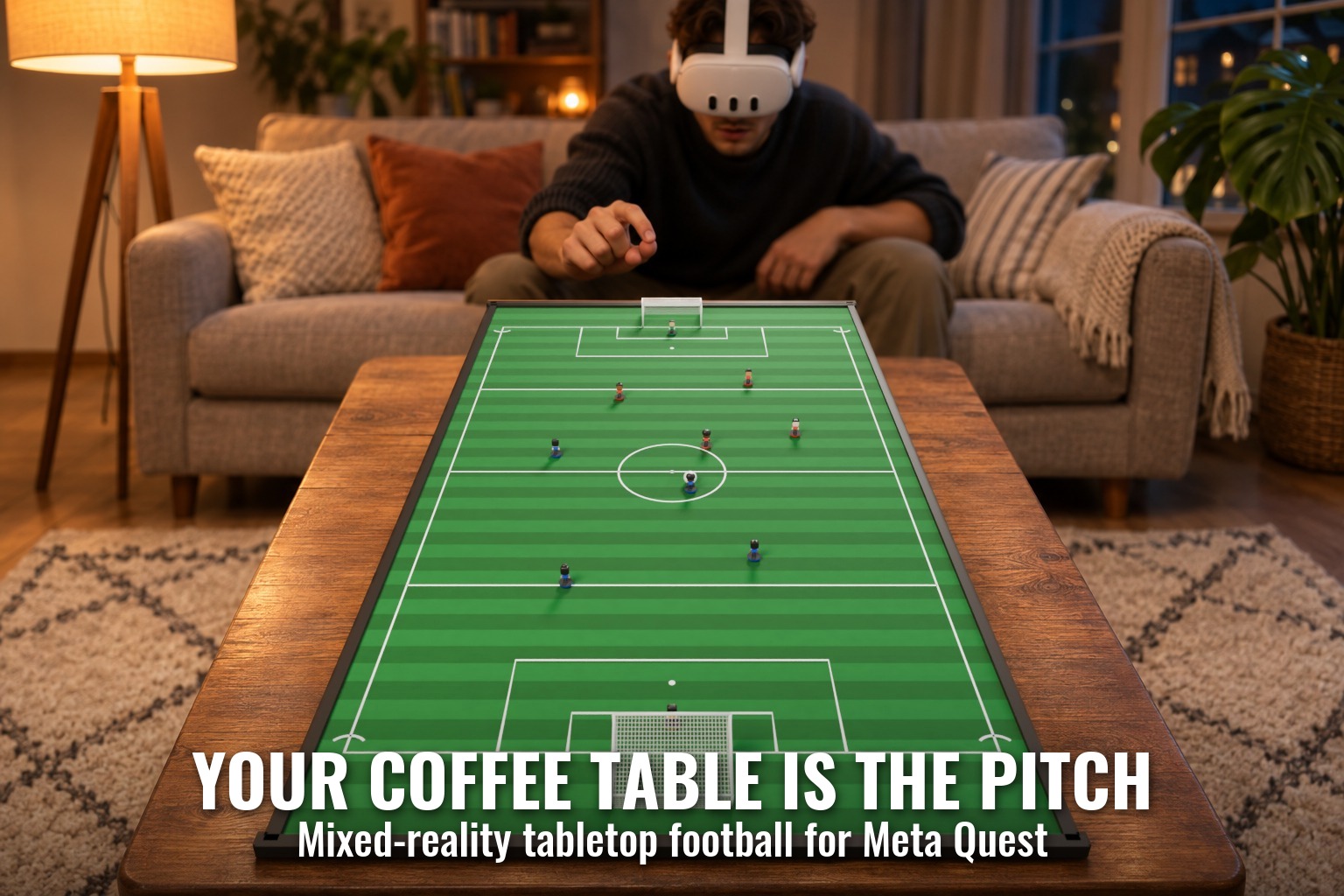
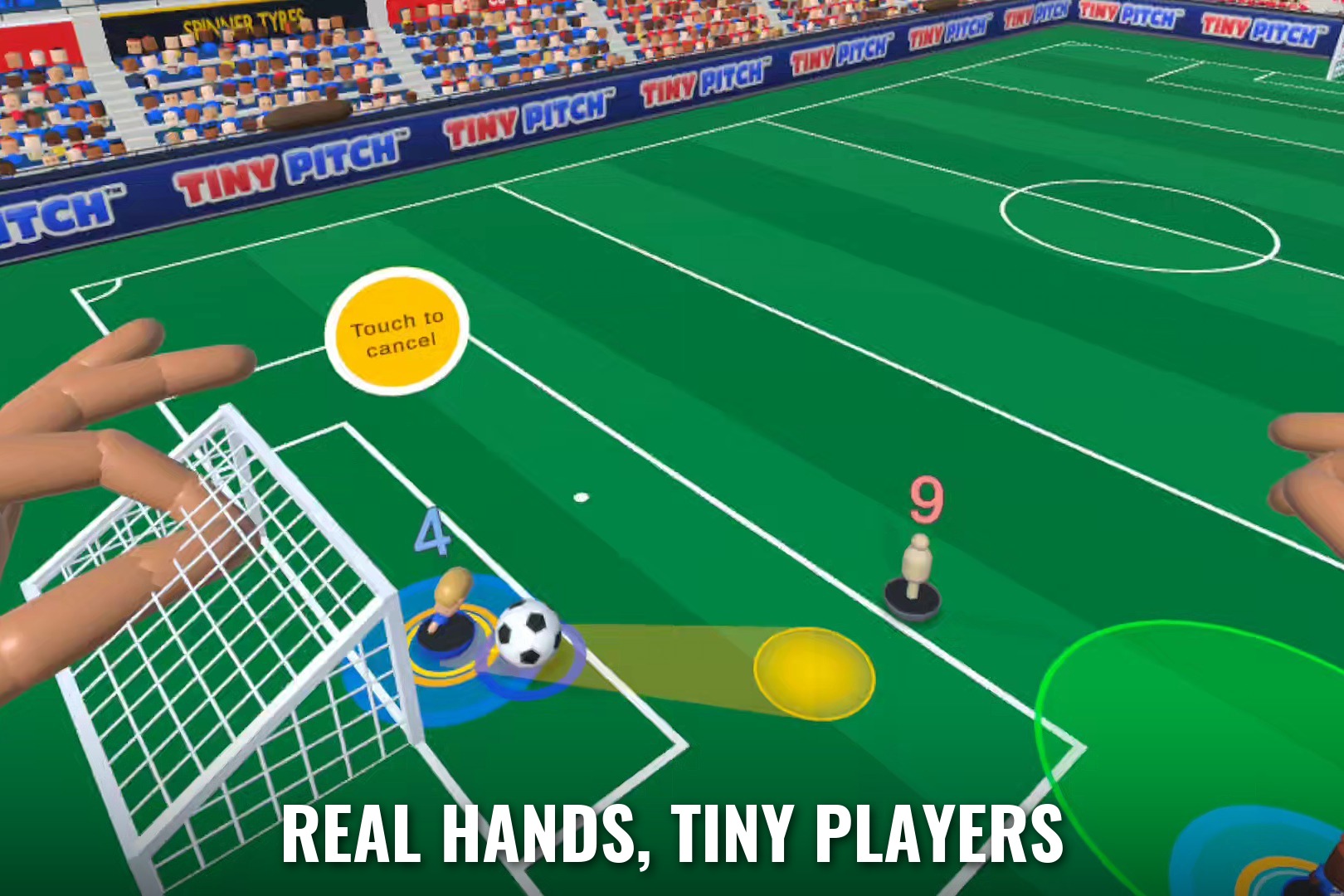
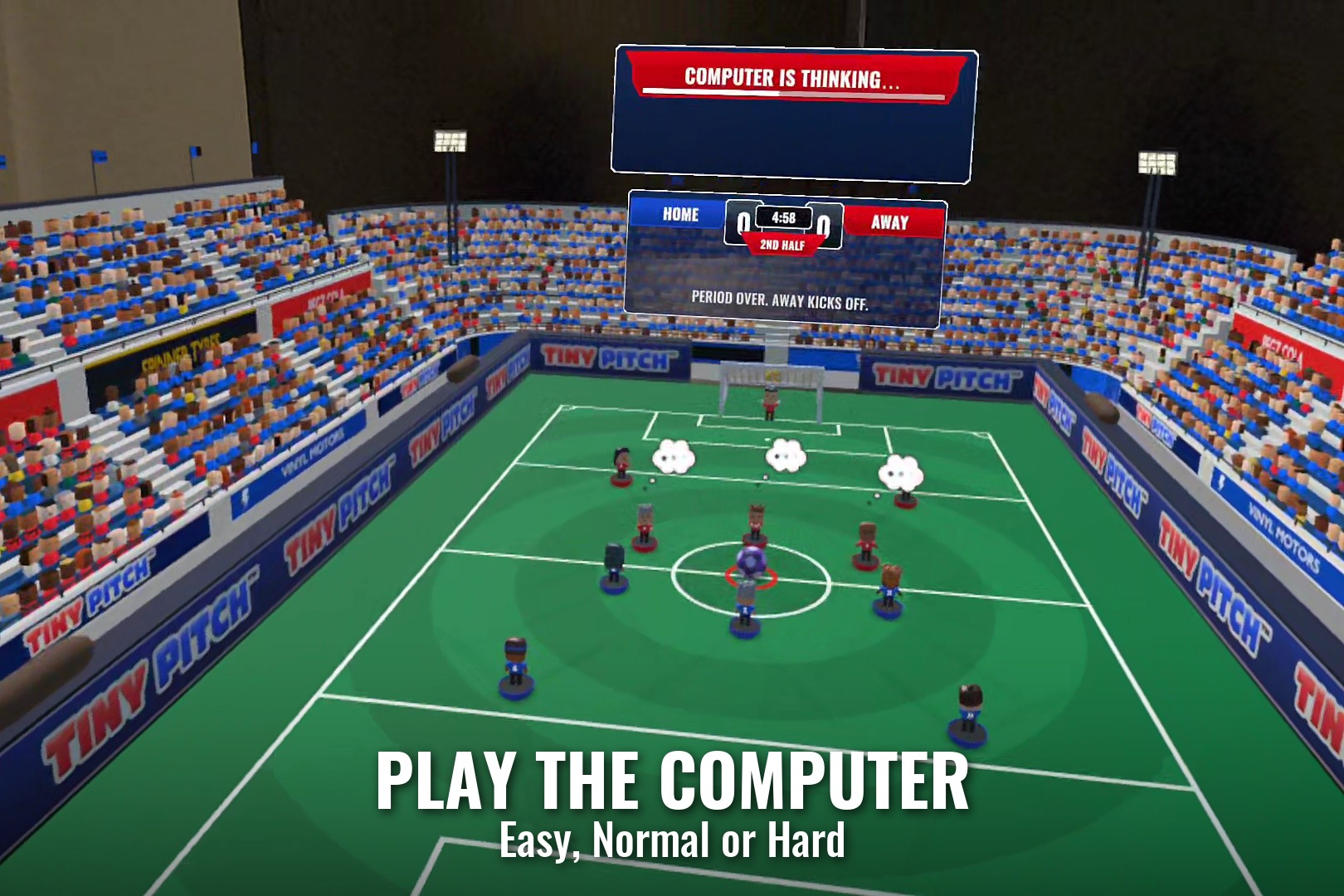
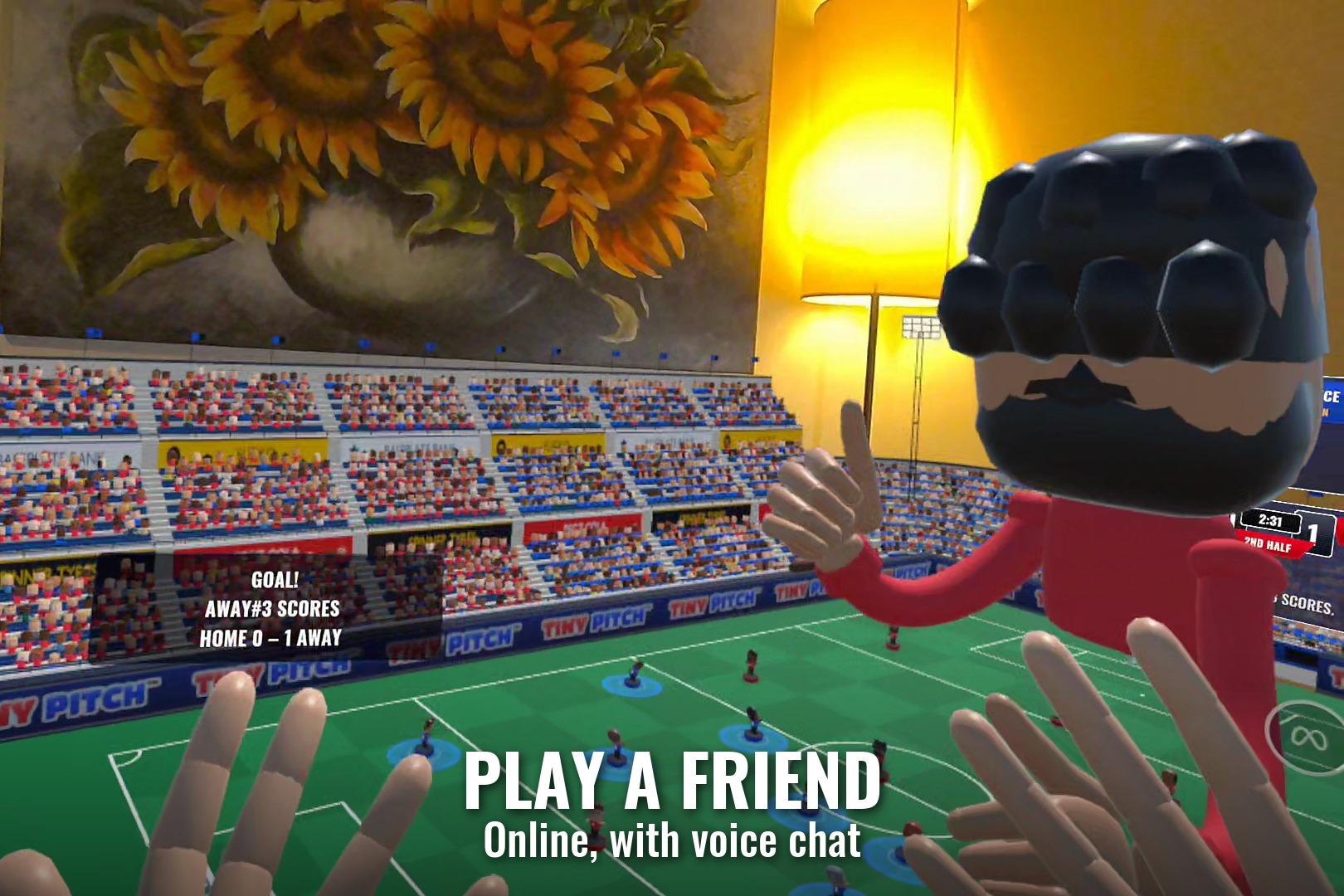
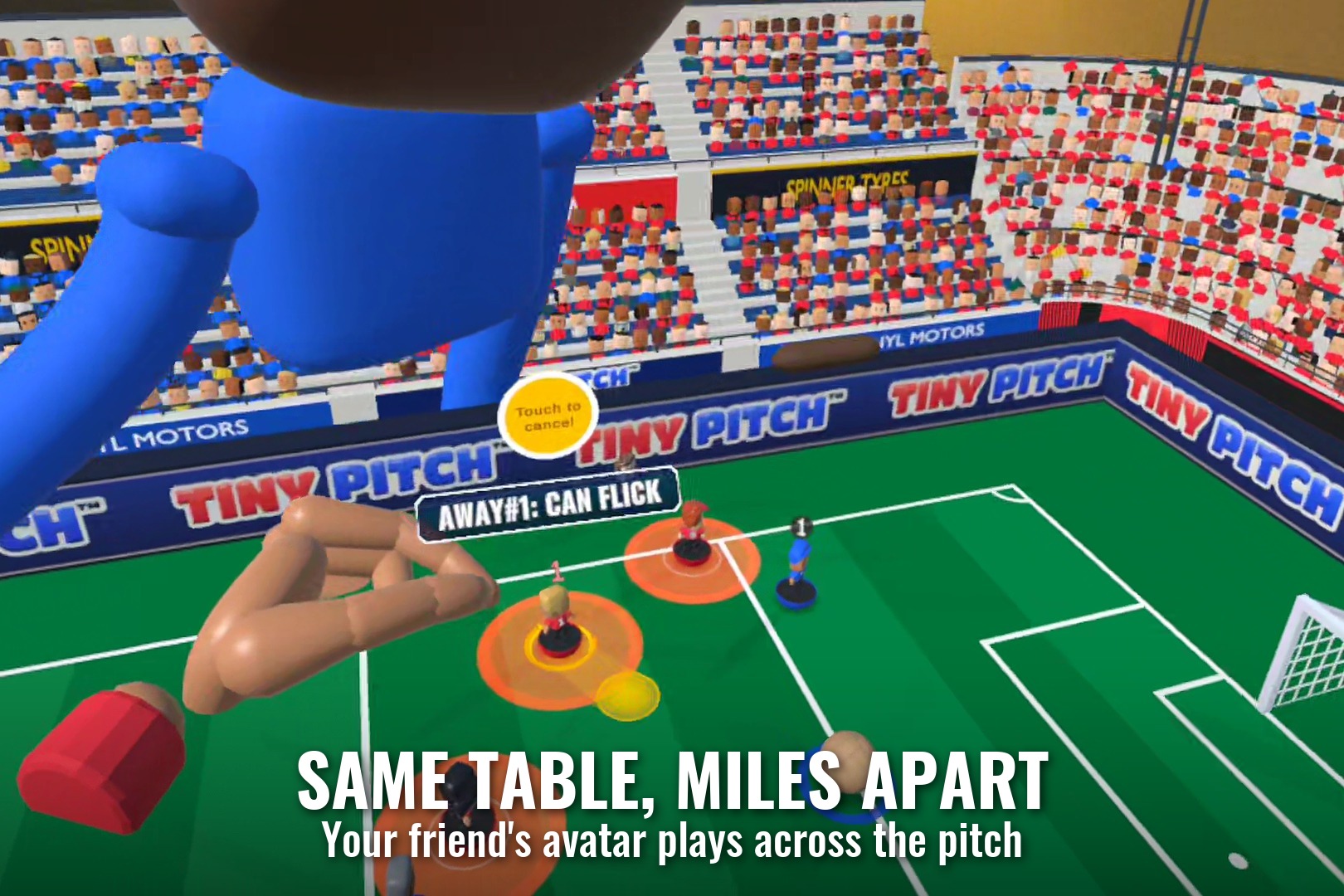
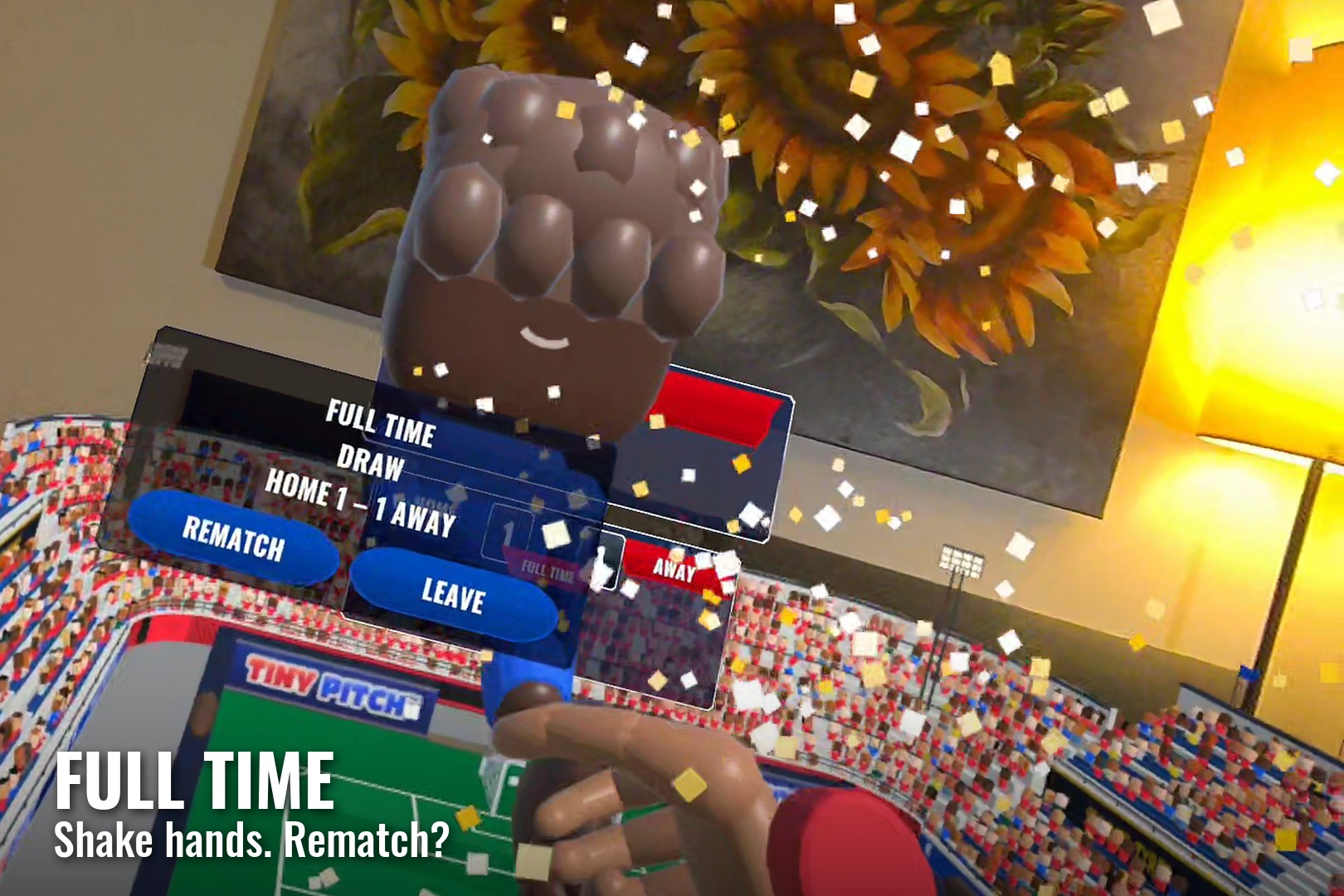
You control a team of tiny figures and play a match against the CPU, or against a friend on another Quest or on a phone. Play with hand tracking or controllers. Invite a Quest friend from inside the game, and they join with one tap. Two headsets can even share one real table in passthrough.
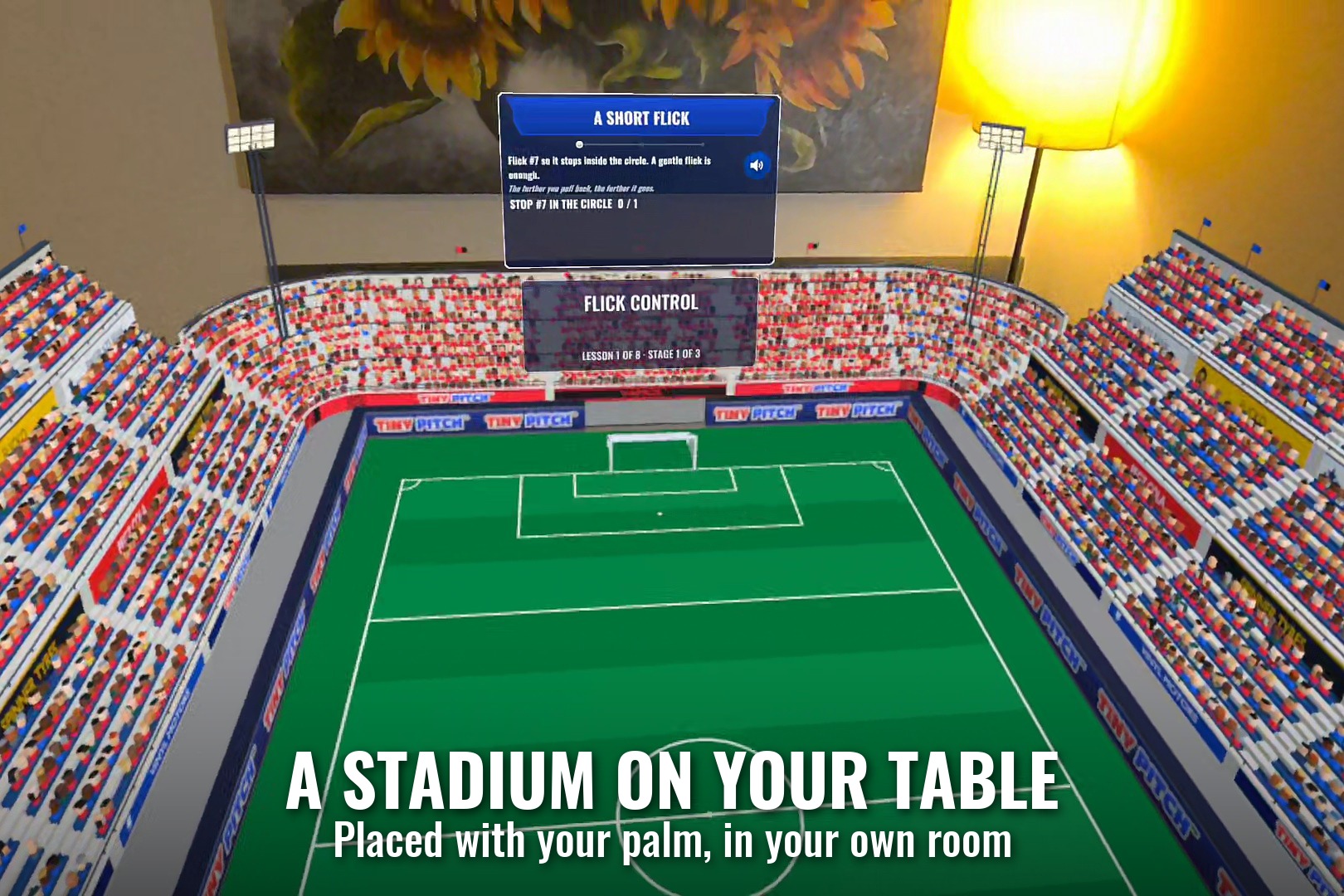
The pitch sits on your real table, and you can slide and turn it to bring the far goal to you.
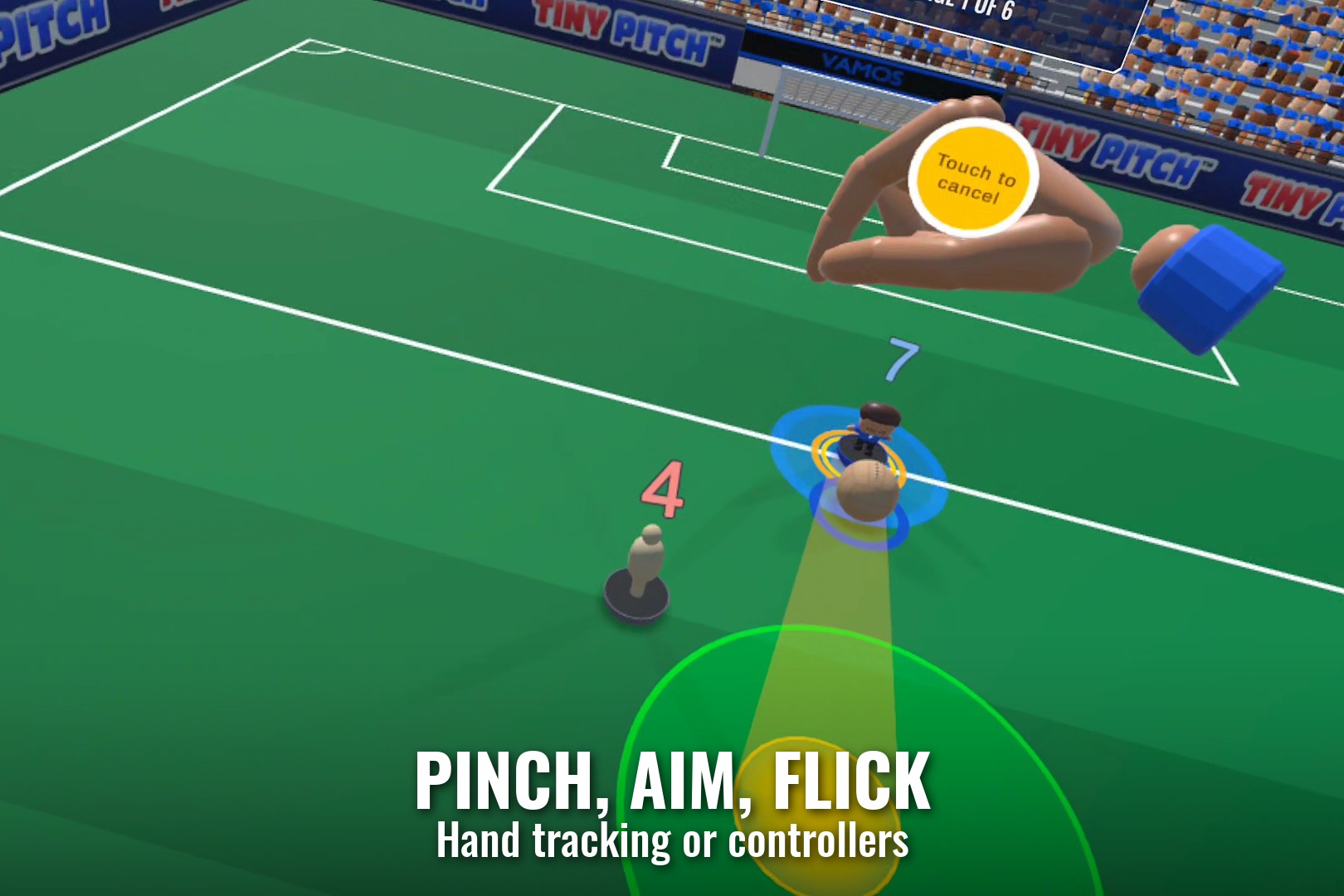
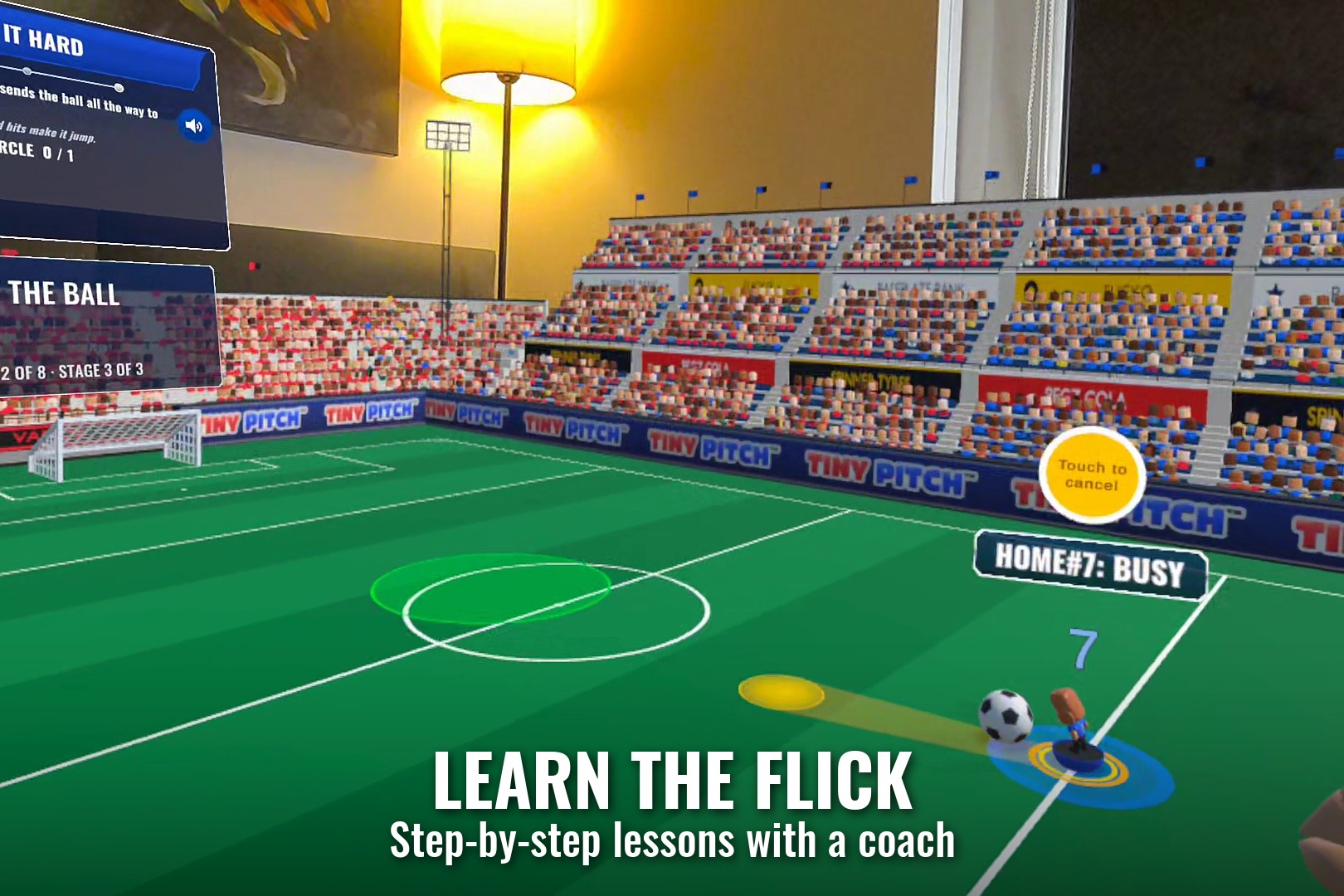
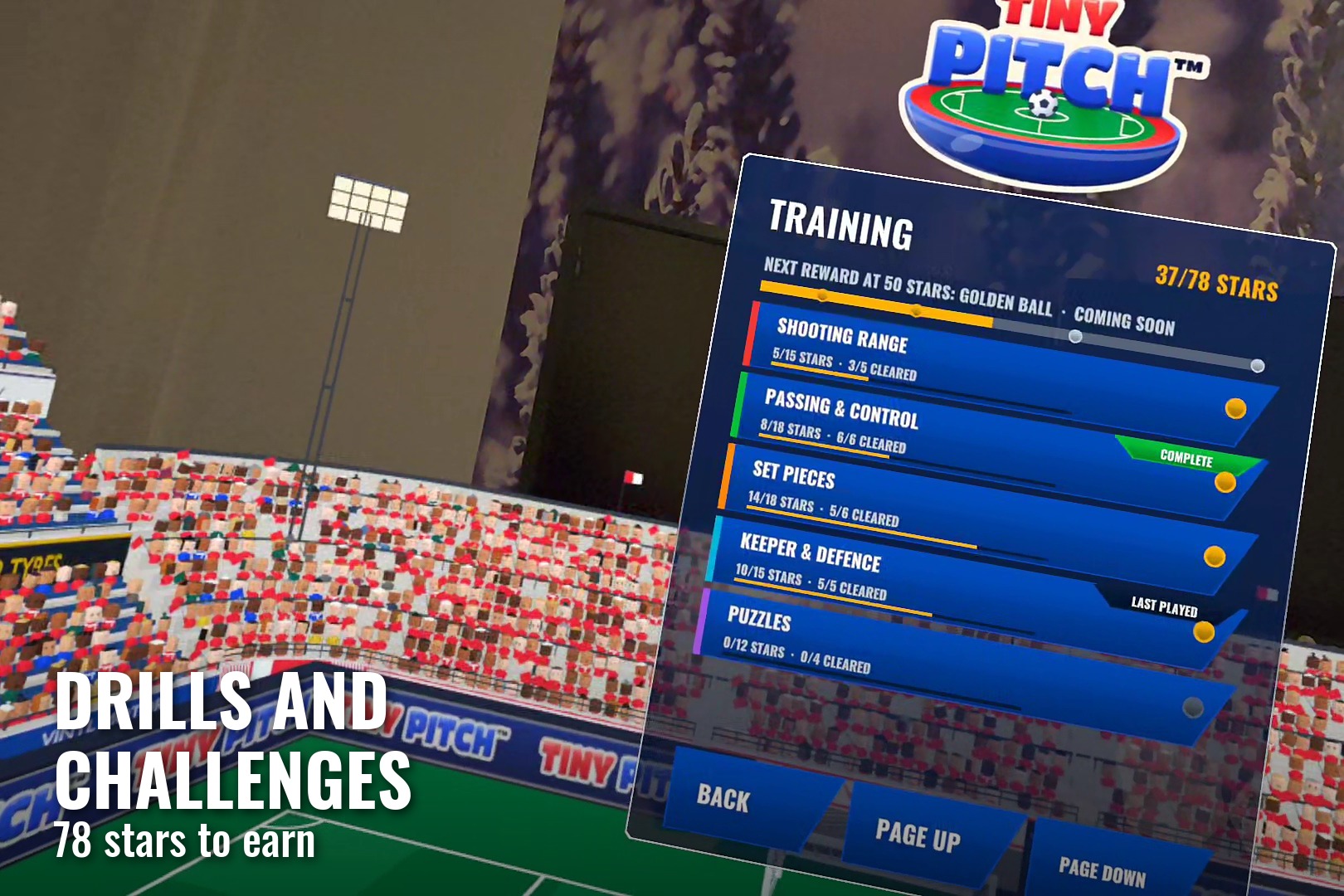
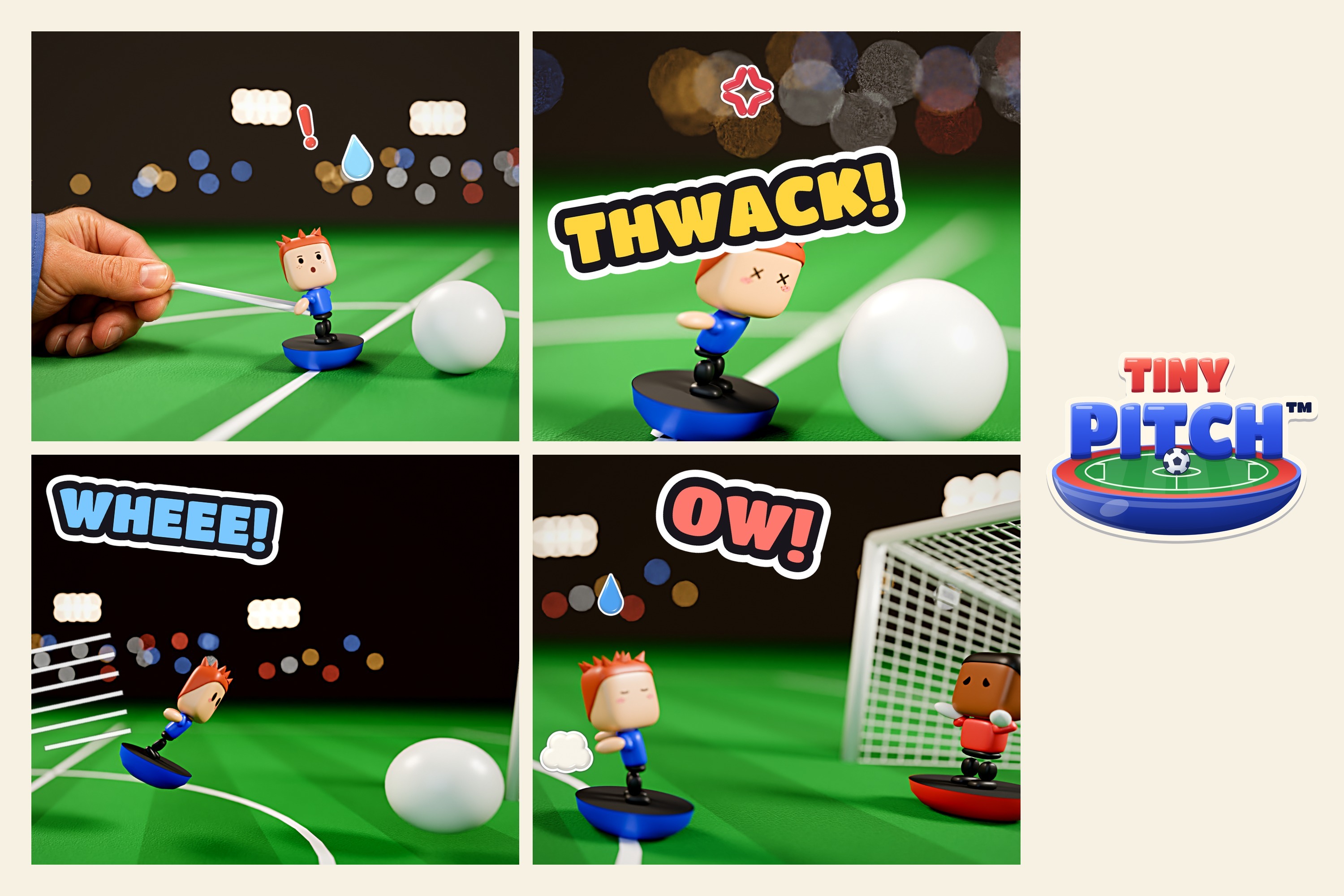
"So you push the figures by flicking them?" Not necessarily! Real flicking takes practice, so we built a more intuitive way to shoot: the slingshot. Pinch, pull back, aim, let go. Twist your wrist while you pull, and the shot curls. If you want the real thing, there's a fingernail flick in Options. It works today, and we're still improving it. A narrated coach teaches it all in the tutorial, and training scenarios let you practise.
How we built it
We used Unity 6.6 with Unity MCP and Claude. When the competition was announced, all we had was a design document draft a few pages long. Everything else was built in the last seven weeks. First we coded the rules of the game on a modular, expandable architecture. Then came physics, Photon Fusion multiplayer, tutorials, training scenarios and a CPU opponent.
The CPU uses a small neural network trained only for this game: about 1.7 million examples from one night of self-play, roughly 9,000 weights, running in plain C#. It ranks every possible shot, so the CPU tests only the most promising ones and picks its best shot fast enough for the Quest.
For sound, the Meta XR Audio SDK's HRTF spatial audio puts the ball, the whistles and the crowd where they really are around you. ElevenLabs gave voices to the coach and to the figures' gibberish.
And yes, Claude played a large part in this :)
Challenges we ran into
Flicking. At first we wanted to copy real flicking exactly. We soon found that Quest hand tracking can't (yet) follow fast, precise finger movements. After a lot of discussion we switched to the slingshot, which the phone version uses too. That brought its own puzzles: letting go of the pinch moved the aim, a relaxed pinch was read as a fist, and twisting your wrist for a curl shot sometimes fired it.
In the end, a cyclic buffer of recent fingertip samples brought flicking back as a second way to shoot. Some testers loved it, others preferred the more casual slingshot. The flick had its own problem at first: it was too predictable. Woj's fix was to make the shot less predictable the harder you hit. Testers love it.
Moving the pitch. Seated, you can't reach the far end of the pitch, so the pitch has to come to you. Pushing it with a flat palm felt very natural and tactile right away, like sliding a real board across the table. But not everyone plays at a table. Kneel on the floor, and a hand resting on the carpet would grab the pitch by accident. So we added handles, and palm drag can be switched off in Options.
Crisp UI. Compositor layers made the interface crisp and readable, but some UI panels got corrupted. It took many approaches and tests to find the cause and fix it (watch out for resizing UI!).
The online goalkeeper. The hardest problem was the goalkeeper in online games, because the attacker and the defender both need it at the same moment. When the keeper is on the defensive line, its Photon Fusion ownership passes to the defending team. That helped, but it didn't fix what the attacker sees. So for now you place your keeper on your own turn, and it stands still while your opponent plays. That also makes a save about reading your opponent rather than about reflexes. We'll test two other solutions in the coming weeks.
Accomplishments that we're proud of
In under seven weeks we built a fully working, cross-platform multiplayer game with cute animated characters, very playable mechanics, sound, customisation and colocation. There were tough moments, but we pushed through and finished the project, and that's the biggest accomplishment of all. Oh, and we laughed our heads off playing it!
We also ran a playtest with 12 people. We learned a lot and have already made many changes based on their feedback, and there's more to come.
What we learned
Turn-based multiplayer is a great way to make a very social game without heavy network traffic, even when the game runs on physics.
Hand tracking rewards forgiving gestures. A pinch and pull reads far more reliably than a fast flick, and every gesture has to tell a deliberate move from a hand that's just resting.
And two people throwing ideas at each other make a better game than either would alone.
What's next for Tiny Pitch
- More testing. We've reached out to tabletop football groups to be our playtesters.
- More of the original design. Many ideas from our design document made it in, and many are still waiting. Next up: choosing your own kits, pitch patterns and stadium decorations.
- Release. We aim to launch in the first half of 2027 on the Meta Horizon Store, Google Play and the App Store. We're comparing three monetisation models, and whichever we choose, the game will stay very affordable.
- Bragging rights. Lots of funny props for celebrating a goal in your friend's face.
- Building together. We're looking into the fun of setting up the playing area together with your opponent.
- Match commentary. A commentator who reacts to what happens on the pitch.
- The long run. Leagues and tournaments. The figure models support many styles and accessories, so licensed collaborations are possible too: an AFC Richmond team or Marvel heroes would work.
Easter egg 🥚 Antonis always found Woj's way of saying "Hello" in business meetings funny, so he secretly recorded a few. Wave at your figures and some of them might greet you with a genuine Woj "Hello". 😅


