-
-
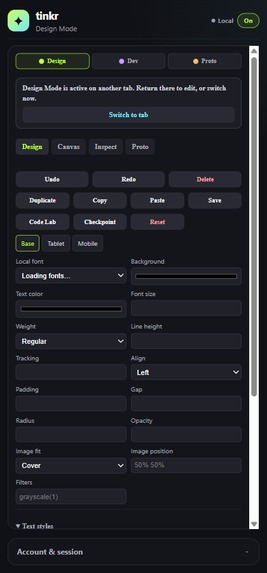
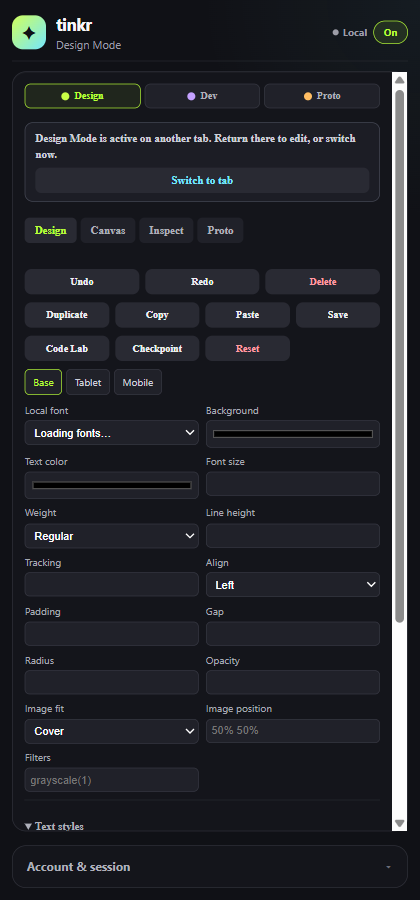
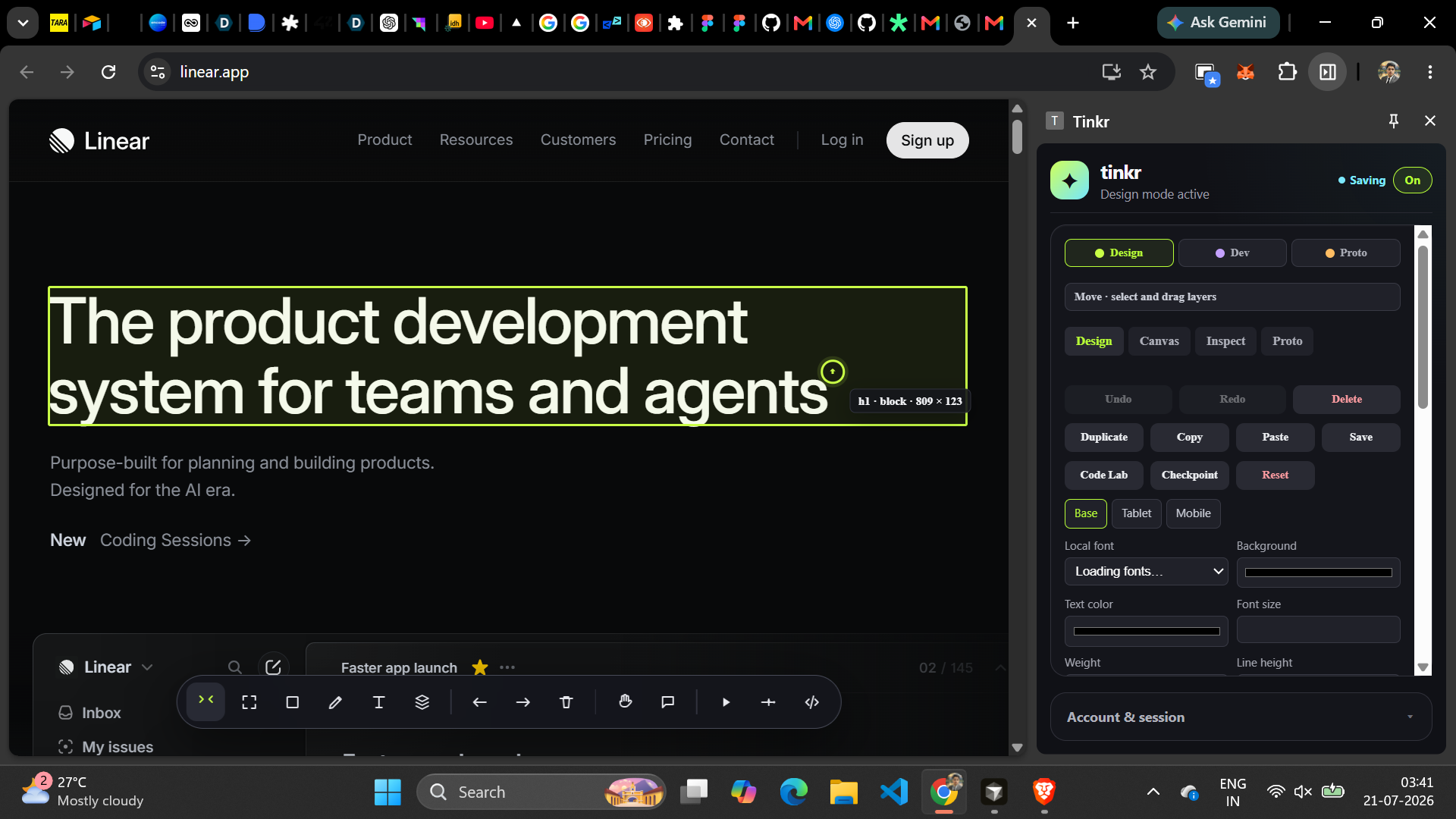
tink side panel
-
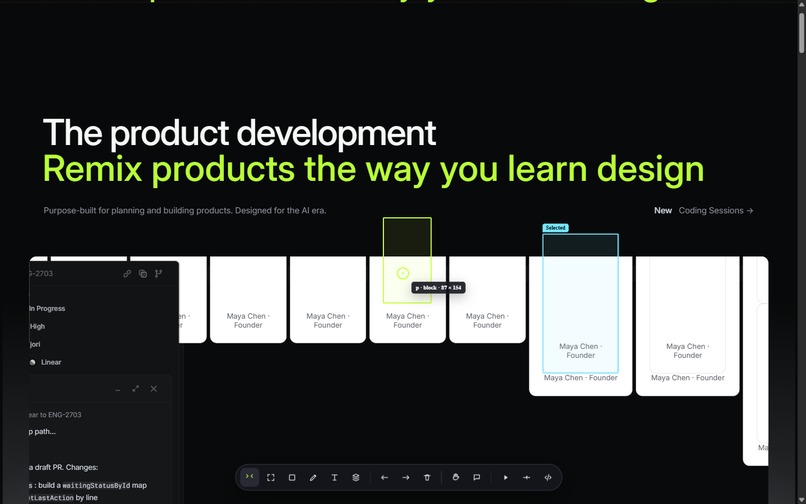
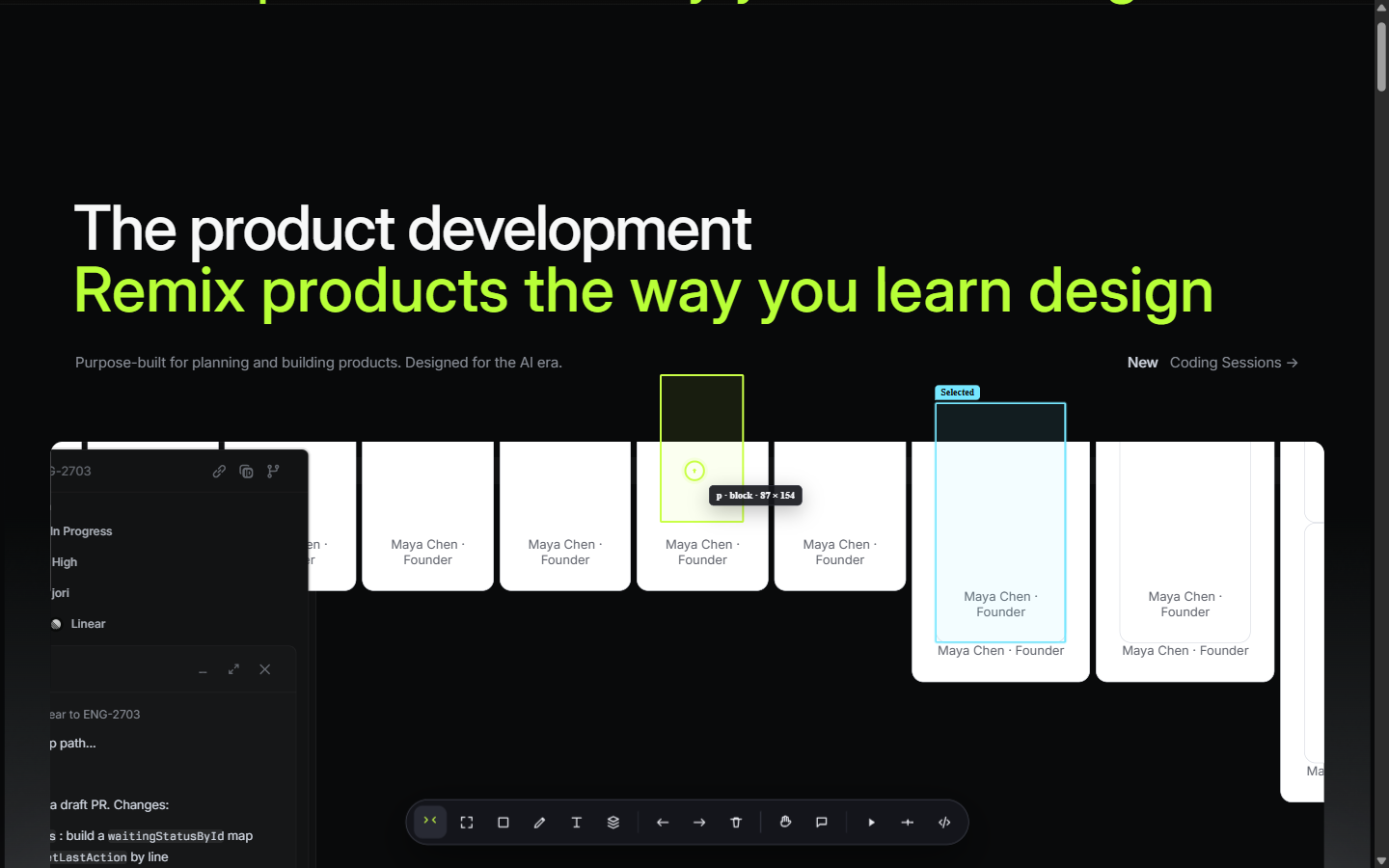
Working on a live website
-
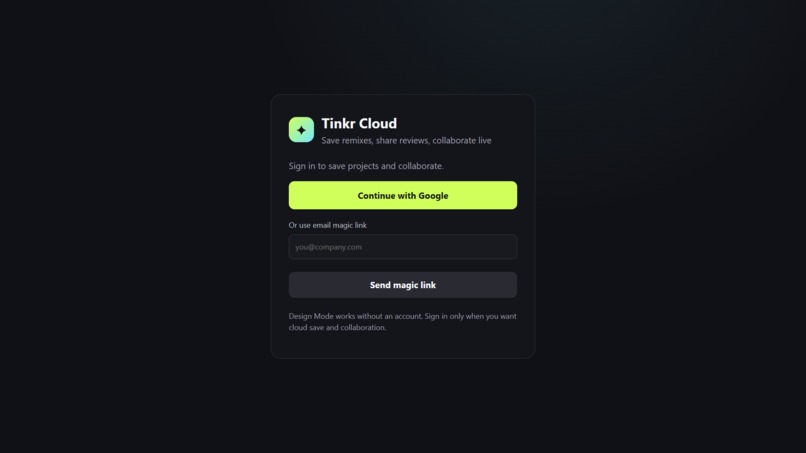
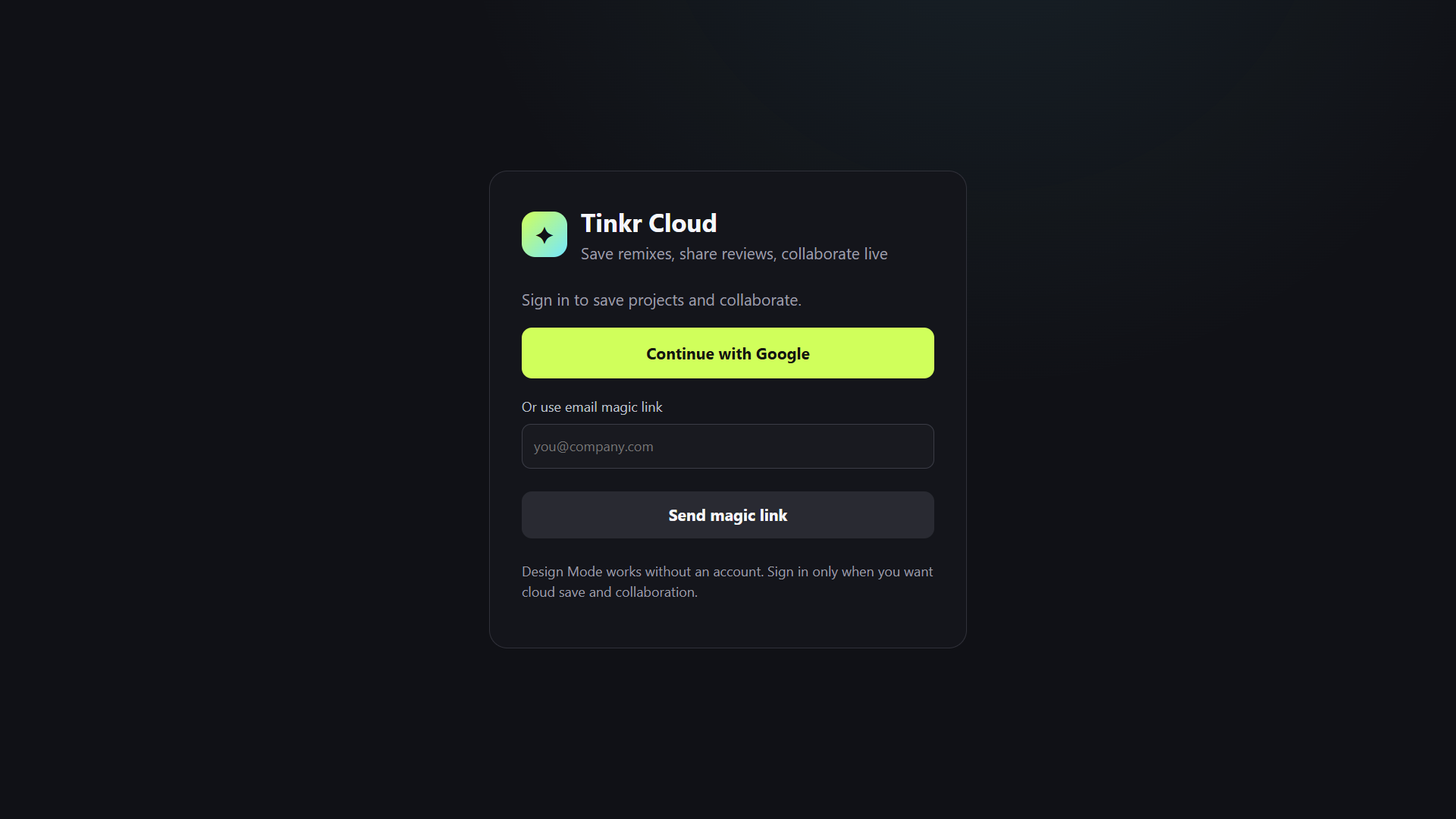
Sign-In to tink
-
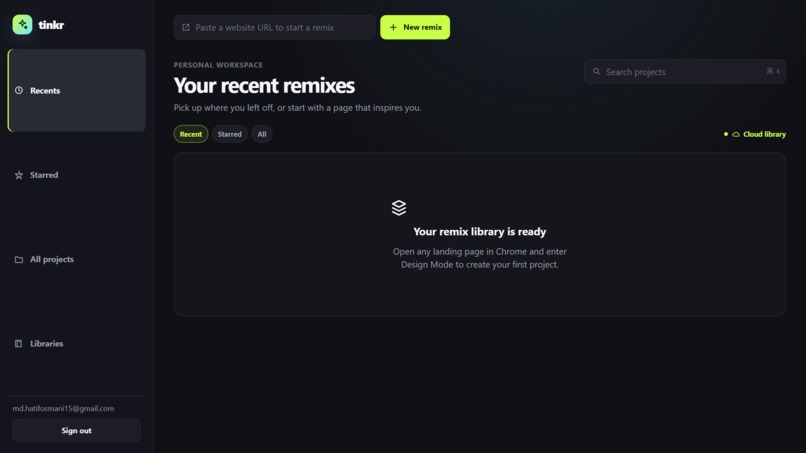
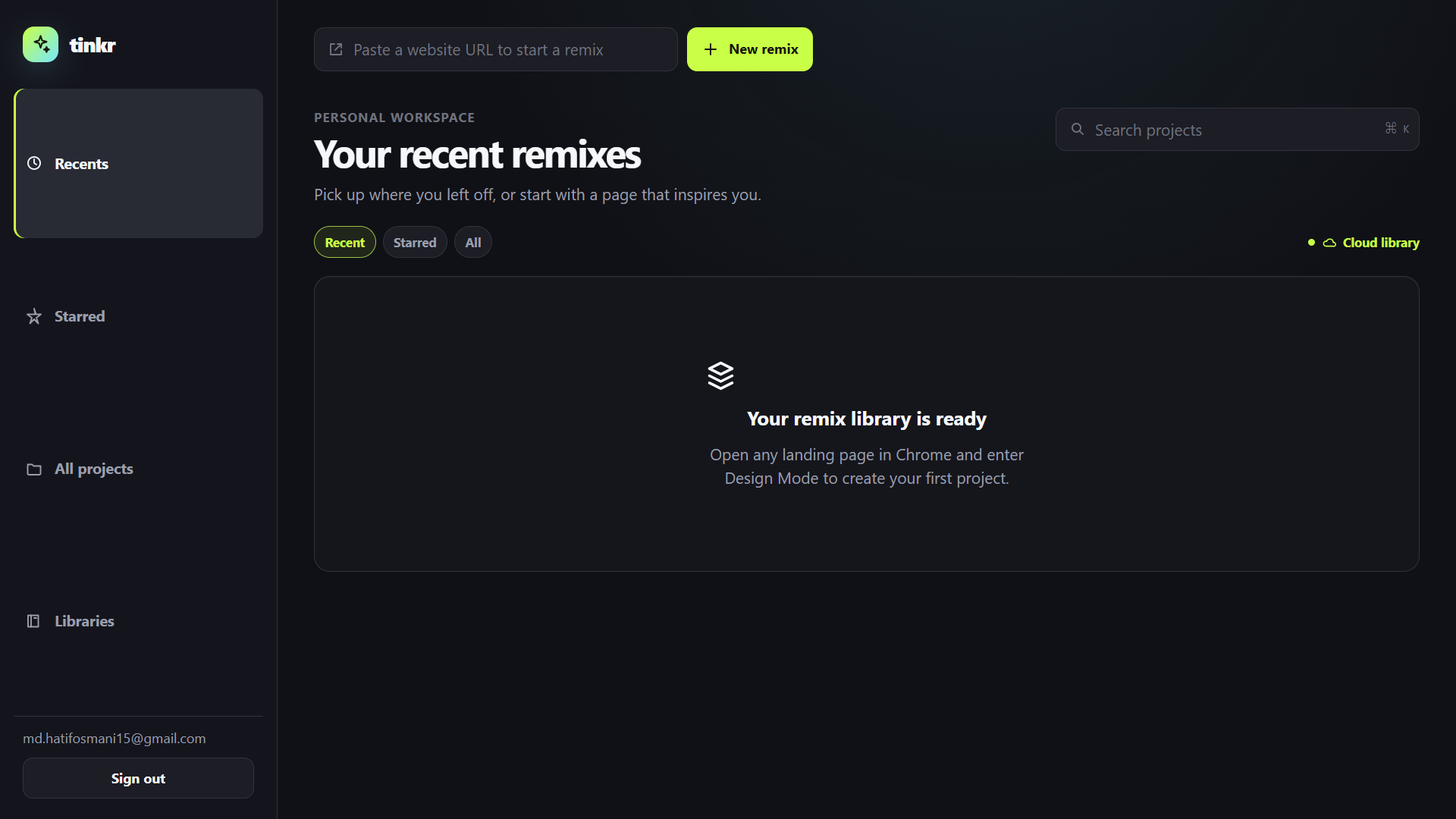
tinkr dashboar
-
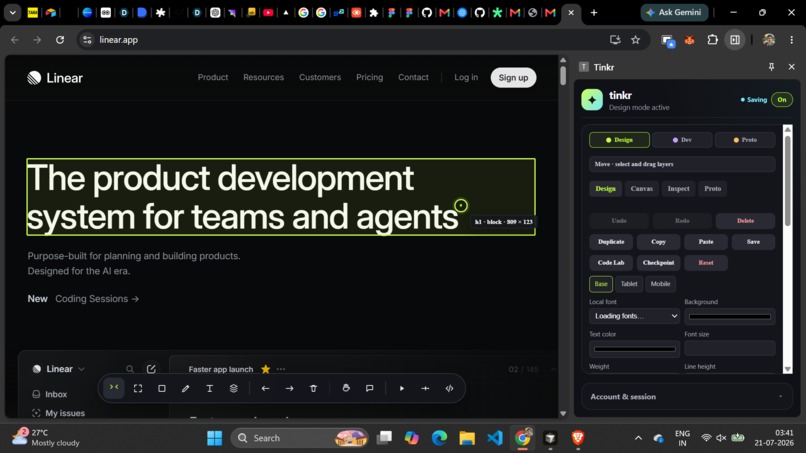
Editing a live webpage with tink
tinkr — learn design by remixing the live web
Inspiration
I am learning design, and I kept running into the same friction: I would see a landing page, product screen, or tiny interaction that inspired me, but the only way to explore it was to open a blank design file and painstakingly rebuild it first. By then, the moment of curiosity was gone.
Clicky showed us how compelling a one-click browser experience can be, while Prototyper helped shape our thinking about fast visual iteration. tinkr takes a different path: instead of recreating an entire website from a screenshot, it uses the HTML, CSS, assets, and layout already loaded in the browser. The goal is not to copy or publish someone else's site. It is to learn by playing—move a headline, rewrite a CTA, layer an idea over a hero, and keep the remix for later.
What it does
tinkr is a Chrome extension that turns the webpage in front of you into a private, remixable design canvas.
- Enter Design Mode on a public webpage and select visible text, images, buttons, cards, and sections.
- Move, resize, duplicate, hide, restyle, and layer elements. Where direct DOM movement would be brittle, tinkr creates a focused visual proxy rather than cloning the whole page.
- Edit typography, colors, spacing, image treatment, layout, components, variables, vectors, annotations, and responsive overrides.
- Add tinkr-owned components, shapes, notes, assets, prototype interactions, and motion.
- Save reversible patches and sync projects, history, reviews, comments, and assets to tinkr Cloud when signed in.
- Use selection-scoped AI patch previews and sandboxed Code Labs without handing an entire website—or arbitrary page JavaScript—to a model.
The original website and its backend are never changed or published from tinkr.
How we built it
The authoritative editor is a Manifest V3 Chrome extension. Its content script injects a Design Mode overlay, gathers safe element metadata, and records edits as reversible patches. A side panel provides layers, inspector controls, variables, components, Dev Mode, prototypes, and save feedback.
The editing engine has two intentional paths:
- DOM-native patches for safe text/style changes, transforms, and compatible layout reorders.
- tinkr-owned visual proxies for elements that are clipped, locked into an incompatible stacking context, or unsafe to restructure directly.
The dashboard is a Next.js/React workspace for projects, reviews, and opening a saved remix back on its source URL. A Node/Express API and Supabase handle authentication, project data, revisions, assets, access control, and private cloud persistence. AI requests travel through the extension background transport and are validated against a structured patch schema before a user can preview and apply them.
Challenges we ran into
- Editing a live DOM without breaking the page. Flex, grid, clipping, React rerenders, stacking contexts, and protected controls make a blank-canvas approach unreliable. We built capability-aware movement, bounded structural reorder, visual-proxy fallback, and source anchors with reattachment instead of guessing.
- Preventing duplicate/recursive patch replay. A mutation observer must recover edits after a rerender without treating tinkr's own overlay changes as new source-page work. We added stable operation IDs and idempotent insertion/replay behavior.
- Making saved work trustworthy. A saved remix can outlive a changing source page. Patches carry selectors plus fingerprints, and ambiguous matches become an explicit reattach task instead of a silent edit to the wrong element.
- Making cloud sync resilient. We handled local drafts, durable outboxes, versioned updates, conflicts, offline work, failed asset uploads, and project-specific recovery.
- Connecting the dashboard and an unpacked extension safely. Browser sessions and extension sessions are separate. Packaged builds use a configured extension ID; local development uses one explicit confirmation so a session is not automatically handed to an arbitrary extension.
Accomplishments that we're proud of
- We made the live page—not a screenshot recreation—the core canvas.
- The interaction model feels much closer to a design tool: deterministic layer selection, parent/child navigation, visual stacking, keyboard nudging, resize handles, undo/redo, and a practical layer tree.
- We built an honest hybrid model. tinkr can be expressive on real webpages without pretending every third-party element is a native Figma vector.
- Changes are private, reversible, and saved independently from the original website.
- The dashboard, side panel, live overlay, logo, and visual system use a consistent tinkr identity.
What we learned
- The right abstraction for live-web editing is neither "edit every DOM node directly" nor "take a screenshot and regenerate the whole site." It is a capability-aware hybrid.
- Reliability is a product feature. Users trust a creative tool only when replay, undo, reload, and cloud sync behave predictably.
- AI is most useful when it is tightly scoped: selected context in, declarative patch proposal out, and a human-controlled preview in the middle.
- A small authentication decision can affect the whole product experience. The dashboard and extension need a deliberate, secure pairing flow—not just two independent sessions.
What's next for tinkr
- Improve component variants, variable modes, and responsive diagnostics.
- Add richer vector/path tooling for tinkr-owned layers.
- Expand project review with better before/after comparison and commenting workflows.
- Add opt-in, verified-domain GitHub export so a user can turn a reviewed remix into a pull-request proposal for a site they own.
- Continue improving accessibility, keyboard workflows, and support for real-world React/Vue rerenders.
Built with
| Area | Technology |
|---|---|
| Live editor | Chrome Extension Manifest V3, JavaScript, HTML, CSS, content scripts, side panel APIs |
| Dashboard | Next.js, React, TypeScript |
| API | Node.js, Express |
| Cloud | Supabase Auth, Postgres, Storage, RLS, revisions |
| AI | OpenAI-compatible structured patch endpoint and sandboxed Code Labs |
| Local development | Docker, Supabase CLI, Node.js |
| Build collaboration | Codex with GPT-5.6 Terra |
Codex and GPT-5.6 Terra
Codex and GPT-5.6 Terra were active collaborators in building tinkr. We used Planning Mode to break a large product idea into testable implementation plans for the extension, dashboard, live-DOM safety model, authentication, persistence, and documentation.
- Medium reasoning supported focused UI, component, documentation, and iteration work.
- High reasoning supported interaction architecture, DOM patching, Figma-inspired workflows, and technical reviews.
- Ultra reasoning was used when the risk justified it: idempotent replay, cloud-sync conflicts, source-anchor safety, session handoff, and secure fallback behavior.
- The Supabase plugin guided Auth, RLS, storage, migration, and session-security work.
- The GitHub plugin supported repository orientation, commit/review workflows, and implementation traceability.
GPT-5.6 Terra was used to build, reason about, and verify the project. tinkr's runtime AI remains provider-configurable and is deliberately limited to safe, inspectable patch proposals.
Project links and judge testing
- Source code: github.com/hatif03/tinkr
- Installation and local testing: INSTALLATION.md
- Hosted dashboard beta, when the deployment is enabled: tinkr-web-henna.vercel.app
For the clearest demo, run the local stack, load the unpacked extension in Chrome, sign in, open a public SaaS landing page, enter Design Mode, rewrite a hero, move a card over another layer, save it, and reopen the project from the dashboard.
Built With
- chrome
- codex
- css3
- docker
- express.js
- html5
- javascript
- next
- openai
- supabase


Log in or sign up for Devpost to join the conversation.