-
-
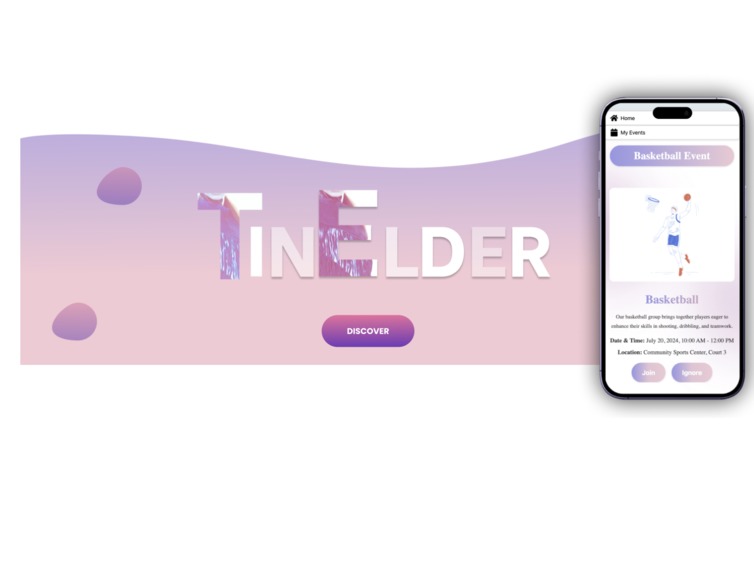
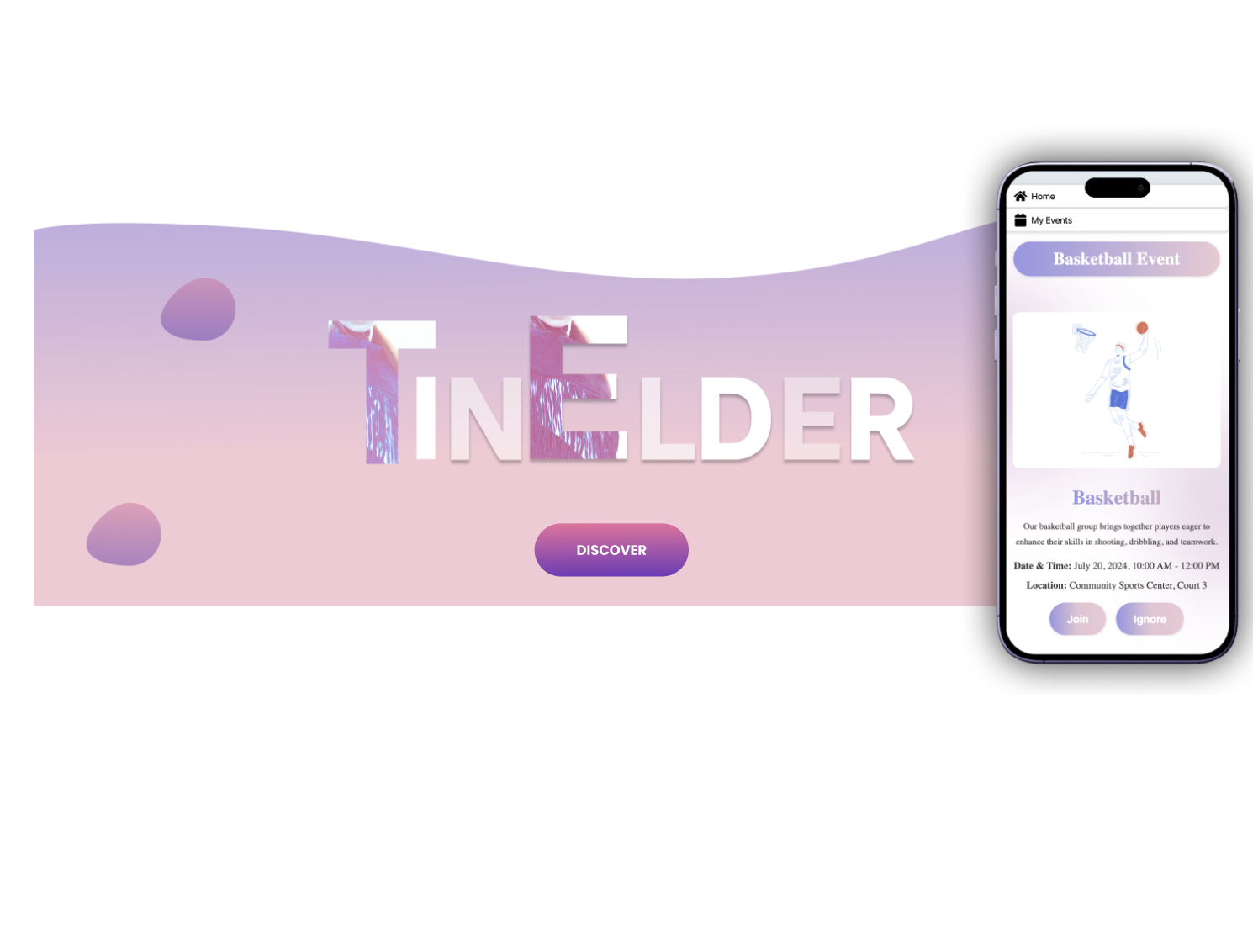
cover page by figma
-
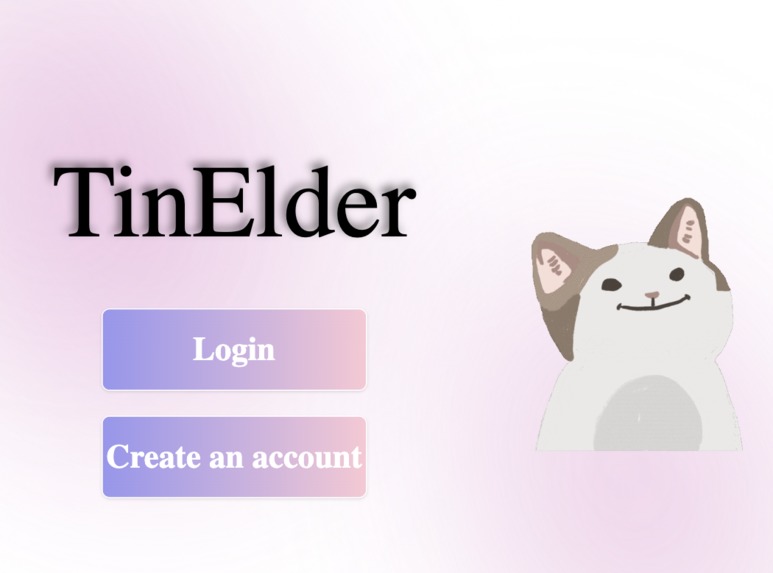
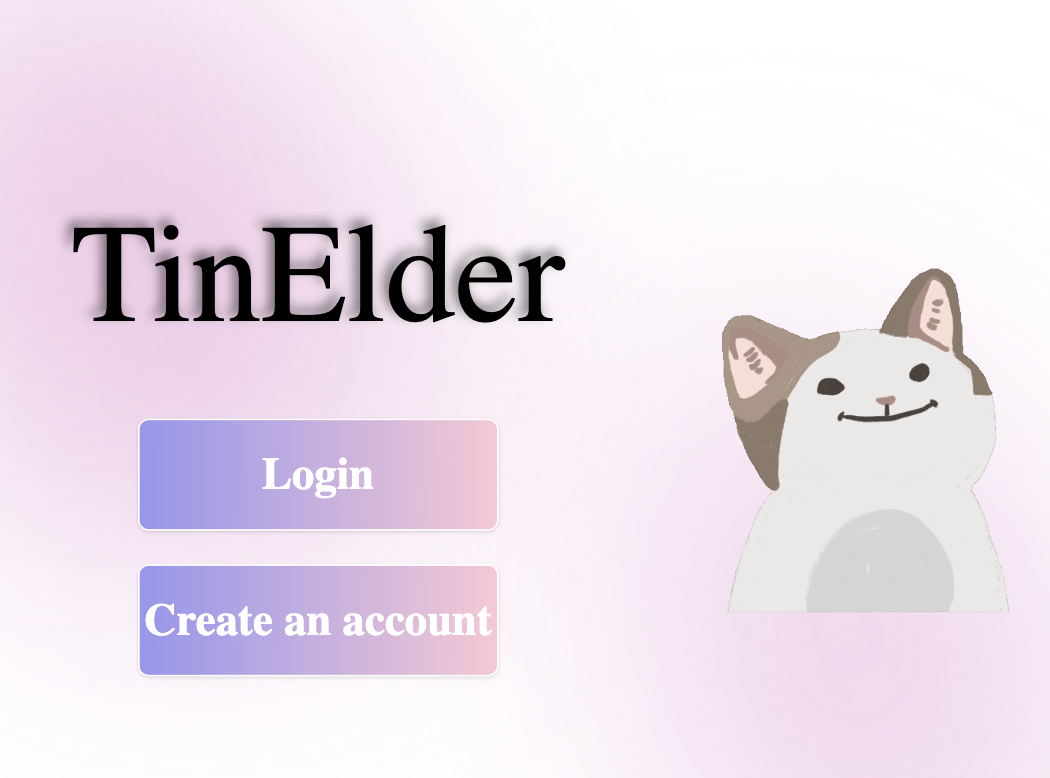
Enter page with cute cat meme!
-
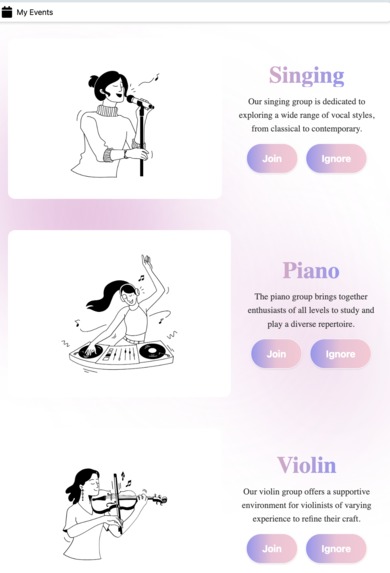
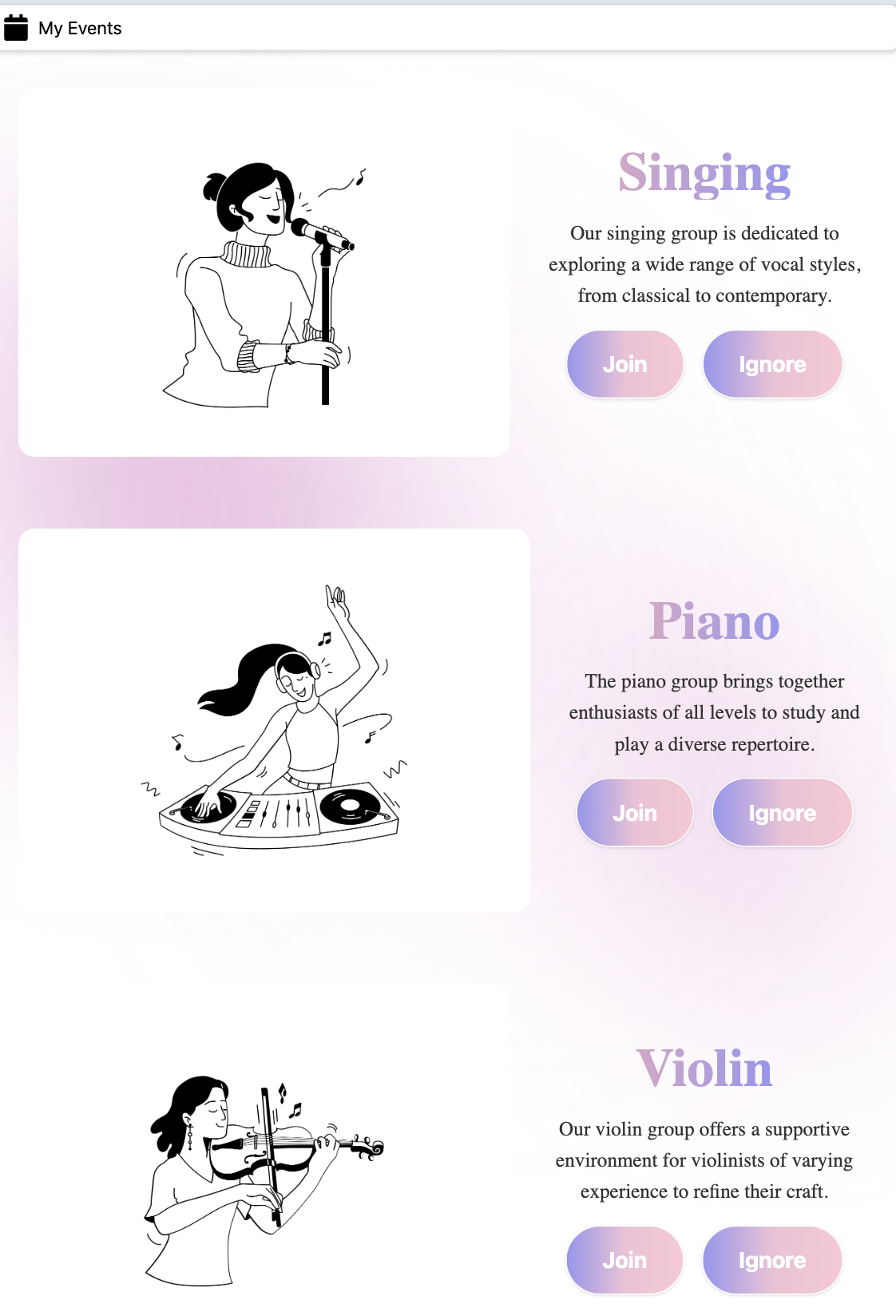
Music groups in ipad air version
-
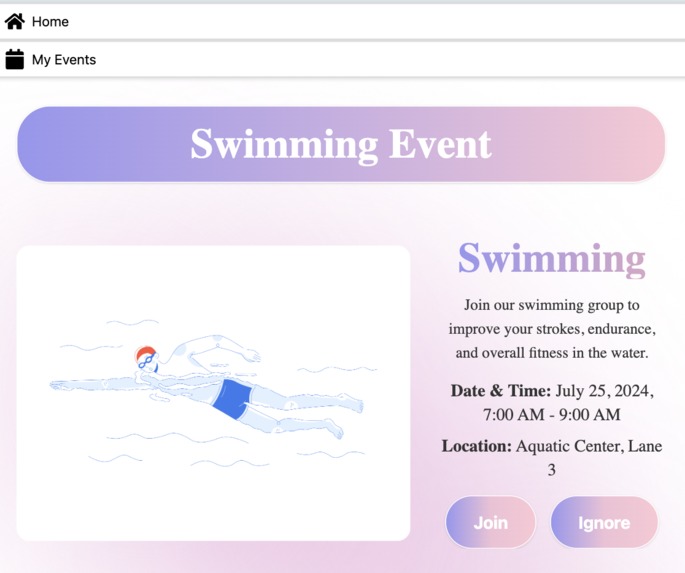
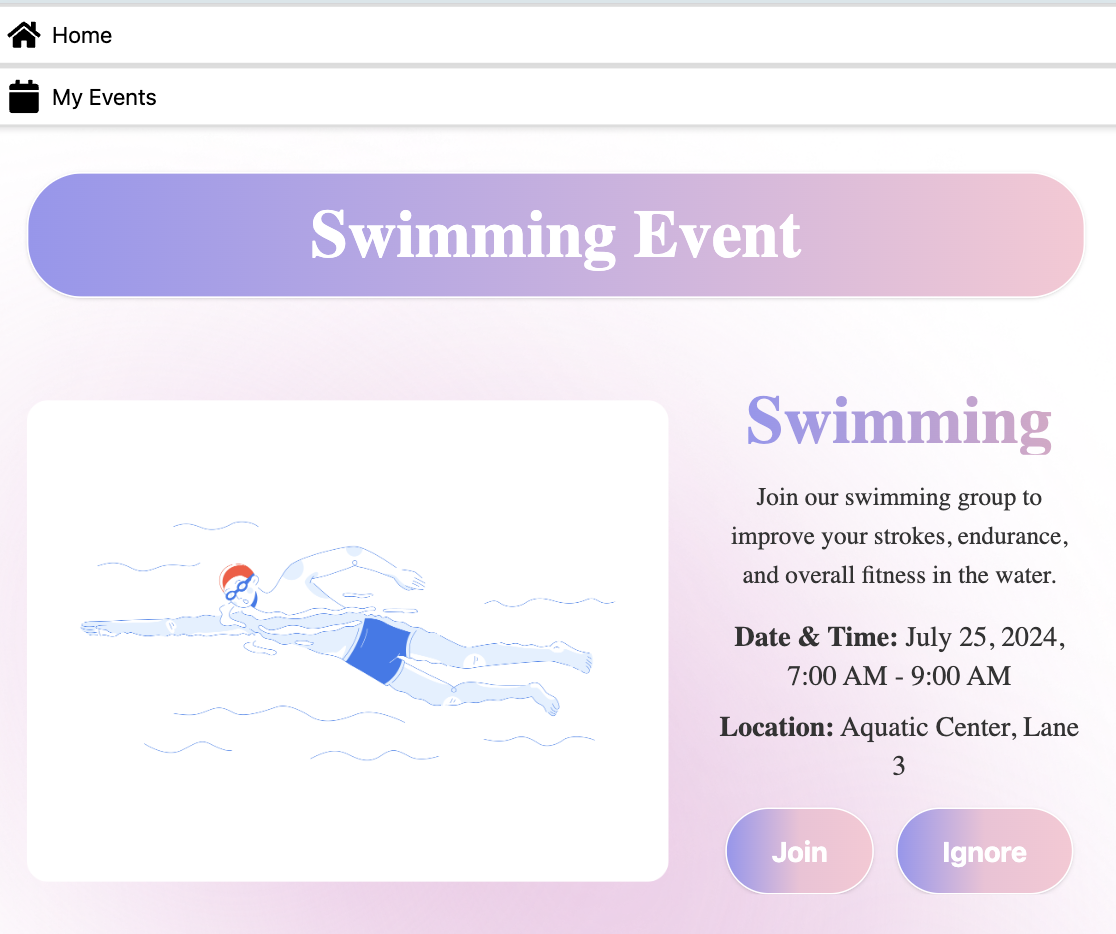
The page for swimming events
TinElder
Inspiration 🎨
In today's world, it is not difficult for the younger generation to connect with the world due to the proliferation of smartphones, social media, and instant messaging. However, seniors often face challenges in navigating these digital landscapes, such as small screen sizes and complex interfaces. This challenge is the core inspiration for TinElder , a user-friendly platform that helps seniors connect with the world with ease by focusing on the unique needs of older adults.
According to the United Nations, by 2050, one in six people in the world will be over age 65, highlighting the growing need for accessible technology for this demographic.
Who’s It For? 🎯
TinElder is designed for older adults who experience challenges such as declining vision and those who live far from their children or loved ones. It’s perfect for seniors seeking to stay socially connected, engage in hobbies, and navigate digital spaces with ease, even if they aren't tech-savvy.
What It Does ✨
TinElder is designed to make digital engagement seamless for seniors by offering a straightforward platform that connects them with their interests and social opportunities. Here’s how it works:
Easy Login and Navigation: Upon logging in, users are greeted with a clean and intuitive interface. A persistent navigation bar at the top of every page allows users to easily access the "Home" and "MyEvent" sections, ensuring efficient and straightforward navigation.
Hobby Categories: Users can explore various hobby categories, such as sports, crafts, or social activities. Each category features a range of interest groups they can join with just a click, allowing users to connect with others who share their passions.
Simple Event Creation and Joining: Creating and joining events is made easy with a user-friendly process. Users can quickly post events they want to organize, such as a tennis match, or join existing ones. The design focuses on simplicity to ensure that even those unfamiliar with technology can participate without frustration.
MyEvent List: All events that users have joined or created are neatly organized in their "MyEvent" list. This centralized location makes it easy for users to keep track of their upcoming events and activities. 📅
Persistent Navigation: The navigation bar, featuring "Home" and "MyEvent," is present on every page. This consistent feature ensures users can always find their way around the platform effortlessly.
By prioritizing simplicity and accessibility, TinElder helps seniors engage with their hobbies, meet new people, and stay organized, all while maintaining a clean and user-friendly experience.
How We Built It 🛠️
Firstly we made our design with Figma, then for development part:
Frontend Development
- Team Focus: Created a user-friendly interface using React and Tailwind
- Key Components: Developed the pages of the software, including hobby categories, event forms, "MyEvent" list, Upcoming Events, and the navigation bar.
Backend Development
- Team Focus: Developed server-side logic and database management using Flask and SQLite. 🔧
- Key Components:.We using a deep learning model developed by Google for face recognition and verification https://arxiv.org/abs/1503.03832
Challenges We Ran Into 🤔
- Integrating Backend and Frontend: One of the initial challenges was integrating the backend and frontend components of TinElder.
- Minor Merge Conflicts: During development, we encountered some minor merge conflicts in the version control system.
Despite these challenges, the team successfully navigated these issues through collaborative problem-solving.
Accomplishments That We're Proud Of 💪
- Simple and Pretty UI: We’re particularly proud of the simple and visually appealing user interface we created.
- Large Texts and Images: These features were specifically designed to ensure easy use for seniors.
- *Using deep learning model developed by Google for face recognition and verification *
What We Learned 📚
- Understanding User Needs: Developing TinElder taught us the importance of deeply understanding the unique challenges faced by seniors when using technology.
What's Next for TinElder 🚀
Enhanced Accessibility Features: We plan to improve the user experience for seniors by adding accessibility features such as multi-language voice assistants, larger buttons, and customizable text sizes.
Expanding Community Features: We'll introduce community forums and chat options to enhance social engagement, allowing users to connect more deeply with their interest groups and build lasting connections.
Mobile App Development: Our next major step is developing a mobile app version of TinElder, providing seniors with greater flexibility and convenience to access the platform on smartphones or tablets, optimized for smaller screens.
Built With
- figma
- flask
- javascript
- jungle
- keras
- sql
- tailwind
- tensorflow
Log in or sign up for Devpost to join the conversation.