-
-
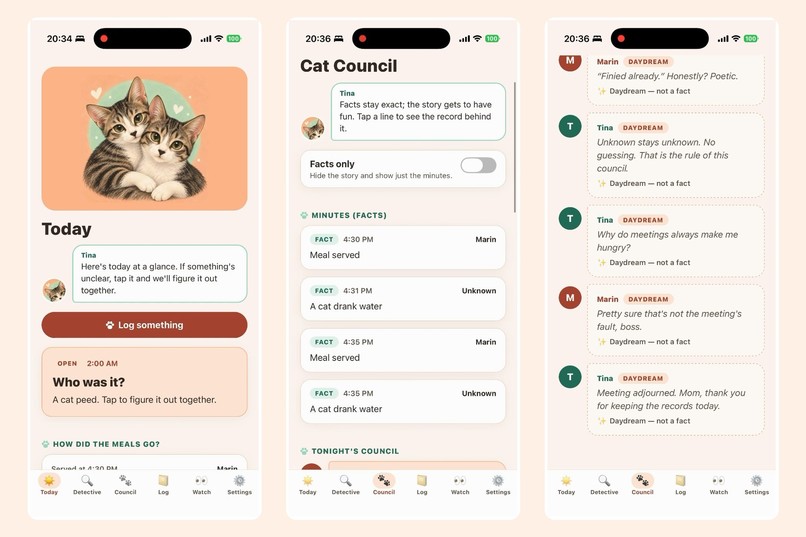
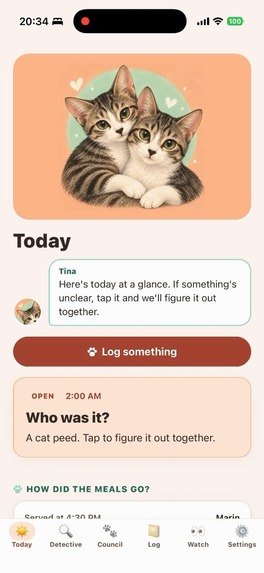
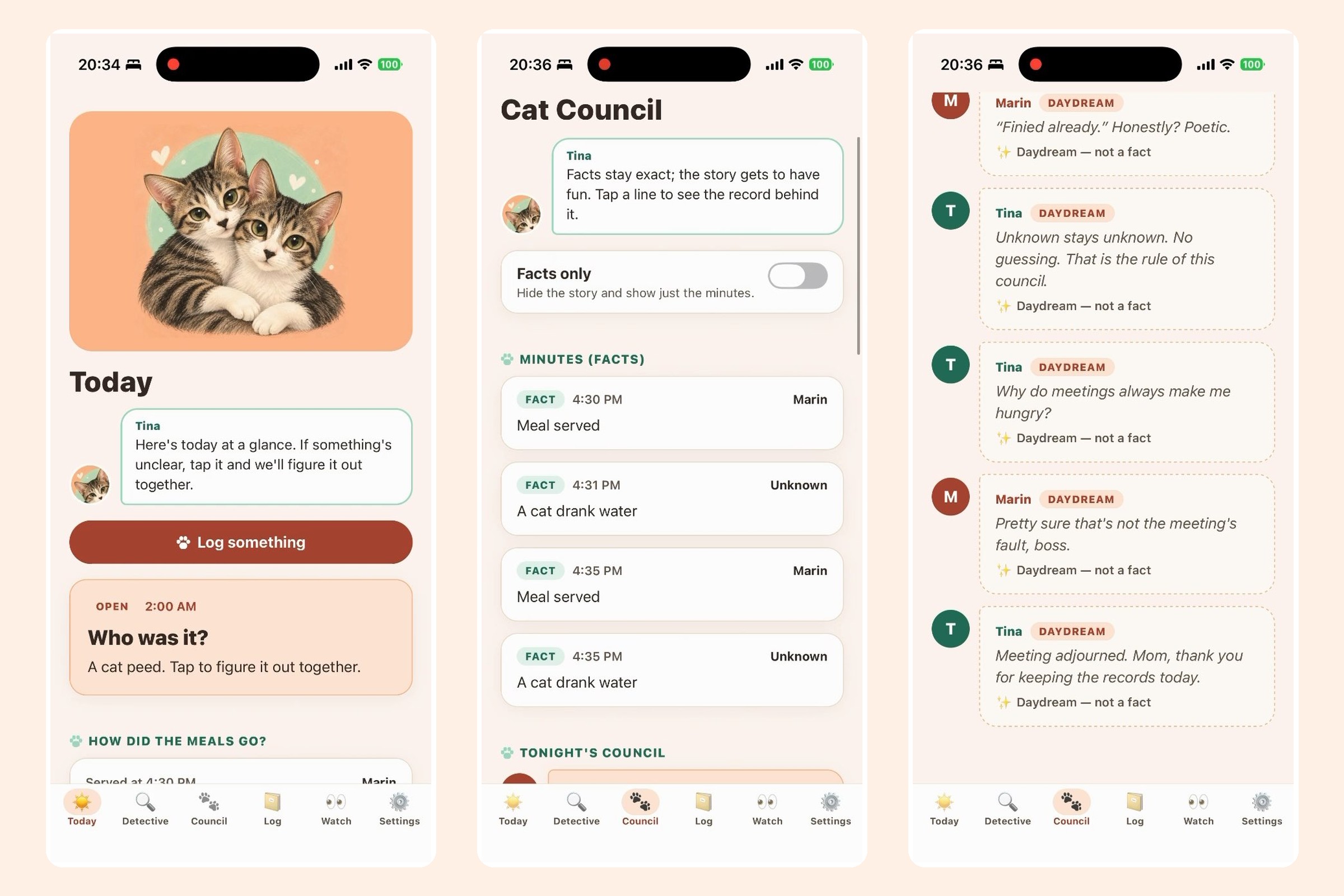
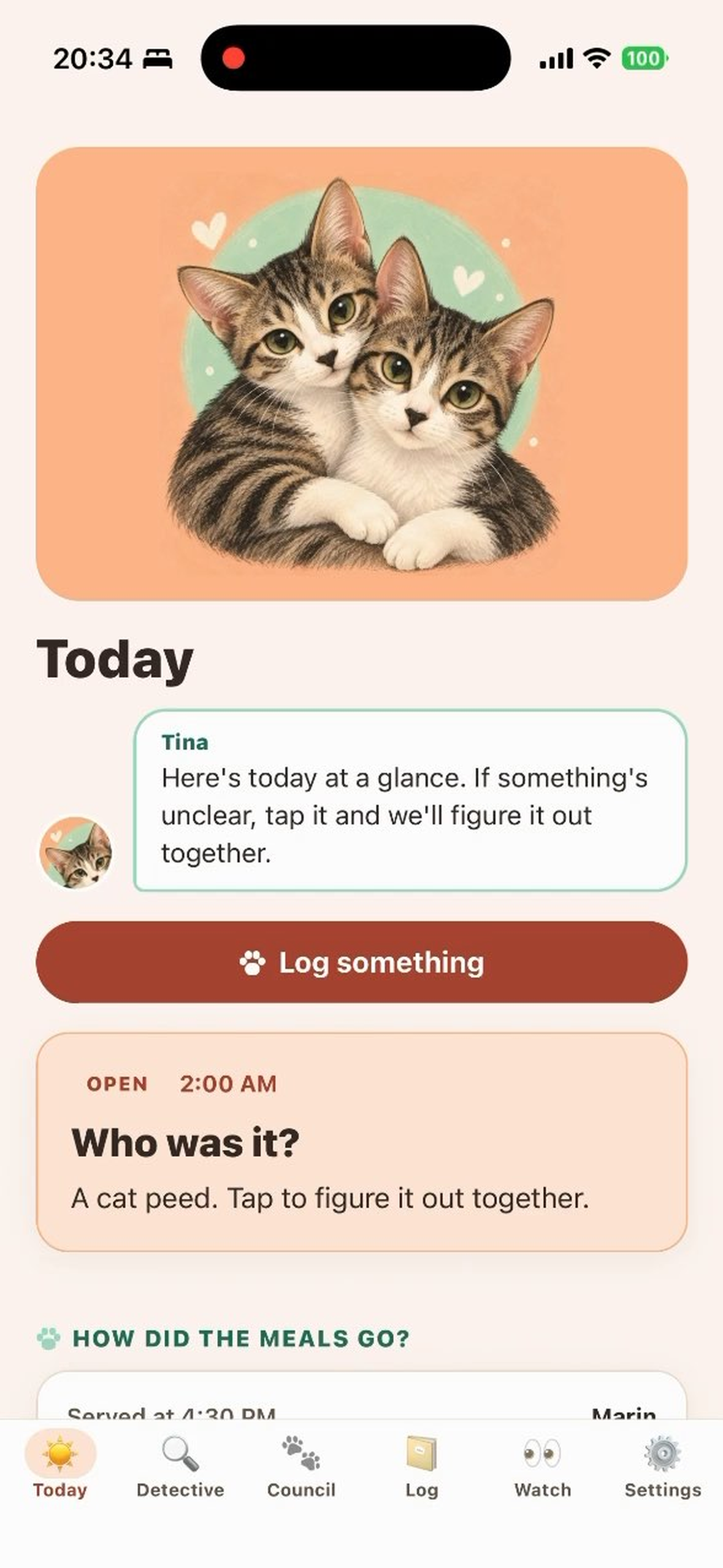
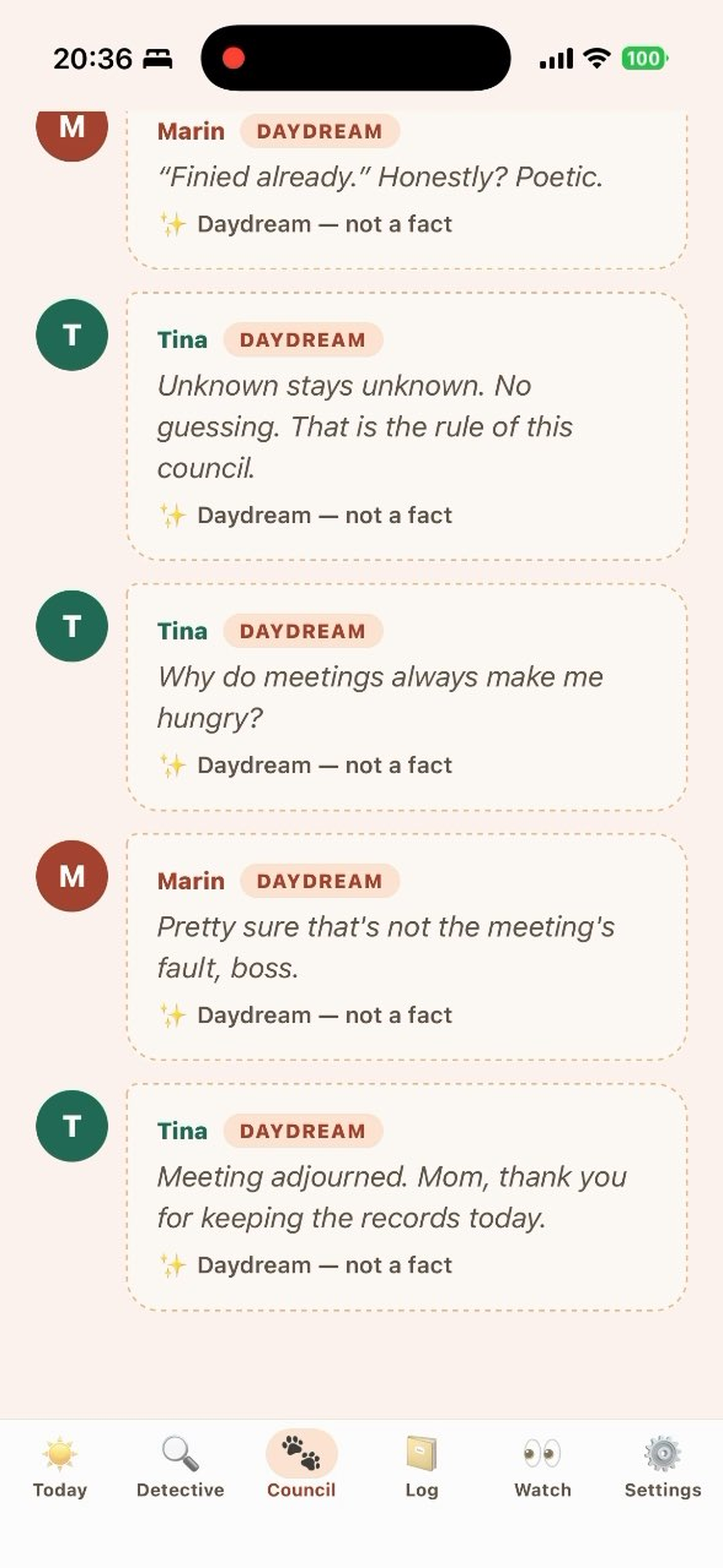
Today, the Cat Council minutes (facts), and the cats' nightly banter (daydreams).
-
-
-


Inspiration
I live with two cats, Tina and Marin. When you have more than one cat, the hardest question is often simple: who ate, who used the litter box, who threw up? Two empty bowls don't mean both cats ate. Most pet apps assume you always know, so the records quietly become guesses. I wanted a diary that is honest about what I actually saw, and that still makes recording feel warm instead of like a chore.
What it does
- Daily records per cat — meals (dry and wet food put down together, with the result "all / half / taste / none" added later), water checks, poop and its condition, pee, and vomiting (how many times I saw it and what it contained), each with an optional note.
- "Unknown" instead of a guess — if I didn't see which cat it was, the record stays unknown. The Detective tab lets me answer "who was it?" later, or leave it unknown.
- Today's Snaps — pick a few photos from the photo library, add a one-line memo, and look back by date. Photos are copied into the app and stay on the phone.
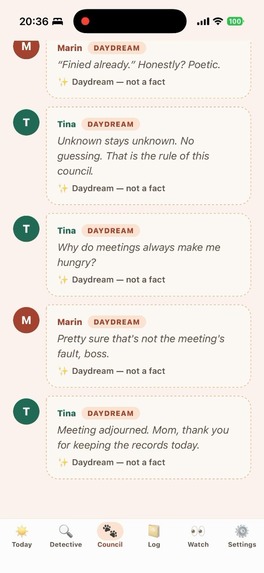
- Cat Council — every night Tina and Marin talk about the day. Lines based on records are labelled fact; made-up lines are labelled fiction, and a "facts only" switch hides the story. The story never turns "food was served" into "ate", never names an unknown cat, and never jokes about a day with vomiting — those days become a calm, caring letter.
- Cat personalities — pick traits for each cat (foodie, cuddly, wary, mischievous, laid-back...) and choose what the cats call you (Mom, Dad, or your own name). The council speaks in each cat's voice.
- Tina & Marin Plus (auto-renewing subscription, monthly or yearly) turns the council into a 6–10 line scene of real back-and-forth: a kitchen strategy meeting, a little adventure around the house, or a bedtime letter. It reacts to the day's actual records (food names, how much was eaten, water checks, snap memos) and changes every night. Recording, snaps, Detective and the log stay free.
- English and Japanese — the app follows the iPhone's language.
How I built it
- Expo (React Native, expo-router) with TypeScript, built and shipped with EAS Build / EAS Submit.
- All data lives on the device in SQLite (expo-sqlite). Schema changes are additive only, so earlier records survive every update.
- The story engine is fully on-device: seeded templates keyed to the date, with rules that check every fiction line against the facts. No cloud AI — the records never leave the phone.
- RevenueCat: the RevenueCat SDK handles the Plus entitlement (
tina_marin_pro), RevenueCat Paywalls show the monthly/yearly offering, and "Restore purchases" is in Settings. Offerings and products are managed in the RevenueCat dashboard, connected to App Store Connect. - The design follows a hand-drawn illustration of Tina and Marin: peach and mint colours, paw-shaped buttons, and the cats guiding you through the app.
Challenges
- Getting an individual Apple Developer account approved took most of September, which left only days to build, test and submit.
- Designing a story that is fun but never pretends: separating fact and fiction in the data model, and writing rules so a served meal is never told as eaten and an unknown cat is never named.
- Keeping everything private and on-device while still making the nightly story feel different every day.
Accomplishments
- A diary that is honest about uncertainty, which is exactly what multi-cat homes need.
- A nightly story that makes me look forward to recording, with safety rules for health days.
- Shipping a complete iOS app with subscriptions through RevenueCat as a first-time App Store developer.
What I learned
How much trust depends on showing where each sentence comes from — and how important it is to design for the days when a cat isn't well.
What's next
- Connecting home pet cameras (Tapo) to suggest which cat visited the bowl or litter box — always as a suggestion the owner confirms — as a Plus feature.
- A summary the owner can show to the veterinarian.
Testing instructions
- Install from the App Store: https://apps.apple.com/app/id6813903832
- On first launch, add cat names (for example Tina and Marin).
- Tap Record to log a meal, water, poop, pee or vomiting.
- On the Today tab, use Today's Snaps to pick photos and add a memo.
- Open Council to see the nightly council with fact / fiction labels.
- Plus: open Council > See Plus or Settings > See Plus.
- The app follows the iPhone's language (English or Japanese).
Built With
- expo.io
- react-native
- revenuecat
- sqlite
- typescript

Log in or sign up for Devpost to join the conversation.