-
-
Home
-
Home Screen Bottom
-
Time Management Page
-
Generating


🌟 Inspiration
We’ve all had days where we feel busy but look back and wonder — "Where did all my time go?" That question inspired us to build TimeWell.
Time is something we often take for granted, yet it plays such a big role in how productive, happy, and balanced we feel. We wanted to create a simple tool that helps people actually see how they spend their time and take control of it — kind of like a fitness tracker, but for your daily routine.
⏱️ What it does
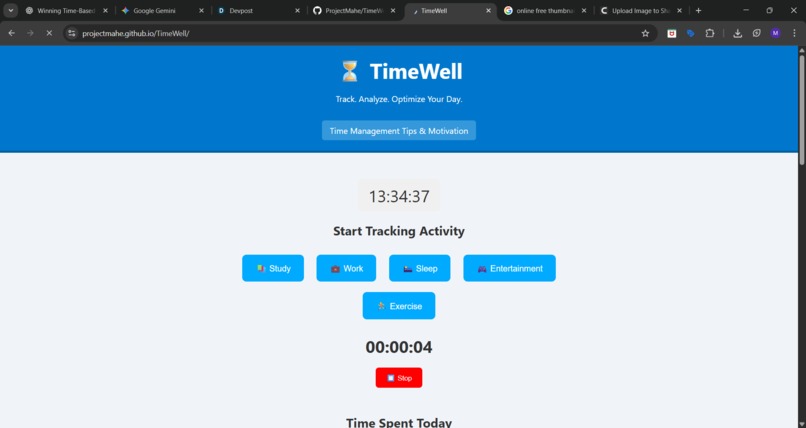
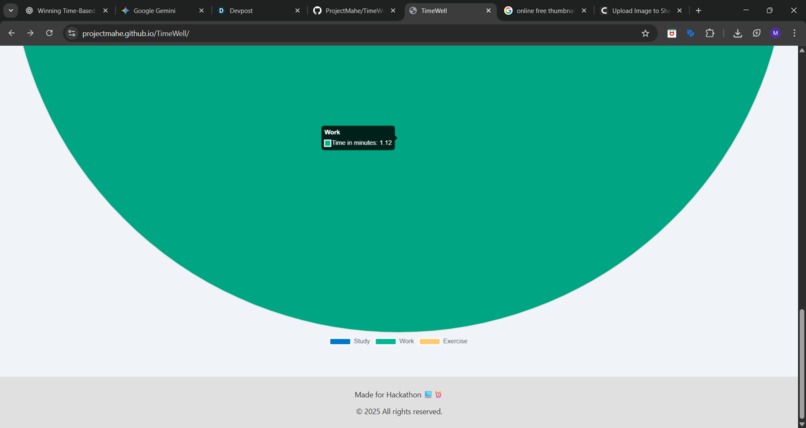
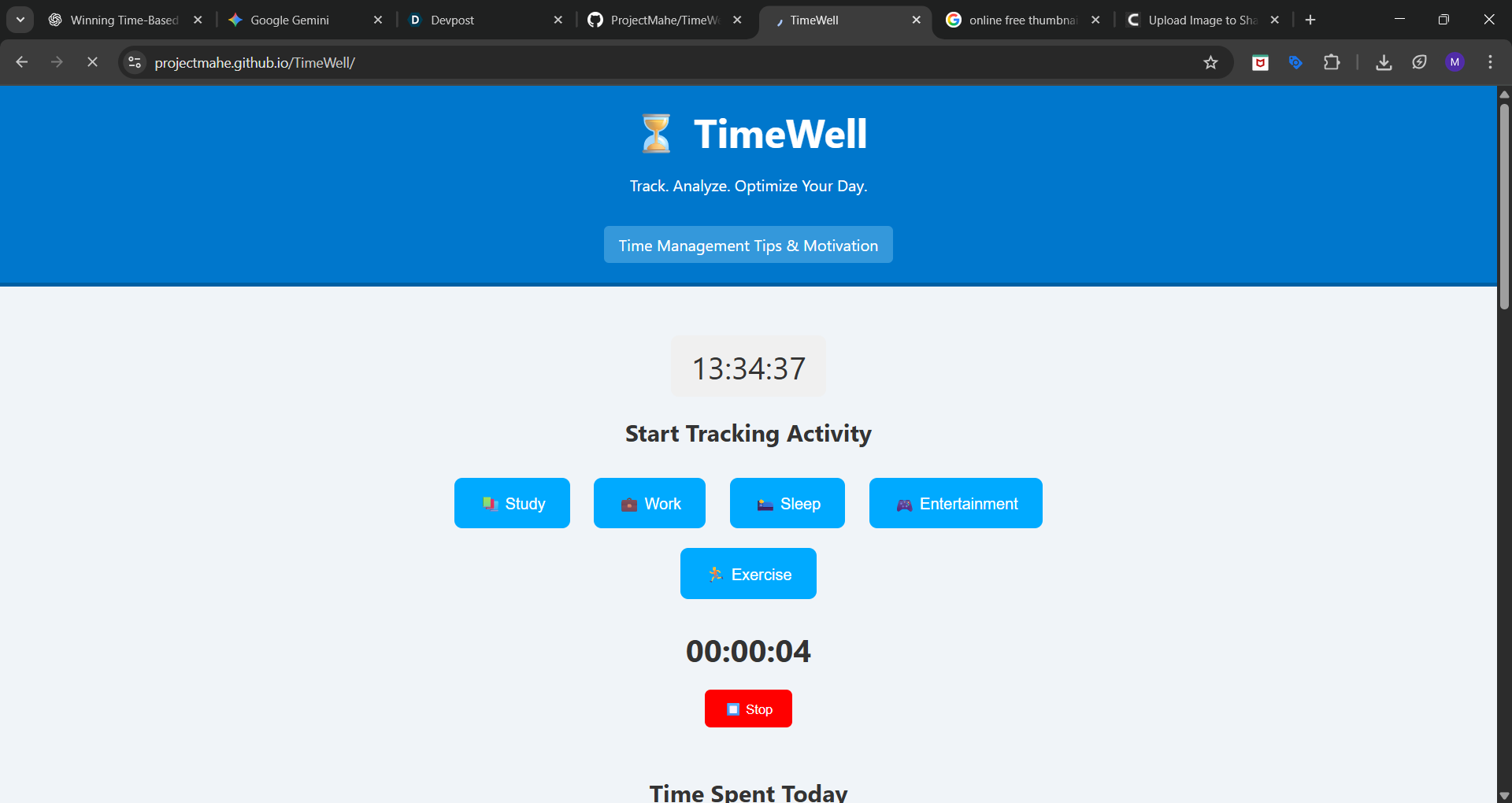
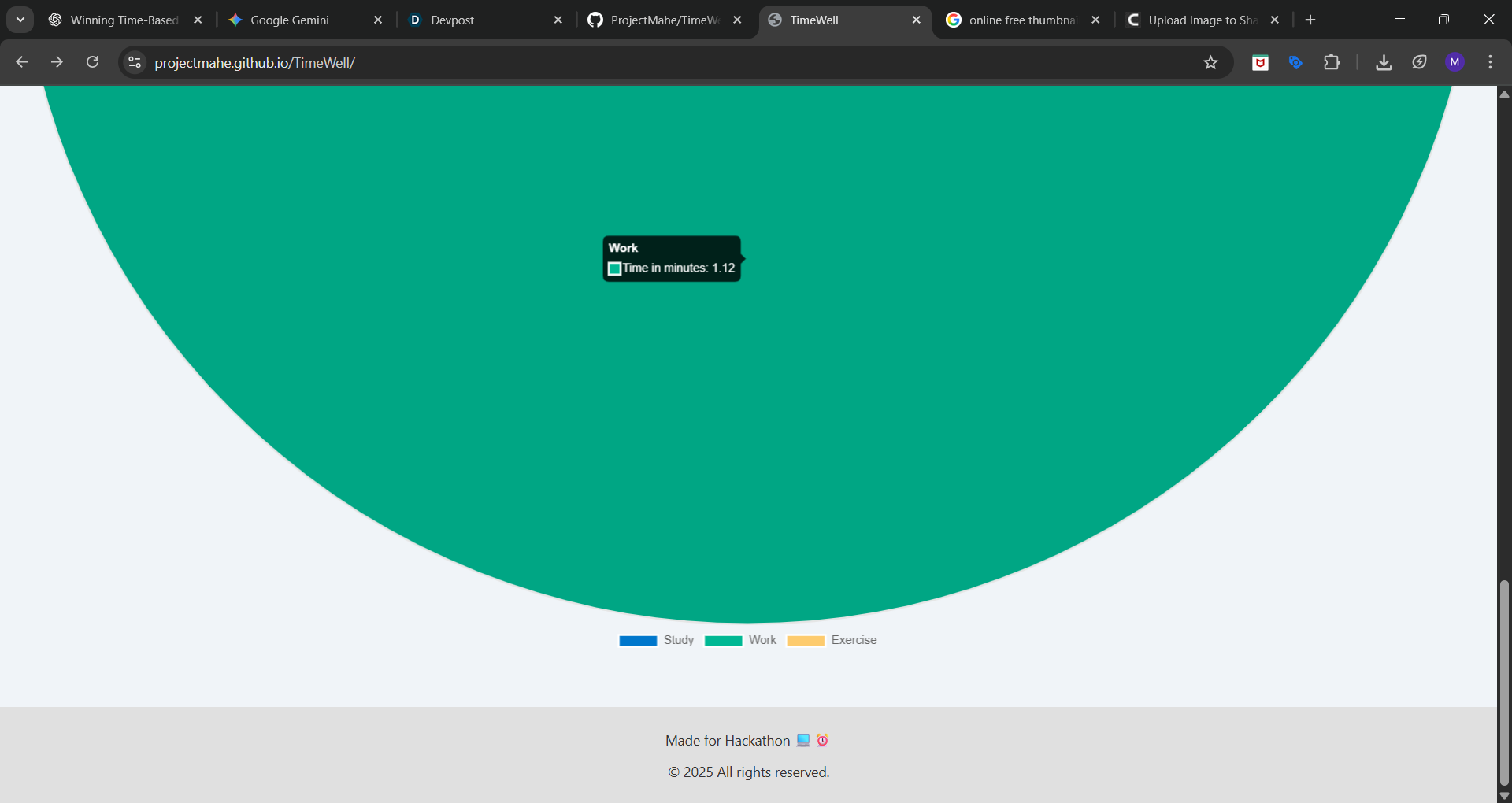
TimeWell helps you track how you spend your time throughout the day — in real-time. You can start timers for common activities like studying, working, sleeping, or relaxing. When you’re done, TimeWell records the time and shows you a colorful pie chart of how your day was split.
No logins, no data tracking — it’s simple, lightweight, and lives right in your browser. Everything is stored locally, so your time stays private.
🛠️ How we built it
We used HTML, CSS, JavaScript, and Chart.js to bring TimeWell to life.
The main parts:
- A live timer that updates every second when you're tracking an activity
- A localStorage-based system to save and remember your time data
- A dynamic Chart.js pie chart that updates as your day progresses
- A clean, mobile-friendly layout that’s easy to use
Everything is frontend-only — no backend required.
🚧 Challenges we ran into
We ran into a few speed bumps while building:
- Making sure time is tracked accurately, especially when switching activities
- Getting the pie chart to update without bugs or memory leaks
- Designing a layout that works smoothly on both mobile and desktop
- Keeping everything fast and lightweight with no backend
But figuring those things out was part of the fun.
🏆 Accomplishments we're proud of
- The app looks great and works smoothly on all devices
- You can start using it instantly — no setup or registration
- It gives people meaningful insights with just a few clicks
- We made something people could actually use daily to improve their habits
📚 What we learned
We learned a lot about:
- Time-based logic in JavaScript (and how tricky it can be!)
- How to create interactive charts and update them dynamically
- Why clean, simple design matters so much in user experience
- The value of solving small, real problems instead of chasing big, vague ones
🚀 What's next for TimeWell
We’d love to keep building on TimeWell. Some features we’re planning to add next:
- Set daily goals for each activity
- Reminder notifications to stay on track
- A streak tracker to encourage consistency
- Exporting your time data as a CSV file
- A weekly/monthly dashboard with insights
- Maybe even AI-powered suggestions to improve your routine
TimeWell is just the beginning — we want to keep helping people get better with their time.


Log in or sign up for Devpost to join the conversation.