-
-
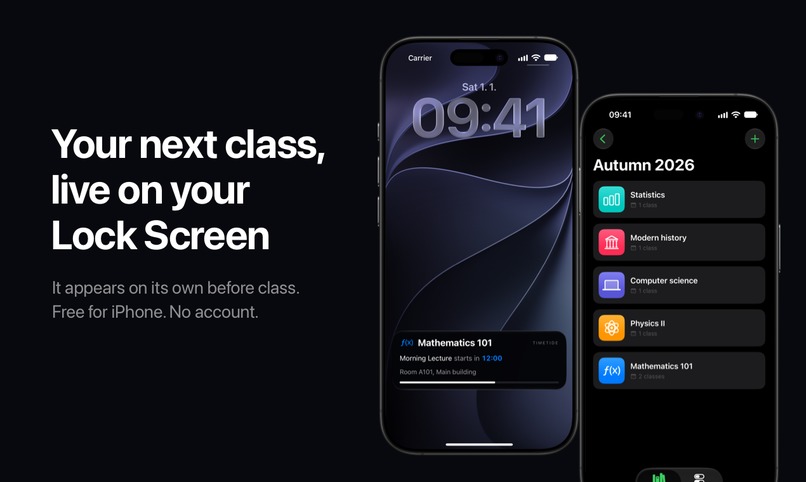
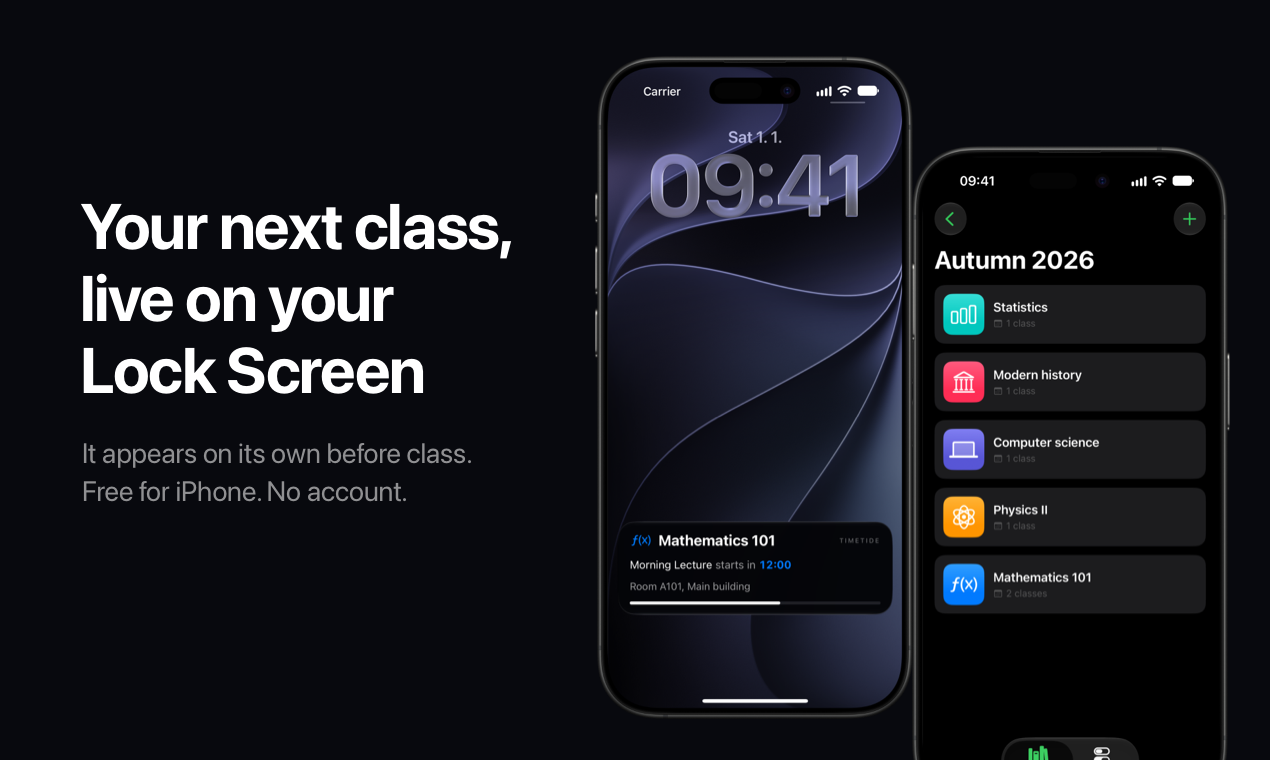
Your next class, the room and a live countdown on the iPhone Lock Screen. It appears on its own before class starts.
-
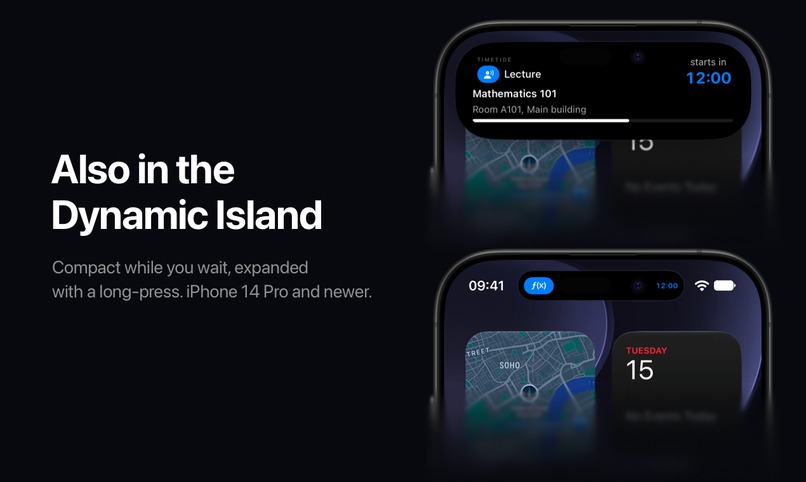
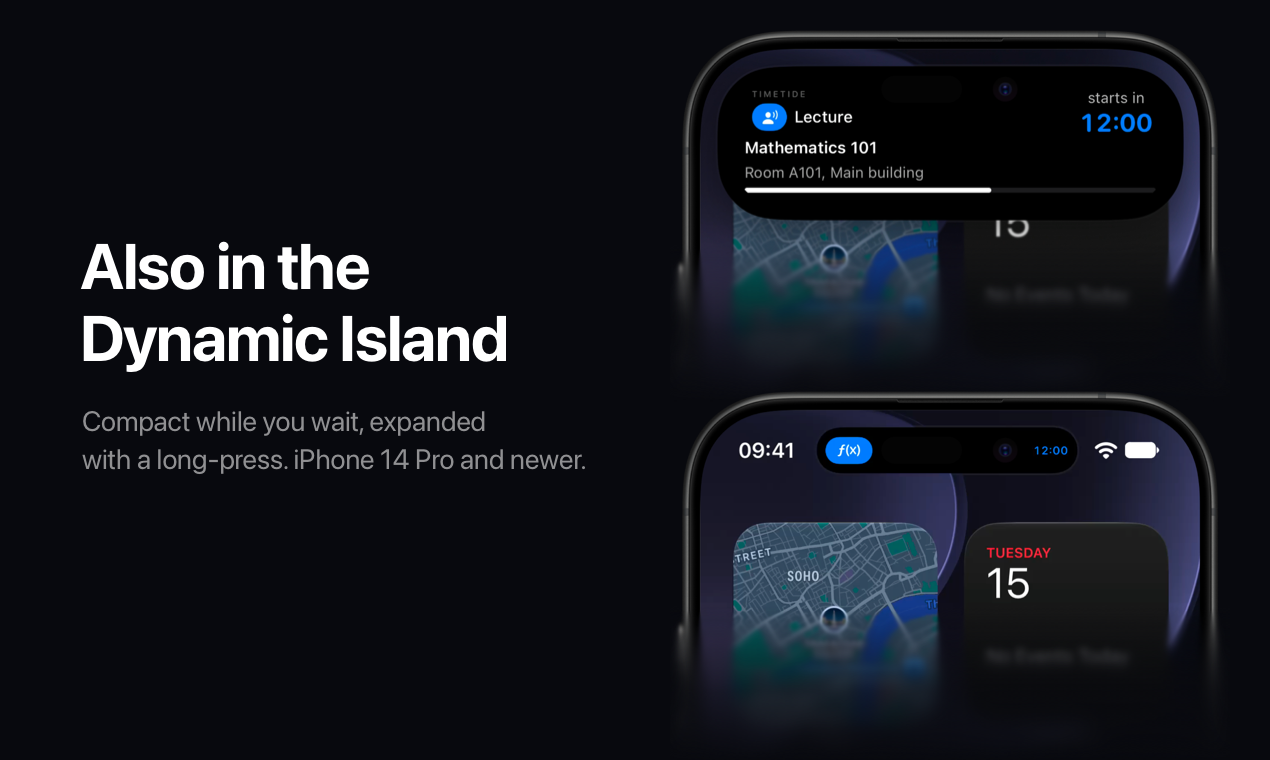
On iPhone 14 Pro and newer the countdown also lives in the Dynamic Island, compact or expanded.
-
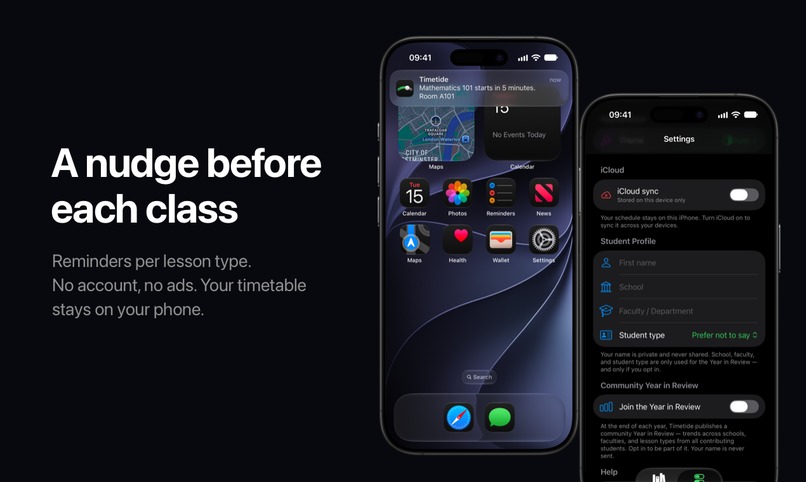
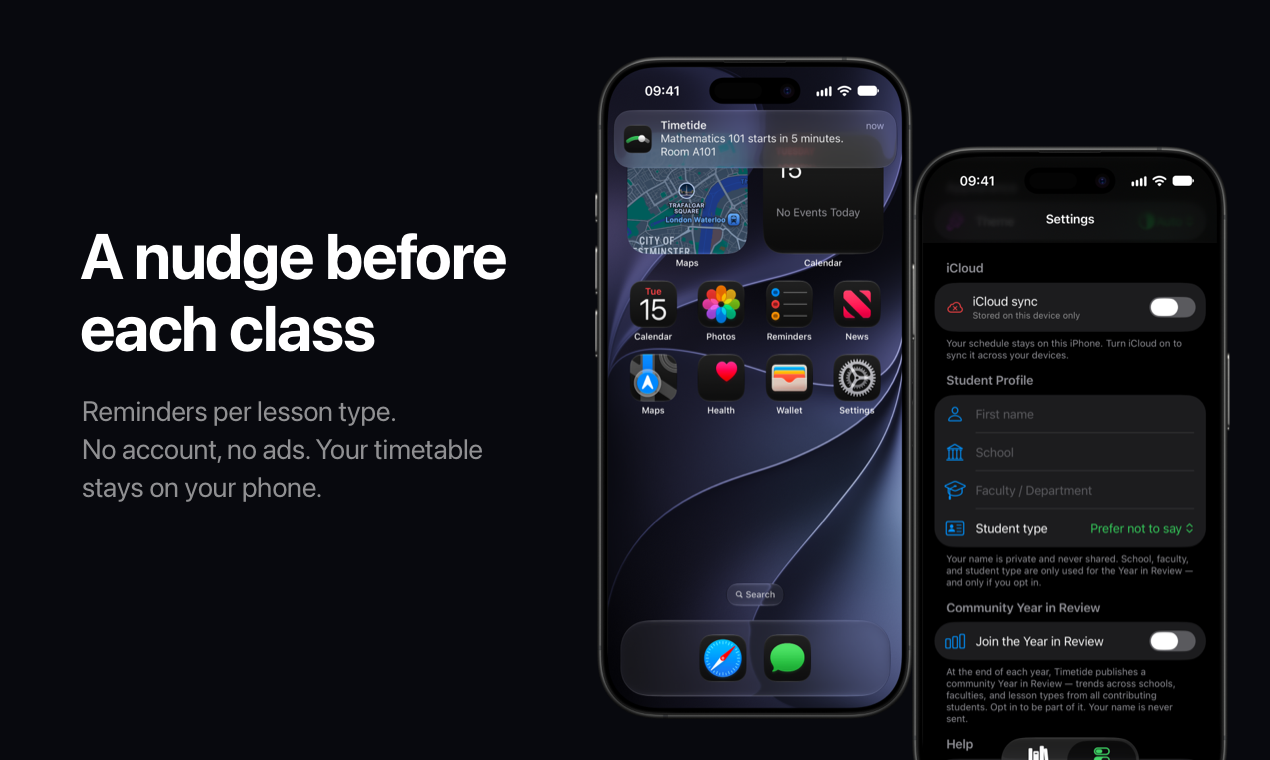
A reminder before each class, set per lesson type. No account, no ads.
-
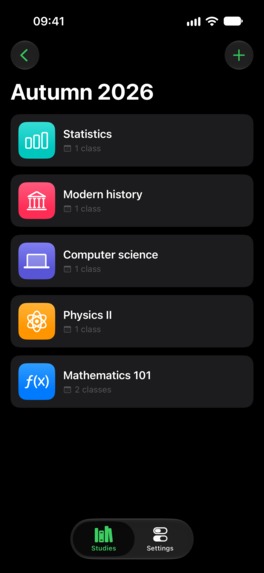
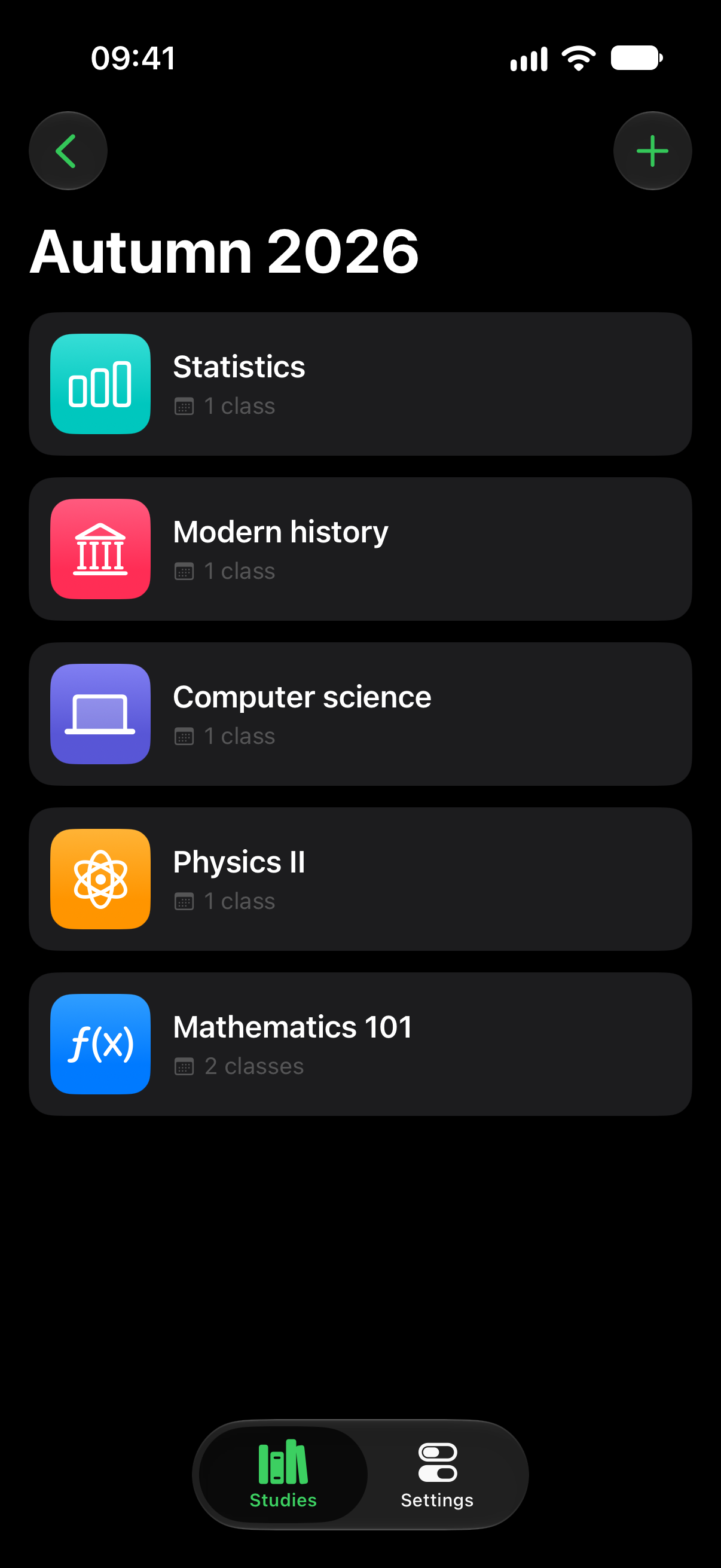
The app itself, no device frame: semesters, subjects and lessons. You set the timetable once at the start of term.
-
Timetide app icon, 1024x1024, uncropped.
Inspiration
I kept missing class — not because I didn't know my timetable, but because I'd be deep in an assignment, look up at the clock, and already be seven minutes late. Reminders buzzed once and were gone, and a calendar only helps if you remember to check it.
Then I looked at Flighty, which keeps your flight on the Lock Screen: you don't open it, it's just there when you glance at your phone. A timetable barely changes all semester, and the only part you ever need is the next class — so I built exactly that. It's my first iOS app.
What it does
Timetide puts your next class on your iPhone Lock Screen as a live countdown that appears on its own before class starts — you don't unlock the phone or open the app. On iPhone 14 Pro and newer it also lives in the Dynamic Island.
- Semesters, subjects and lessons with weekly or bi-weekly recurrence
- Lecture, seminar, lab, tutorial, practical, workshop and exam types
- Lesson reminders per lesson type
- Optional iCloud sync, off by default
- Opt-in, anonymous Community Year in Review
- No account, no sign-up, no advertising tracking
How we built it
SwiftUI and SwiftData, with ActivityKit for the Live Activity. iOS 26's
scheduled start (Activity.request(start:)) lets the system start the
countdown before class while the app is closed. Sync uses the user's own
private CloudKit database. Optional tips run through RevenueCat as consumable
in-app purchases. Anonymous analytics use PostHog (EU); the opt-in Year in
Review is stored in Supabase (Frankfurt).
Challenges we ran into
iOS allows only five scheduled Live Activities per app, and finished cards keep their slots — so a busy week can run the queue dry. I designed around it and tell users plainly in Settings. Making the countdown start reliably with the app fully closed took several rounds of on-device testing; the simulator can't prove it.
Accomplishments that we're proud of
A privacy position I can actually defend: the timetable never reaches my servers, community stats are anonymous and opt-in, and a tip unlocks nothing — the whole app is free.
What we learned
Scheduled Live Activities behave differently on real hardware than in the simulator, and privacy claims need auditing against the code, not just the plan.
What's next
Home Screen widgets, deadlines and calendar import are on the roadmap.
Built With
- activitykit
- cloudkit
- posthog
- revenuecat
- supabase
- swift
- swiftdata
- swiftui
- widgetkit

Log in or sign up for Devpost to join the conversation.