-
-
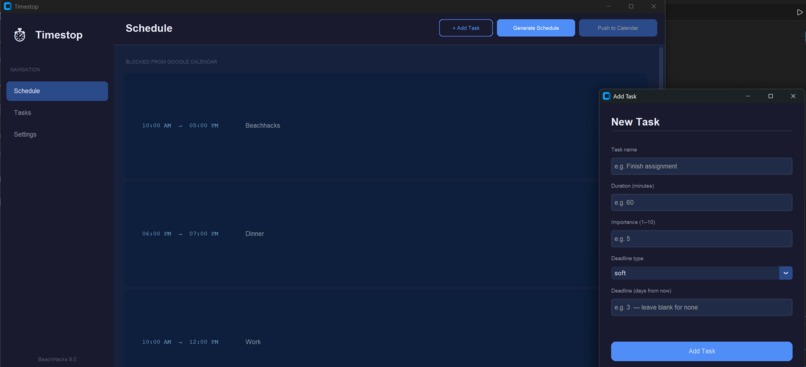
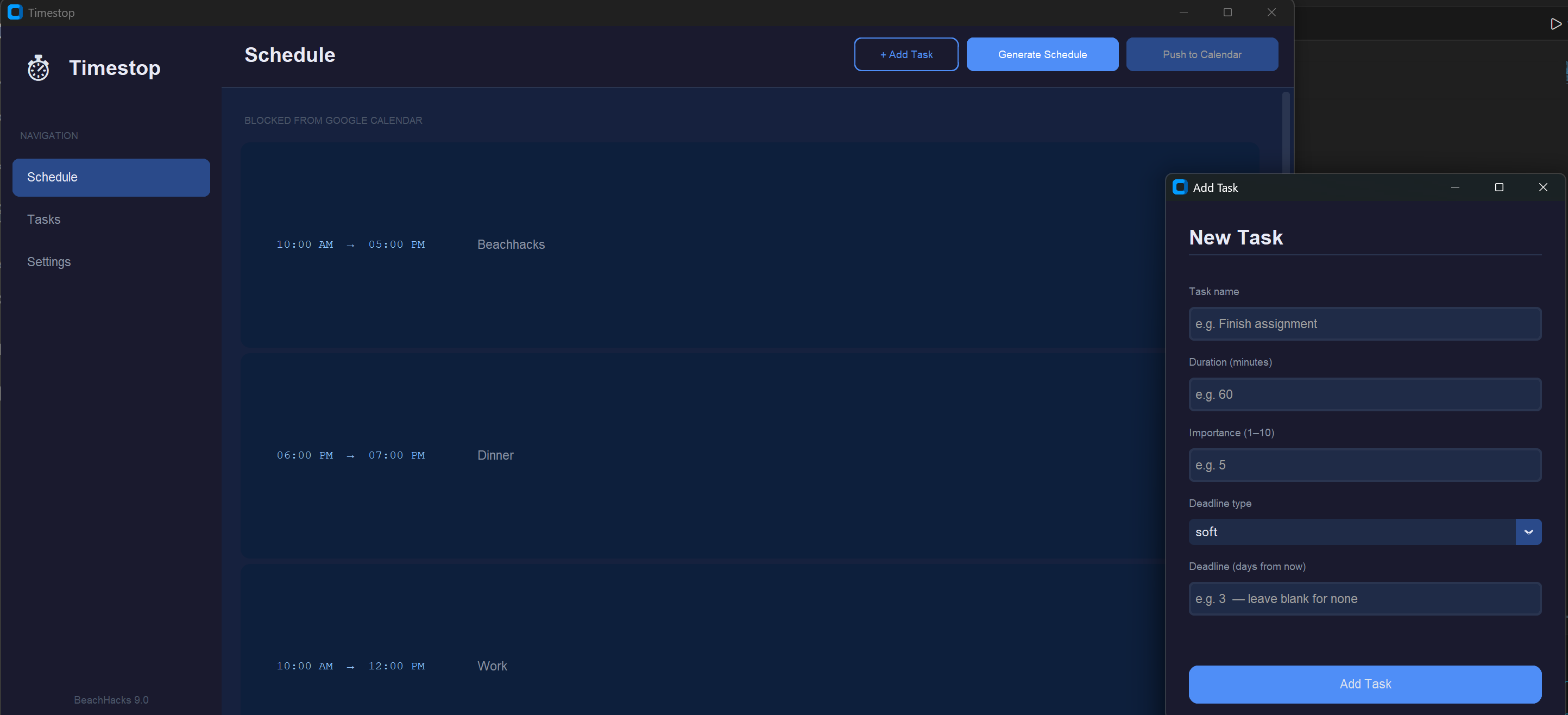
The basic UI and the popup to add a new task to the schedule
Inspiration
My project idea started when I noticed just how long I spend planning out when to work on assignments throughout the week, as sometimes it could take up to 3 or 4 hours. I wanted to make something that could fix this problem, and I drew inspiration from the school's schedule generators. However, since I have a habit of procrastinating, this idea sat unused for a long time, until this hackathon!
What it does
It allows users to input their tasks, then will give the user back a schedule of when to work on these tasks based on priority and available time. The priority is calculated based on the deadline of each task and user's personal preference. The user is also able to adjust how much their preference and the deadline affects the priority. In addition to this, my project can also get events from a user's Google Calendar, provided that they link their account, using the Google API, and it can also sync the new schedule with google calendar as well.
How I built it
I used Python as my language, and VSCode as my IDE. I also saved everything to github as I went along. Although I wrote the code of my primary algorithm myself, I used Claude ai for brainstorming the structure of the algorithm. I also used Claude to assist with coding the UI function of my program, as I was not very familiar with front-end programming before this event.
Challenges I ran into
As said earlier, the main challenge I struggled with was not knowing much about front-end development. Another issue I ran into was with the Google API. I had a lot of trouble setting up the API, especially since it was 3 in the morning and I was falling asleep. I am very proud that I was able to get it working before I knocked out though.
Accomplishments that I'm proud of
I am very proud that I was able to get a UI running, even if Claude carried me through it. Front end has been something that I never really understood, so being able to prove to myself that I can do it is really liberating in a way I never knew.
What I learned
I learned a little bit about how to do front end, specifically with customtkinter, and I learned that I actually enjoy the process. I am excited to try implementing this in future projects as well!
What's next for Timestop
After this competition, I hope to integrate it with a calendar program so it can stand as a complete schedule management program with everything you need. I think I would also like to integrate an AI assistant, but I have not decided on that yet. Lastly, I want to make the UI a bit more readable and intuitive, since I was not able to adjust everything in a way I really liked due to time constraints.

Log in or sign up for Devpost to join the conversation.