-
-
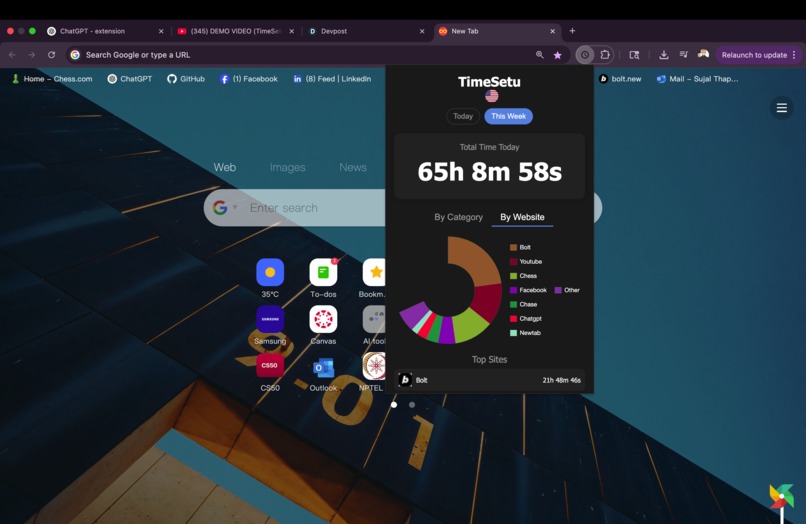
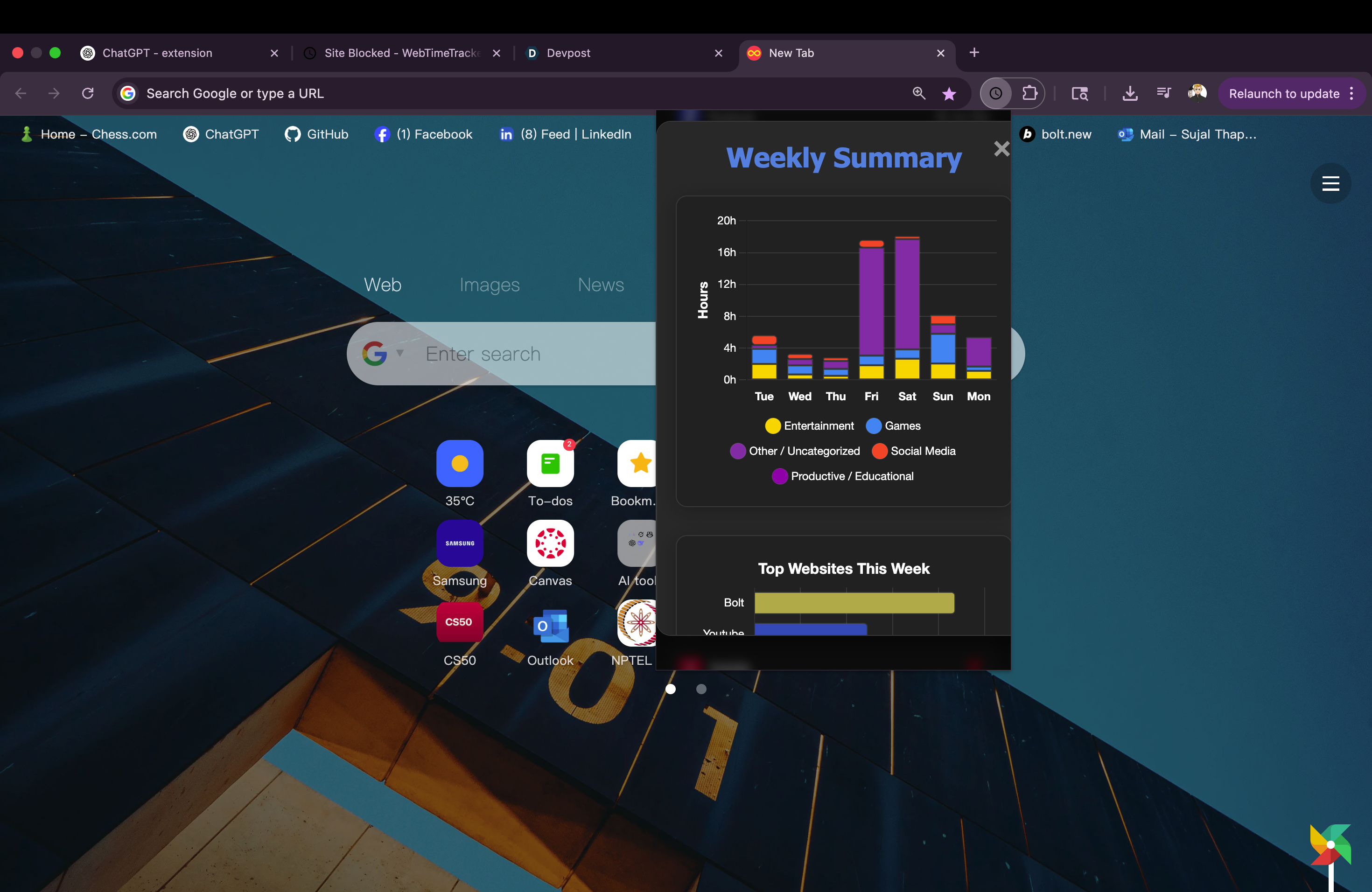
Chrome Extension HomeScreen
-
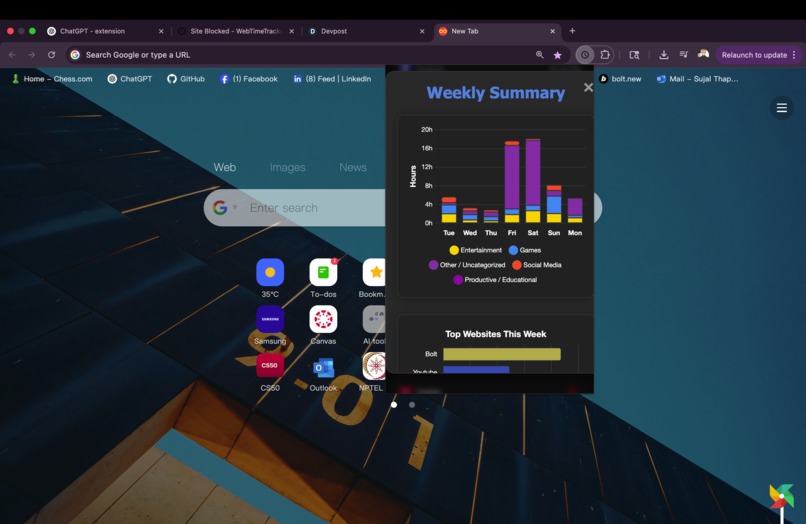
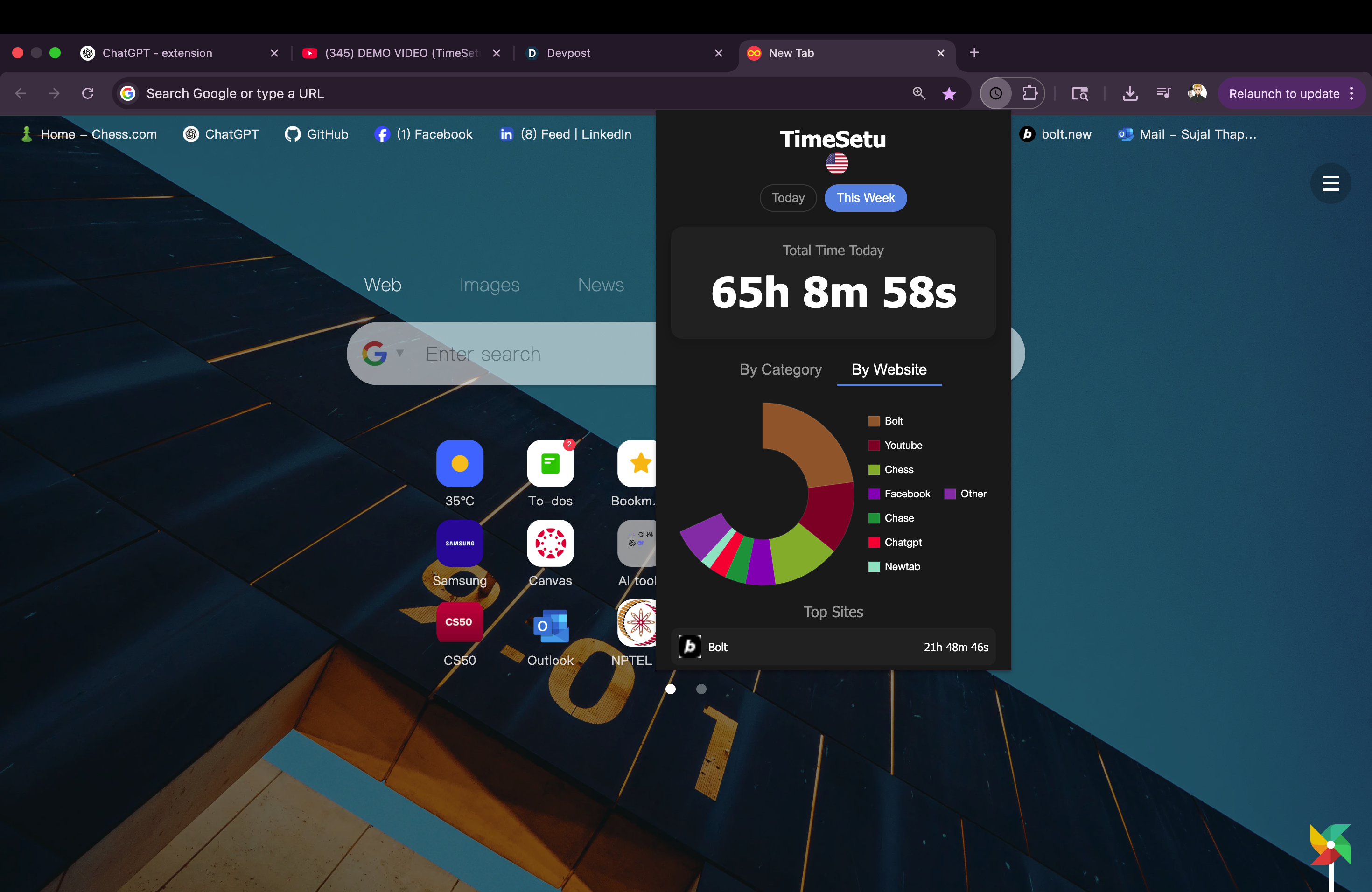
Chrome Extension Data
-
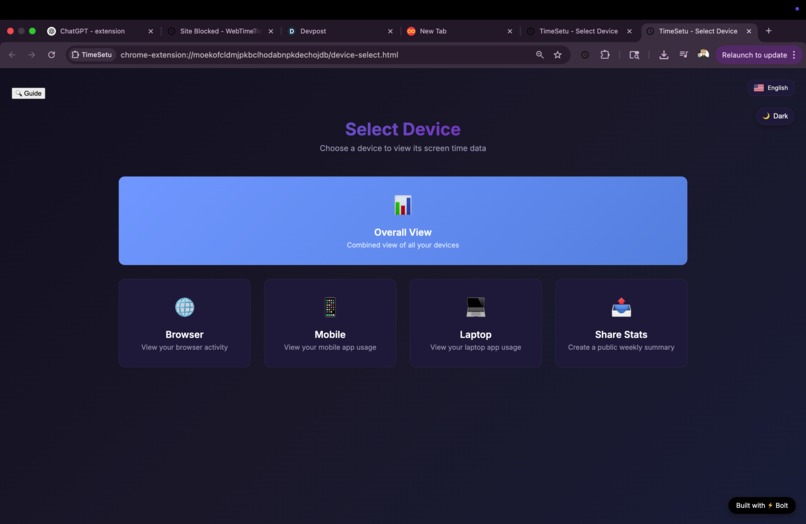
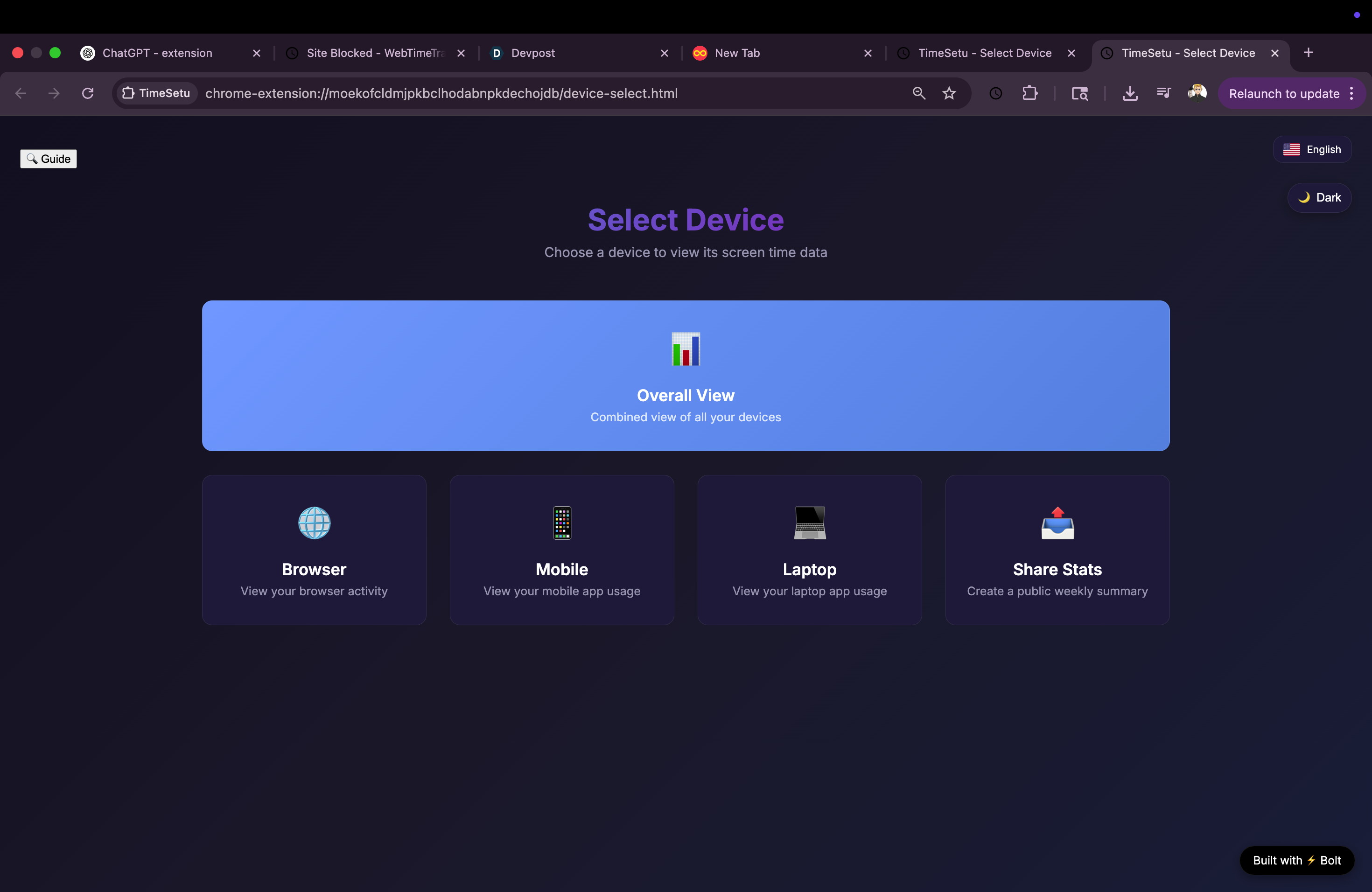
Dashboard Home Page
-
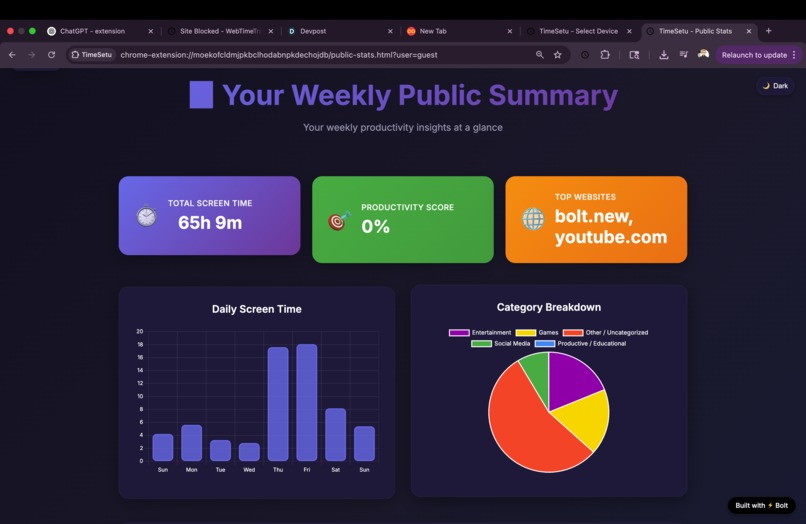
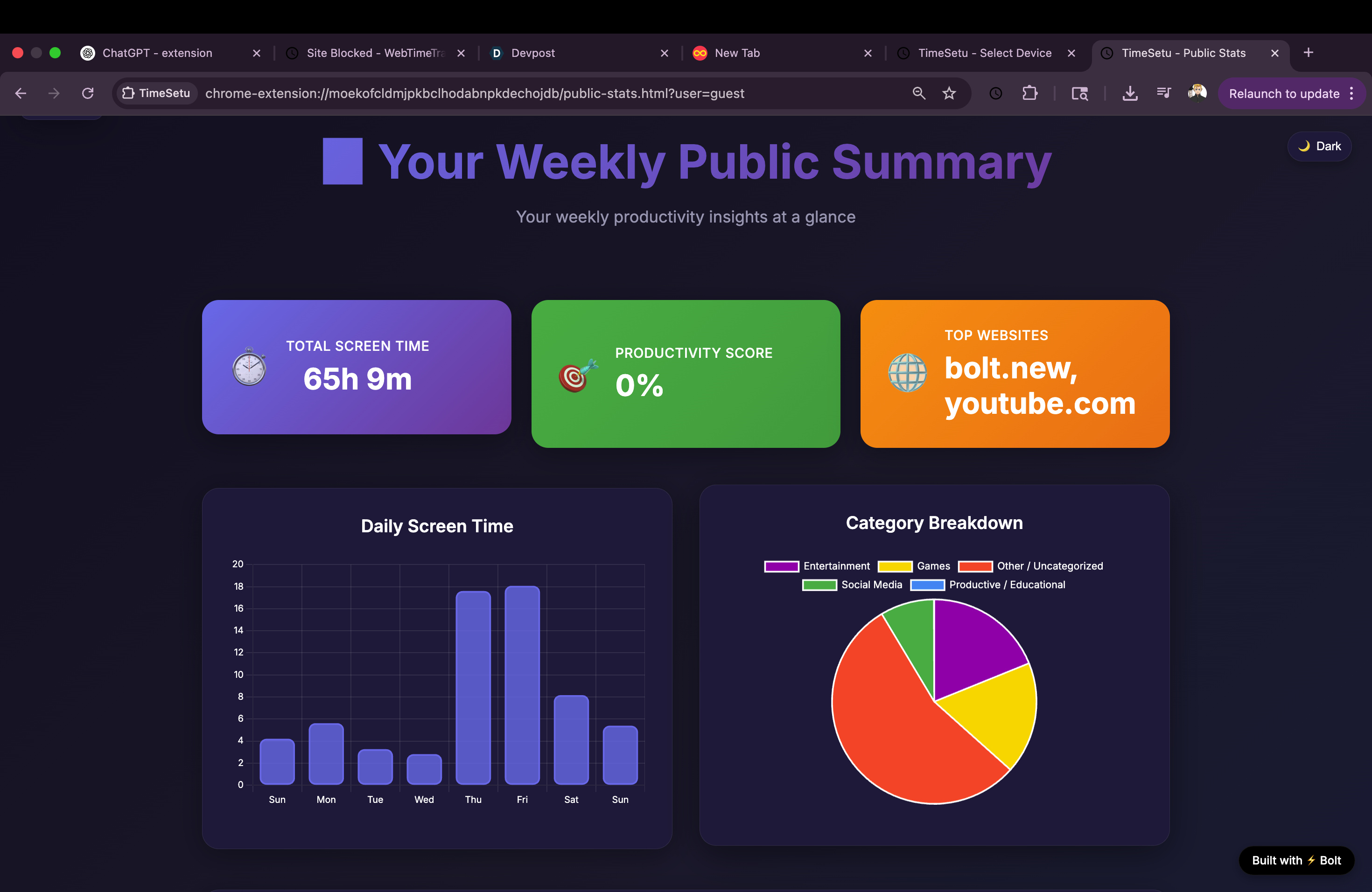
Share Public Summary
-
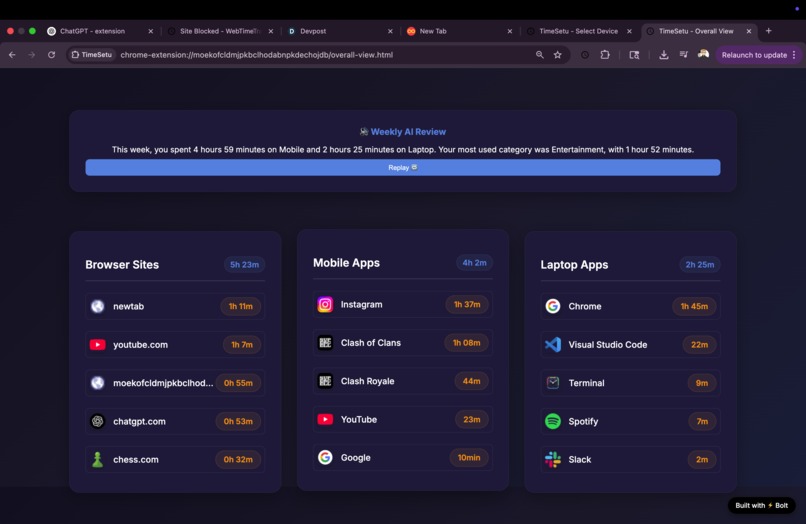
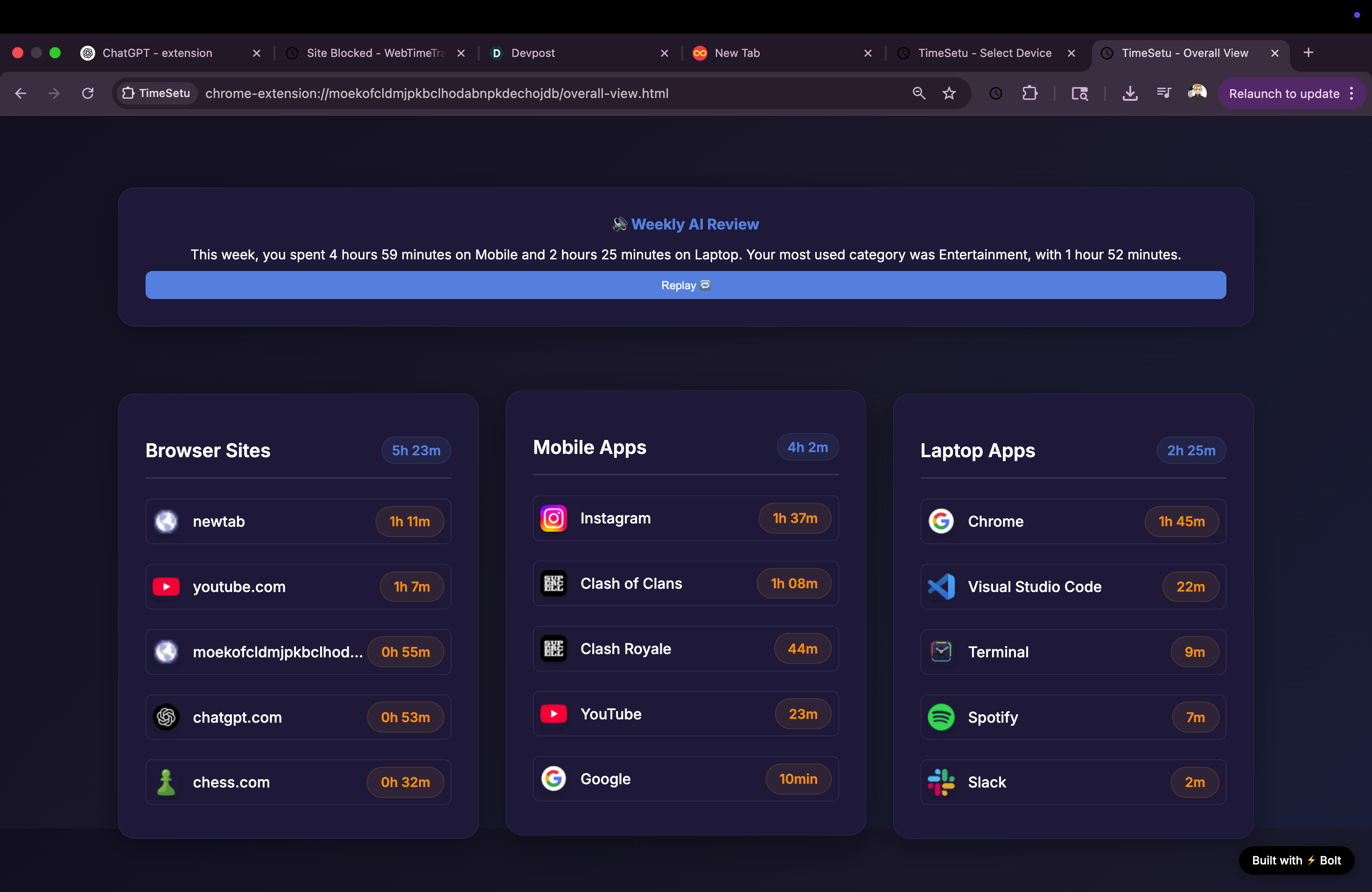
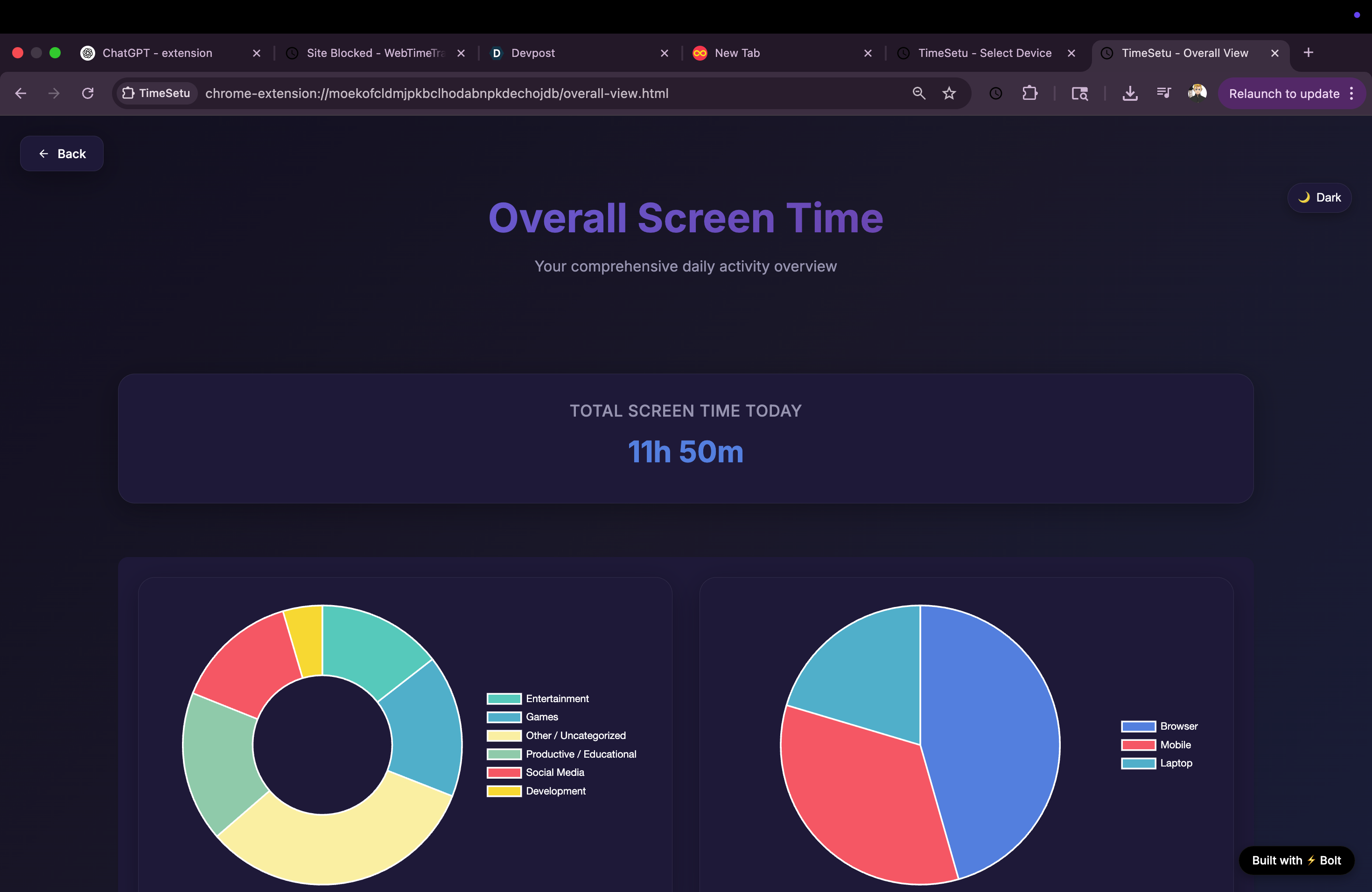
Overall App Uses View
-
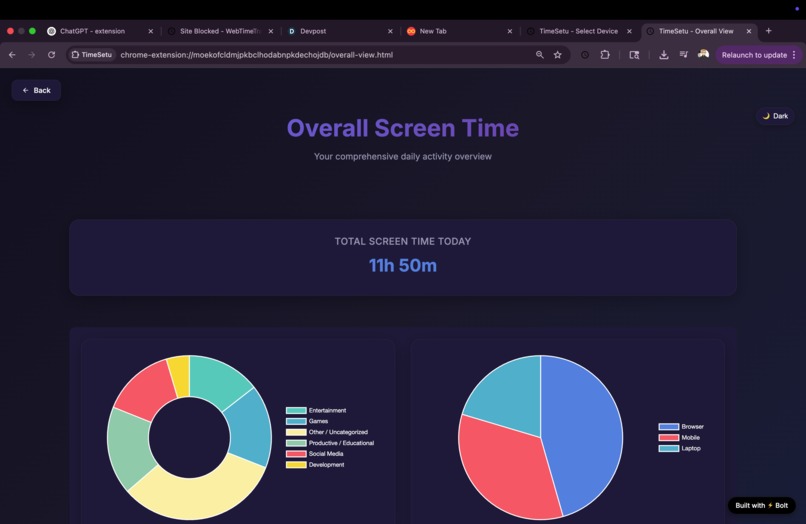
Overall Piecharts
-
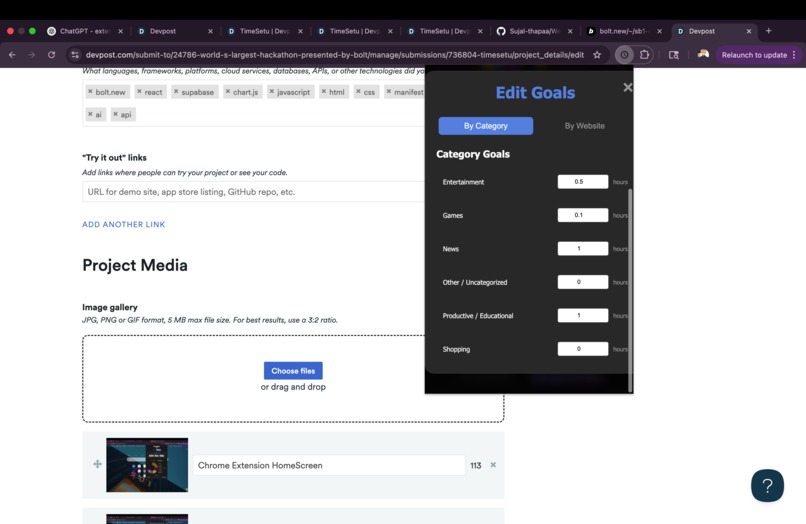
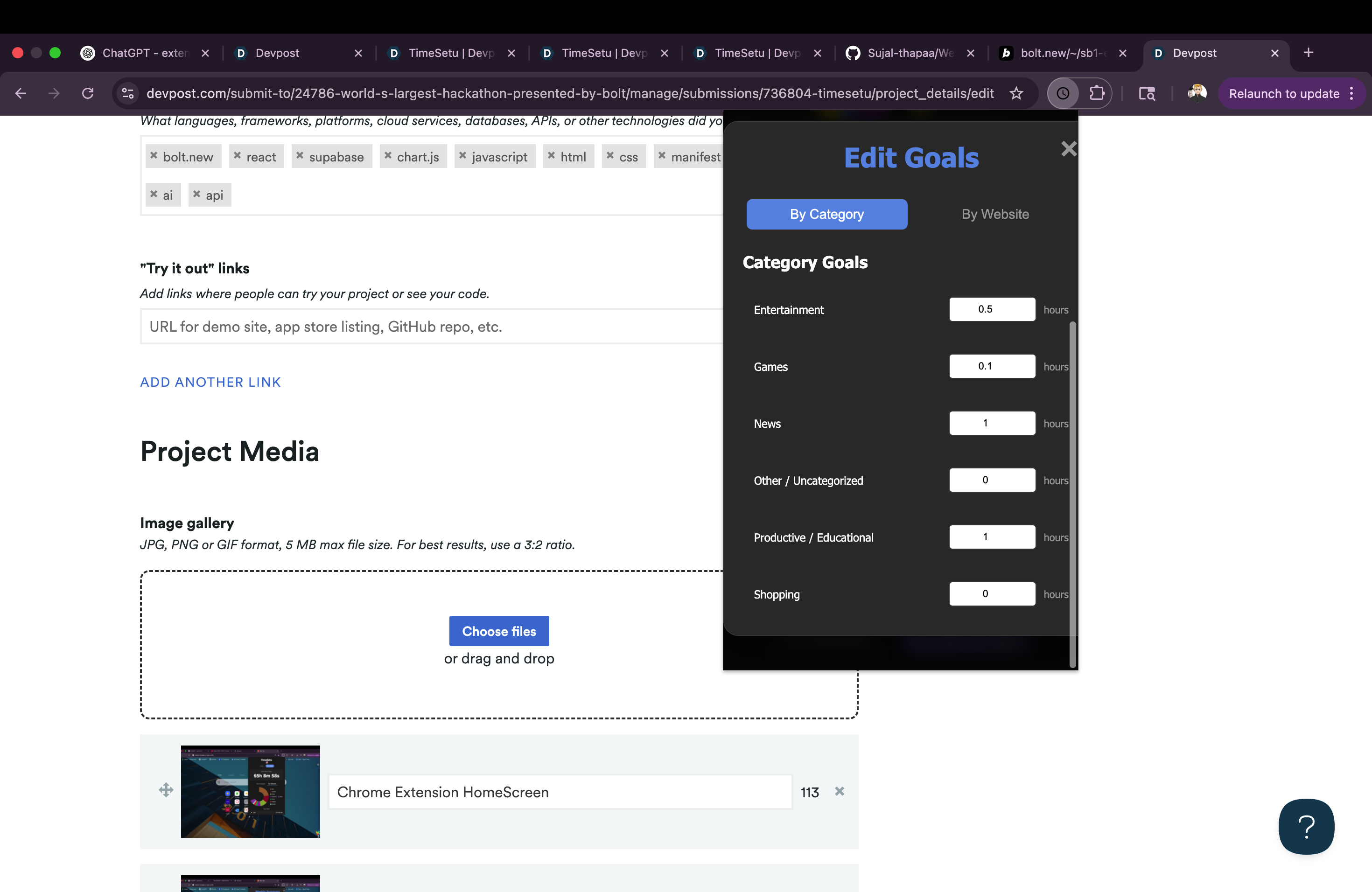
Goals option
-
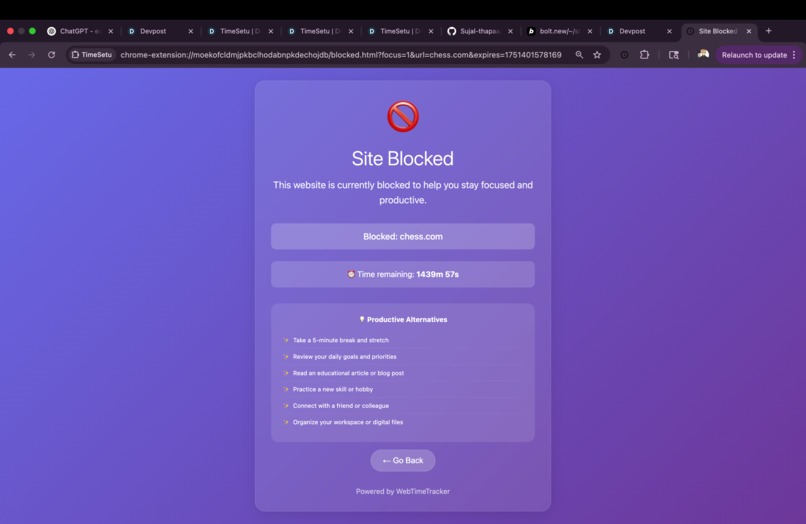
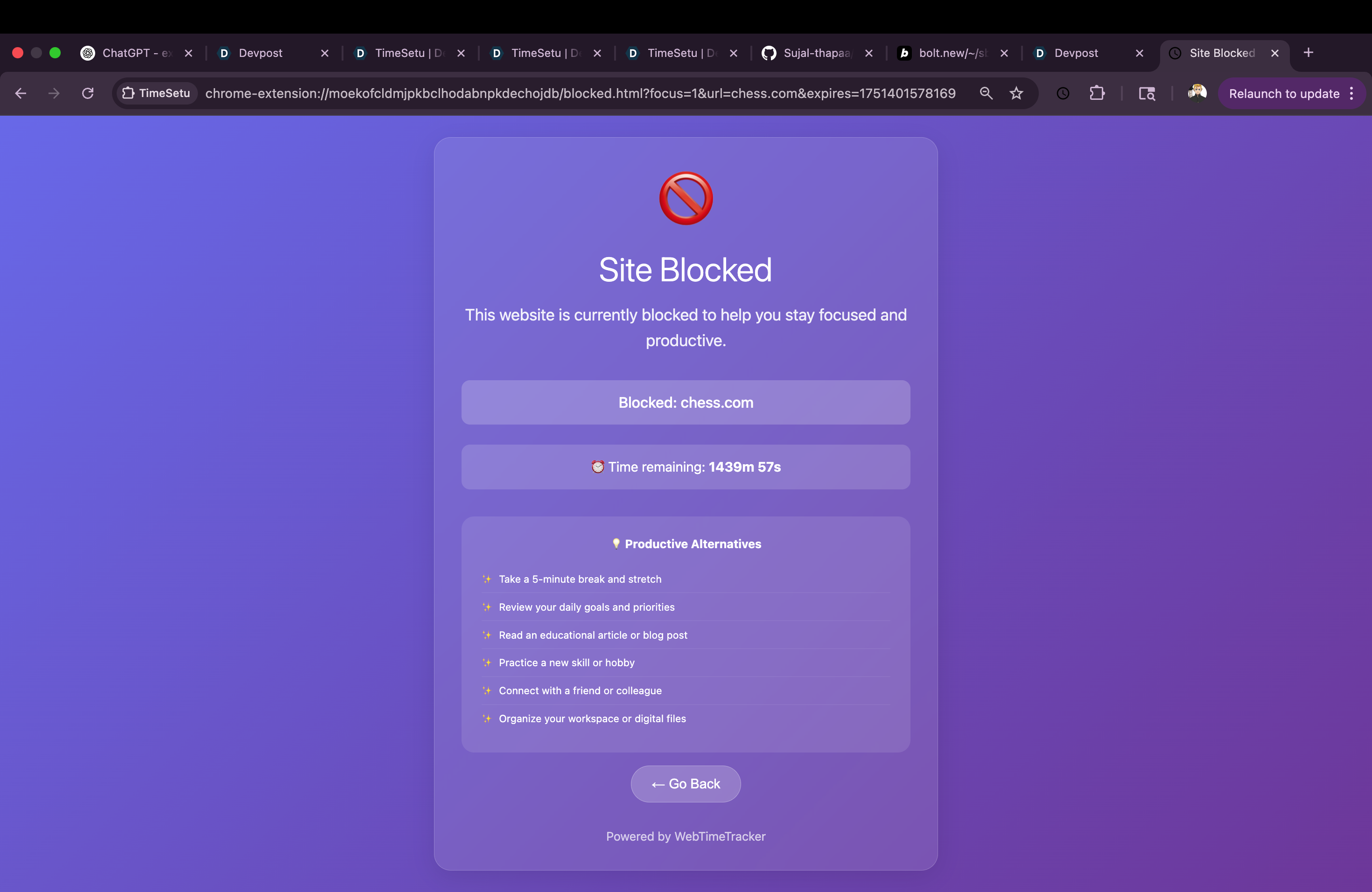
chess.com which is block by FocusMode option
-
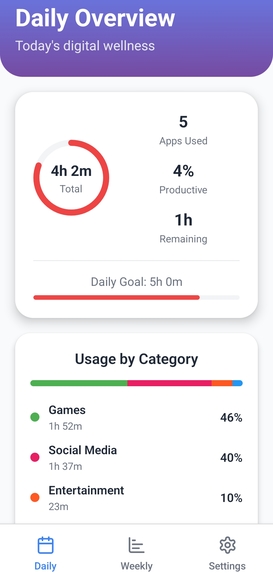
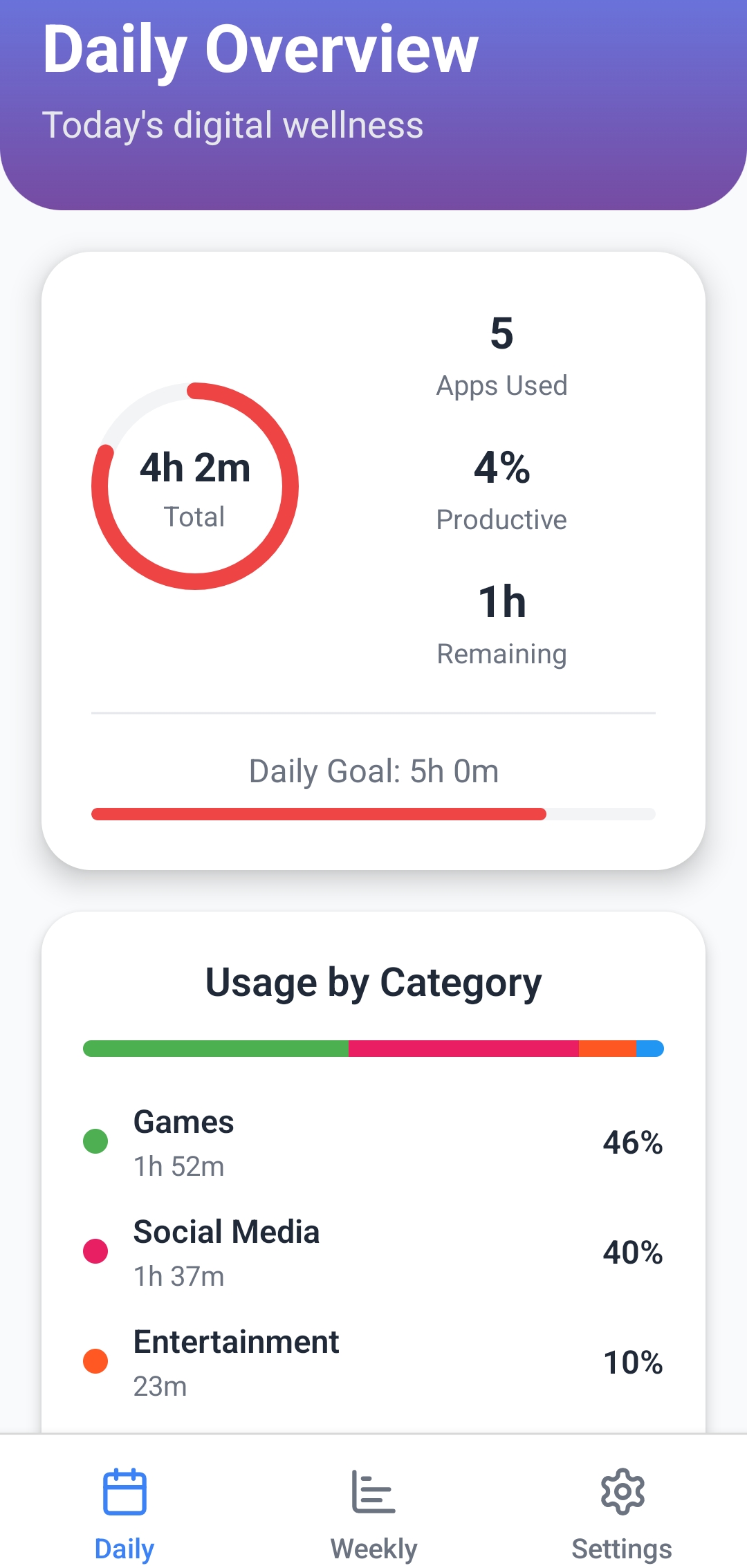
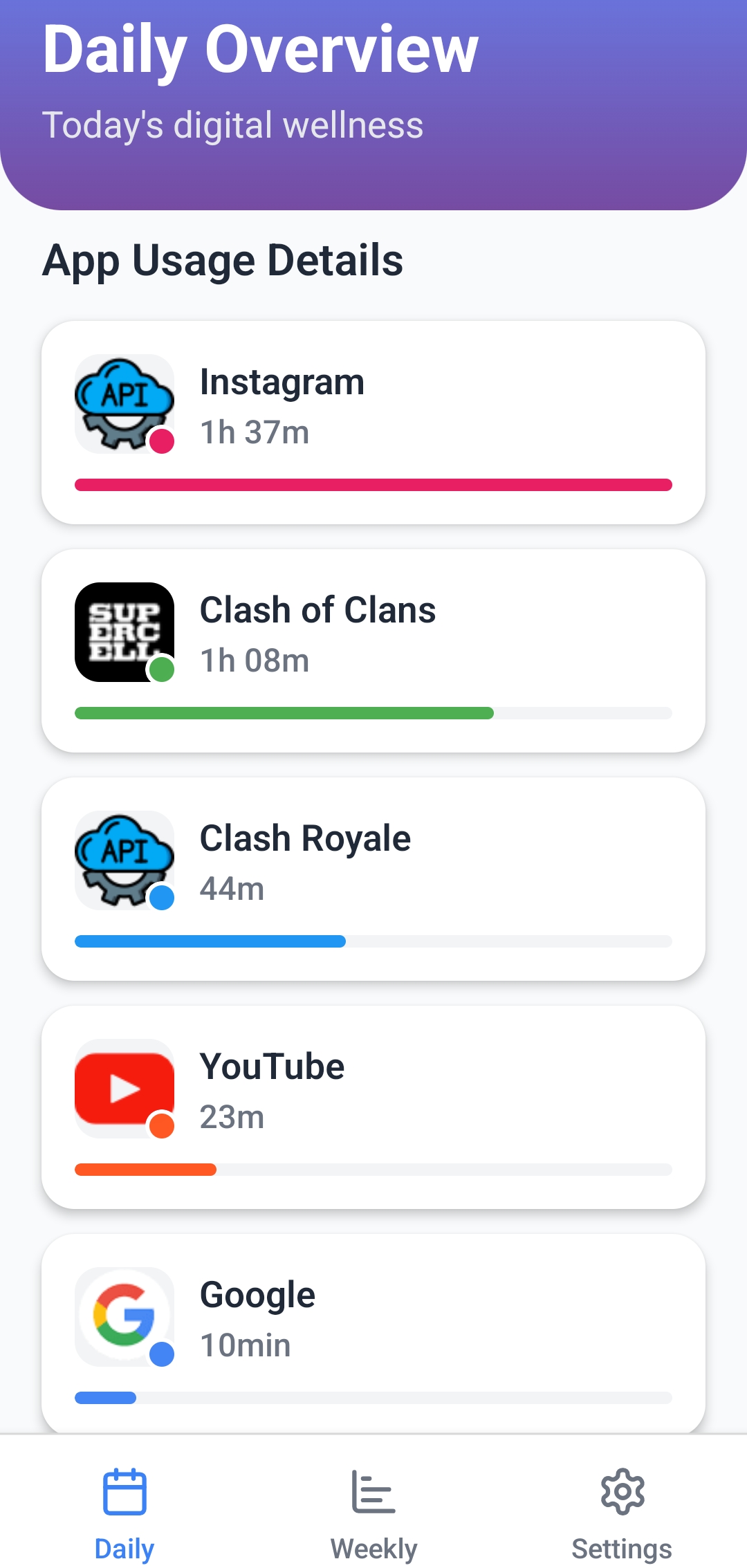
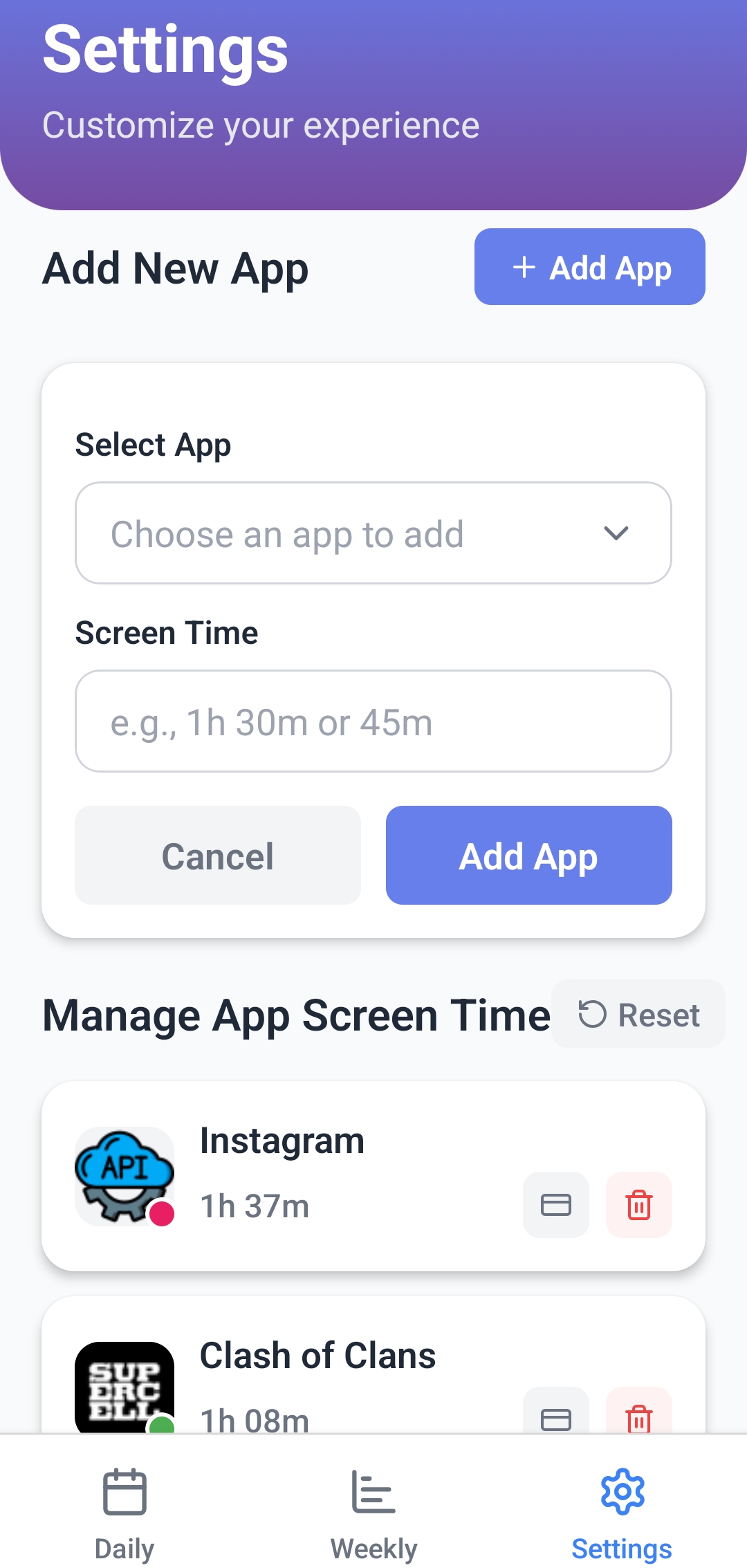
MobileApp home page
-
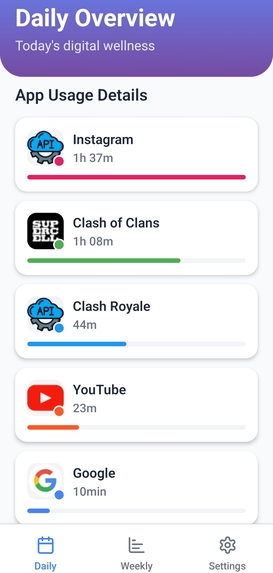
App Uses
-
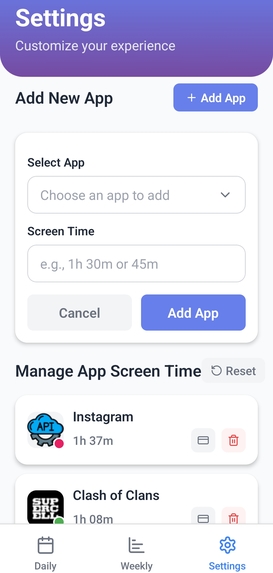
option to add Apps and Time
Inspiration
We’ve all experienced how easy it is to lose track of time online. One moment you’re watching a tutorial, and the next you’ve spent hours scrolling through unrelated videos. Platforms like YouTube can be both productive and distracting, and most trackers don’t understand that difference. They label entire websites as either entertainment or work, without context.
Another frustration we had was that almost every tool only tracks screen time on a single device. In reality, people switch between laptops and phones all day. That makes it hard to see the full picture of how much time you’re really spending online.
TimeSetu was born out of the desire to solve this for ourselves and for anyone who wants to feel more in control of their digital habits. We wanted to build a smarter system that not only tracks everything in one place but also understands what you’re doing, so you can make better choices and feel good about how you spend your time. .
What it does
TimeSetu is a cross-platform screen time coach that helps you understand and improve how you spend time online and on your devices.
Key Features
Automatic Browser Activity Tracking
Tracks all website usage through a Chrome extension in real time.Mobile App Logging
Logs app usage on mobile devices through a React Native app and combines it with browser data.AI-Powered Categorization
Detects the context of your activity (for example, whether YouTube time is productive, entertainment, or educational).Goal Setting
Lets you set daily and weekly goals for total time, categories, or specific websites.Goal Notifications
Sends alerts when you reach your limits.Focus Mode
Temporarily blocks selected websites so you can stay focused.Manual Block Feature
Instantly block any distracting site with one click.Scheduled Midnight Reset
Automatically resets your daily counters and goals every night.Detailed Charts and Tables
Visualizes your usage with:- Daily and weekly donut charts
- Tables showing time spent per website and category
- Daily and weekly donut charts
Weekly Summary Bar Graphs
- Shows time spent per category each day
- Highlights your top websites for the week
- Shows time spent per category each day
AI Voice Summaries
Automatically generates spoken weekly reports using ElevenLabs.Multi-language Support
Easily switch the interface language.Dark Mode
Toggle between light and dark themes.Public Share Page
Generate a link to share your weekly stats.Supabase Integration
Securely stores all data and syncs it across devices.Chrome Extension Popup
Quick-access dashboard with Today/This Week views.Custom Dashboard/Homepage
A fullscreen dashboard to review all your data in detail.
TimeSetu brings all these capabilities together in one place to help you track time, set goals, block distractions, and build better habits across your digital life.
How we built it
We built TimeSetu by combining Bolt, Supabase, React Native, and other tools:
Bolt.new
The Dashboard, Chrome Extension, and parts of the React Native app were created using Bolt. Bolt provided the core structure and many built-in features, making it faster to design the interface, set up state management, and handle workflows.
Supabase
Used for authentication, secure data storage, and real-time syncing between the browser extension and the mobile app.
React Native App
Developed with Bolt as the starting point, then extended and customized to track mobile usage and send data to Supabase.
Chart.js
Implemented to visualize usage with donut charts, bar graphs, and tables.
AI Integration
Free AI services were used to detect the context of activity, like distinguishing whether YouTube was being used for education or entertainment.
ElevenLabs
Integrated to generate AI-powered spoken summaries of weekly usage.
Custom Development
Additional features, such as Focus Mode, manual blocking, and notification handling, were implemented and refined manually to fit the project’s goals.
This combination of Bolt’s rapid development environment, Supabase for backend services, React Native for mobile functionality, and custom code made it possible to build a cross-platform screen time coach efficiently.
Challenges we ran into
AI Categorization Reliability
Using AI to detect categories of YouTube videos was difficult because we relied on free AI services. These were not very robust and often required refreshing repeatedly to get accurate classifications.
Cross-Device Data Syncing
Creating a working mobile app that could automatically send data to Supabase was challenging. Since Bolt couldn’t generate this fully, we had to build and customize the React Native app as an alternative.
Extension Performance
Ensuring accurate real-time tracking in the Chrome extension without slowing down the browser was a constant balancing act.
Interface Consistency
Designing a clean, user-friendly interface across the Dashboard, Extension, and Mobile App required significant time and testing.
Combining Multiple Technologies
Integrating Bolt-generated components, custom React Native code, Supabase backend, Chart.js visualizations, and ElevenLabs voice summaries took careful planning to make everything work together smoothly.
Accomplishments that we're proud of
Unified Platform
We brought together browser tracking, mobile logging, and real-time syncing into one cohesive system. Seeing it all work seamlessly across devices was a huge milestone for us.
AI Categorization
We built an AI-powered feature that doesn’t just record what websites you visit, but actually understands what you’re doing—like recognizing whether YouTube time was spent learning or just watching for fun.
Cross-Device Integration
Creating a custom React Native app to work alongside the Bolt-generated dashboard and Chrome extension was challenging but rewarding. Now, users can see their total screen time in one place.
Goal and Focus Features
We implemented goal setting, notifications, Focus Mode, and manual blocking so people can set boundaries and build healthier habits without feeling overwhelmed.
Rich Visual Analytics
We designed clear charts, tables, and graphs to make complex data easy to understand at a glance.
Voice Summaries
Integrating ElevenLabs to generate spoken weekly reports made the experience more personal and accessible.
Rapid Development with Bolt
Using Bolt helped us build faster while still having the freedom to customize and make the project our own.
What we learned
This was our first time using Supabase, so we learned how to set up authentication, manage databases, and sync data in real time. We also built our first Chrome extension, which taught us about Manifest V3 and browser APIs. Using Bolt made it easier to learn and combine everything quickly. Overall, it was a great experience building new skills and creating something useful.
What's next for TimeSetu
Automatic Device Connection
Build a fully functional app that automatically connects to devices and collects real-time usage data without any manual syncing.Stronger AI Categorization
Develop a more advanced AI engine to better understand and filter activities.Improved User Interface
Create a polished, intuitive UI across all platforms.Enhanced Authentication
Strengthen authentication and privacy controls to protect user accounts.Private, Secure Database
Set up a secure database to keep information safe and build trust with users.
We built TimeSetu as a mobile app, Chrome extension, and web dashboard, so it can’t be hosted in a single live link.
If you’d like to try it out yourself, here are all the resources:
GitHub Repository (to run everything on your device):
https://github.com/Sujal-thapaa/WebTimerExtension.gitYouTube Demo Video:
[https://www.youtube.com/watch?v=QWVZ9Aq9snU)
These three parts were built in separate Bolt accounts:
Chrome Extension Bolt Project:
https://bolt.new/~/sb1-ewu7z8hjMobile App Bolt Project:
https://bolt.new/~/sb1-wcma7bmqWeb Dashboard Bolt Project:
https://bolt.new/~/sb1-jgfh7cn7
Feel free to explore, install, and see how everything works together!
To experience all features, please clone the repository and run the components locally.
I’d appreciate it if you could take the time to explore the Chrome Extension in particular—I've put a lot of effort into making it as polished and functional as possible. Thank you for considering TimeSetu!
Built With
- ai
- api
- bolt.new
- chart.js
- css
- elevenlabs
- html
- javascript
- manifest
- react
- supabase

Log in or sign up for Devpost to join the conversation.