-
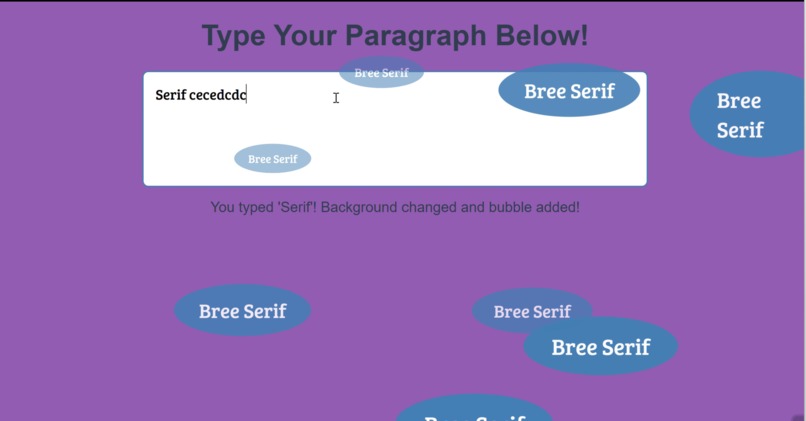
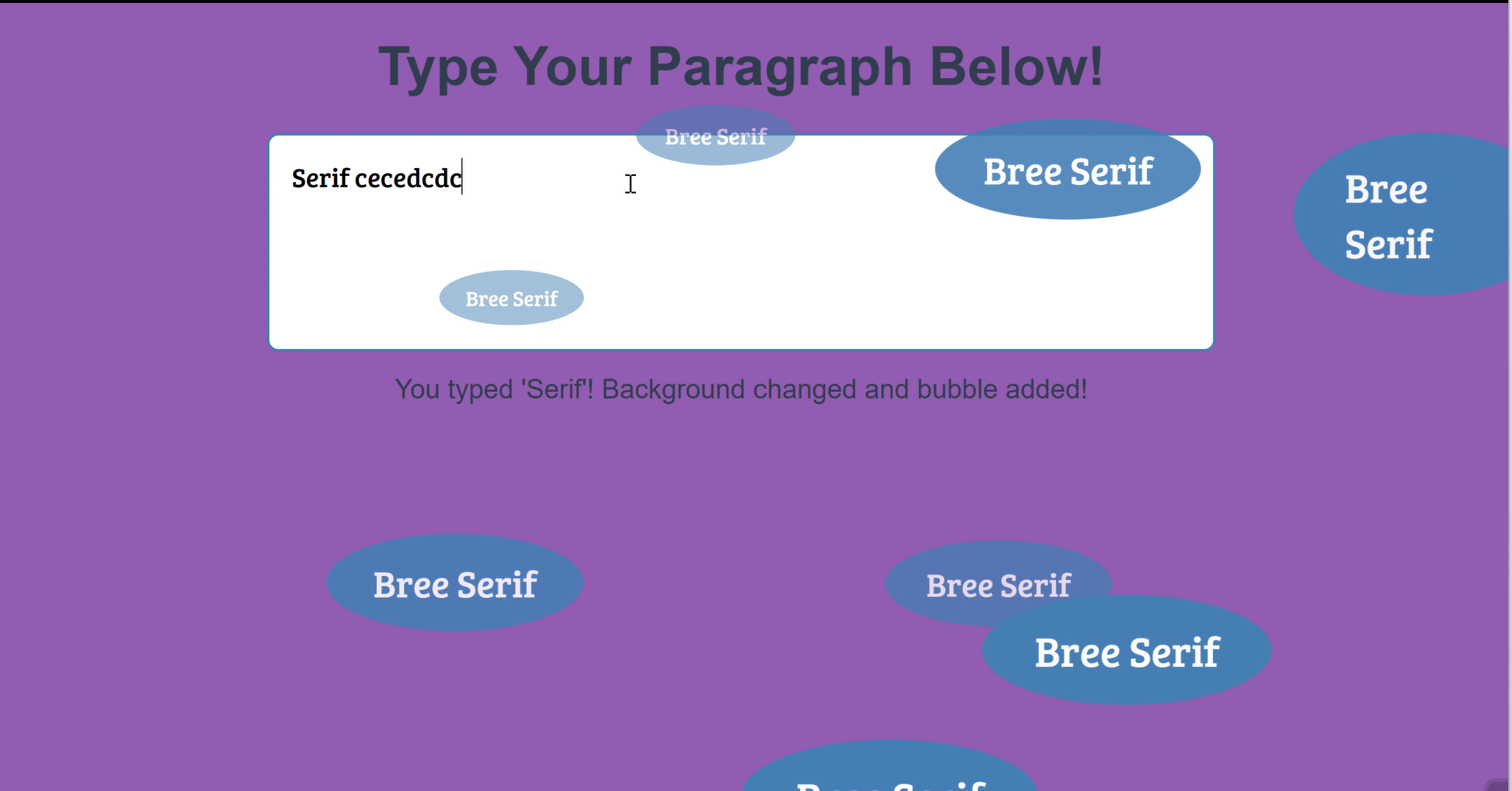
screenshoot
<!DOCTYPE html> Bree Serif Fun Page /* Base Styles */ body { font-family: Arial, sans-serif; background-color: #f0f8ff; color: #333; margin: 0; padding: 0; overflow: hidden; position: relative; height: 100vh; }</p> <pre class="language-nolang"><code> h1 { font-size: 3rem; text-align: center; color: #2c3e50; margin-top: 30px; } /* Paragraph Input Area */ .input-container { display: flex; justify-content: center; margin-top: 30px; padding: 0 20px; } textarea { font-family: 'Bree Serif', serif; font-size: 1.5rem; padding: 20px; border: 2px solid #2c3e50; border-radius: 10px; width: 80%; max-width: 800px; min-height: 150px; outline: none; resize: none; transition: border-color 0.3s ease; } textarea:focus { border-color: #2980b9; } /* Bubble with "Bree Serif" Text */ .bubble { font-family: 'Bree Serif', serif; font-size: 2rem; color: #fff; background-color: #2980b9; border-radius: 50%; padding: 20px 40px; position: absolute; opacity: 0; animation: bubbleAnimation 1s forwards; } /* Animation for the bubbles */ @keyframes bubbleAnimation { 0% { opacity: 0; transform: scale(0); } 50% { opacity: 1; transform: scale(1.2); } 100% { opacity: 0; transform: scale(0); } } /* Styles when the background color changes */ .message { font-size: 1.5rem; text-align: center; color: #2c3e50; margin-top: 20px; } </style> </code></pre> <p></head> <body> <h1>Type Your Paragraph Below!</h1></p> <pre class="language-nolang"><code><div class="input-container"> <textarea id="userInput" placeholder="Type something including 'Bree' or 'Serif'..." oninput="checkInput()"></textarea> </div> <div class="message" id="message"></div> <script> // Array of random colors for background change const colors = [ "#f39c12", "#e74c3c", "#8e44ad", "#3498db", "#2ecc71", "#1abc9c", "#d35400", "#9b59b6", "#34495e", "#16a085" ]; // Function to generate a random color from the colors array function getRandomColor() { const randomIndex = Math.floor(Math.random() * colors.length); return colors[randomIndex]; } // Function to create a new "Bree Serif" bubble function createBubble(text) { const bubble = document.createElement('div'); bubble.classList.add('bubble'); bubble.textContent = text; document.body.appendChild(bubble); // Position the bubble randomly on the screen const x = Math.random() * window.innerWidth; const y = Math.random() * window.innerHeight; bubble.style.left = `${x}px`; bubble.style.top = `${y}px`; // Remove bubble after animation setTimeout(() => { bubble.remove(); }, 2000); } // Function to change the background color when a keyword is typed function changeBackgroundColor() { document.body.style.backgroundColor = getRandomColor(); } // Function to scan input and check for "Bree" or "Serif" function checkInput() { const inputText = document.getElementById('userInput').value.toLowerCase(); const messageElement = document.getElementById('message'); // Check if "Bree" or "Serif" are present in the input if (inputText.includes('bree') && !inputText.includes('serif')) { changeBackgroundColor(); createBubble("Bree Serif"); messageElement.textContent = "You typed 'Bree'! Background changed and bubble added!"; } else if (inputText.includes('serif') && !inputText.includes('bree')) { changeBackgroundColor(); createBubble("Bree Serif"); messageElement.textContent = "You typed 'Serif'! Background changed and bubble added!"; } else if (inputText.includes('bree') && inputText.includes('serif')) { changeBackgroundColor(); createBubble("Bree Serif"); messageElement.textContent = "You typed both 'Bree' and 'Serif'! Background changed and bubble added!"; } else { // Reset the message when no keywords are found messageElement.textContent = ""; } } </script> <!-- Link to Bree Serif font from Google Fonts --> <link href="https://fonts.googleapis.com/css2?family=Bree+Serif&display=swap" rel="stylesheet"> </code></pre> <p></body> </html></p>

Log in or sign up for Devpost to join the conversation.