Inspiration
I was inspired by Alex Hormozi’s suggestion in Diary of a CEO to keep a time journal. The idea is simple but powerful: set a 15-minute timer all day, and every time it rings, write down what you’re doing. This technique, also encouraged by business mentors, helps you notice where your time goes and makes it easier to find hours for your side hustles or passions.
I wanted to take this idea and turn it into something frictionless, mindful, and accessible.
What it does
Timeness is a minimalist iOS time tracking app.
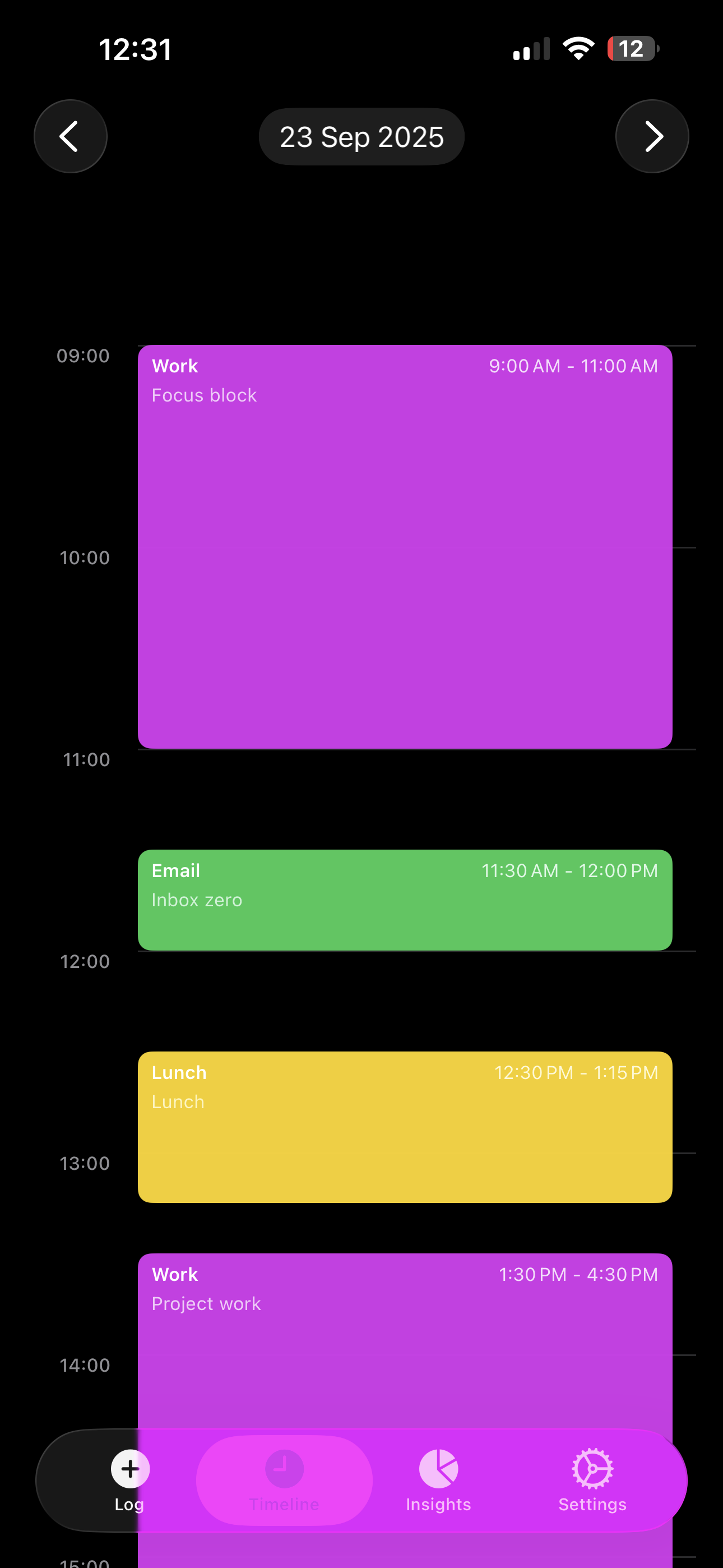
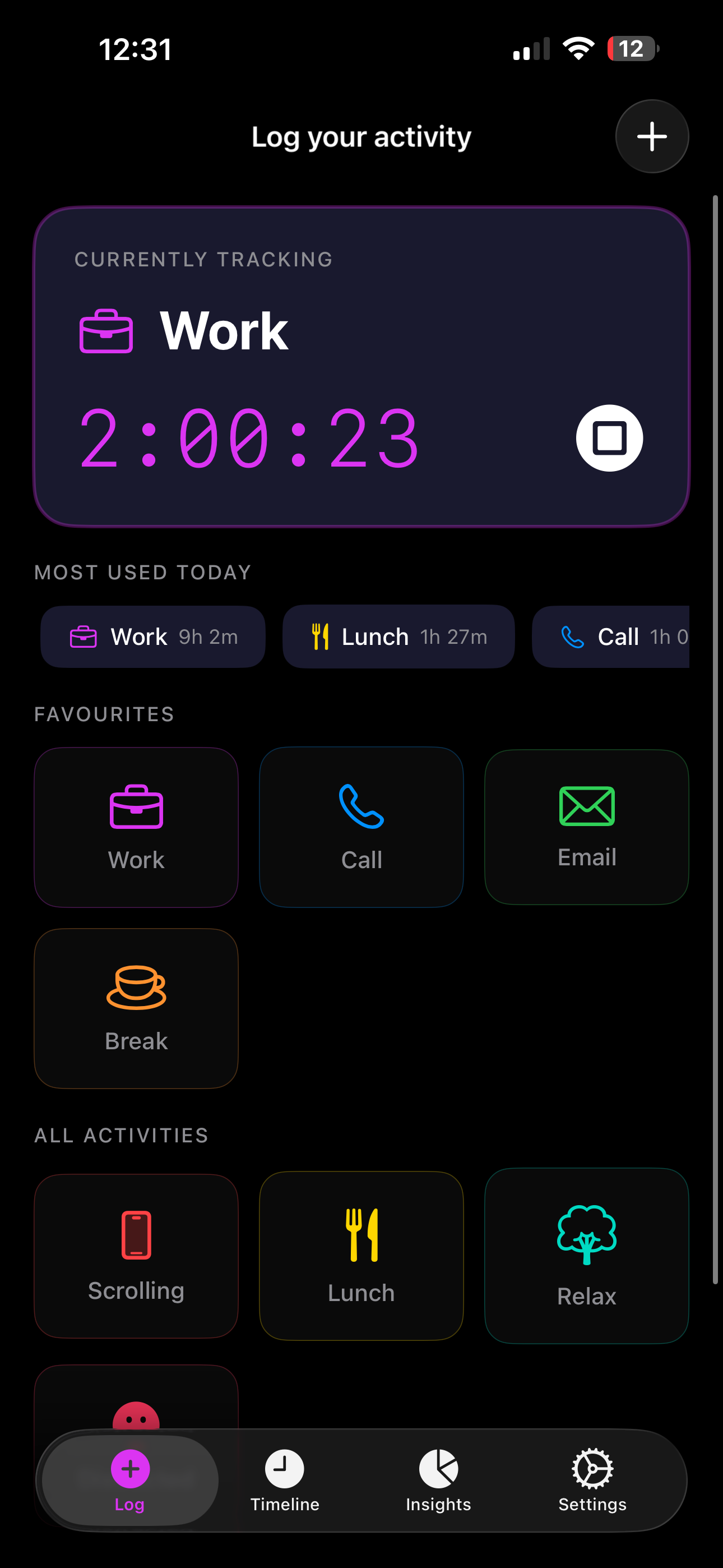
- With one tap, you can log or switch activities.
- It keeps a running timer for your current activity.
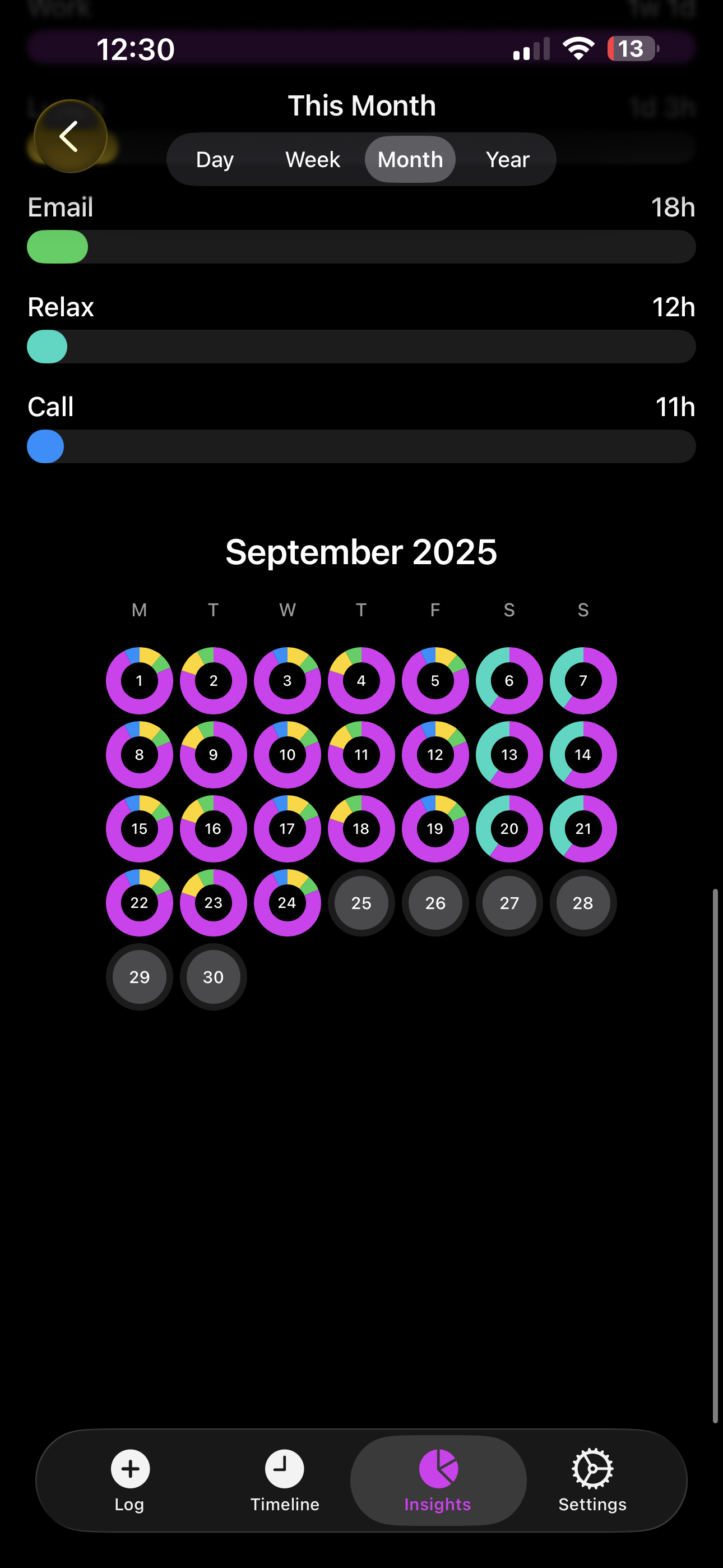
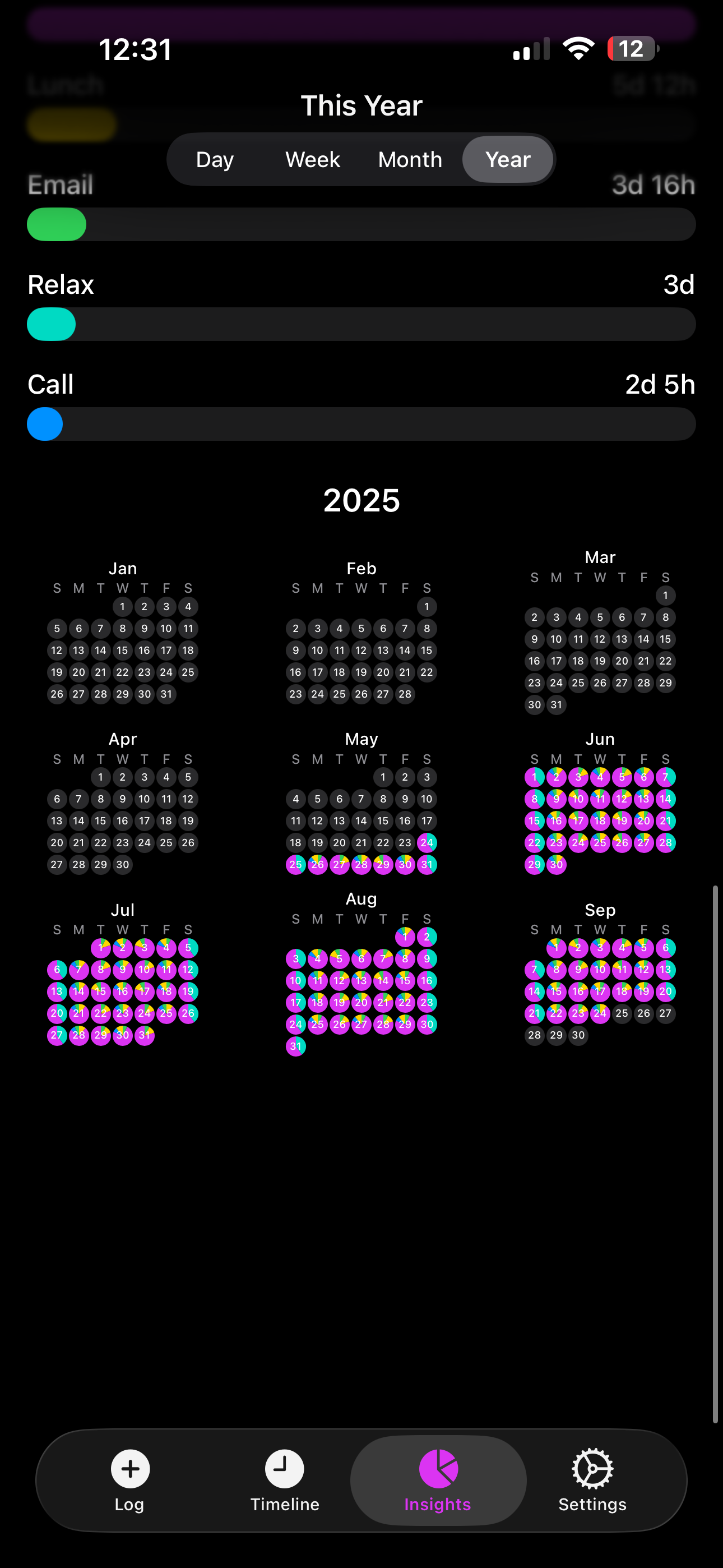
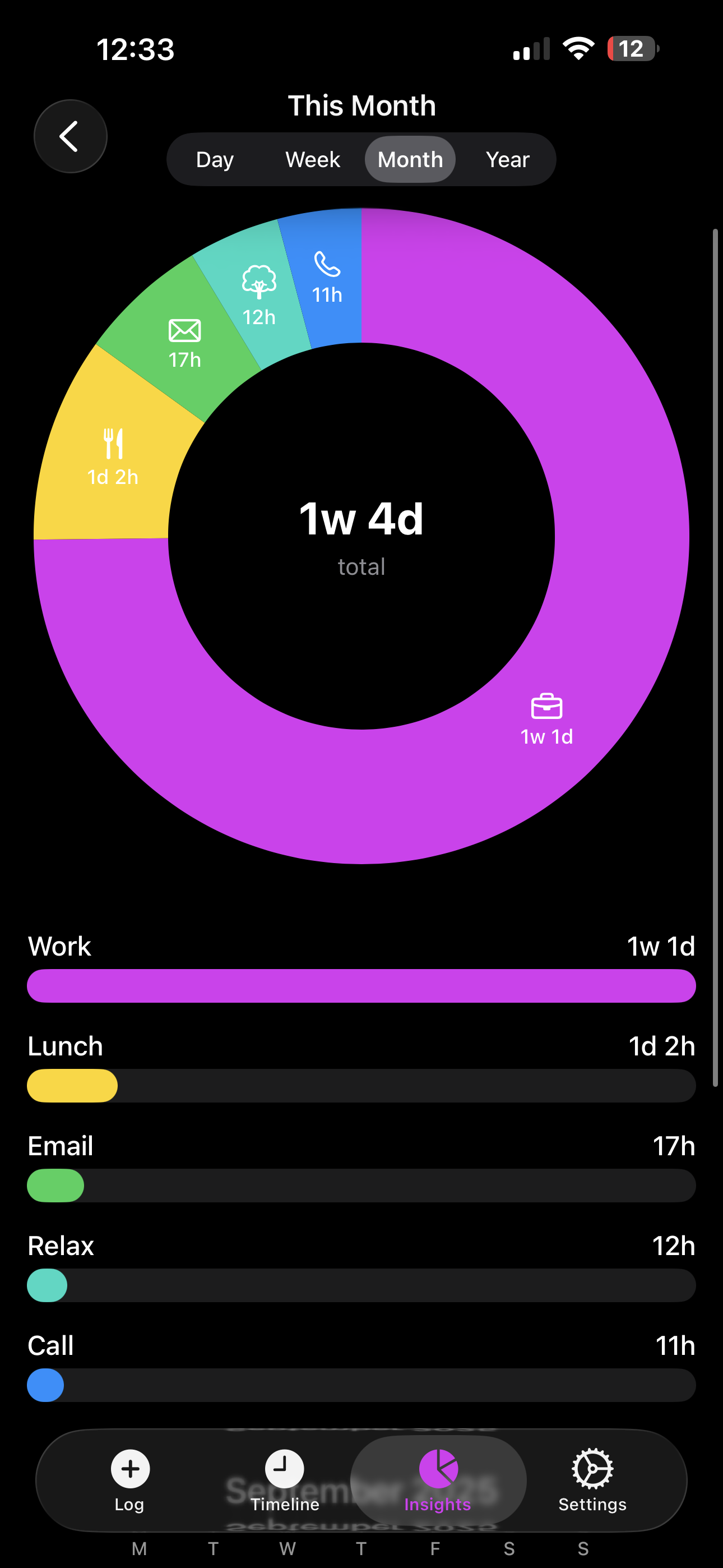
- At the end of the day, week, or month, you see where your hours really went.
- It’s about awareness, not just optimization, helping people make more intentional choices about their time.
How I built it
- Built natively in Swift/SwiftUI for iOS.
- SwiftData + iCloud sync keeps logs consistent across devices.
- RevenueCat powers subscriptions and entitlements.
- Notifications are managed with UNUserNotificationCenter, respecting custom intervals and active hours.
- Designed with a dark, minimalist UI to reduce friction and keep the focus on logging.
- Watch app support lets users quickly start, stop, or switch activities from their wrist.
Challenges I ran into
- Notification logic: Balancing helpful reminders without being annoying required designing a business logic spec with interval resets, active hours, and suppression when the app is foregrounded.
- Apple Watch sync: Getting
WCSessionto reliably sync between iPhone and Watch in Simulator was tricky. - Naming: Finding a one-word name that conveys mindfulness and time without being taken (I settled on Timeness).
Accomplishments that I'm proud of
- Building a clean, frictionless time logging flow that feels natural.
- Designing a push notification system that respects user preferences and context.
- Extending the app to Apple Watch with minimal UI — just enough to log quickly.
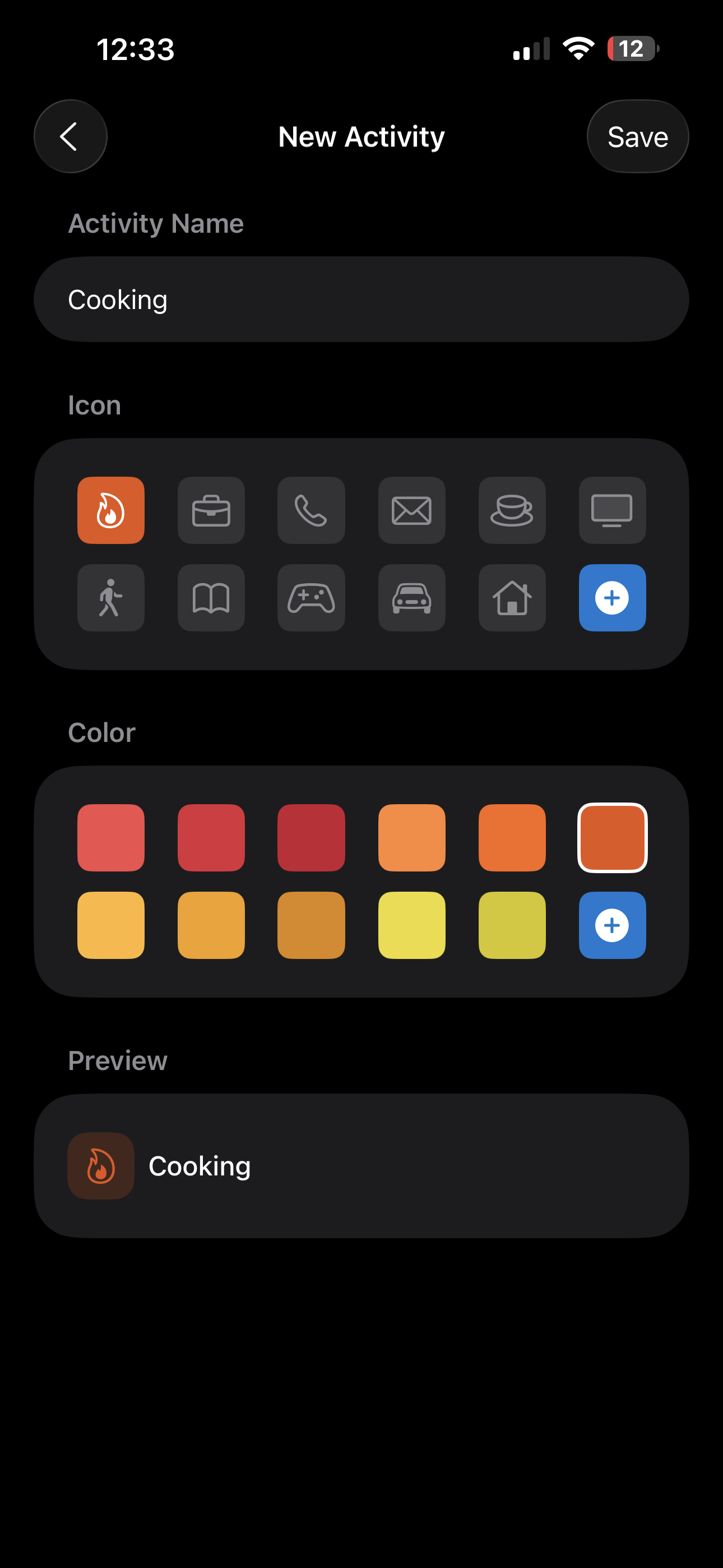
- Creating a strong design language with calming colors and abstract illustrations.
What I learned
The hardest challenge isn’t building the app — it’s getting people to open it consistently and log their activities. I learned how delicate the balance is between helpful reminders and annoying notifications. Designing the right notification logic, with interval resets, active hours, and suppression when the app is in use, was key to nudging users without overwhelming them. This taught me that behavioral design is just as important as clean UI or solid code.
What's next for Timeness
- Screen Time integration: show how much phone usage overlaps with logged activities, helping users see moments when they think they’re “with family” or “focused” but are actually on their devices. This creates deeper awareness.
- Voice logging (the most important next step): users will be able to log activities by simply talking to their phone or watch. The app will intelligently detect or create activities from voice input, making time tracking nearly frictionless.
- Live Activities: real-time tracking on the Lock Screen and Dynamic Island.
- HealthKit integration: automatically import sleep, exercise, walking, running, and other activity data so users get a complete picture of their time without manual effort.
- Widgets: glanceable stats and one-tap logging directly from the Home Screen.
- Promotional offers: experiment with trials and discounts to make premium features more accessible.
Built With
- apple-icloud
- swift
- swiftui
- xcode


Log in or sign up for Devpost to join the conversation.