-
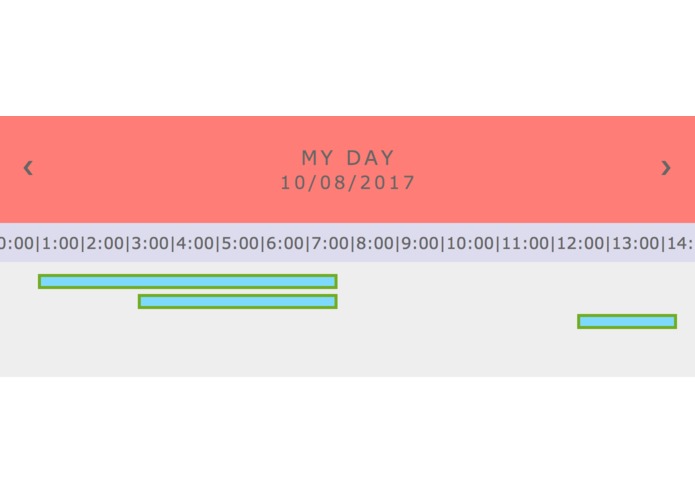
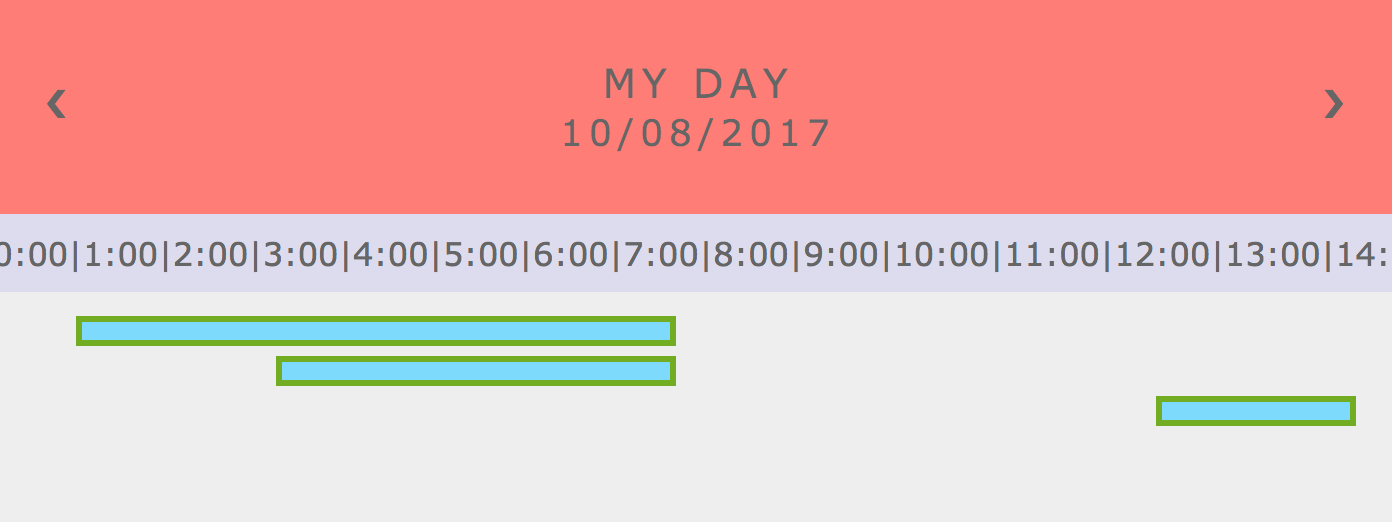
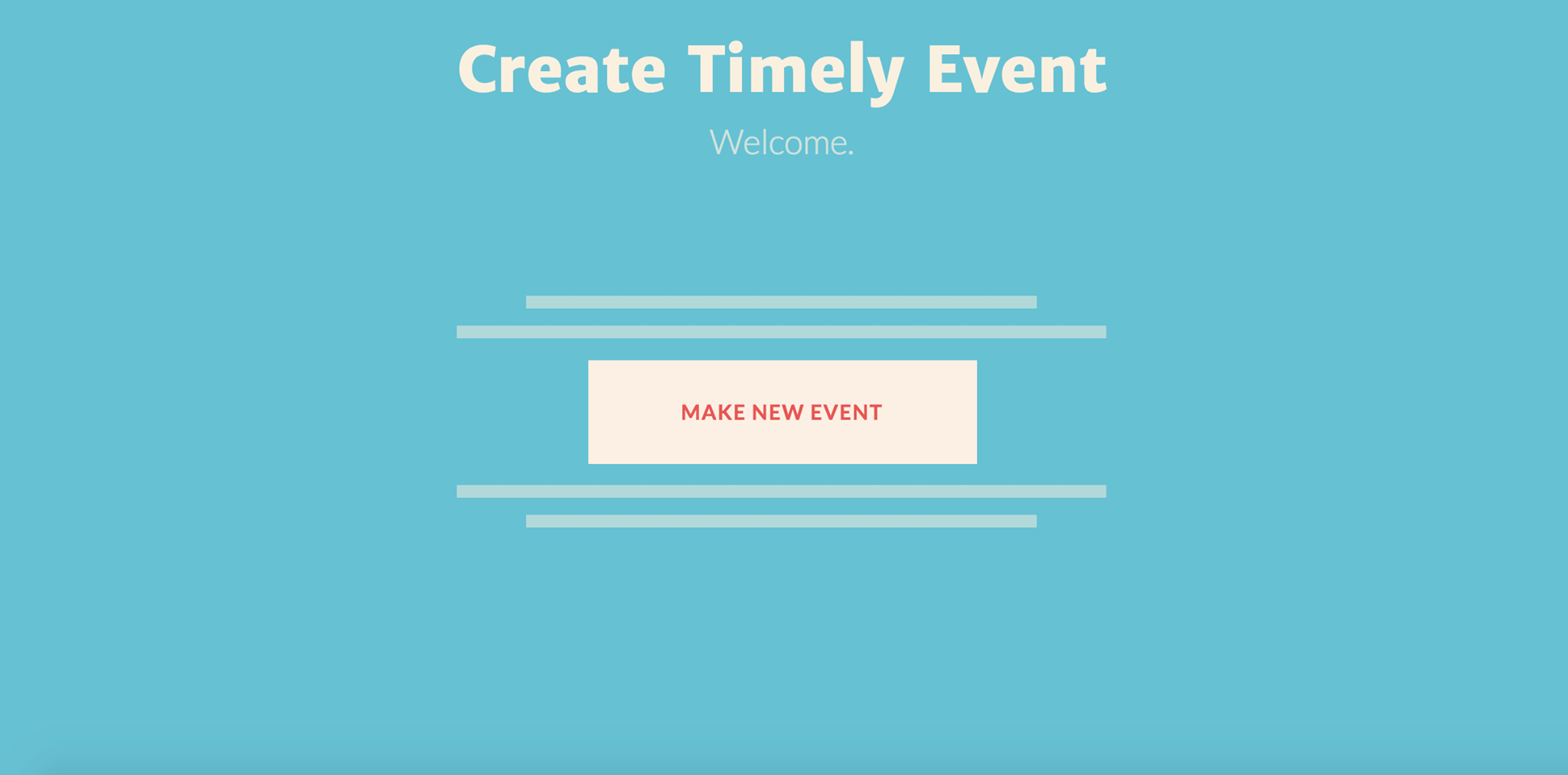
Viewing schedule generated for user
-
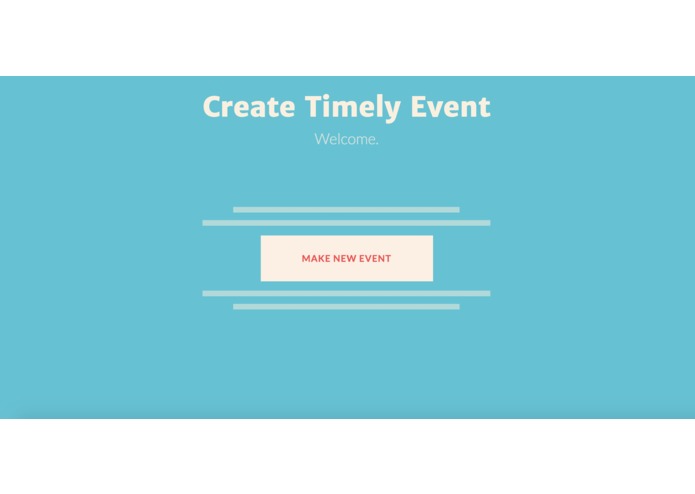
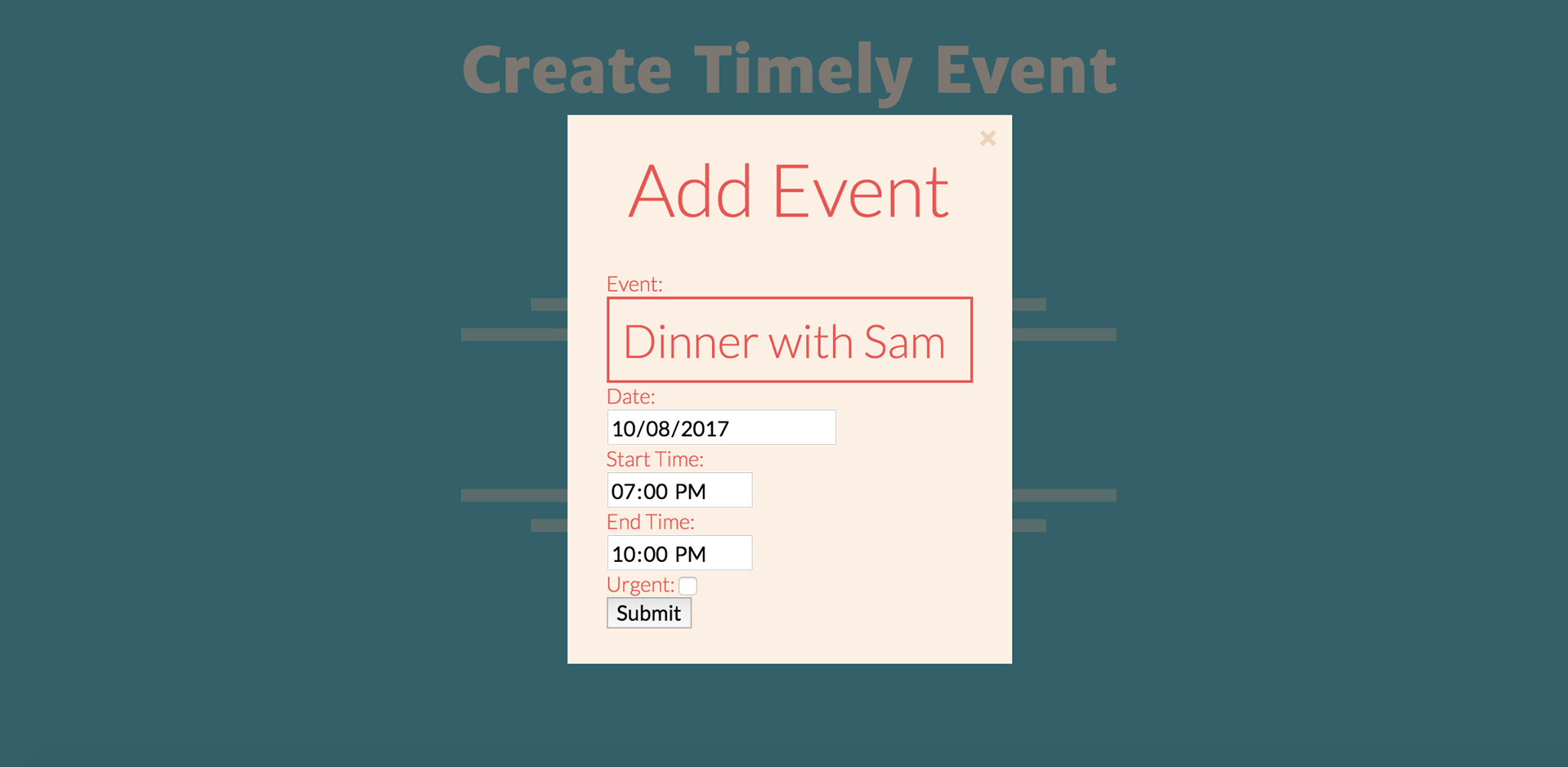
Adding a new custom event
-
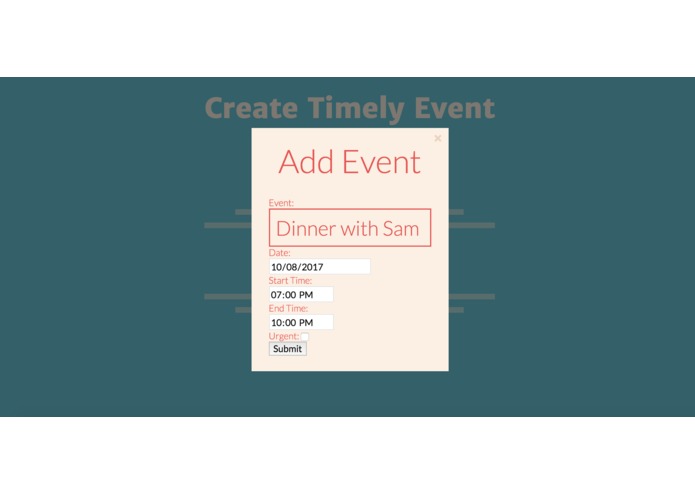
Adding a new custom event
Inspiration
Facebook's event system is very powerful. It lets you show interest in events, see which of your friends are going, and discuss logistics with other attendees. But how do you make sure the events don't conflict with one another? How can you build a Google Calendar-style schedule around your Facebook events? That's where Timely comes in.
What it does
Timely calls the Facebook API to collect the events you're attending, and combines them with custom user-specified events to create a schedule. It then checks for schedule conflicts, and using an algorithm that prioritizes events marked "urgent" by the user, shows the ideal schedule that fits in as many urgent events as possible.
How we built it
The webapp was built with Flask, with a Python backend and an HTML/CSS/Javascript frontend. Data about events is stored in a MongoDB database. The user authenticates themselves through Facebook login integration, which also protects other users from seeing their data.
Challenges we ran into
The time limit. Although our code is mostly functional, not all of the Facebook API calls have been finished. We hope to fully implement Facebook event integration in the future to complete our vision of this app.
Accomplishments that we're proud of
As mostly first-time hackers, we're proud of being able to build a webapp from scratch and learning how to call various APIs and databases.
What's next for Timely
After fully integrating Timely with Facebook events, we hope to expand Timely further with an improved UI system that more closely resembles Google Calendar. We also hope to integrate Timely with more events-based websites, such as Eventbrite.


Log in or sign up for Devpost to join the conversation.