-
-

TimeForge
-
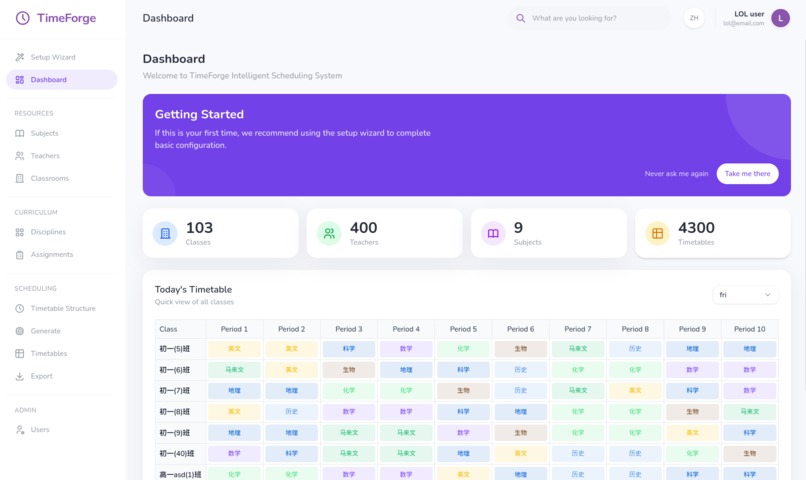
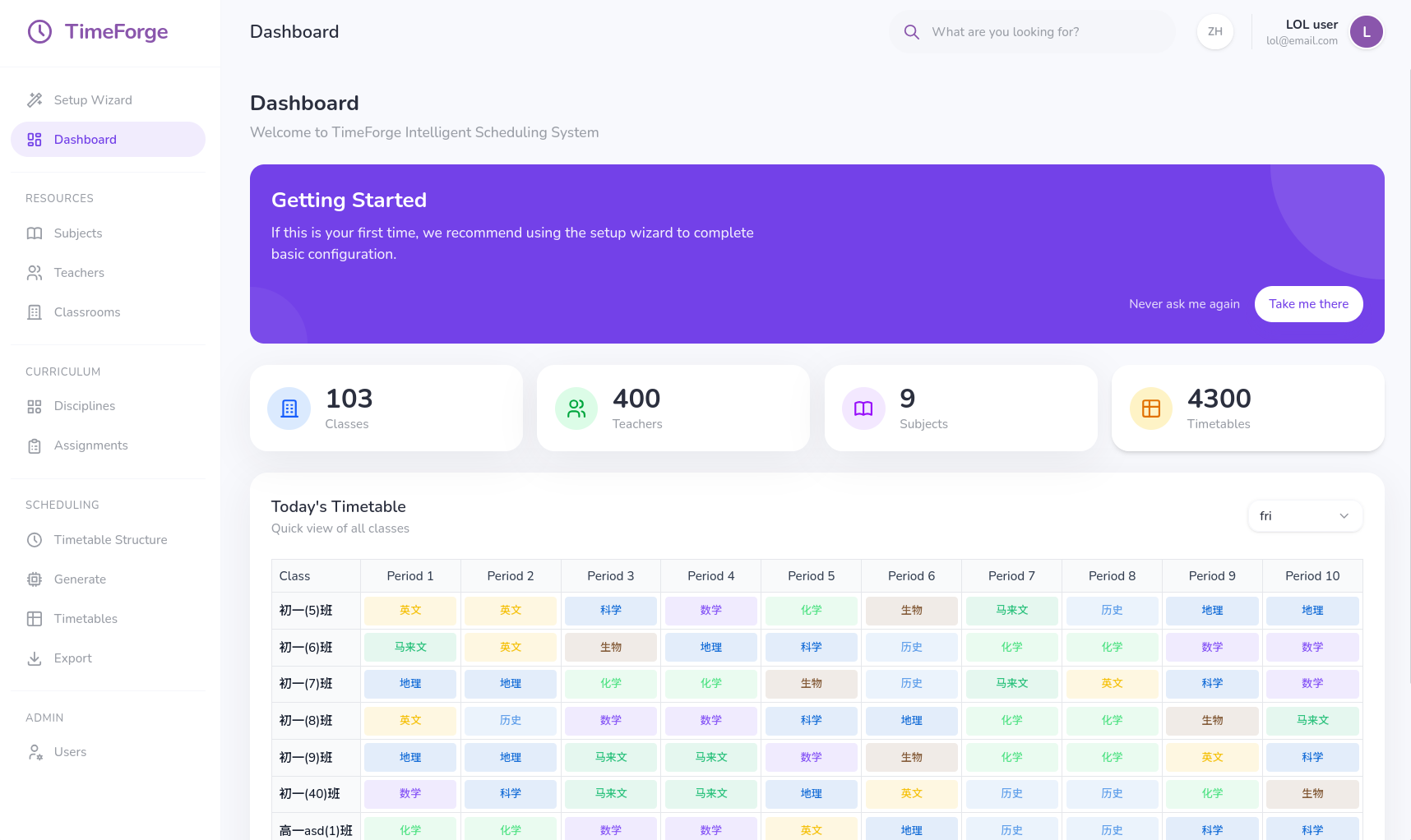
Dashboard
-
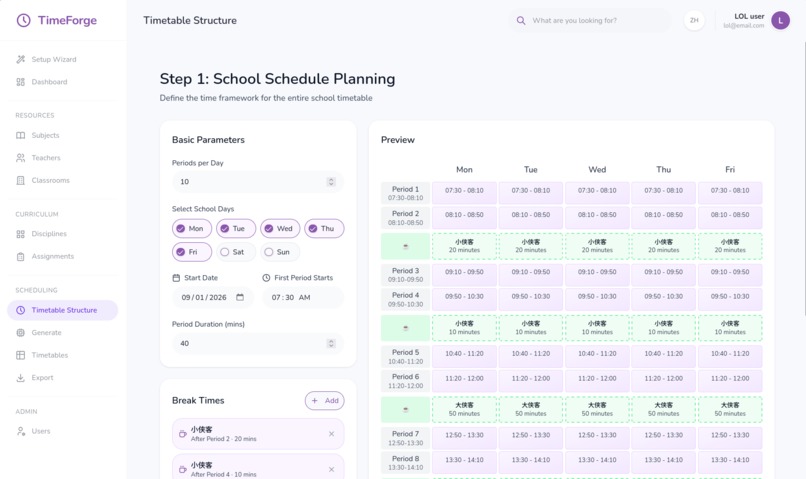
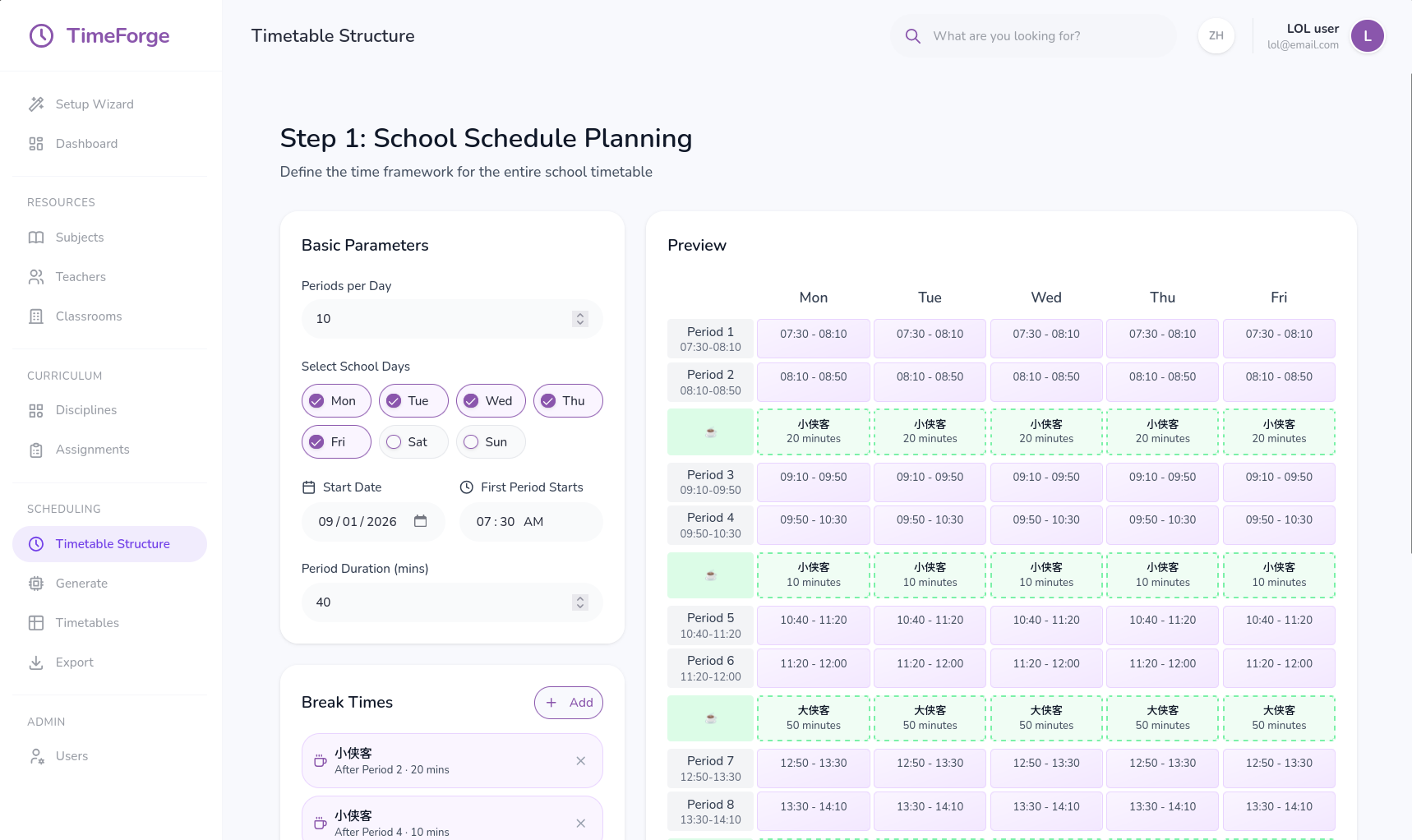
Timetable Structure
-
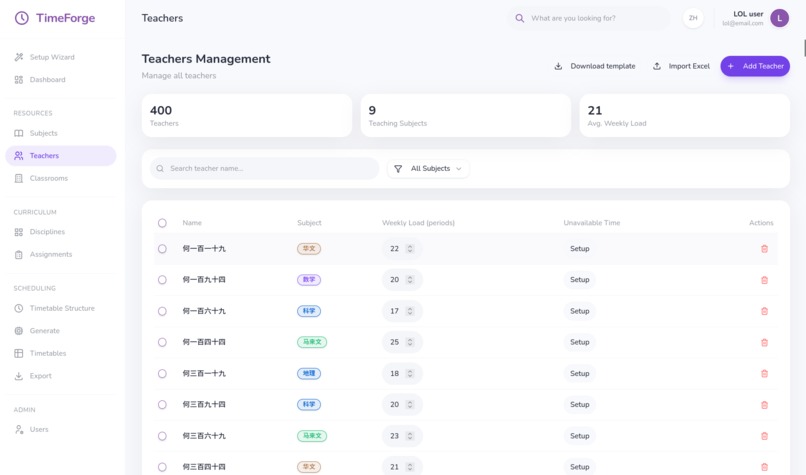
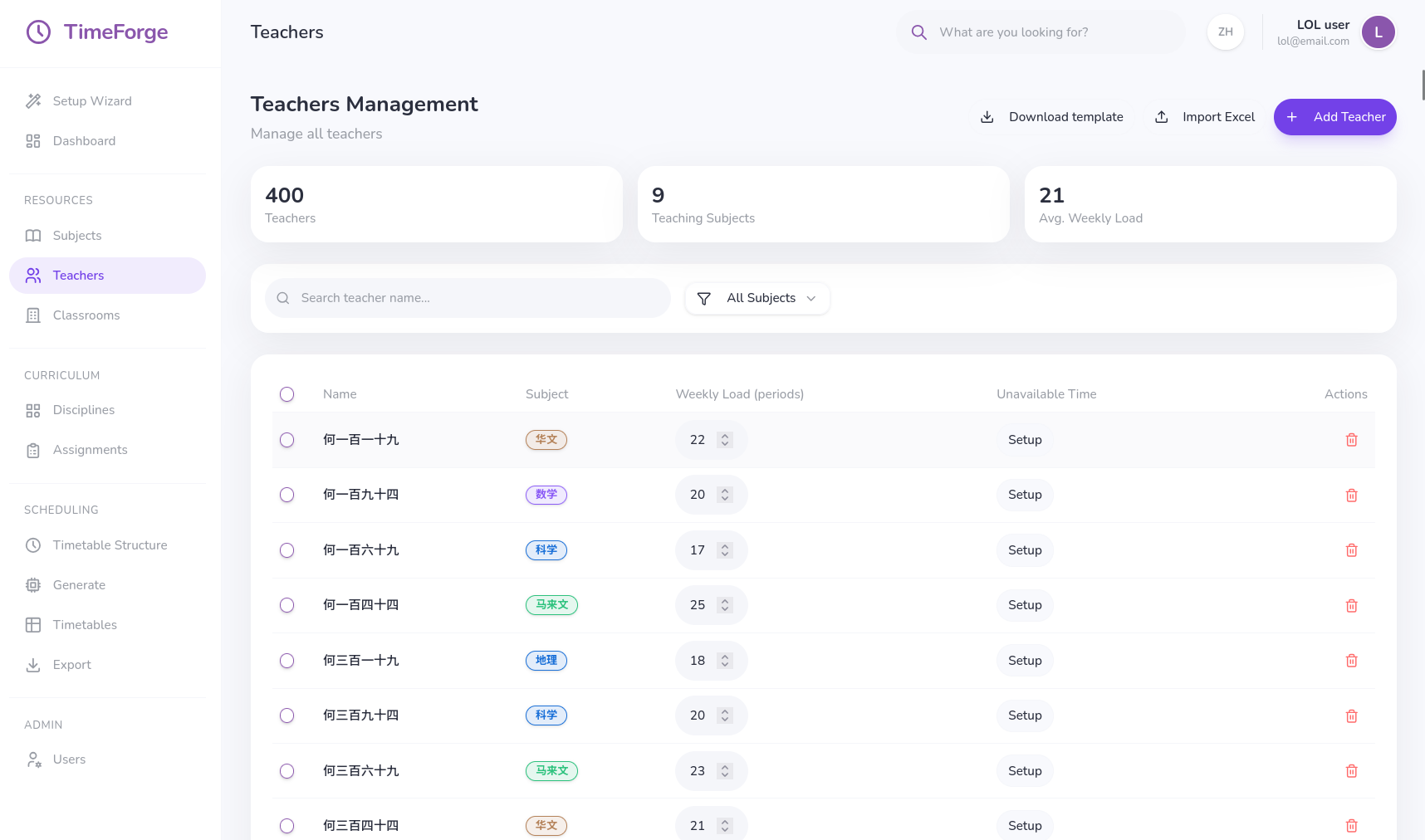
Teaching Resource Management
-
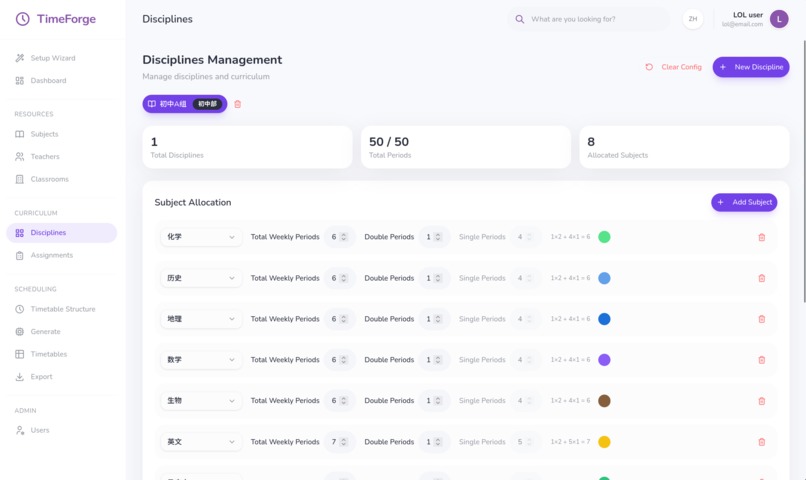
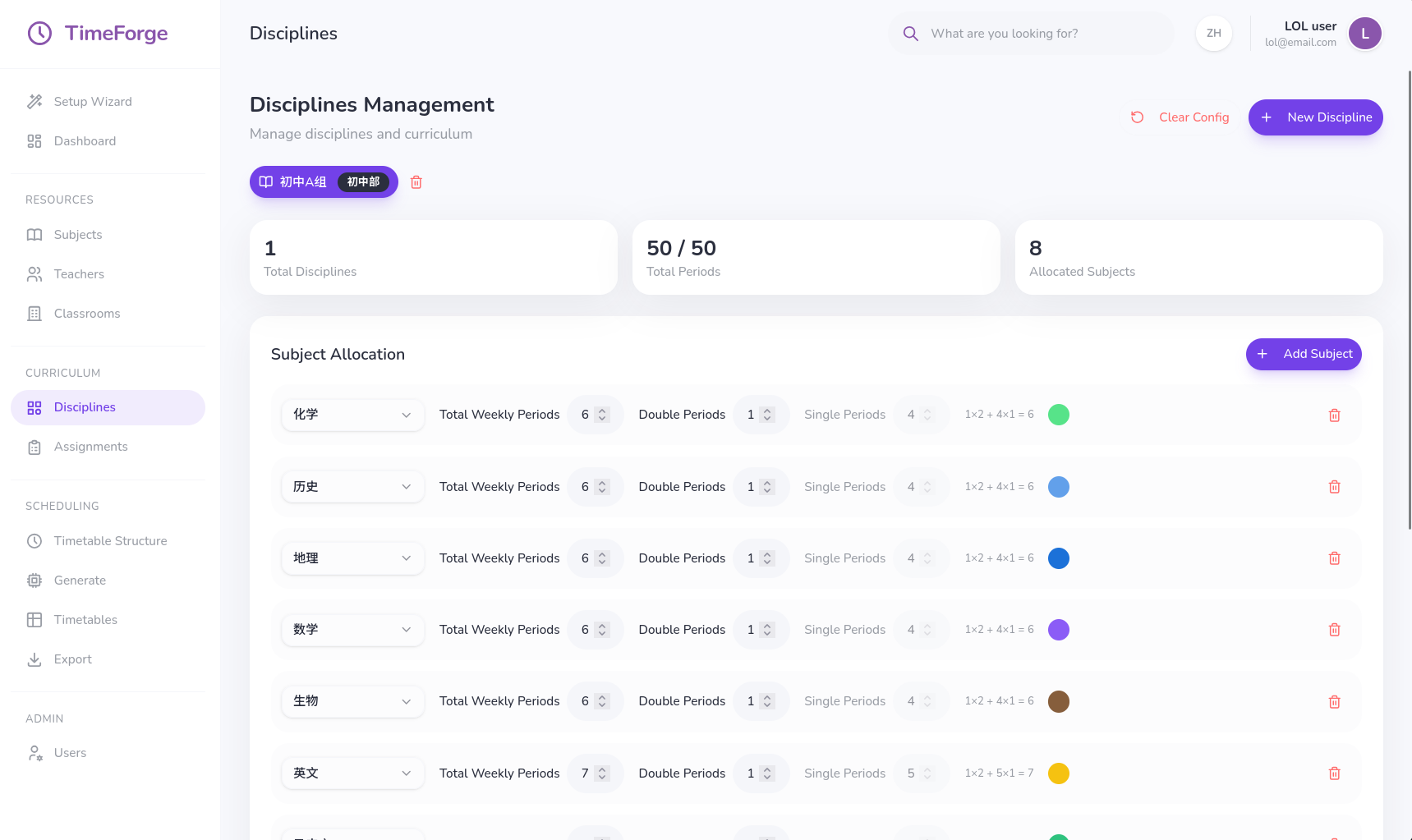
Discipline Management
-
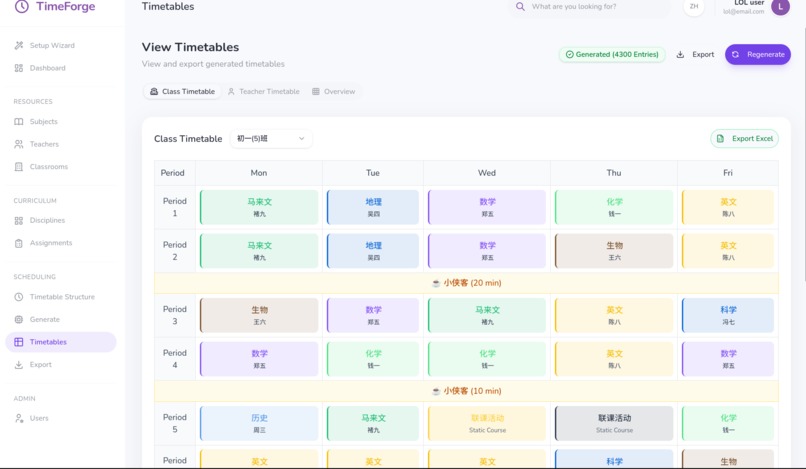
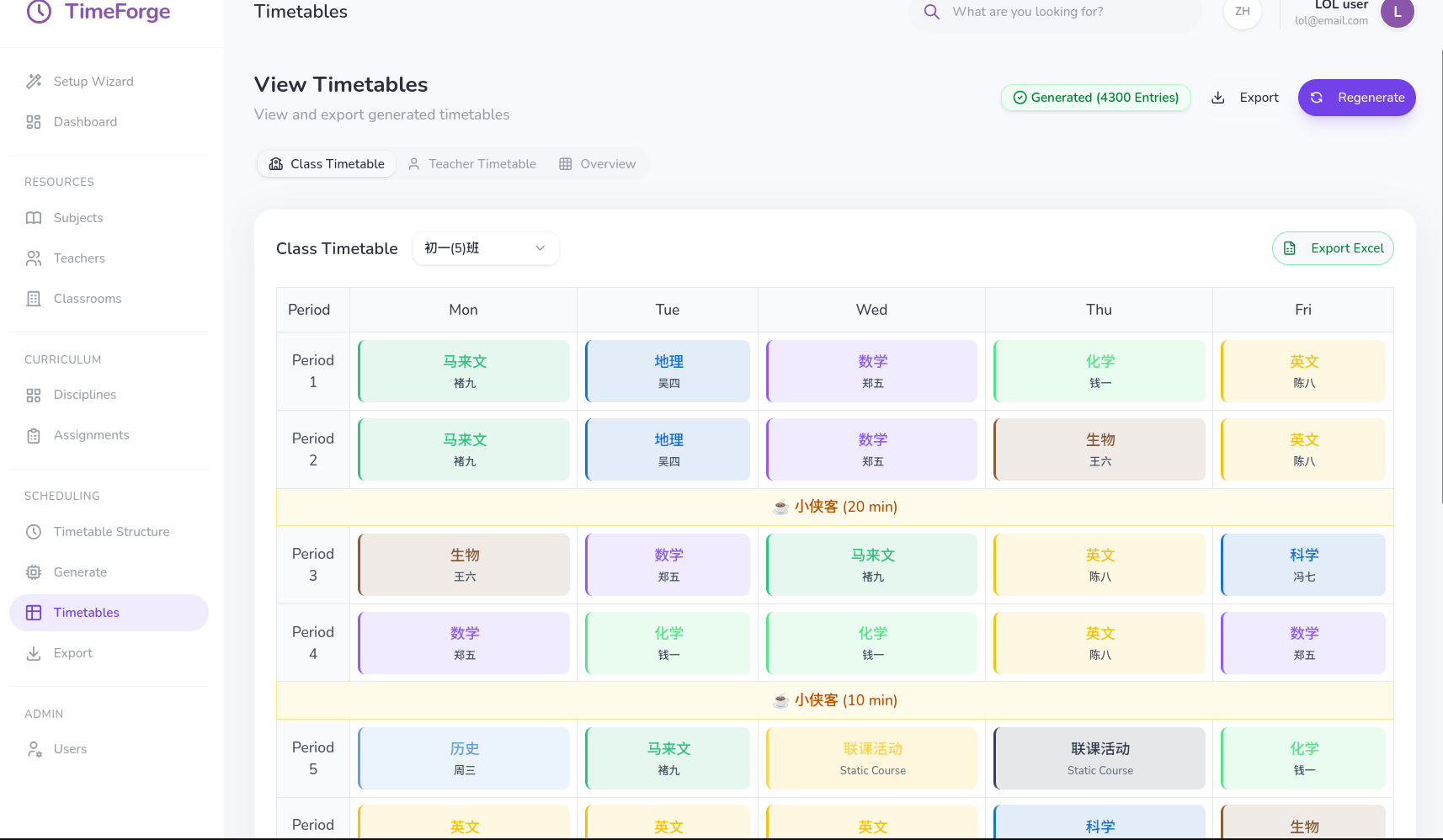
View Timetable
-
TimeForge

TimeForge - An Automated Timetable Scheduling System
Our Inspiration
We noticed a glaring disconnect in the educational world. While students learn on iPads and teachers organize their lives with modern apps like Notion or Spotify, the school administrators running the show are stuck in the 1990s. This issue is apparent in our high school, where we have around 120 classes and 500 teachers. Assigning timetables to all classes takes a few days of time, while administrators work all day long to get it solved. For years, administrators have been trapped between two bad options: error-prone manual spreadsheets or overpriced, clunky enterprise software. It’s tedious and painful, requires extra time and cost for training. But it doesn't have to feel hard. We wanted to build a tool that didn't just solve the maths, but actually make a stressful task feel approachable, human, and surprisingly delightful.
What it does
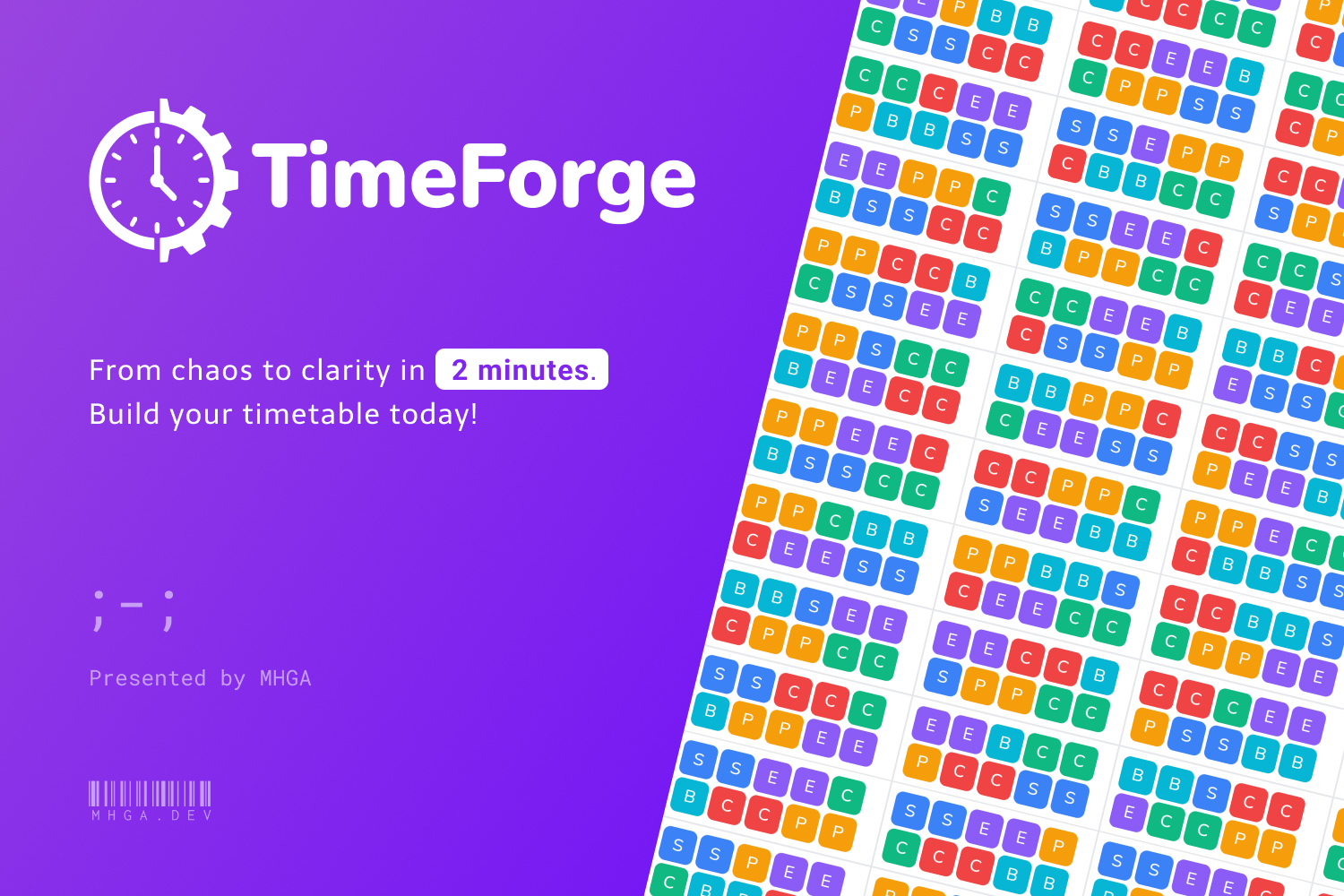
TimeForge is an easy-to-use, automated school timetable planning & management system. It replaces spreadsheets and clunky forms with a guided, error-proof wizard. Instead of overwhelming the admin, we guide them through a linear pipeline, from defining bell schedules to mapping teacher availability, no extra training required. It takes complex constraints (e.g., "avoid same subject on consecutive days" or "reduce teacher on-campus time"), and uses Google OR-Tools to mathematically generate a guaranteed collision-free schedule. With real-time validation, the interface predicts possible errors and solves them before they happen. To maximize integration, we do implement features to import/export data from Excel spreadsheets. This helps admins to seamlessly integrate into existing workforce tools. We utilize a "Soft UI" language, rounded corners, diffused shadows, and a calming violet palette, to reduce cognitive load and eye strain.
How we built it
TimeForge is a monorepo built on a strictly modern stack, combining frontend, backend, and database. For the frontend, we used React with Typescript to leverage the latest concurrent rendering and type-safe features, bundled with Vite. For styling, we utilized the TailwindCSS engine paired with shadcn/ui and Anime.js for smooth transitions. For the backend, we ditched Node for Bun, leveraging its incredibly fast runtime. The backend logic is served via ExpressJS, wrapping around PocketBase for a portable, single-file database solution (SQLite). The algorithmic solving section is done by Python integration in the backend. The system transfers the user's constraints and data to a Python script running Google OR-Tools, which acts as the mathematical solver to generate optimized schedules.
Challenges we ran into
Translating human requirements (like "try to give teachers shorter class gaps") into strict mathematical constraints that a machine understands was difficult. It requires a lot of discrete logic design, predicates and time complexity consideration. Designing hard constraints requires us to expect a lot of edge cases to prevent “no optimal solutions” issue. We initially thought that designing a system wizard is a simple process, until we imagined ourselves as the first-time user of this TimeForge system. We realized that designing UI and UX is not just what we are “satisfied” for, it’s something that should make balance for everyone to be comfortable with it. During our testing, we realized there are a lot of UX flaws (such as not being able to delete some data after creation, buttons being too small in various screen sizes), this is where we run into more consideration of system context so that it suits various contexts.
Accomplishments that we're proud of
We moved beyond a simple CRUD app. TimeForge is not just a data processing platform. We actually use mathematical knowledge to solve real world problems, producing valid, collision-free schedules. This is also the first time we’re using TypeScript, which is a type-safe language that is able to keep our codes in the best quality, which helps us in designing modular system architecture that helps us to reduce technical overhead in future expansion. What we learned For many years of learning mathematics, this time we successfully brought our mathematical knowledge into a real world situation, where we experienced how to solve real world situations using mathematics, starting from planning, mathematical design, and implementation of it in lines of codes. We were initially thinking about using AI as our main tools for system design, but it turns out all the codes it produces are far from usable, drastically increasing time in fixing AI’s code rather than developing codes. The biggest lesson we learnt from here, is that AI is your tools, not your brain. We need to decide how the system works instead of giving the decisive power to AI. The quote “AI is your copilot, not your autopilot” is far more than suitable for summarizing it.
What's next for TimeForge?
We are planning to further improve our TimeForge codebase into modular design, so that it is able to integrate new features easily, such as teacher leaves, class location changes/swaps, and more. Another thing that we have missed out on is the system integration, where users and admins are allowed to sync their generated schedule into external systems such as Outlook, Google Calendar, Trello, etc. This reduces the gap of our system into existing systems on a campus. Our final milestone for this project is to make it fully accessible in various contexts. We plan to make it work on mobile devices, tablets, for easier viewing. And as always, we plan to make it fully open source to bring no gaps for campuses to experience streamlined administrative tasks.
Built With
- bun
- express.js
- or-tools
- pocketbase
- python
- react
- tailwindcss
- typescript
- vite


Log in or sign up for Devpost to join the conversation.