Inspiration
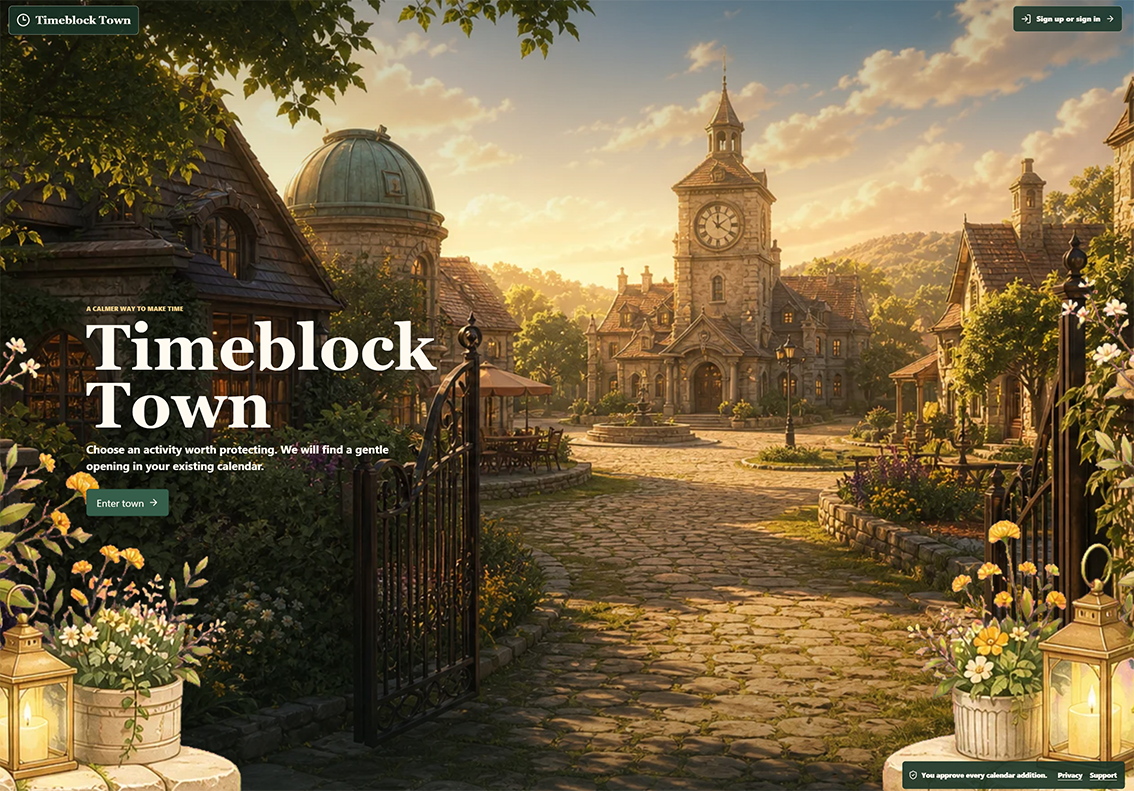
Timeblock Town was inspired by Spirit City: Lofi Sessions and the idea that productivity tools can feel calm, cozy, and motivating instead of sterile or stressful. I wanted to build a gamified web app that encourages me to better use the time blocks already on my schedule, commit to activities that matter, and enter a focused “space” when it is time to begin.
A lot of people understand the value of time blocking, but struggle with the actual follow-through: deciding what to do, finding a realistic opening, remembering the block, and transitioning into focus mode. Timeblock Town tries to make that loop gentler.
What it does
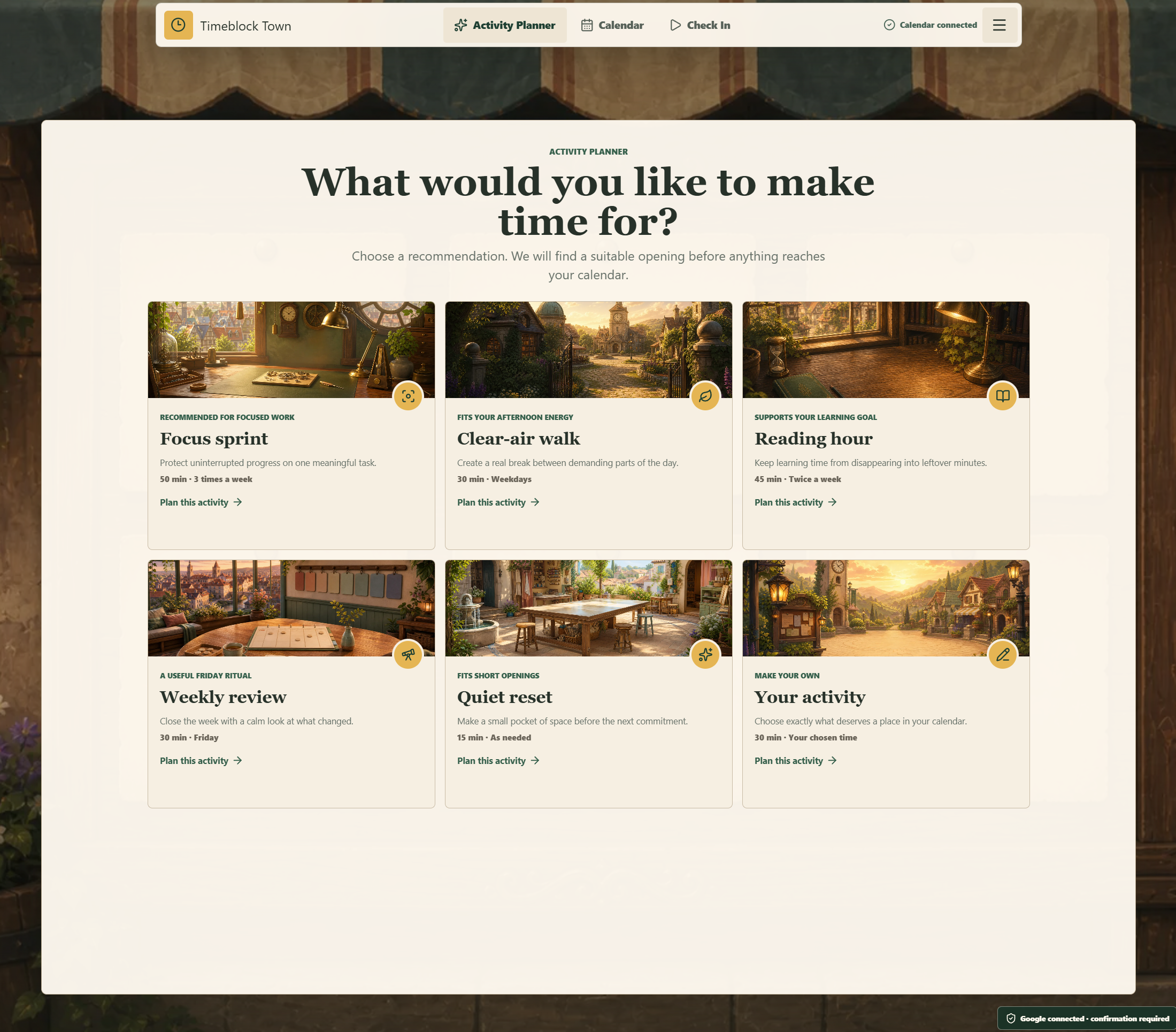
Timeblock Town helps users choose an activity worth protecting, find gentle openings in their existing Google Calendar, and check in when it is time.
Instead of asking users to manually build a perfect schedule, Timeblock Town syncs with Google Calendar, looks for available windows, and helps place intentional activities into a dedicated calendar. Every calendar addition still requires explicit user approval, so the app supports the user without taking away control.
How I built it
I built Timeblock Town as a responsive web app using:
Next.js for the application framework React and TypeScript for the frontend PostgreSQL with Drizzle for persistence Auth.js / Google OAuth for account login Google Calendar API for calendar sync, free/busy availability, calendar selection, and owned event creation Vercel for deployment AWS RDS PostgreSQL for the production database (1/3) Playwright, Vitest, ESLint, and TypeScript checks for validation
The app separates authentication from calendar authorization. A user can sign in with Google, then connect Calendar contextually when they are ready. Calendar writes are handled server-side, and Timeblock Town only mutates events it can prove it owns.
I also spent a lot of time on the visual and emotional design. The interface uses a cozy illustrated town theme, calm copy, and activity-specific spaces so that scheduling feels less like administrative work and more like entering a small ritual.
What I learned
I learned that the hardest part of building an AI-era productivity app is not just automation. It is deciding where automation should stop. For Timeblock Town, we wanted to help the user protect time, but never silently take control of their calendar.
I also learned how much product feel matters. Small details like language, onboarding, mobile layout, focus spaces, and confirmation states can dramatically change whether a scheduling tool feels stressful or supportive.
Challenges I ran into
One of the biggest early decisions was whether Timeblock Town should be a local desktop app or a web app. I initially explored both directions. A desktop app felt appealing because it could sit close to the user’s workflow, but the web app experience ended up being more accessible, easier to share, and better suited for Google OAuth and Calendar onboarding.
Another challenge was keeping the Calendar integration safe. It is easy to build a scheduling tool that feels magical by taking over the calendar, but I wanted the opposite: the app should suggest, explain, and support, while the user stays in control. That meant building careful boundaries around OAuth, event ownership, idempotent writes, disconnect behavior, and explicit confirmation before adding anything to Google Calendar.
Deployment also had its own challenges. The production app needed a real database, secure environment variables, SSL-backed RDS connectivity, Vercel deployment configuration, Google OAuth redirects, and production health checks. Getting all of those pieces working together was a major part of turning the prototype into a usable live app.
Built With
- next.js
- postgresql
- react
- typescript
- vercel

Log in or sign up for Devpost to join the conversation.