-
-
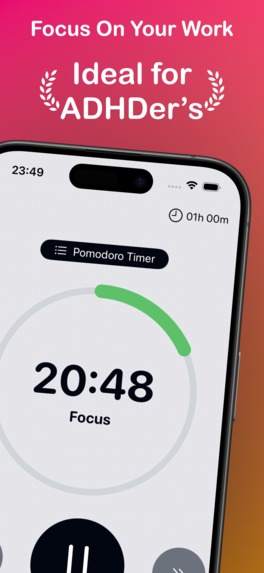
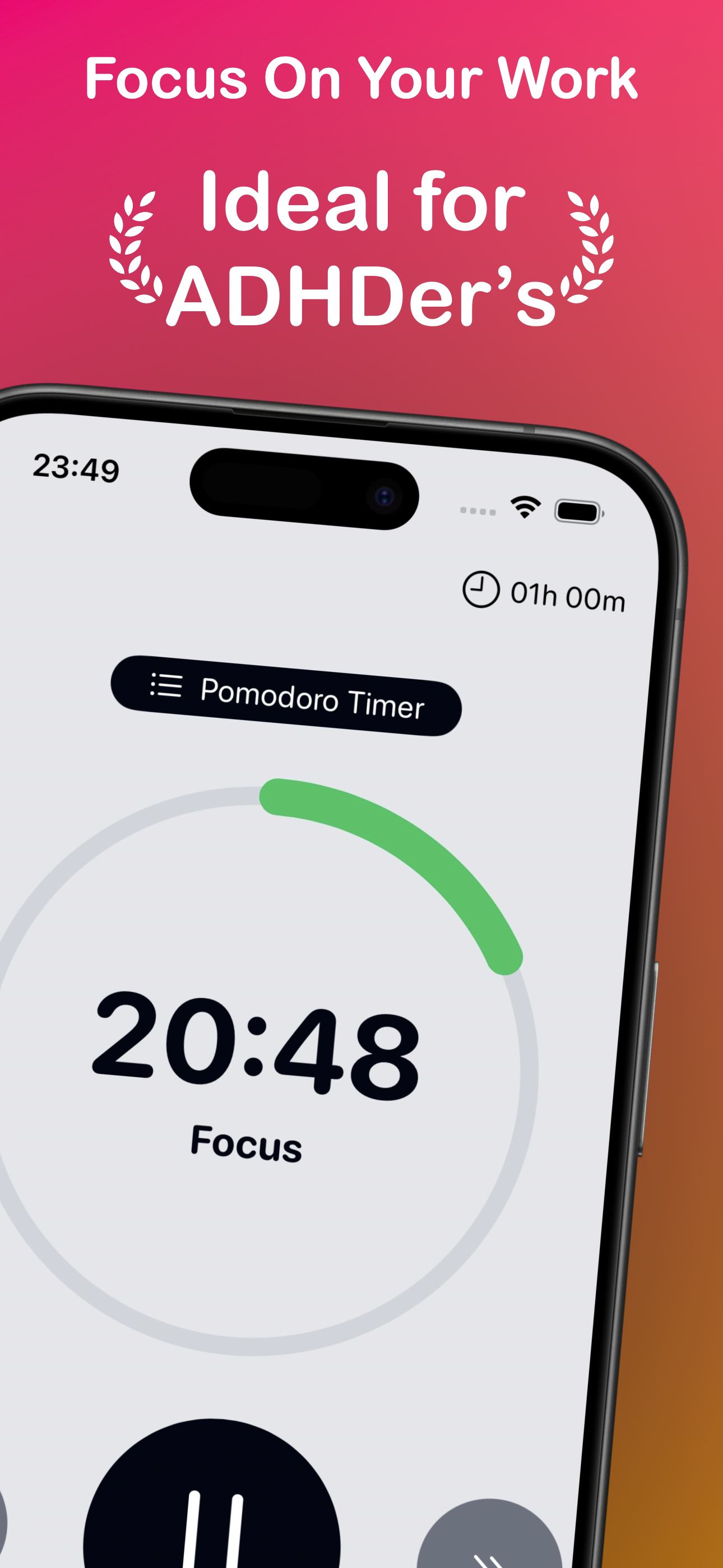
Focus On Your Work, Ideal for ADHDers
-
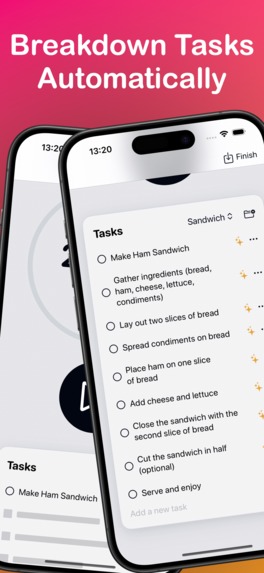
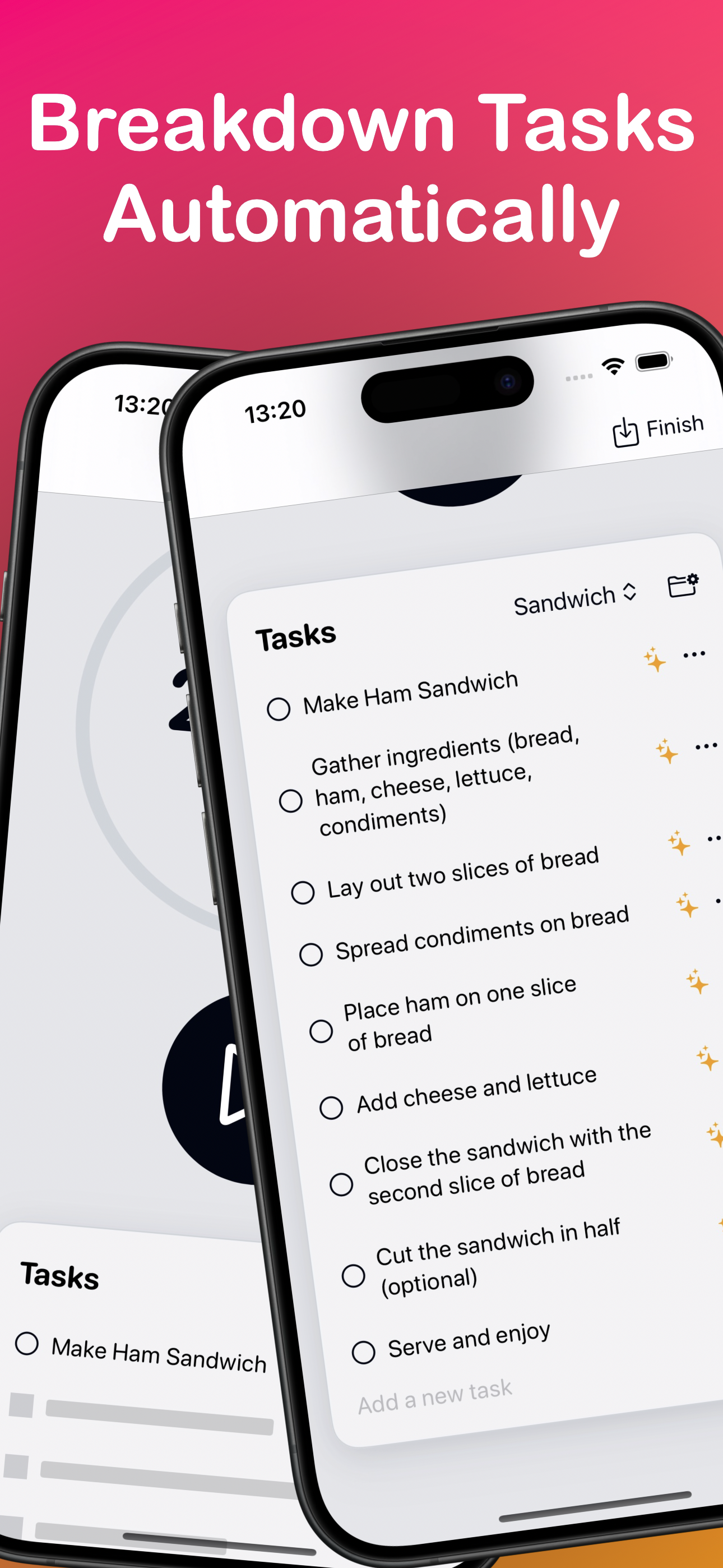
Breakdown Tasks Automatically
-
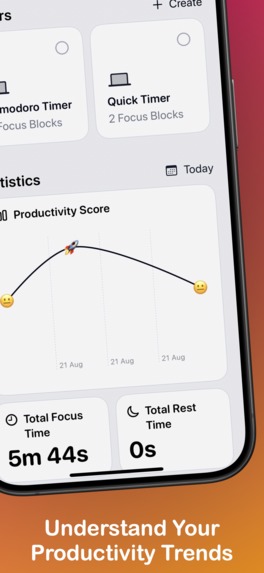
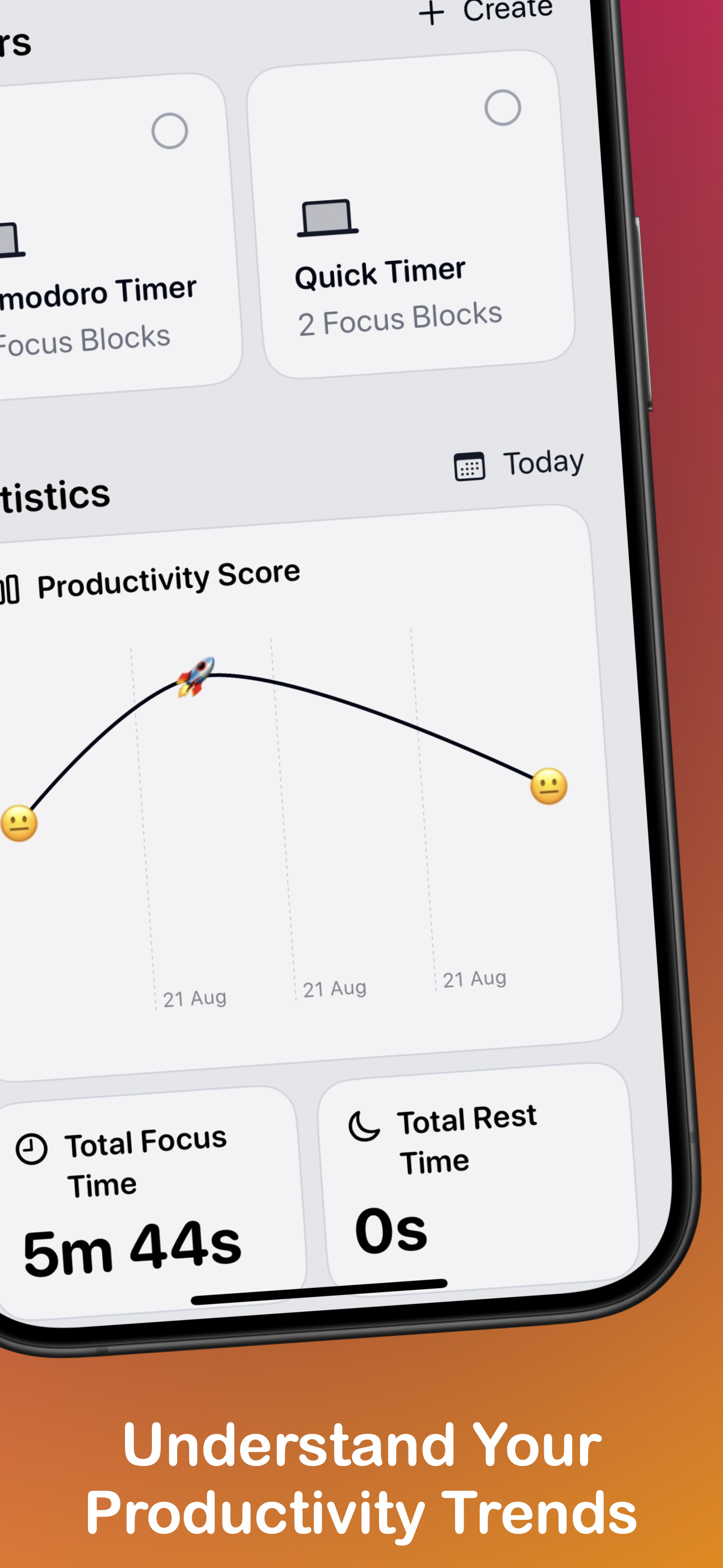
Understand Your Productivity Trends
-
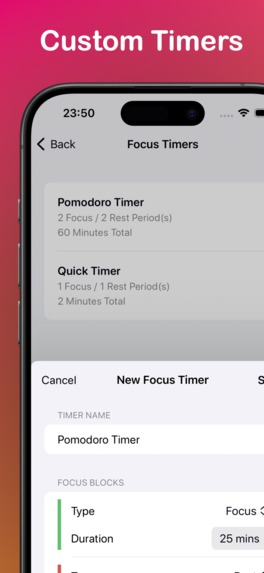
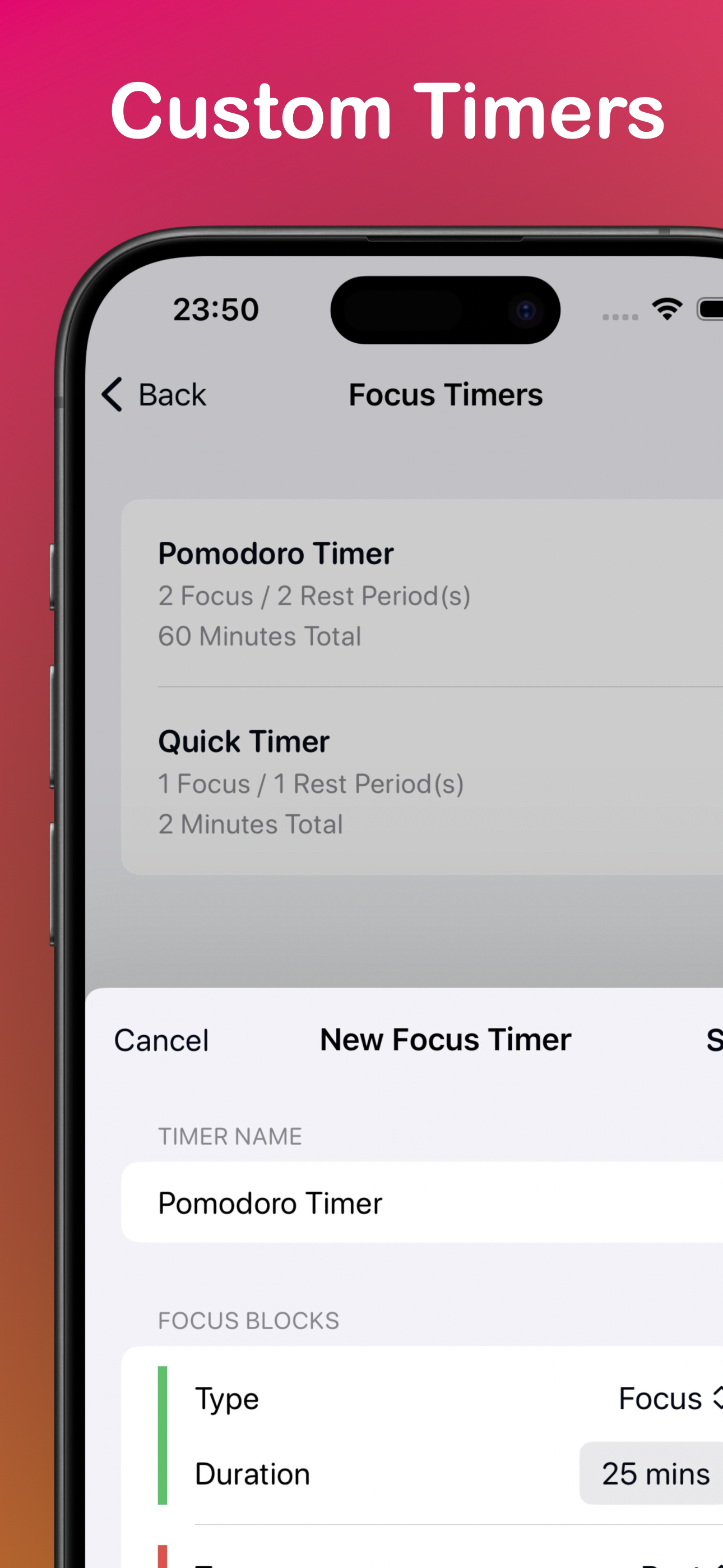
Custom TImers
-
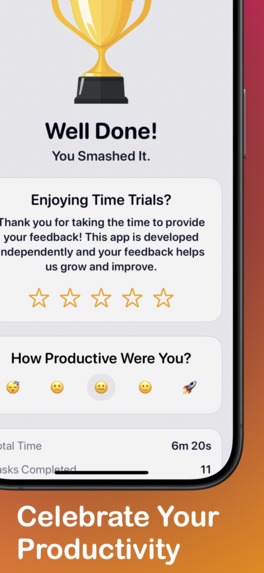
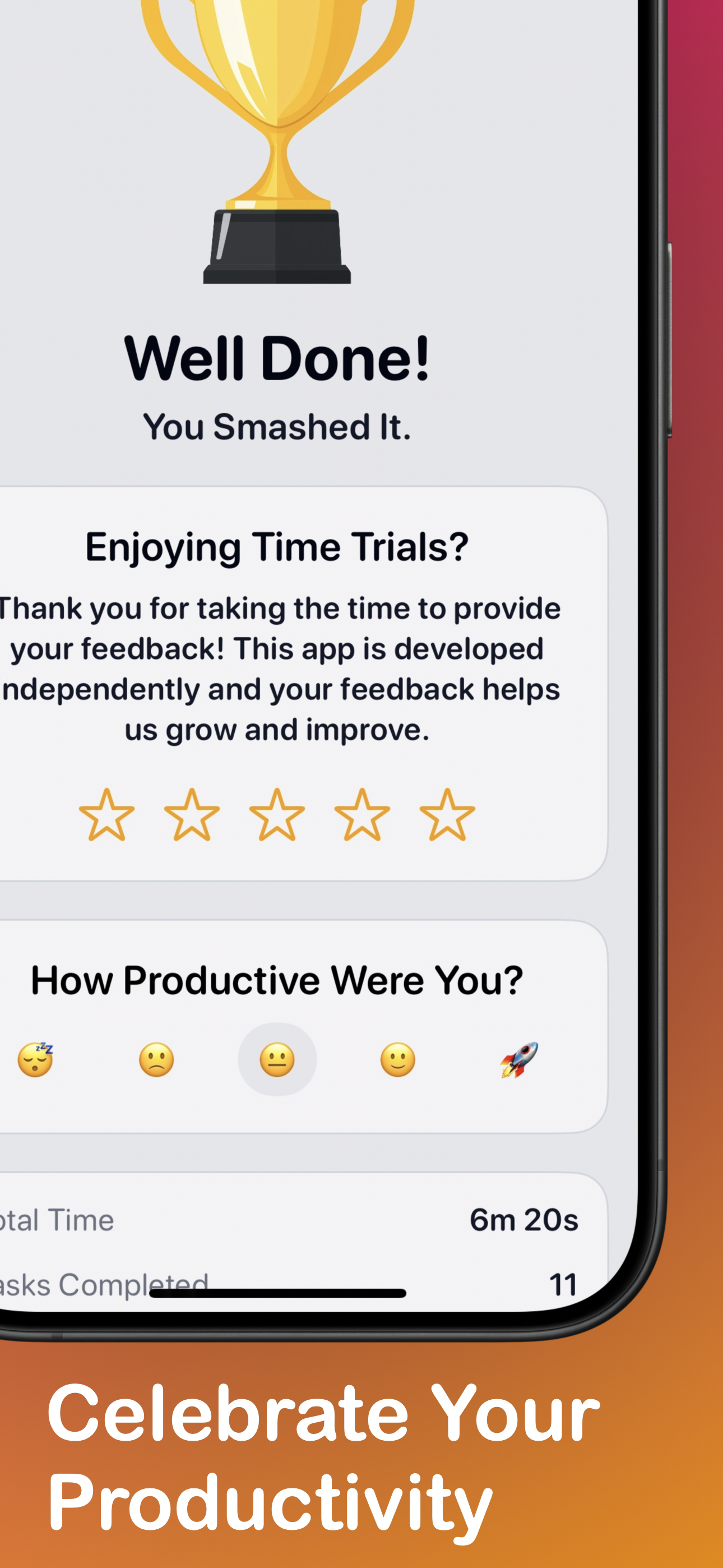
Celebrate Your Productivity
Inspiration
As a soon-to-be parent with ADHD (my baby is due in 2 weeks), I needed a productivity tool that could help manage time effectively. The inspiration for Time Trials came from the desire to create an app that combines the Pomodoro technique with intelligent task management using OpenAI API.
What it does
- Customisable Pomodoro timer with built-in breaks.
- Automatic task breakdown using OpenAI integration for better time management.
- Real-time notifications to keep users on track.
- Detailed statistics to track productivity over time.
The app is designed to help users overcome procrastination, reduce overwhelm, and develop better study and work habits.
How I built it
Time Trials was built using SwiftUI and SwiftData for a modern, efficient iOS app architecture. I used Claude to assist in the development process which helped me create the functionality and I then tweaked the design manually.
The OpenAI integration for automatic task breakdowns was a key feature that required careful implementation to ensure seamless user experience.
Challenges we ran into
The main challenge was developing a fully-featured app within a tight two-week timeframe with my baby due any day.
I have a huge list of features I wanted to implement but cut many for the first release. Originally I wanted the app to manage focus and workout timers but I cut out the workout timers for the initial release and plan to add again later.
Accomplishments that we're proud of
- Successfully building a functional, user-friendly app in just two weeks
- Implementing the OpenAI integration for automatic task breakdowns, which significantly enhances the app's utility
- Creating an intuitive UI/UX that caters specifically to users with ADHD and focus challenges
- Leveraging AI (Claude) in the development process, showcasing the potential of AI-assisted coding
What we learned
- The importance of scope management in time-constrained projects
- How to effectively integrate AI tools like Claude and OpenAI into the development workflow
- The value of focusing on core features that solve real user problems
- The challenges and rewards of building productivity tools for specific user groups (e.g., individuals with ADHD)
What's next
I'm excited about the future of Time Trials and have several enhancements planned:
- Implementing LiveActivities for better iOS integration and real-time updates.
- Adding Widgets for quick access to timers and productivity stats.
- Integrating with Screen Time to provide more comprehensive productivity insights.
- Expanding platform support to include iPadOS and macOS for a seamless cross-device experience Continuously refining the AI-powered task breakdown feature based on user feedback.
These additions will further cement Time Trials as the go-to productivity app for individuals looking to maximize their focus and efficiency.
Built With
- figma
- openai
- revenuecat
- swift
- swiftdata
- swiftui


Log in or sign up for Devpost to join the conversation.