-
-
Easy time tracking for Confluence
-
-
-
-


Inspiration
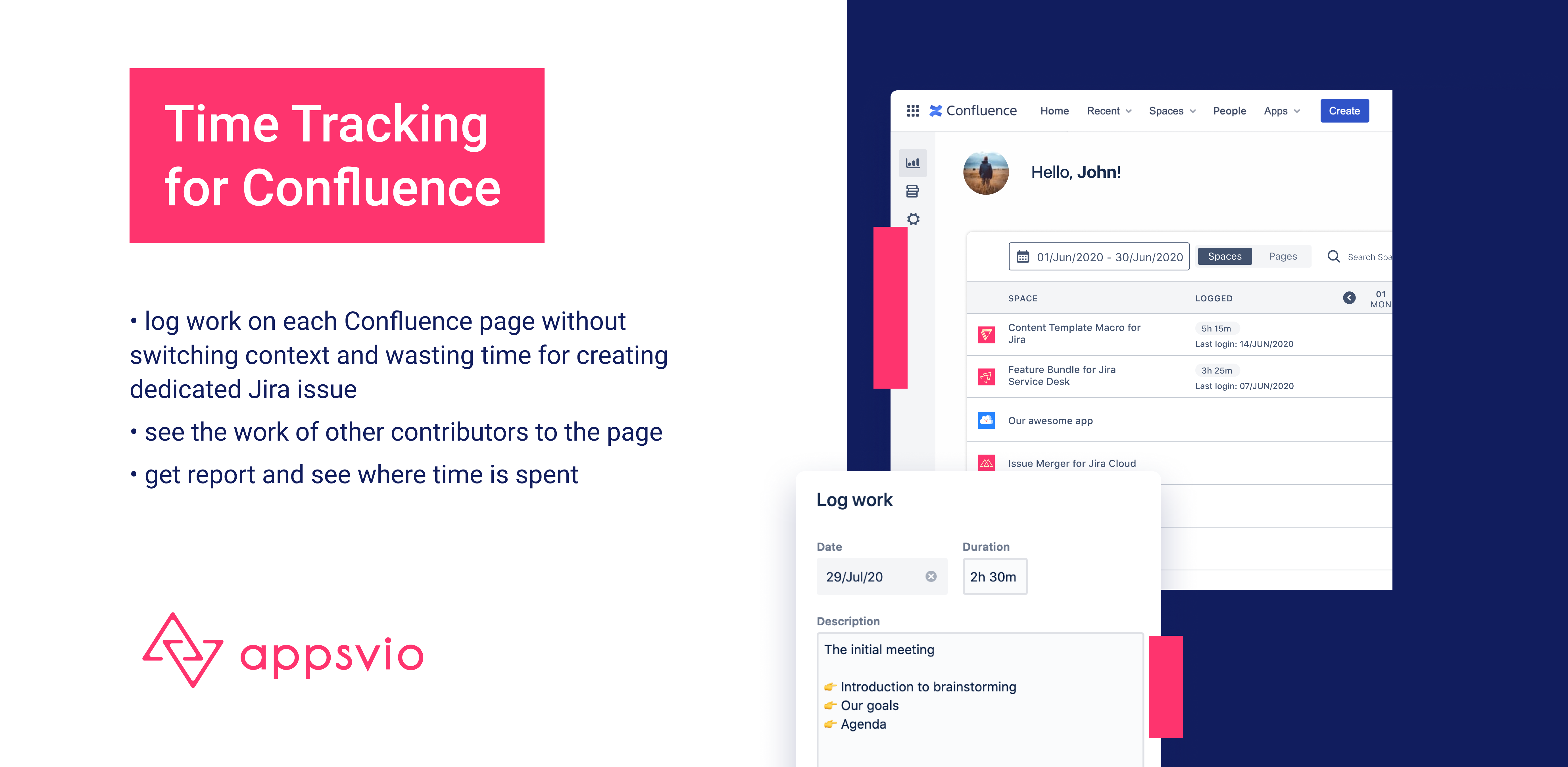
The concept of logging work time in Confluence was born out of the needs of our team. We often have the opportunity to work with copywriters or analysts who are employed for projects that we implement. Such people, representing the areas of business and marketing, very often do not use Jira, but Trello. Our product team has the entire process laid out in Jira, we keep the documentation in Confluence and do not use Trello in our daily work. The work of external persons must be accounted for separately, and keeping this data in Excel was not convenient for us (another document to fill out ...). That is why we thought: since these people work in Confluence, we also use it, why not let them log in time for the Confluence pages they created?
What it does
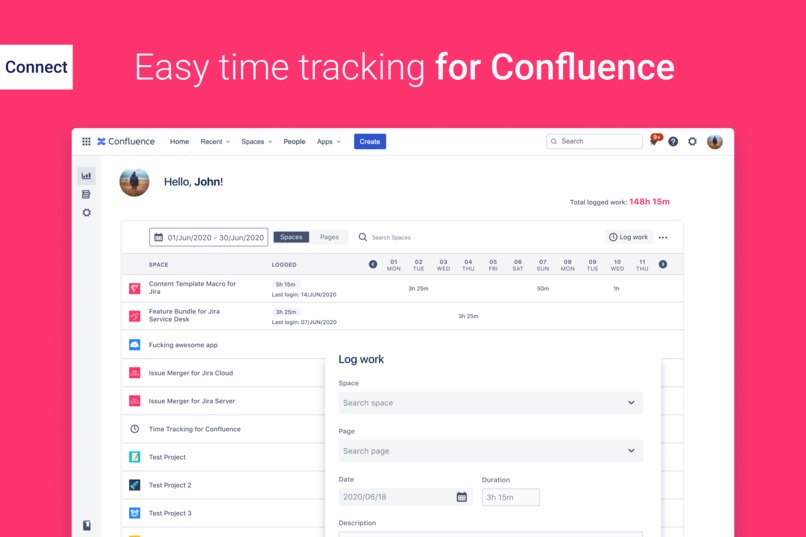
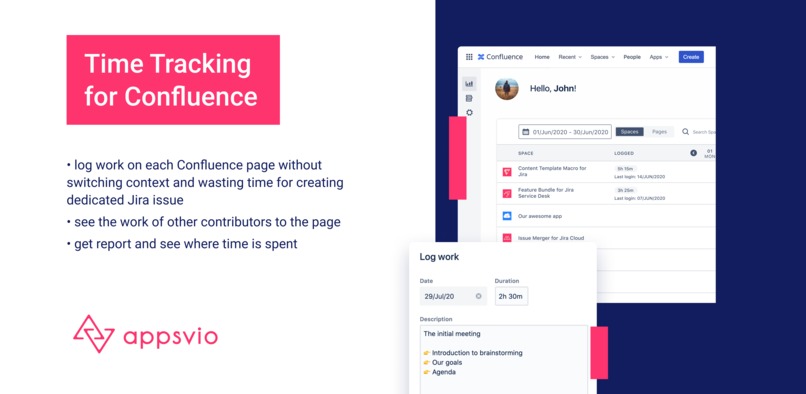
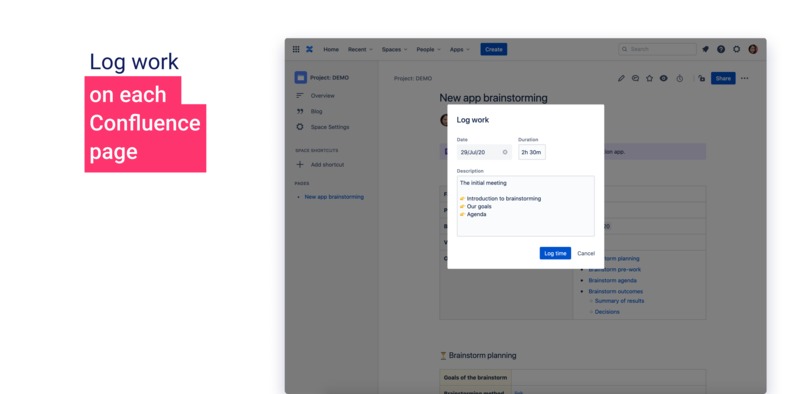
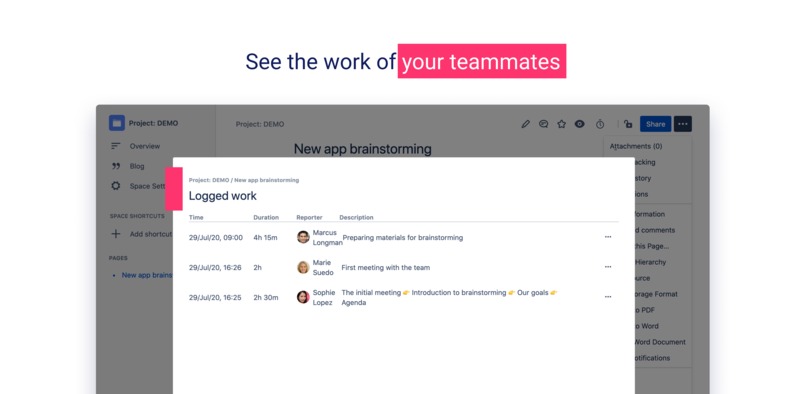
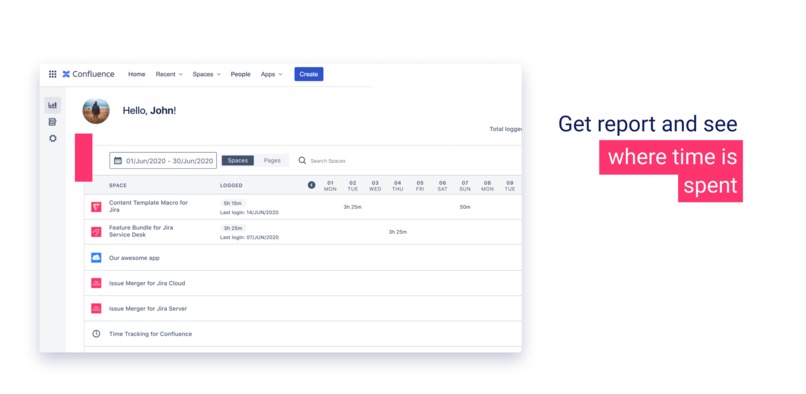
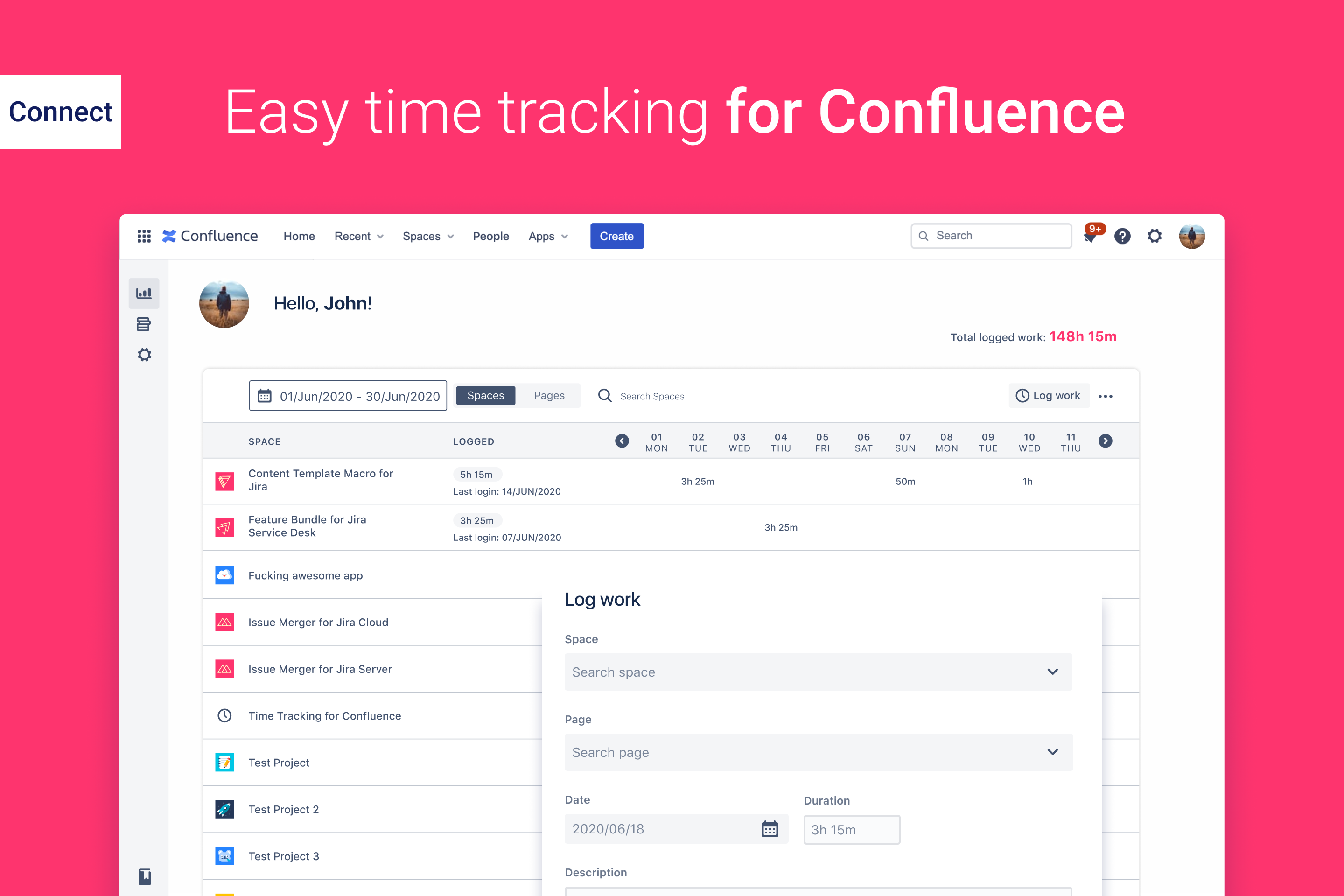
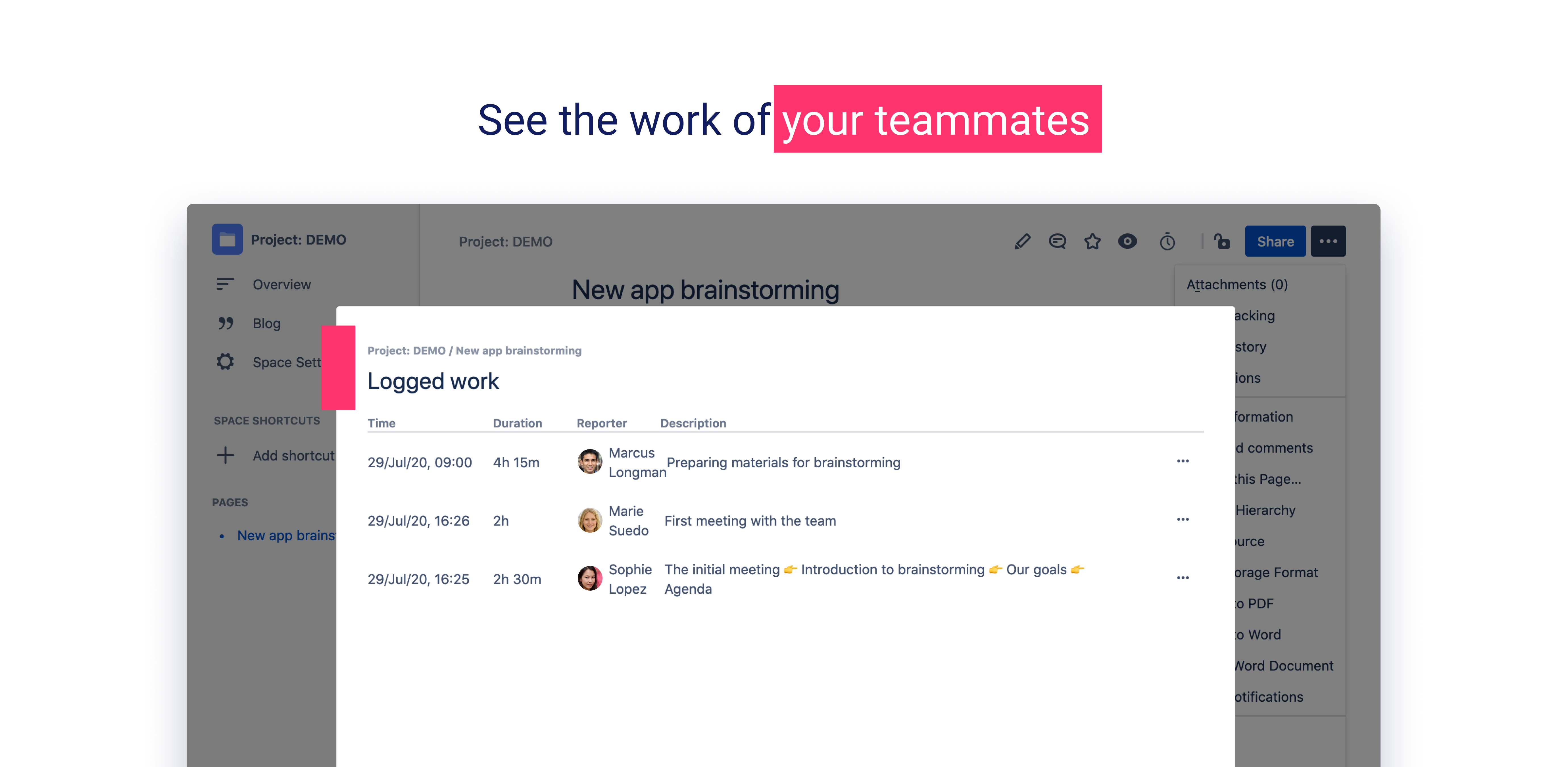
This app allows you to log in working time on specific pages in Confluence. The login history on a given page can be previewed and exported to a .csv file. In addition, there is a dashboard (report) in the global view that shows the login work time for the current user. In the list, you can display working times in a selected period time grouped by spaces or pages. From this view, you can also export data to a .csv file for further processing.
How we built it
The application implementation has been divided into three parts:
- the server-side (Java, Spring Boot, Atlassian Connect),
- frontend (ReactJS, Atlaskit UI),
- a PostgreSQL database.
We manage the entire project using Jira Cloud and Confluence. We have prepared the interface graphic designs in Figma.
Challenges we ran into
Returning breadcrumbs turned out to be a problem. Currently, this does not work as we would like: they should be returned in the information of each page. We would like to show this information in the dialog of saved logins on a particular Confluence page. Thanks to this, the user knows for which page he checks the information. Fortunately, we know how to do it! It is laborious because it requires additional calls to REST API, but we will introduce it in the next version of the app.
Apart from that, we did not encounter any difficulties that would interfere with the implementation of our idea.
Accomplishments that we're proud of
We are proud that this application is really easy to use. At first, we were afraid that we would add so many functions to it that it would become complicated and difficult to understand. In addition, by talking with potential users - the people we work with on a daily basis - we learned that their needs are very simple: they want to enter how much time and when they worked on a given page and be able to add a short description. The simplicity of this application is its strength. Adding more functionalities in the future, we will remember not to lose this advantage.
What we learned
We have gained new experience in building a dedicated application for Confluence. Earlier, we were able to release a macro that is available on the Atlassian Marketplace: Content Template Macro for Confluence. We learned how to add elements to the menu on the Confluence page and display information in dialogues. In addition, for the first time, we had the opportunity to create a global page that is available to every user.
None of us has ever participated in any hackathon! We work with each other every day, but it is a completely different style of work than during such a competition. We were still thinking about how little time we have left, and how much is still to be done. But we can say it was worth it and it certainly is not our last time. We still want to work together :)
What's next for Time Tracking for Confluence
The application has been submitted to Atlassian and we are waiting for approval to publish it as a free Marketplace add-on.
Feedback from customers is very important to us, which will definitely have a significant impact on the product's roadmap. Nevertheless, there are elements that we definitely want to add:
- the ability to create teams (or using Teams which are available in Atlassian products for Cloud) and view the work logs of the entire team
- more filtering options - now you can narrow down logins only to time periods and switch between the list of spaces and pages
We believe that this application will open a completely new area for Confluence (= time tracking), which until now has been overlooked.


Log in or sign up for Devpost to join the conversation.