-
-

the theme
-
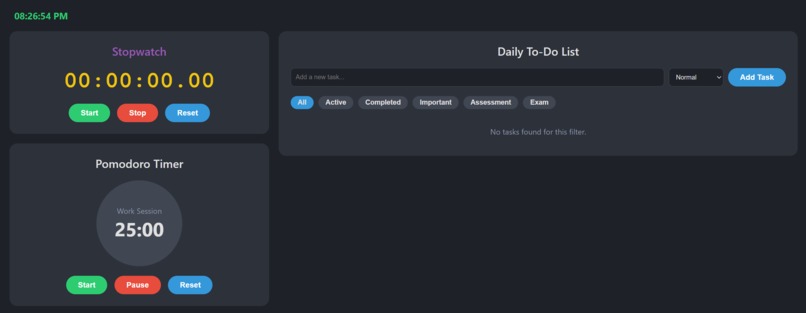
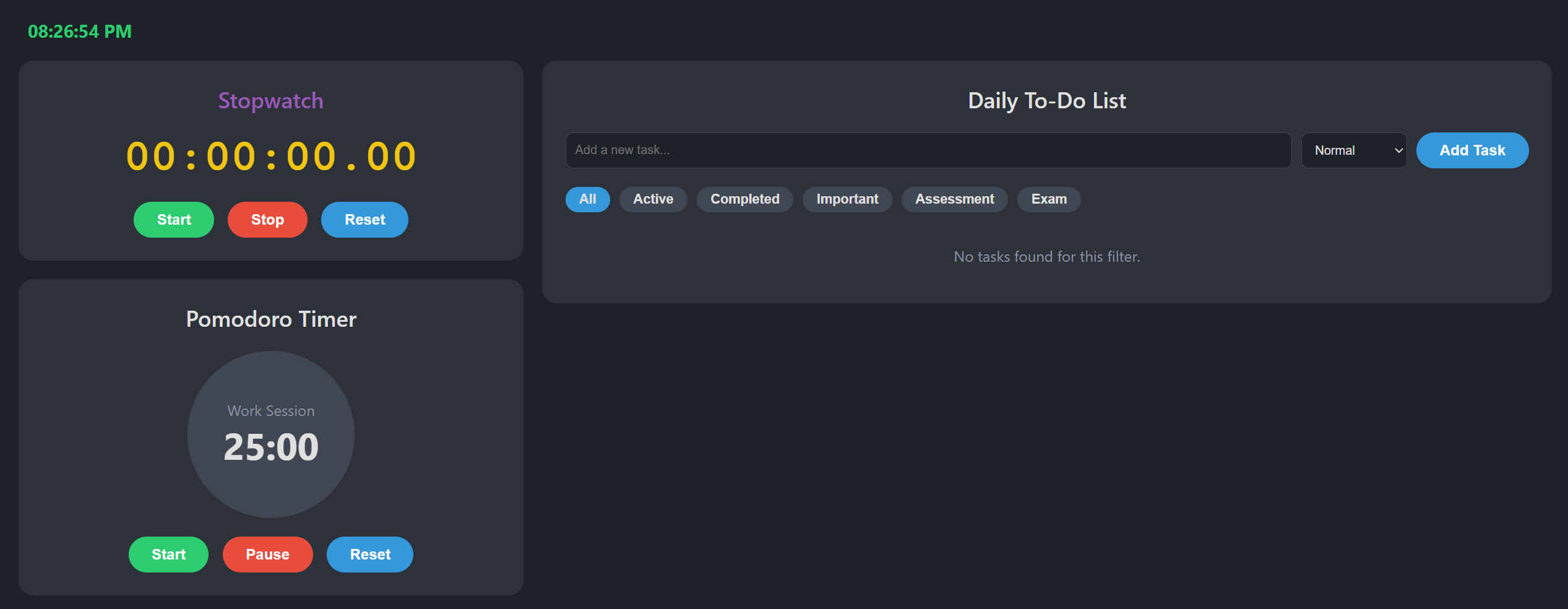
dashboard
-
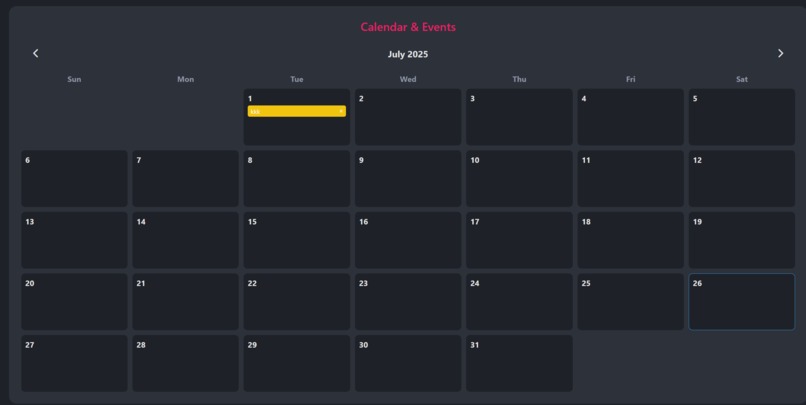
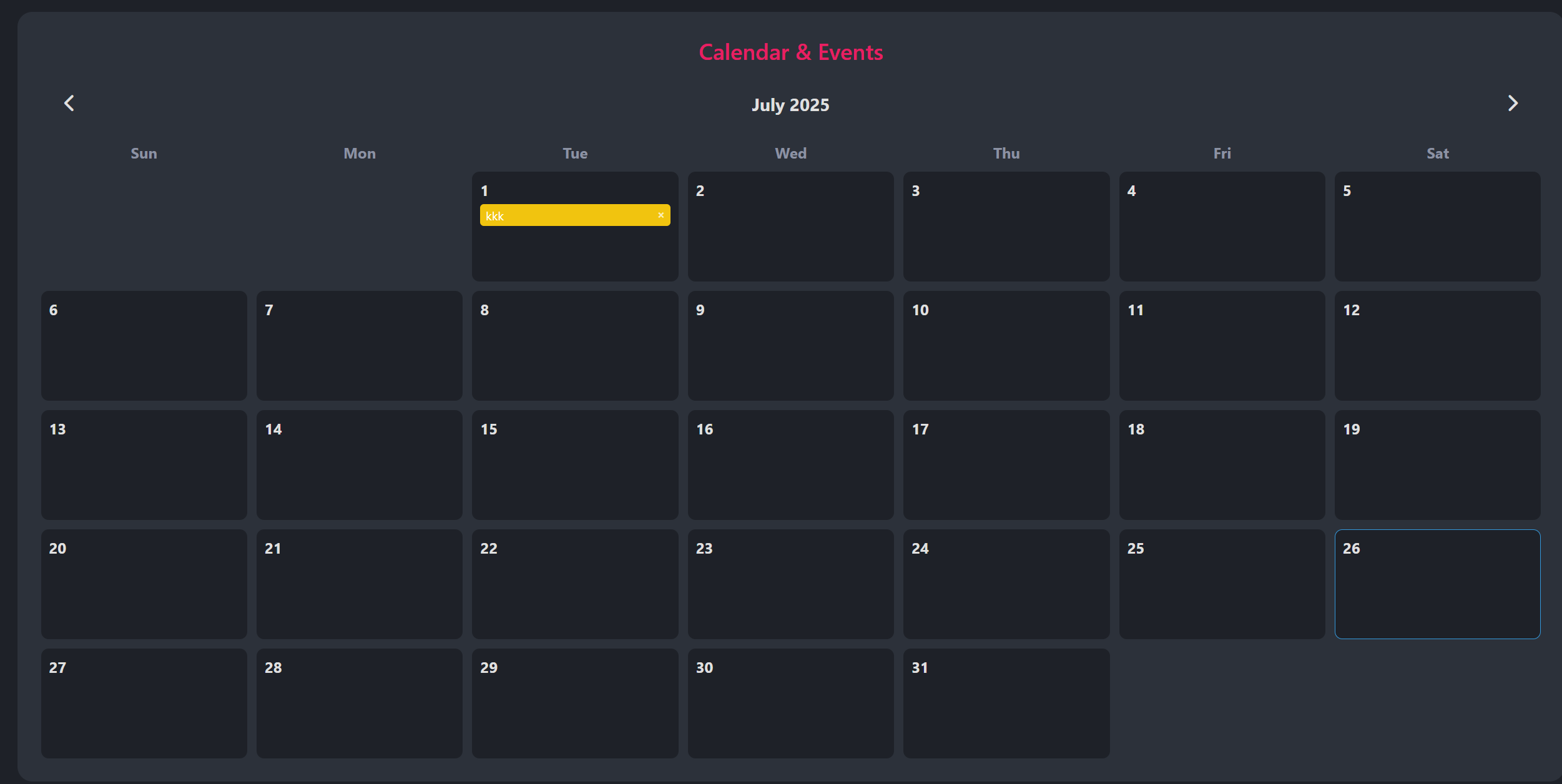
calender

Time Nest – A Smart Student Dashboard for Time Management 🌟 Inspiration As students, we often struggle to stay organized. Juggling between classes, assignments, and personal time can get overwhelming. Most productivity apps are cluttered or overly complex. Time Nest was born from the idea of creating a minimal, all-in-one dashboard designed specifically for students — a calm "nest" where everything needed to manage time efficiently lives in one place.
💡 What it Does Time Nest is a student-focused productivity dashboard that helps users manage their time and tasks effectively. It includes:
✅ To-Do List with priority tags like Urgent and Important
⏳ Pomodoro Timer to boost focus with structured work/rest intervals
⌚ Stopwatch for tracking study or activity duration
📅 Calendar View for planning and visualizing daily/weekly tasks
These tools are designed to work together in a single, distraction-free interface.
🏗️ How We Built It Time Nest was built using:
Frontend:
For desktop: HTML, CSS, JavaScript
Core Logic:
Stopwatch and Pomodoro timers use setInterval() and internal state tracking
To-Do List and Calendar entries are stored locally using:
localStorage or IndexedDB for web
UI/UX:
Designed a modular interface with intuitive layout
Eisenhower Matrix principles are used to tag tasks based on urgency/importance
🧱 Challenges We Ran Into 🧩 Managing timer state across app pauses or browser refreshes
🗂 Structuring local data without cloud sync
🎨 Designing a minimalist but complete dashboard UI
📅 Making the calendar view dynamic and responsive to real-time updates
🏆 Accomplishments That We're Proud Of Developed a complete offline-first dashboard that works without internet
Created smooth transitions between modules (calendar, tasks, timers)
Designed a visual system to categorize tasks by urgency and importance
Built an intuitive Pomodoro timer with session history and stats
📚 What We Learned How to manage persistent data storage locally (e.g., localStorage, SQLite)
Handling timers and their lifecycle across app sessions
Implementing the Eisenhower Matrix:
Do First → Urgent + Important Schedule → Important, not Urgent Delegate → Urgent, not Important Eliminate → Neither Urgent nor Important Do First→Urgent + Important Schedule→Important, not Urgent Delegate→Urgent, not Important Eliminate→Neither Urgent nor Important Importance of user-centered design for student productivity tools
🚀 What's Next for Time Nest 💾 Export/Import feature to save and restore data across devices
📊 Add progress graphs for weekly productivity tracking
🔔 Custom local reminders for Pomodoro and task deadlines
🧩 Plugin system to allow additional modules (notes, flashcards)


Log in or sign up for Devpost to join the conversation.