-
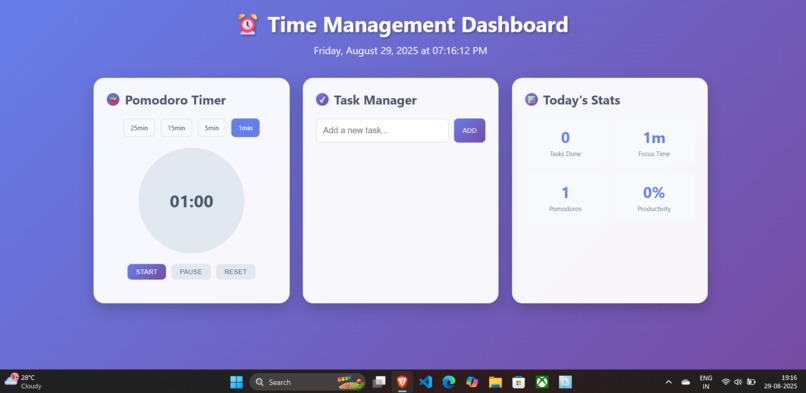
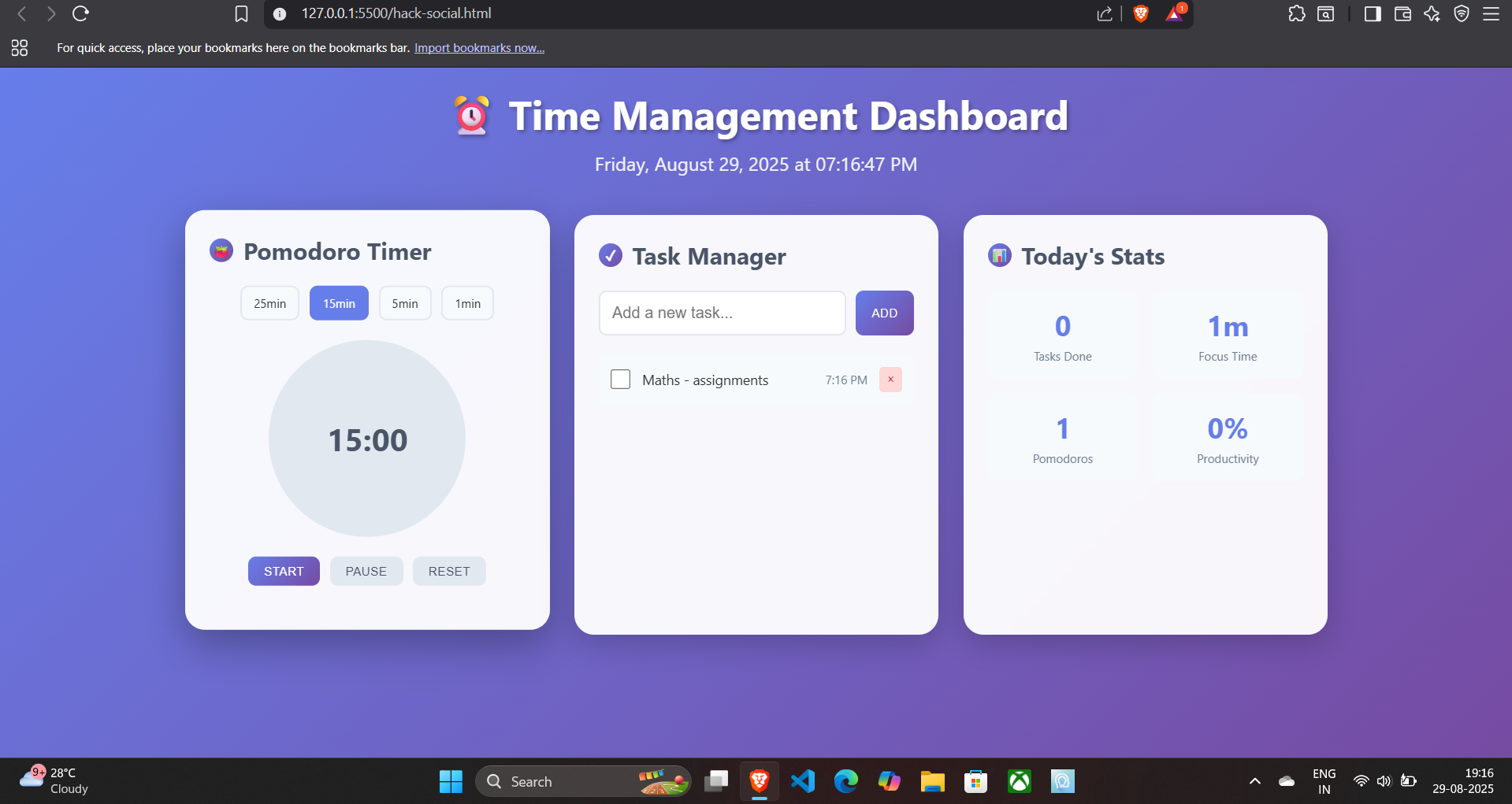
basic layout
-
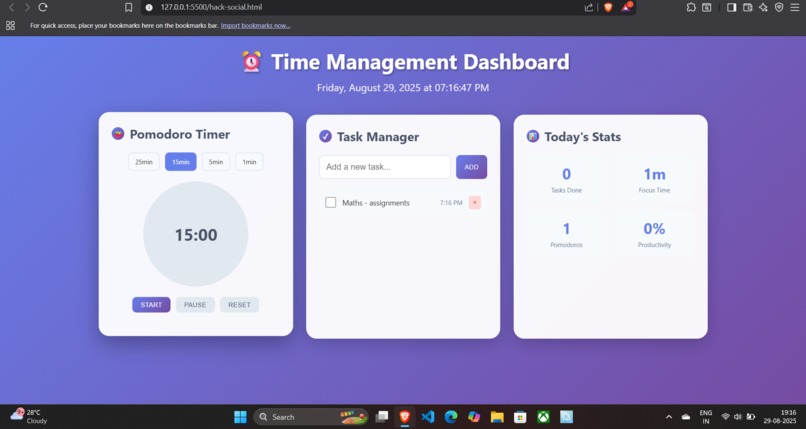
Task added
-
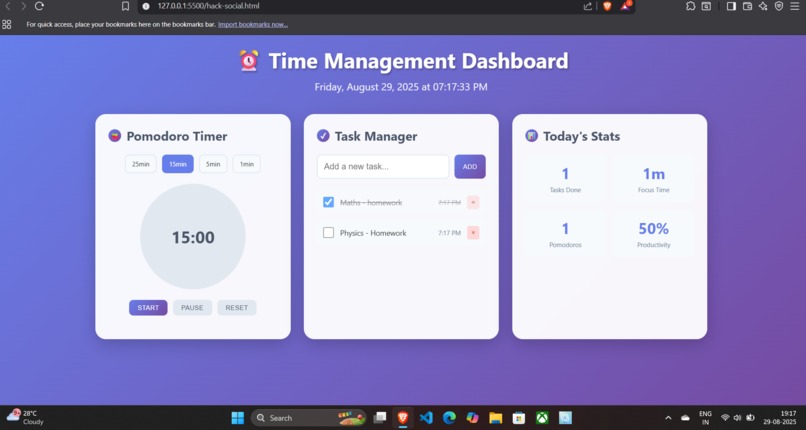
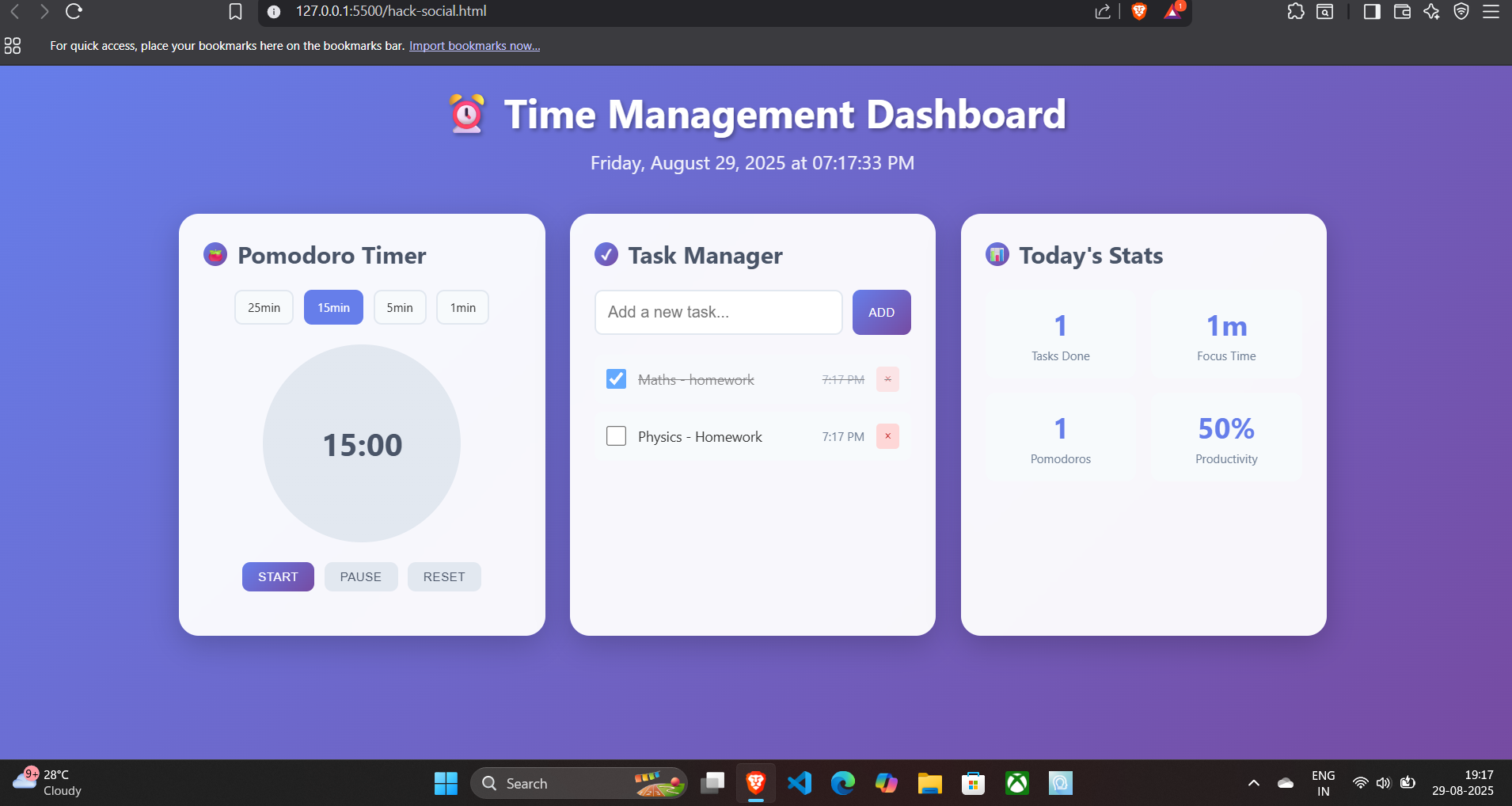
Task completed and Productivity %
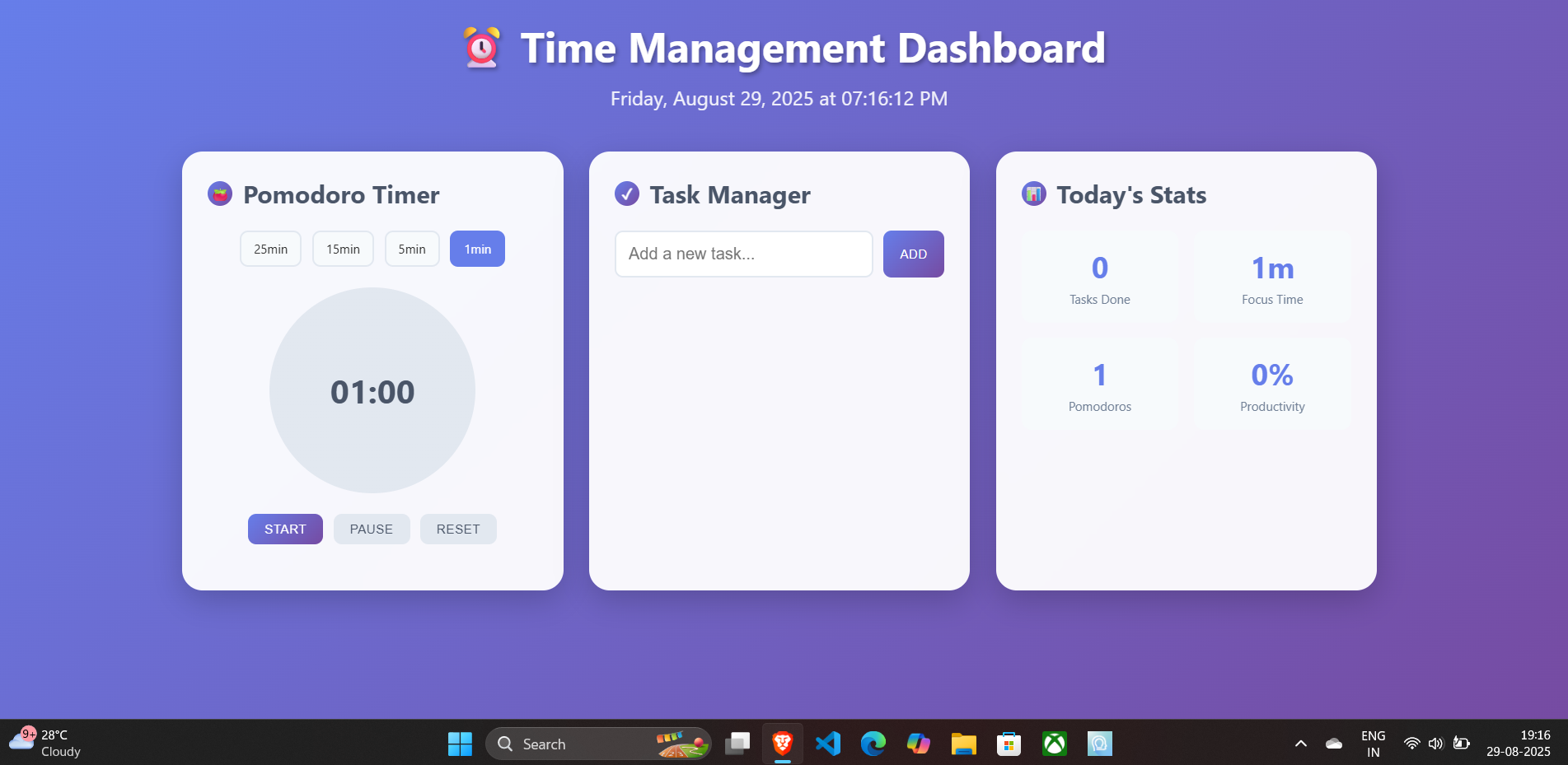
Inspiration
I wanted to build a simple productivity tool that combines the Pomodoro technique with task management. Many apps felt too complex, so I aimed for a minimal, distraction-free dashboard built only with HTML, CSS, and JavaScript.
What it does
A Pomodoro timer with start, pause, and reset.
A to-do list where tasks can be added and tracked.
A progress circle animation that updates as the timer runs.
Keyboard shortcuts (Enter to add a task, Space to start/pause timer).
A stats section that shows completed tasks, sessions, and productivity.
How I built it
HTML for structure.
CSS for styling, grid layouts, and animations.
JavaScript for all logic: timers (setInterval / clearInterval), task handling, and progress updates.
Challenges I ran into
Making the progress circle update smoothly with time.
Preventing multiple timers from running at once.
Keeping the layout clean and minimal while fitting Pomodoro + To-Do + stats.
Accomplishments that I am proud of
Built a fully functional Pomodoro + To-Do dashboard from scratch.
Designed a clean and responsive interface.
Added keyboard shortcuts for a better user experience.
What I learned
DOM manipulation (dynamically adding/removing tasks).
Handling timers with setInterval and clearInterval.
Event listeners and keyboard input handling.
CSS animations (@keyframes, flexbox, grid).
What's next for Time Management Dashboard
Add a dark/light mode toggle.
Store tasks and stats in localStorage so they persist.
Add custom session lengths and configurable breaks.
LaTeX Math Support
min (break) 1Pomodoro session= 25 mins/ 15 mins/ 5 mins/ 1 min Productivity (in %) = Tasks Completed / Total Tasks * 100


Log in or sign up for Devpost to join the conversation.