-
UI
Inspiration
In today's fast-paced world, managing time effectively is crucial yet challenging. We noticed that people often juggle between different apps for various time-related tasks - one for tracking time zones, another for setting timers, and yet another for task management. Our inspiration came from the desire to create a single, elegant solution that brings all essential time management tools together in one seamless interface.
What it does
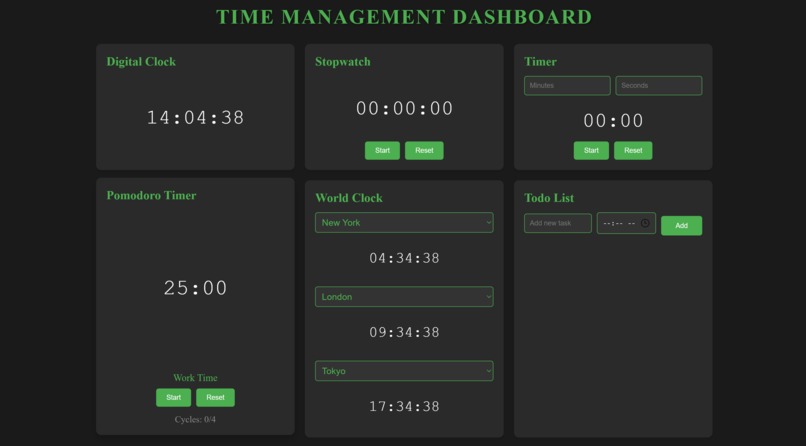
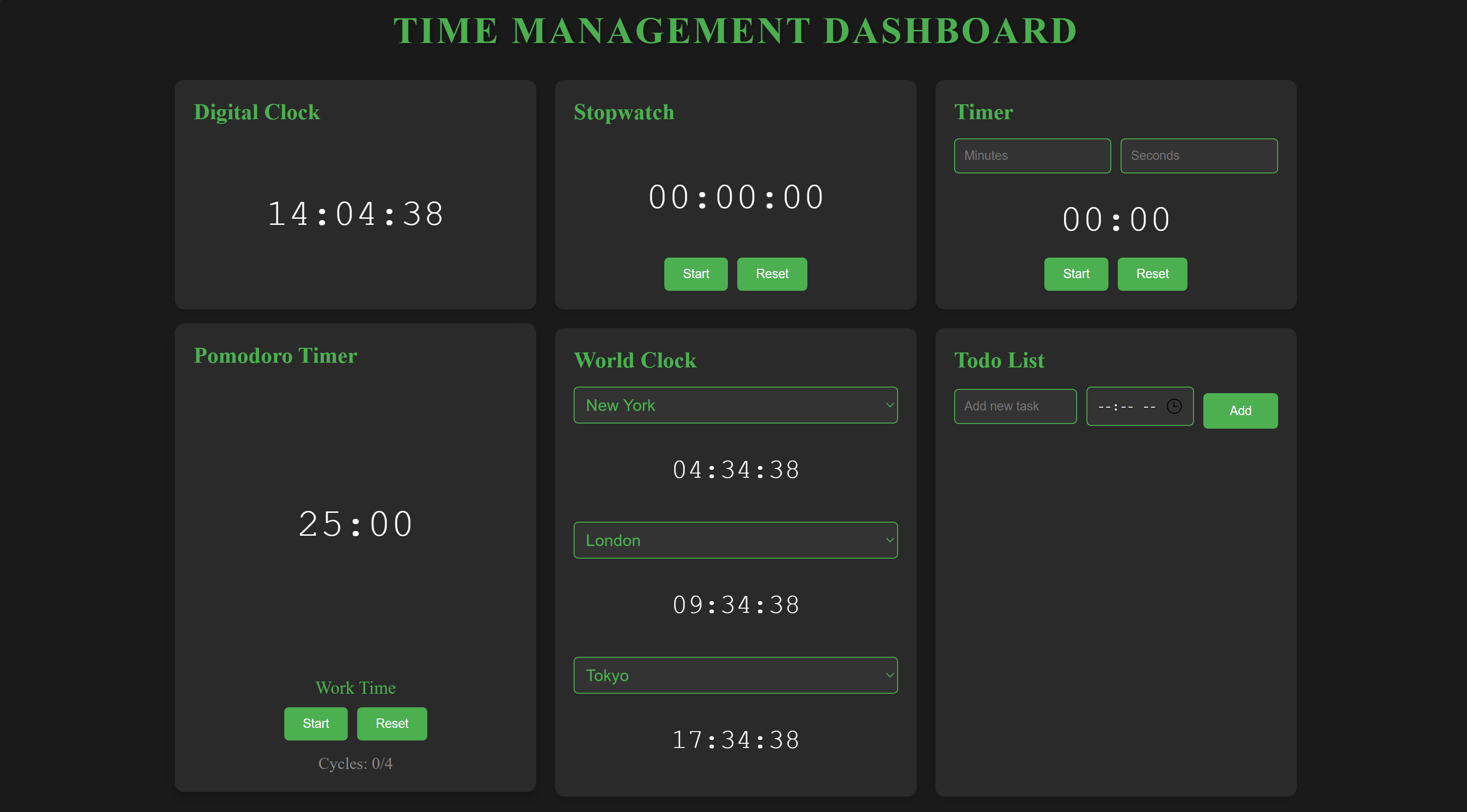
- A sleek digital clock with 24-hour format
- A customizable world clock with multiple timezone support
- A professional stopwatch for precise time tracking
- A flexible countdown timer for time-boxed activities
- A Pomodoro timer for enhanced productivity (25/5 minute work/break cycles)
- A smart todo list with time scheduling capabilities
How we built it
- HTML5 for semantic structure
- CSS3 for modern styling and animations
- Vanilla JavaScript for dynamic functionality
- CSS Grid for responsive layout
- Web Notifications API for alerts
- Date/Time APIs for precise time manipulation
- Local browser APIs for real-time updates
Challenges we ran into
- Ensuring precise time synchronization across different timezones
- Implementing smooth animations without impacting performance
- Creating an intuitive UI that works seamlessly on all devices
- Managing multiple concurrent timers efficiently
- Handling edge cases in the Pomodoro timer and todo list functionality
- Ensuring accurate time calculations across different browsers
Accomplishments that we're proud of
- Created a completely responsive design that works on all screen sizes
- Implemented smooth, performance-optimized animations
- Built an intuitive interface that requires no learning curve
- Achieved precise time synchronization across components
- Developed a modular codebase that's easy to extend
- Created a solution that works offline and requires no backend
What we learned
- Advanced JavaScript time manipulation techniques
- Complex CSS animations and transitions
- Efficient state management in vanilla JavaScript
- Browser APIs for notifications and time handling
- Responsive design best practices
- Performance optimization techniques
- User experience design principles
What's next for Time Management Dashboard
- Local Storage Integration: Save todos and preferences
- Multiple Timer Support: Run multiple countdown timers simultaneously
- Custom Pomodoro Settings: Adjustable work/break intervals
- Export/Import: Data backup and restoration
- Keyboard Shortcuts: Enhanced accessibility
- Dark/Light Themes: Customizable appearance
- Sound Customization: Personal alert sounds
- Statistics Dashboard: Time management insights
- Calendar Integration: Sync with popular calendar services
- Progressive Web App: Offline-first experience


Log in or sign up for Devpost to join the conversation.