-
-
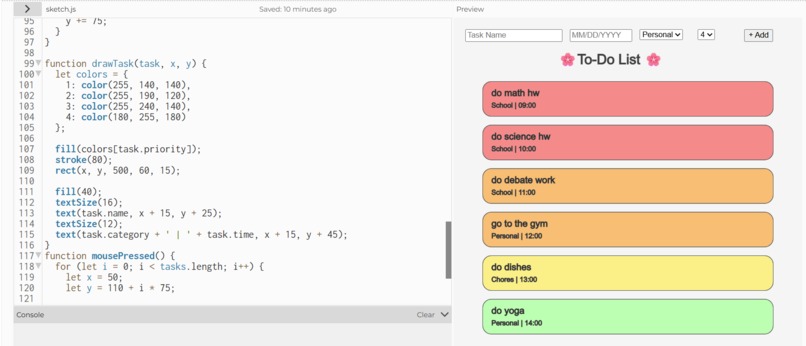
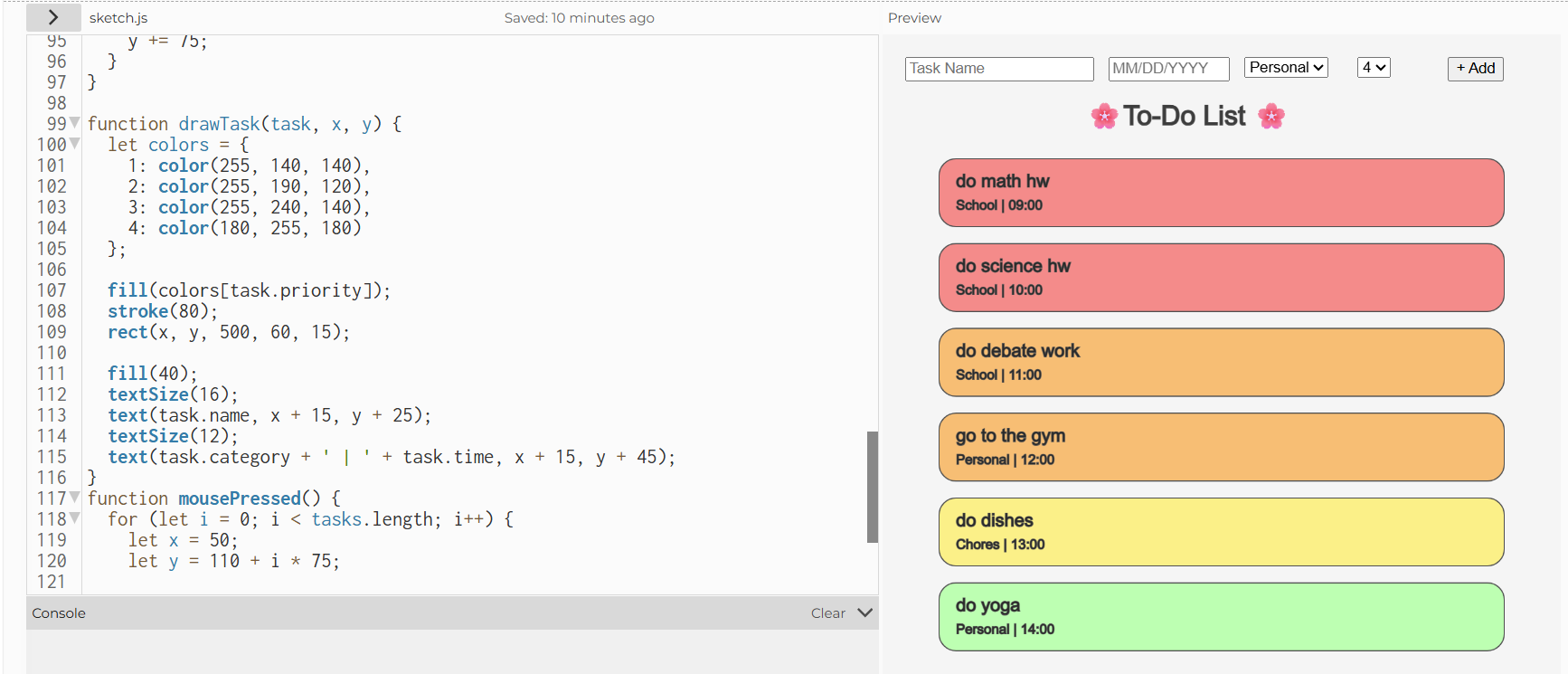
used my coding skills for a super useful to do list!
Inspiration
My inspiration was google tasks because google tasks would always help me plan out what I have to do for school, and I wanted an easier app that would prioritize according to date and priority number that's easy and fun to access.
What it does
It allows you to add tasks based on date due, category, and time management and sorts what you should do in order and allows you to mark the tasks off as you progress through the day.
How we built it
I built this To-Do list by storing each task as an object in an array with its name, category, priority, date, and time. When a task is added, the program sorts of tasks by date and priority, assigns automatic time slots, and then draws them as cute, color-coded sticky notes on the canvas using p5.js.
Challenges we ran into
Some challenges I ran into was trying to add the complete button which was very hard because I didn't know how to remove an object, so I had to learn how to remove or splice and object and then get the completed block done.
Accomplishments that we're proud of
Accomplishments I am proud of is learning how to categorize the objects or tasks into date level and priority level which took a little bit of time for me to understand but I feel great after doing that section!
What we learned
What I learned was how to remove an object and also ho to categorize tasks or objects in this scenario which was very helpful for me to learn.
What's next for Time Management and Productivity List
I hope to add reminders on this project so it would be easy to know when something is due mabye 1 hour before the deadline and help us start doing the task that we were meant to do so that way we don't have to log on to the app as often.
Built With
- javascript
- p5.js


Log in or sign up for Devpost to join the conversation.