-
-
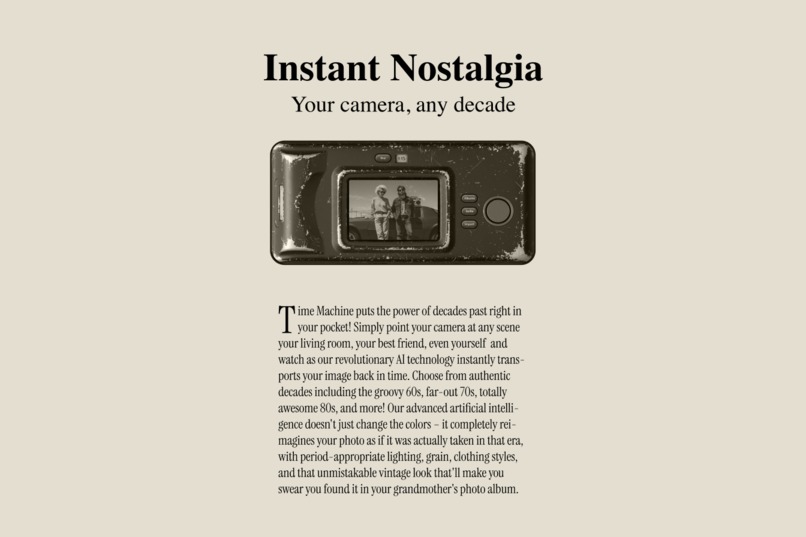
Instant Nostalgia.
-
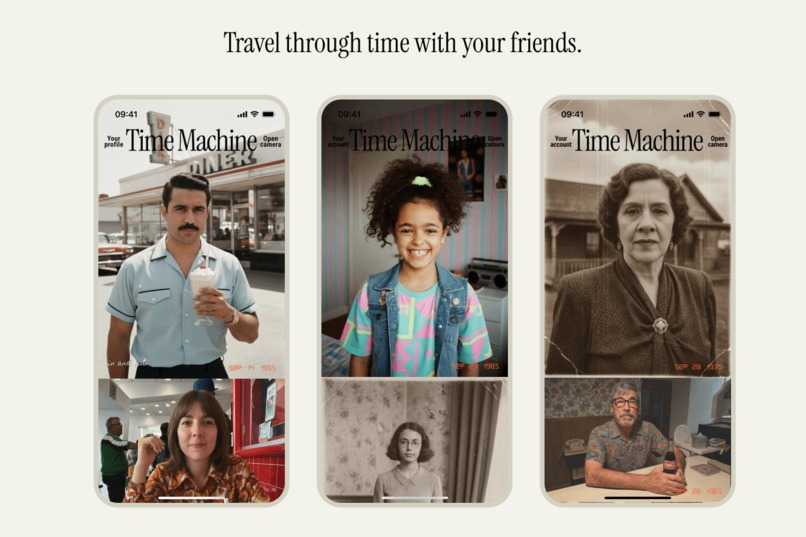
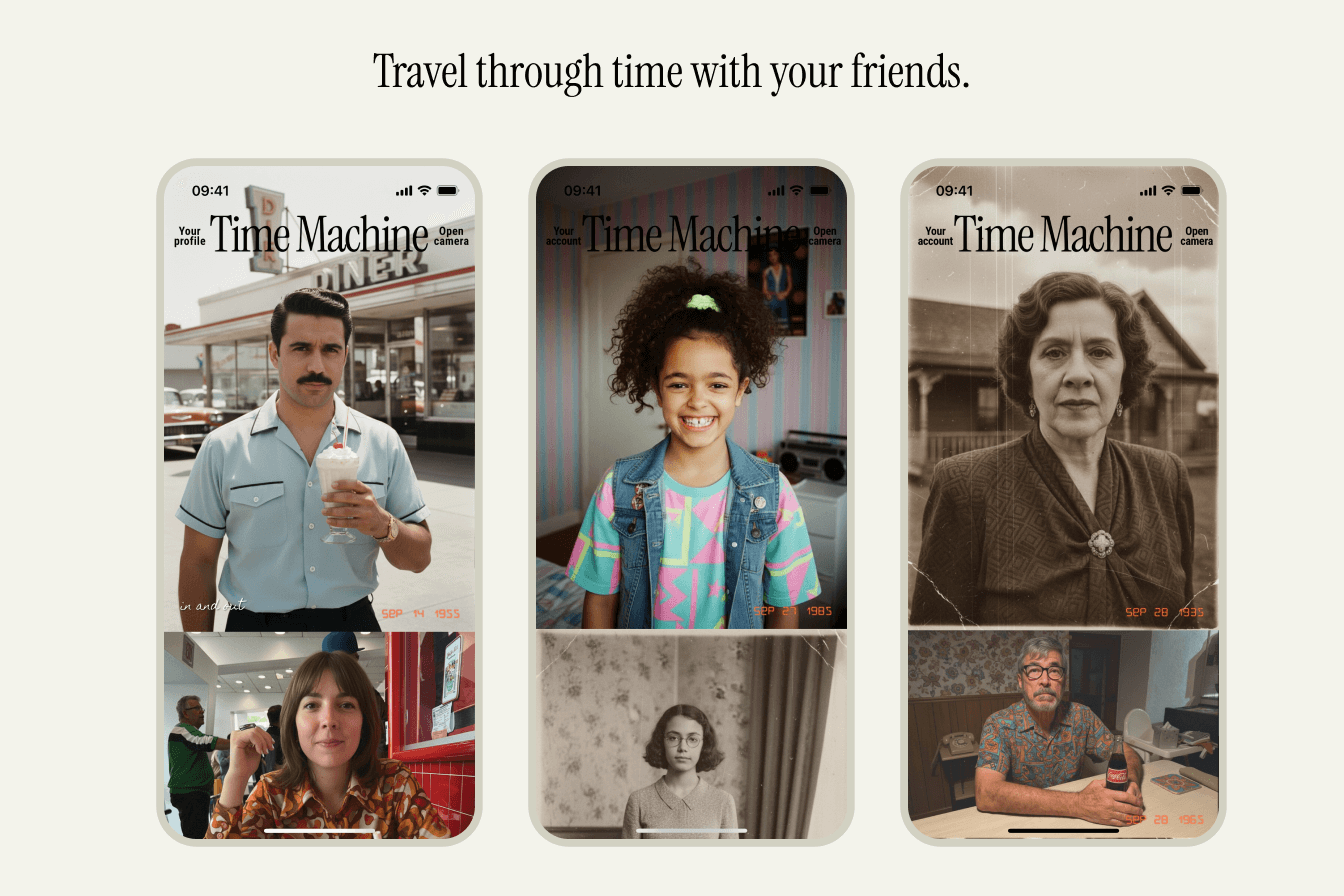
Travel through time with your friends.
-
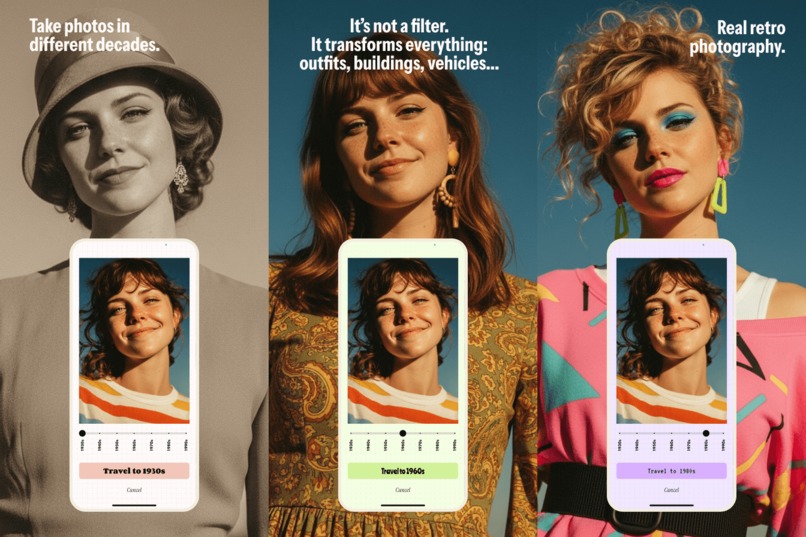
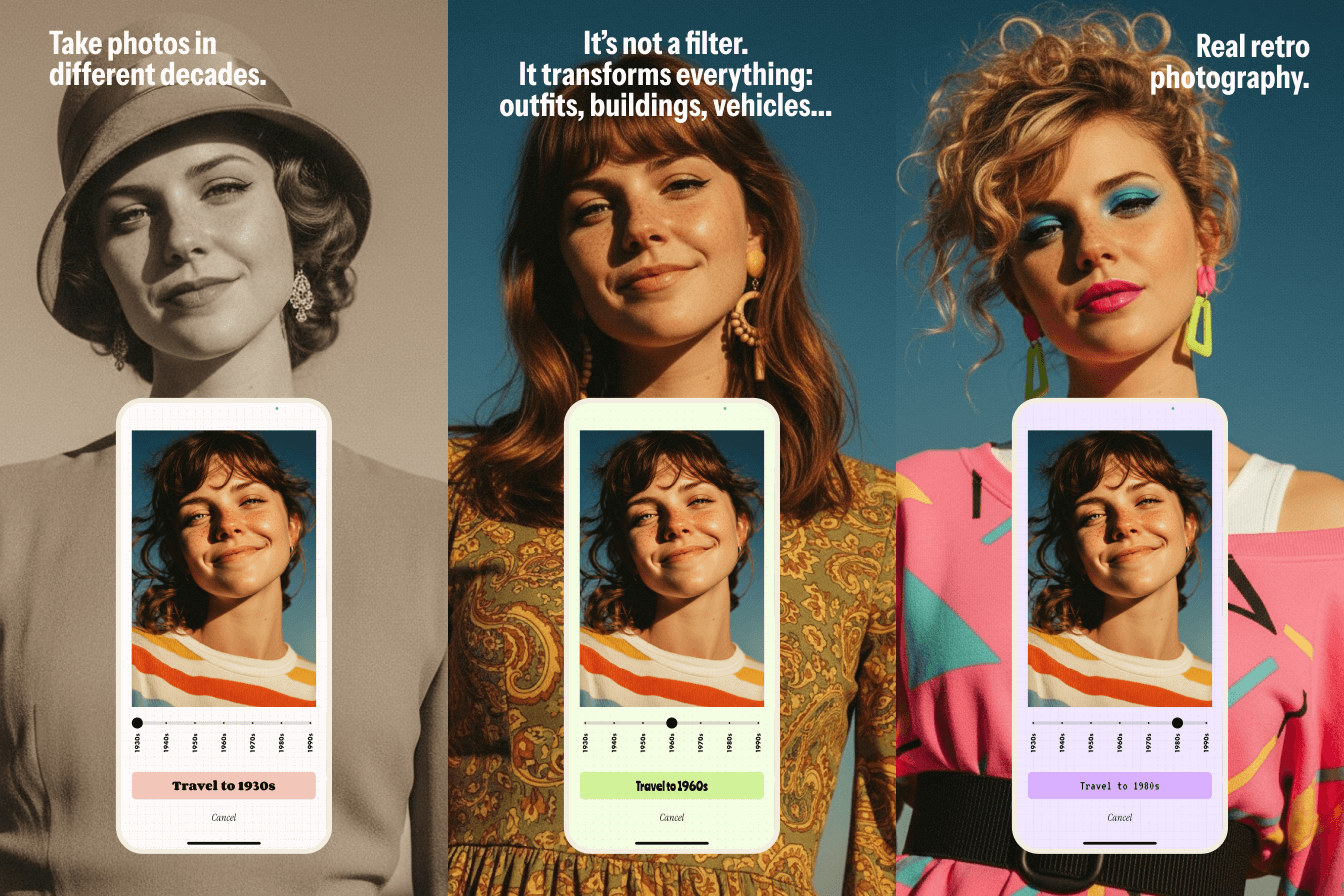
It’s not a filter. It transforms everything: outfits, buildings, vehicles...
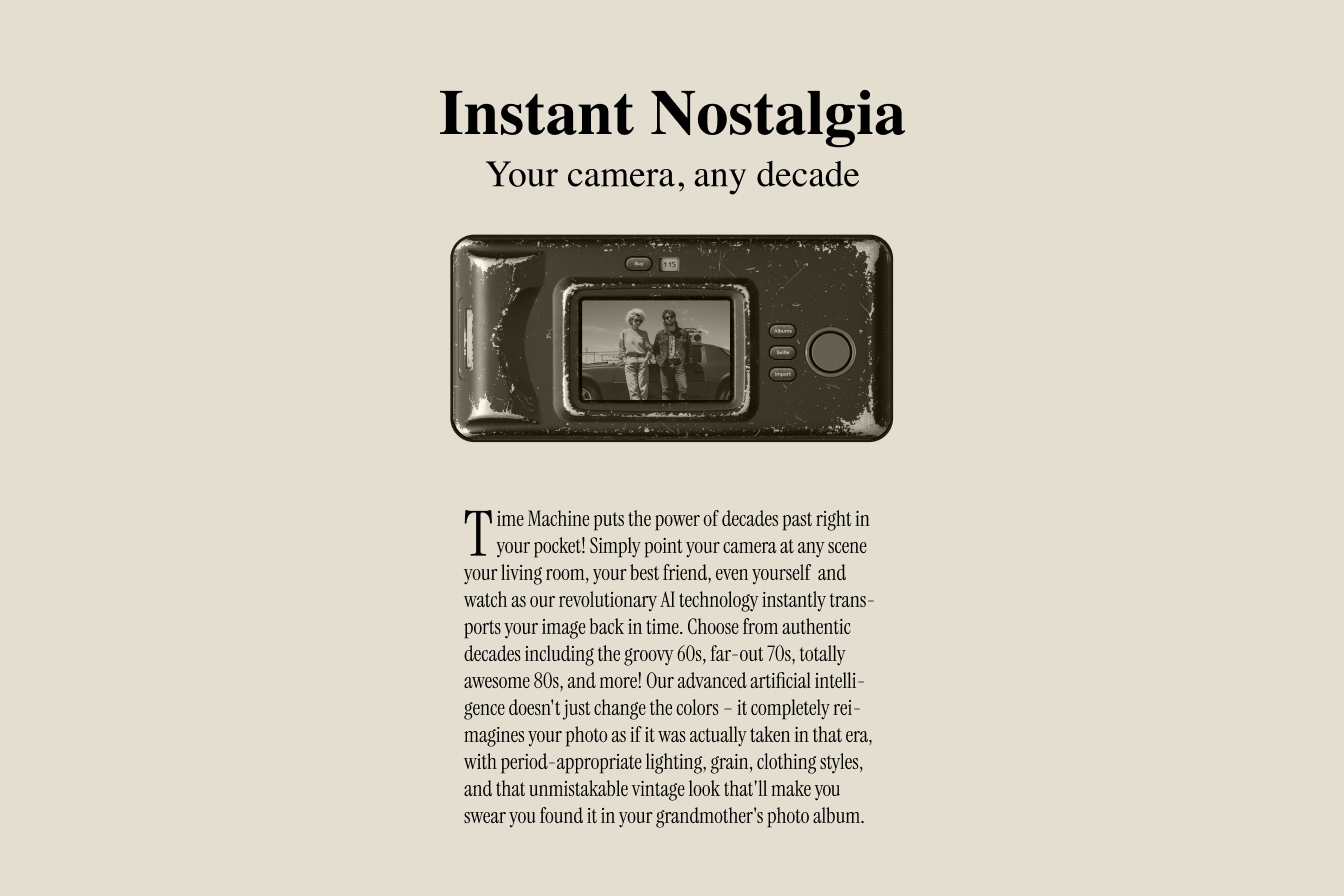
The origin
I've grown increasingly frustrated with social media - the constant exposure, the toxicity, and all the dark patterns designed to keep you scrolling endlessly on content that isn't good for you. Despite this, I still felt a genuine need to share photos with my friends and family. So years ago, I thought it would be interesting if a classic version of Instagram existed, something like what the original v1.0 was - just share a photo.
Fast forward to a few months ago when I participated in the Flux Kontext Hackathon. I built a collaborative image editing tool (Wemage.ai) and started experimenting with image collaboration. That's when I connected with another idea: what if AI could modify photos for you, and you never quite knew what it was going to do? This element of surprise in this collaboration with AI felt interesting and intriguing.
I decided to test this idea and one month ago I built a "photo bombing" app. You'd take a photo, and the AI would replace or add something unexpected to your picture. The results were playful and surprising, confirming that this approach could make photo sharing more fun.
Three weeks ago I participated in the Google Nano Banana hackathon in SF and saw the opportunity to explore these concepts further. I wanted to create something where the AI would modify the user's photo to create something new and surprising. I also wanted to explore nostalgia, it's a powerful feeling that changes how we remember the past and the present.
What it does
Time Machine emerged from this exploration of human and AI collaboration. It's a mobile app that transforms your photos to look like they were taken in different decades. Users can decided what decade they want to "travel to", from the 1930s to the 1990s. Instead of looking for the perfect shot, users lose a bit of control and get interesting surprises that spark conversations and nostalgia.
Challenges
The biggest challenge in building Time Machine was creating a seamless experience with the photo transformation. The process involves multiple steps: image capture, preprocessing, AI transformation, and result delivery. I had to review carefully each step to avoid making the process too slow or most important, to feel slow. Another big challenge was working with the app art direction. I wanted each screen to feel unique, inspired by design elements of different eras that usually are not seen in mobile apps. Tons of fun!
What's next for Time Machine
I'm adding more social features soon. I want to enable to create photo albums with their friends and allow people to add reactions to the photos, maybe in a way of vintage stickers.
Built With
- dart
- flutter
- nanobanana
- node.js
- revenuecat
- supabase
- typescript

Log in or sign up for Devpost to join the conversation.