-
-
Time Guardian1
-
Time Guardian3
-
Time Guardian4
-
Time Guardian2
-
Time Guardian5
-
Time Guardian6
Inspiration
The idea for Time Guardian was born from personal experiences of losing track of time while browsing the web, especially when watching videos. Whether it’s deep work, entertainment, or research, staying aware of the time can be challenging. We wanted to create a simple yet effective solution that not only keeps users on track but also adapts to their browsing activity, making the reminders more relevant and useful.
What it does
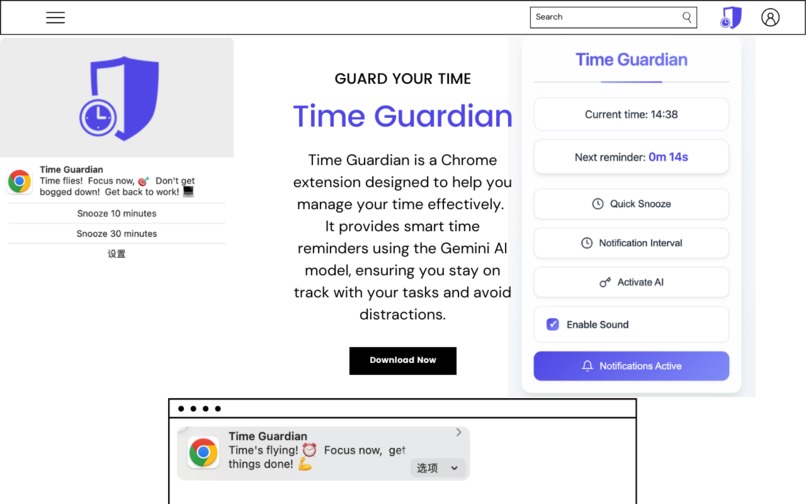
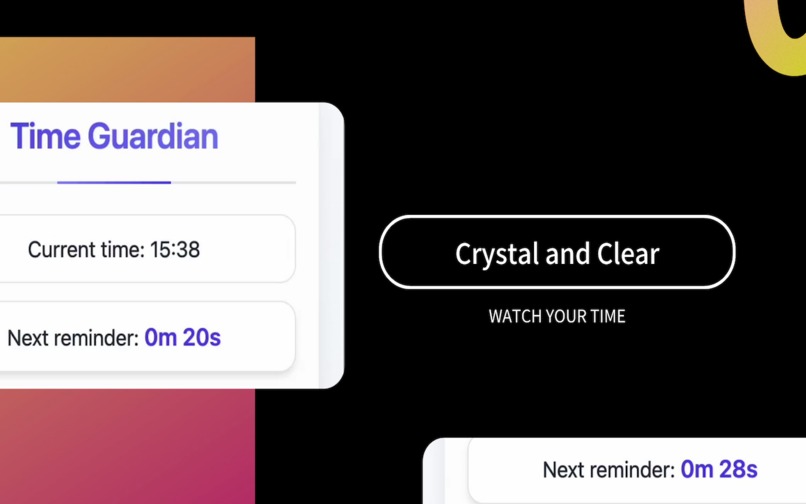
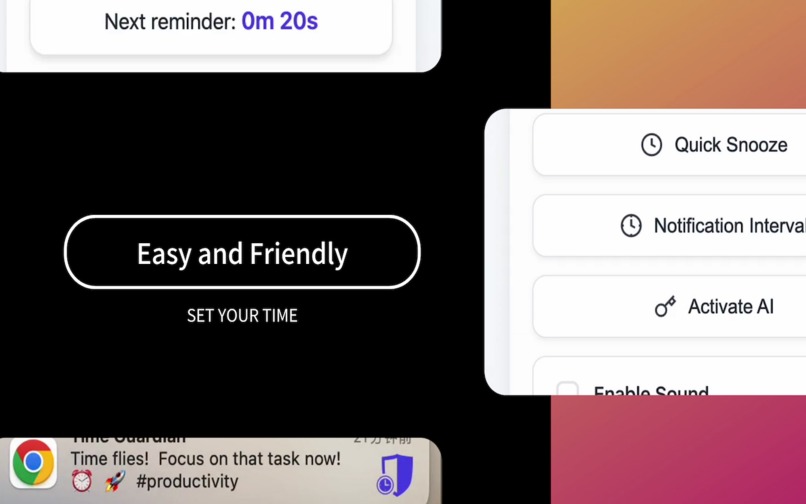
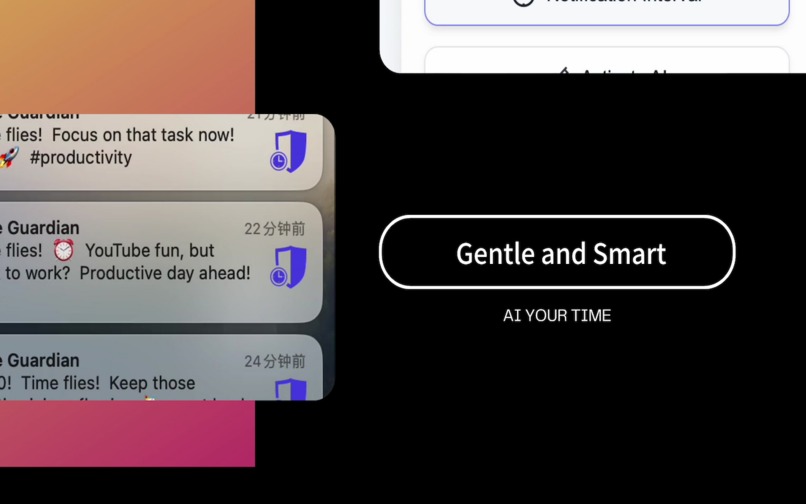
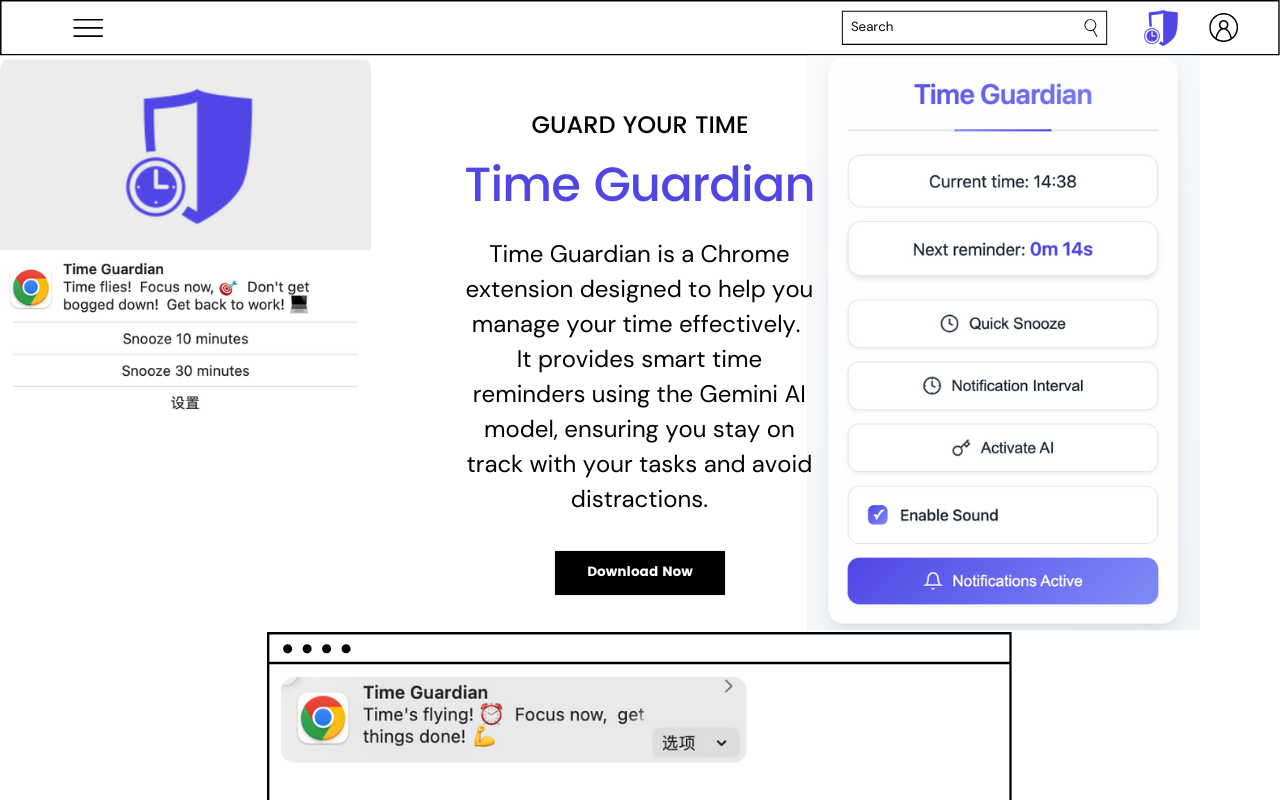
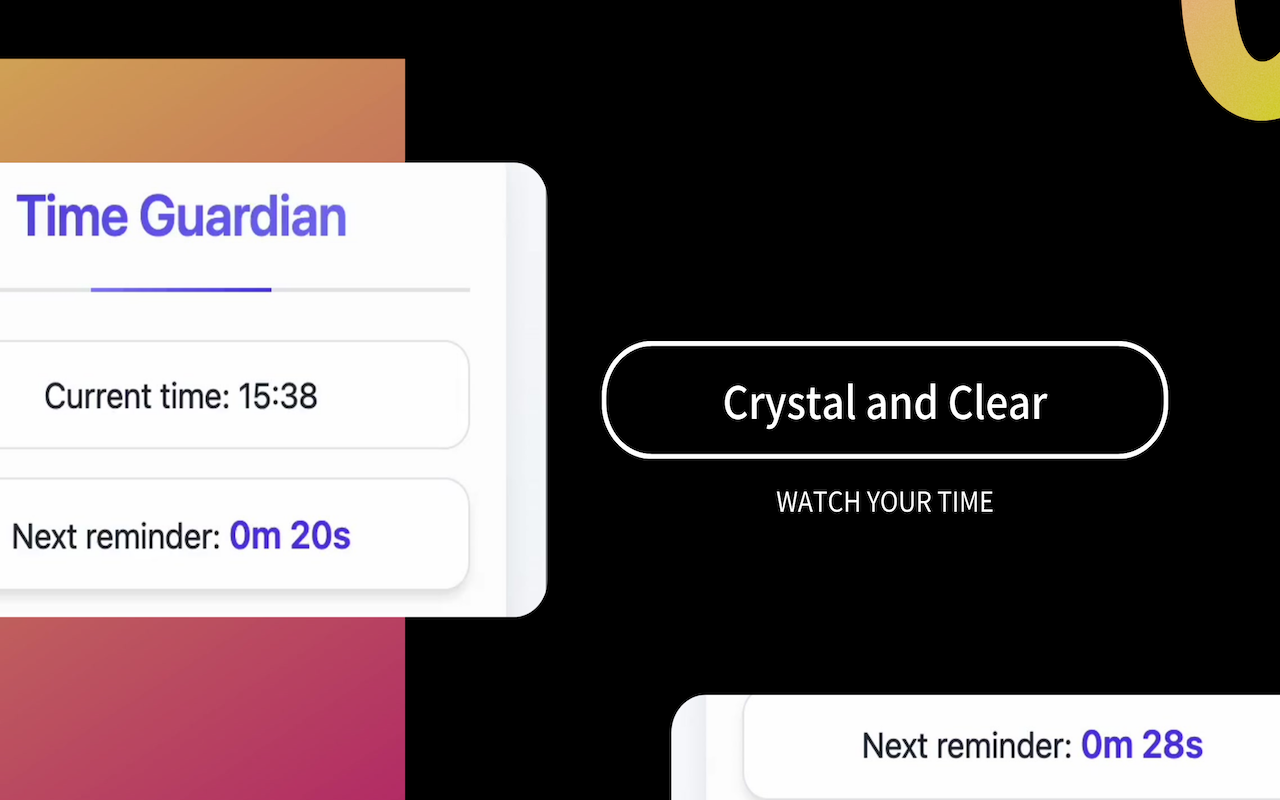
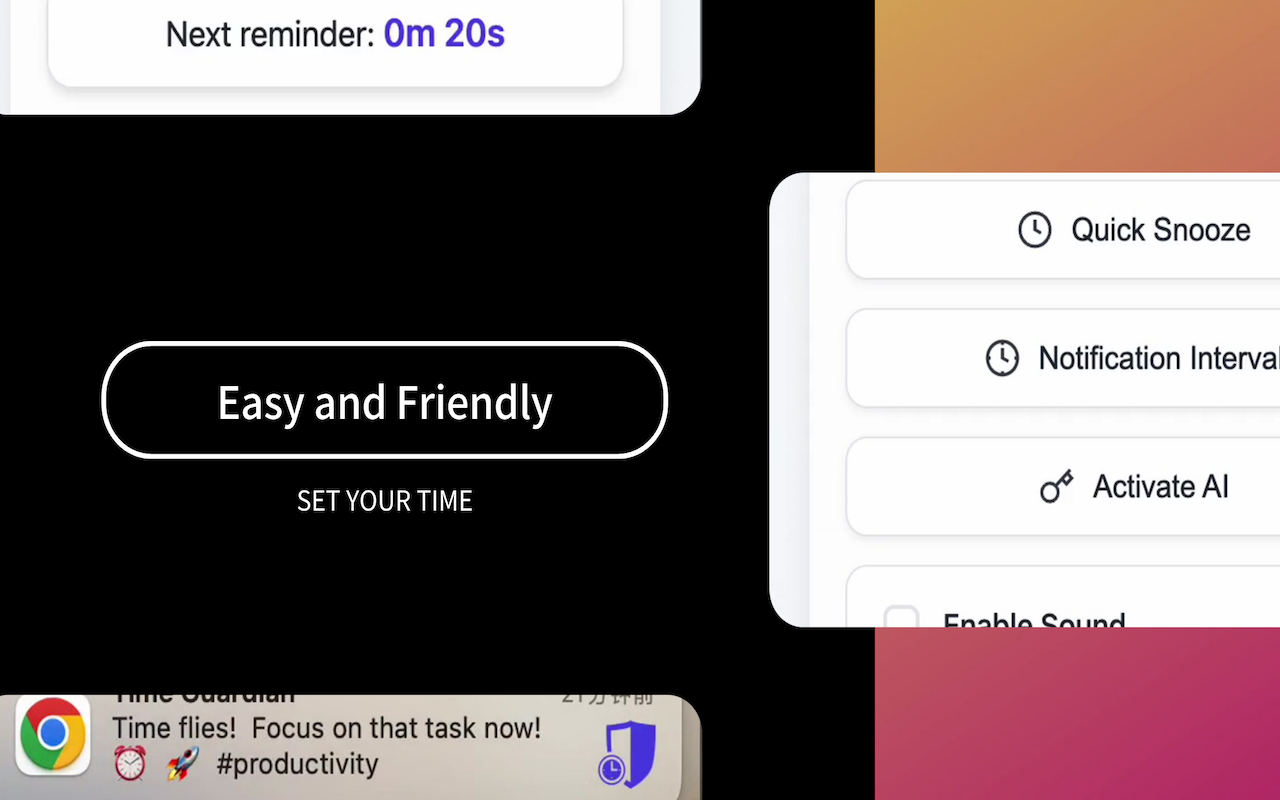
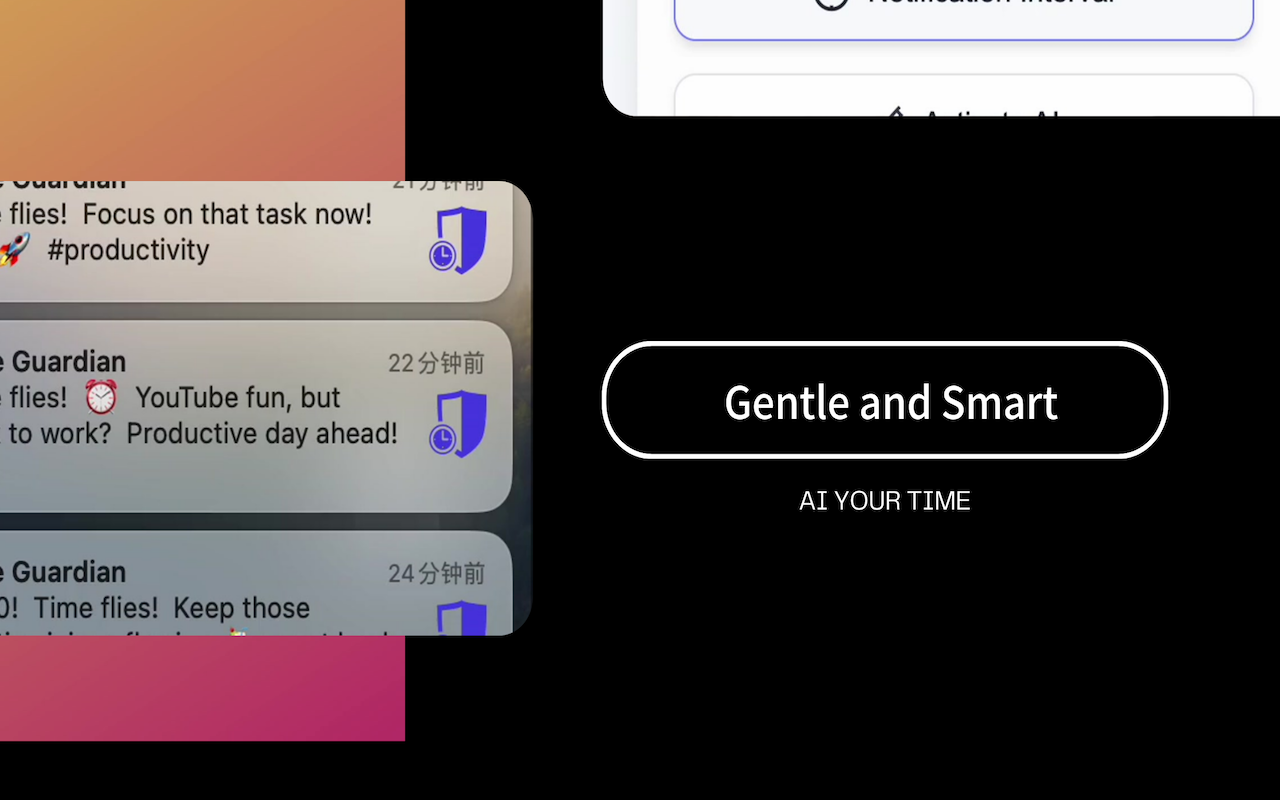
Time Guardian is a Chrome extension powered by Gemini that reminds users of the current time based on their active tab and its title. It dynamically adjusts the reminders to suit the context—whether you’re working, studying, or enjoying leisure time—ensuring that users are aware of the time without unnecessary disruptions.
How we built it
We built Time Guardian using web technologies and Gemini API:
- Frontend: Developed with HTML, CSS, and JavaScript to ensure a user-friendly UI.
- Backend: Utilized the Chrome Extensions API for efficient tab detection and notification delivery.
- Gemini Integration: Leveraged Gemini to analyze the content of the active tab and tailor time reminders accordingly.
The entire project was designed with a lightweight and efficient architecture to avoid impacting browser performance.
Challenges we ran into
Some of the challenges we faced included:
- Implementing tab-specific recognition without compromising user privacy.
- Balancing minimal disruption with effective notifications.
- Debugging cross-browser issues to ensure smooth performance on Chrome.
- Integrating Gemini API into
background.js
Accomplishments that we're proud of
- Successfully integrating Gemini for contextual time reminders.
- Designing a user-friendly interface that is intuitive and easy to use.
- Creating a lightweight extension that runs efficiently without slowing down browsing.
- Launching the extension on the Chrome Web Store to positive feedback.
What we learned
Through this project, we learned:
- Advanced Chrome Extension API functionalities.
- The importance of balancing user privacy with functionality.
- Effective ways to apply Gemini for real-time user interactions.
- How to gather and implement user feedback to improve the product.
What's next for Time Guardian
We plan to:
- Add more customization options, like setting tailored Gemini prompts or themed notifications.
- Implement a productivity mode with activity tracking insights.
- Explore additional Gemini features to predict and adapt to user schedules.


Log in or sign up for Devpost to join the conversation.