-
-
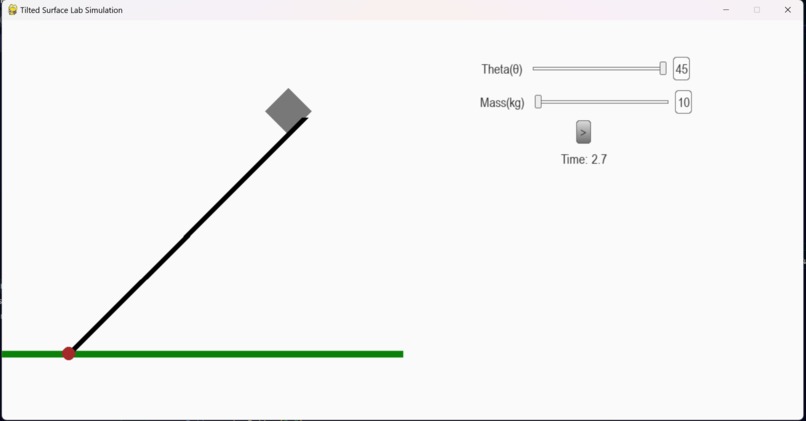
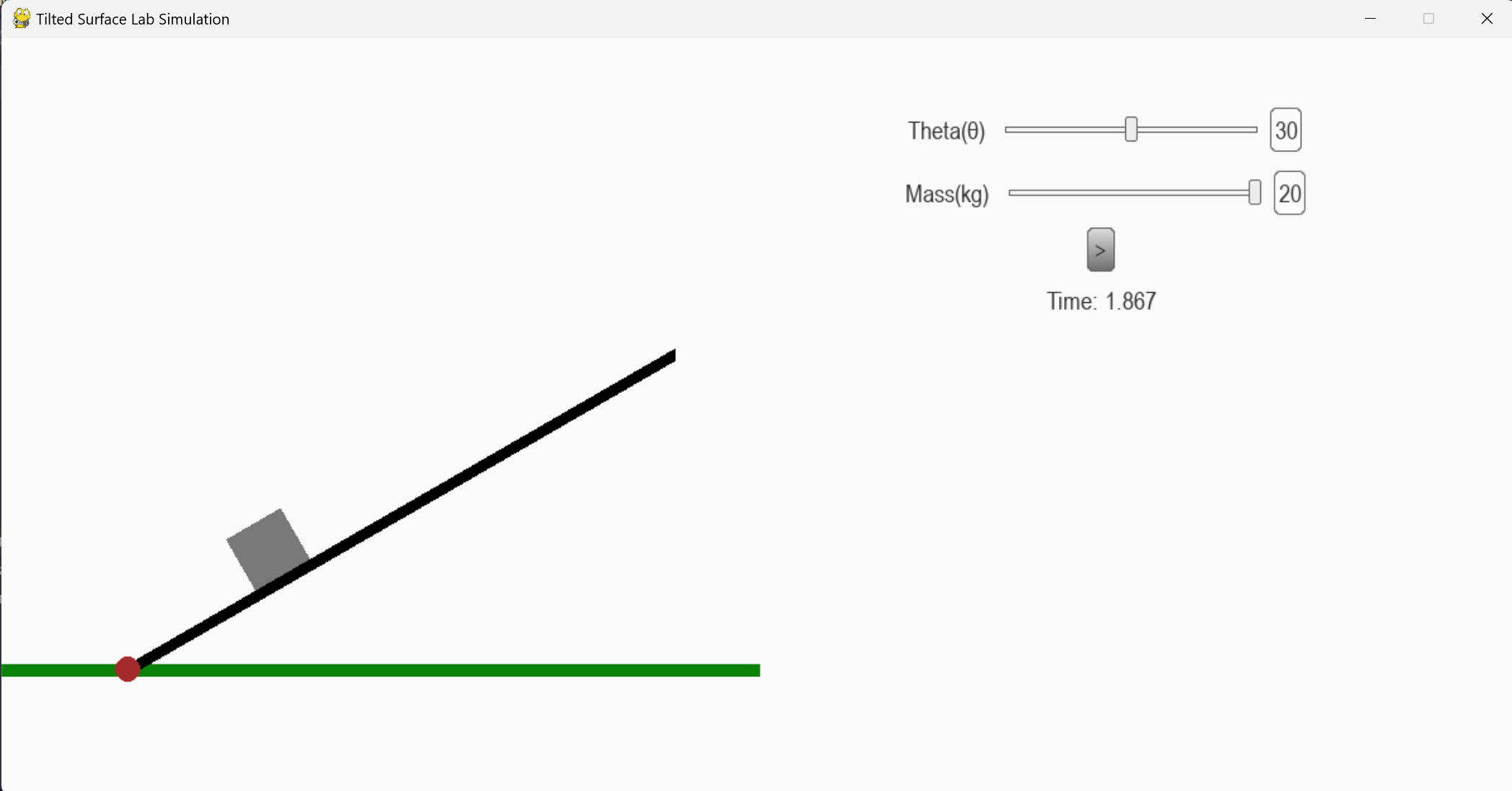
Screenshot from the simulation
-
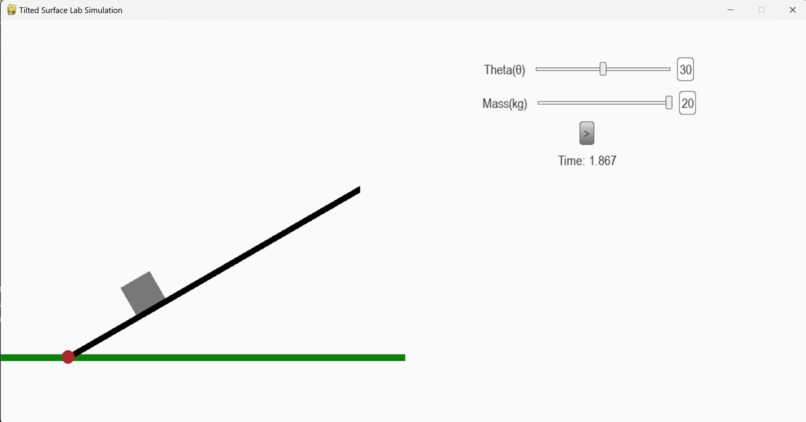
Screenshot from the simulation
-
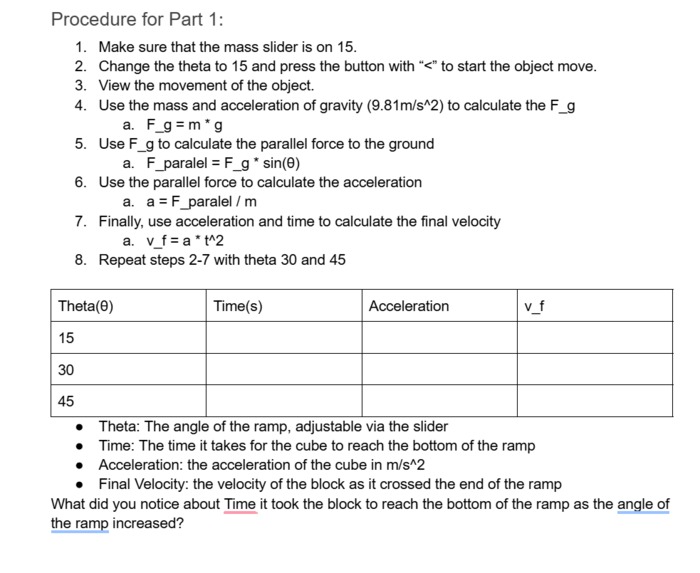
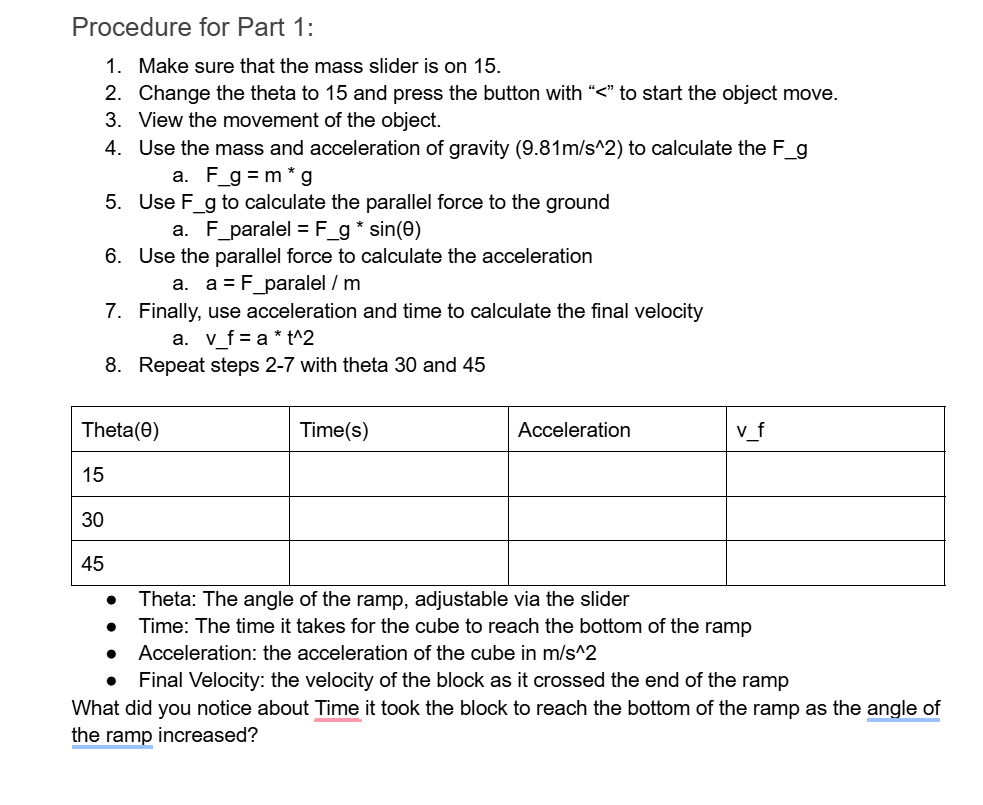
Screenshot from the lab paper
Inspiration
We all love a fun physics lab that makes learning much better. But everybody doesn't have the required lab equipment to do these, so we decided to make an online lab about the movement of a material on a tilted surface.
What it does
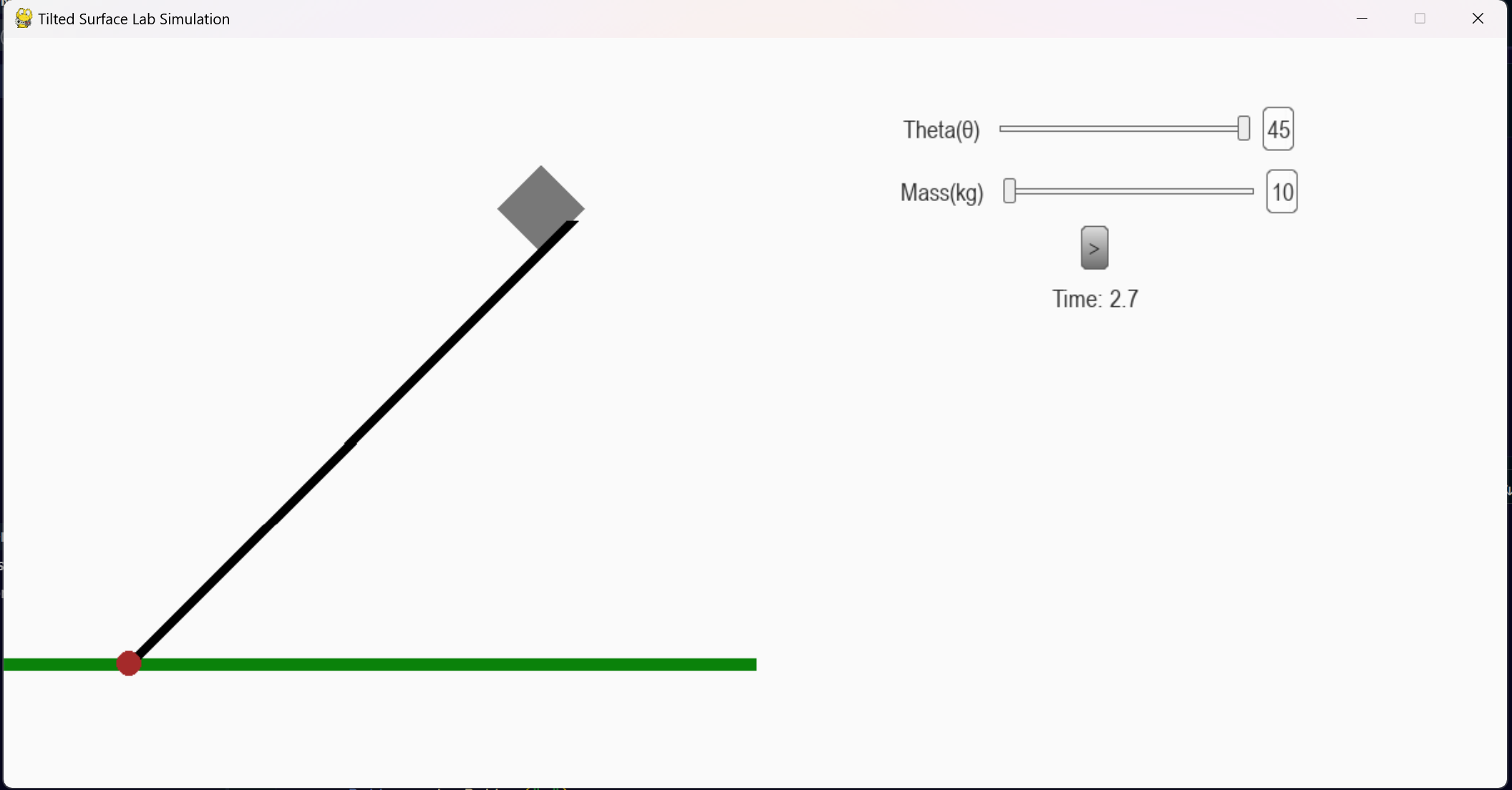
The code part works as a simulation to showcase how an object would behave on a tilted surface with certain degrees and the effect of the object's mass on its velocity. The lab part asks for an understanding of this relation and adds a purpose to this simulation.
How we built it
For the window, the movement of the block, and the clock, we use Pygame. For the GUI elements like text, sliders, and buttons, we use Thorpy. For the simulation, we created a line that changes its ending position depending on the change on the theta slide, which we use trigonometry to figure out. The block also follows that point. When the button is pressed, we use the calculations mentioned in the lab paper to figure out the acceleration and use a timer to figure out displacement with a simple formula.
Challenges we ran into
Initially, we were confused on how we could use only theta to calculate the two points of the line that the object slides on and how to calculate the speed of the object in each frame to make it look as realistic as possible. Then we used some trigonometry to find the final point to draw the line, and for the speed calculation, we used physics formulas similar to the ones in the lab.
What we learned
We never worked with Pygame or Thornpy before; using them helped us learn more about UI elements in Python and how to use them. Also, doing this lab reminded us about the forces in physics and helped us get a better understanding of this topic.
What's next for Tilted surface physics lab
We want to turn this project into a website which would grant greater access to everybody.


Log in or sign up for Devpost to join the conversation.