-
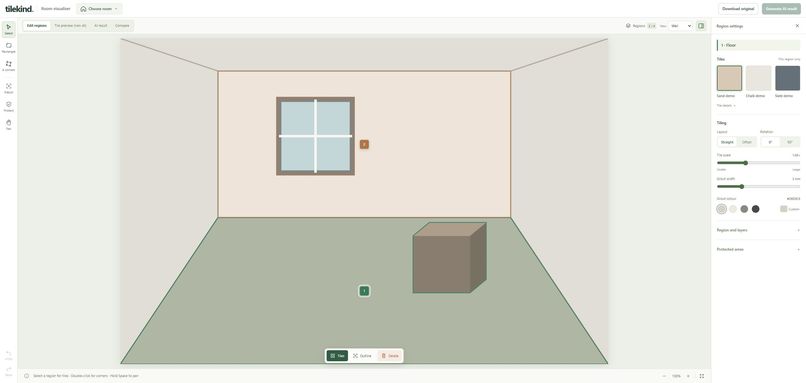
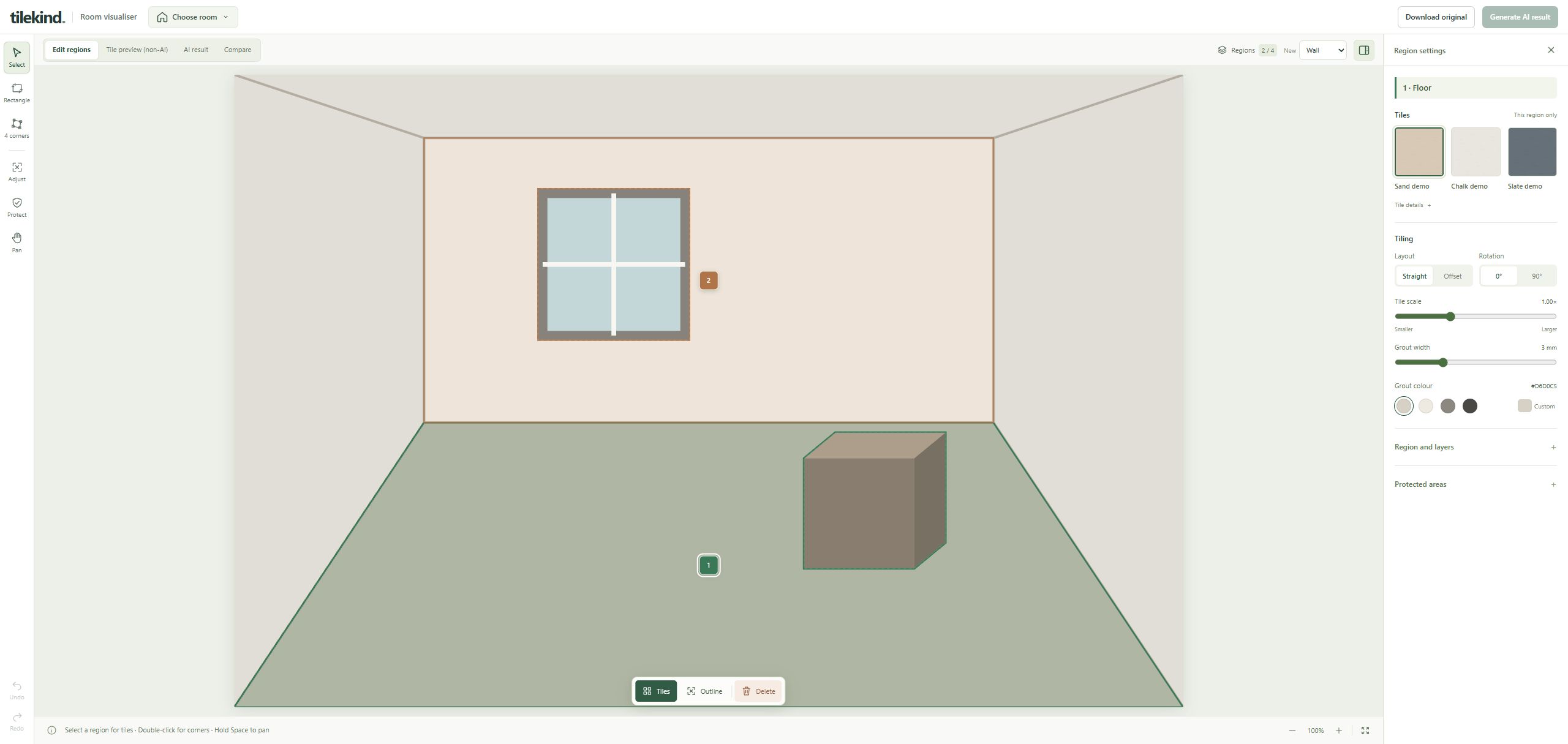
Tilekind Room Preview editor with editable regions and demonstration textures; not a customer installation.
Why we made it
Choosing tiles from a small swatch or an isolated product image can be difficult. Tilekind Room Preview was created to give customers and retailers a visual starting point for discussing tile ideas in the context of a room.
For tile customers
Explore different visual directions on a room photo before ordering physical samples. Compare tile scale, rotation and grout, and save a preview to discuss with your supplier.
For retailers
Use a shared visual reference to understand a customer's preferences and narrow down sample options. The preview supports the conversation; it does not replace product information, samples or professional advice.
What it does
The experimental editor supports up to four wall or floor regions with four-corner perspective mapping, repeated textures, adjustable grout, protected areas, undo/redo and PNG export. Optional AI image generation uses the user's own compatible API connection, with provider charges where applicable.
How it is built
The MIT-licensed project runs locally with Node.js and a desktop WebGL browser. The standard preview works without an AI API. Optional AI requests require confirmation before room images are sent to the configured provider. API credentials stay in the local server configuration.
Practical limits
Room geometry, objects and perspective make tile overlays challenging. Editable regions and protected areas give users control, but results remain illustrative. This is not a measurement, quantity calculator, specification or installation tool. Check colours and finishes with physical samples and verify product suitability with the supplier.
The screenshot uses demonstration assets, not a completed customer installation.
Created for Tilekind, an Australian online tile retailer. Source code and setup instructions.

Log in or sign up for Devpost to join the conversation.