-
-
Home Page
-
Features
-
Log In Page
-
Student's Page
-
Quizzes
-
Teacher's Page

Inspiration
TikiTaka came from two problems we kept seeing as students, as seniors at PLU, and through our experience working as TAs for multiple classes. First, teachers spend a huge amount of time grading PDF assignments and writing feedback. Second, even after all that work, it is still hard for teachers to clearly see which concepts students are struggling with, what needs to be reviewed again, and where they should focus their time.
We also noticed that every student learns differently. Some students ask questions when they are confused, but many do not. Some need more examples, some need targeted practice, and some need feedback directly on their work to really understand what went wrong. That inspired us to build something that could save teachers time while also giving them better insight into student learning.
What it does
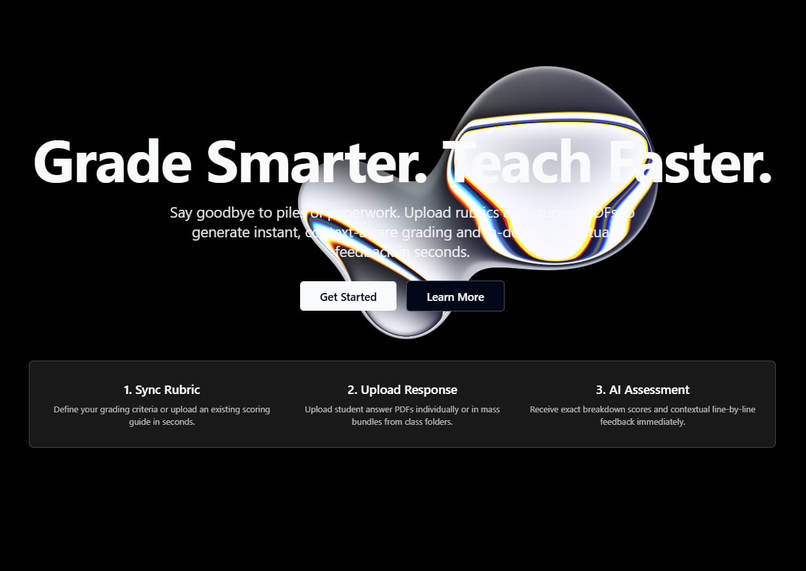
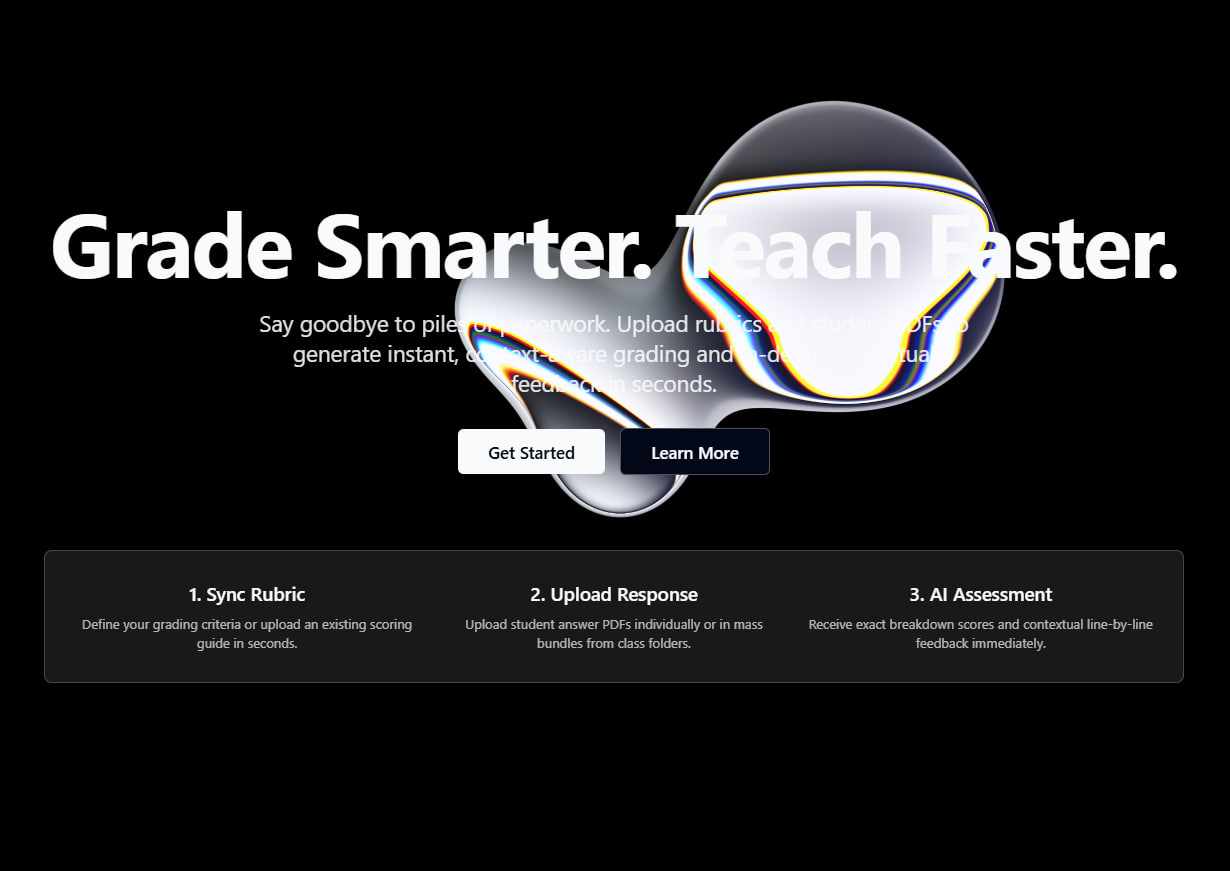
TikiTaka is an AI-powered PDF grading platform that helps teachers grade faster and teach smarter. Teachers can upload student PDF assignments, and the system helps assign scores and place clear inline feedback directly on the PDF so students can see exactly what they did well and where they need to improve.
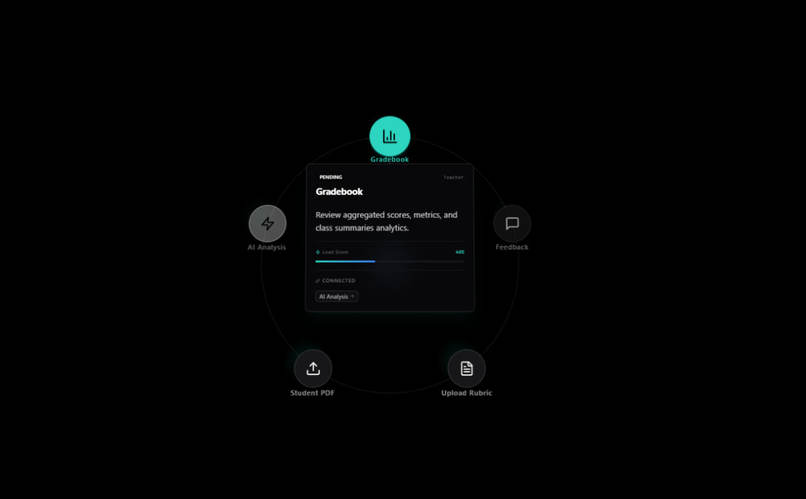
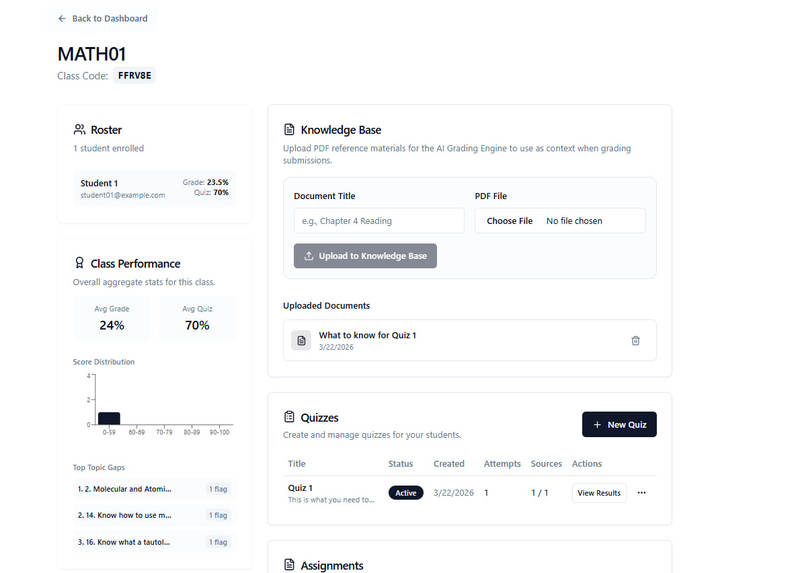
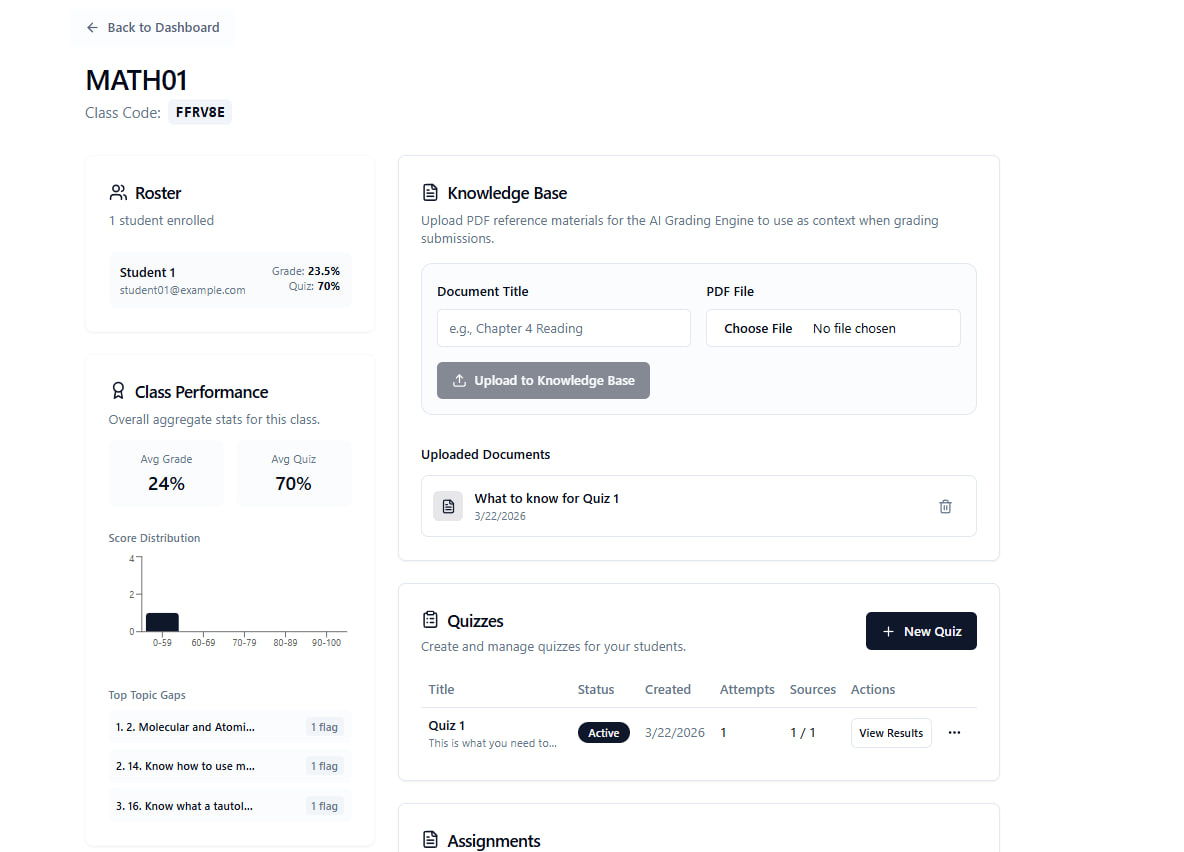
At the same time, TikiTaka helps teachers identify learning gaps across students and classes. It shows which concepts students are missing, which chapters may need more review, and where teachers should focus next. We also included quiz and practice support, because teachers spend a lot of time creating questions, and different students benefit from different kinds of practice.
How we built it
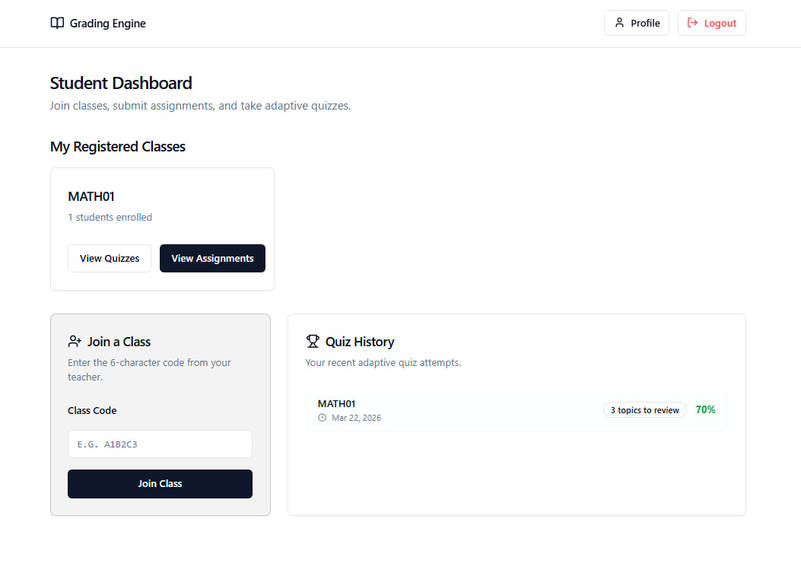
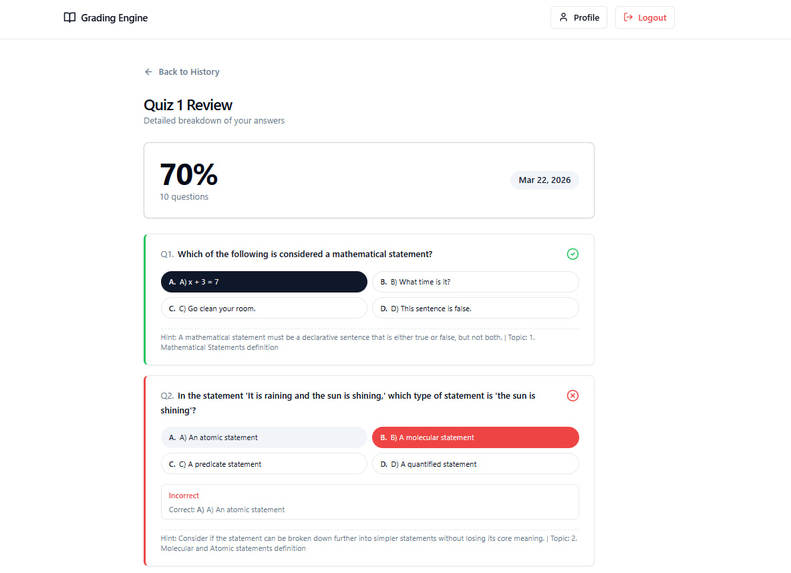
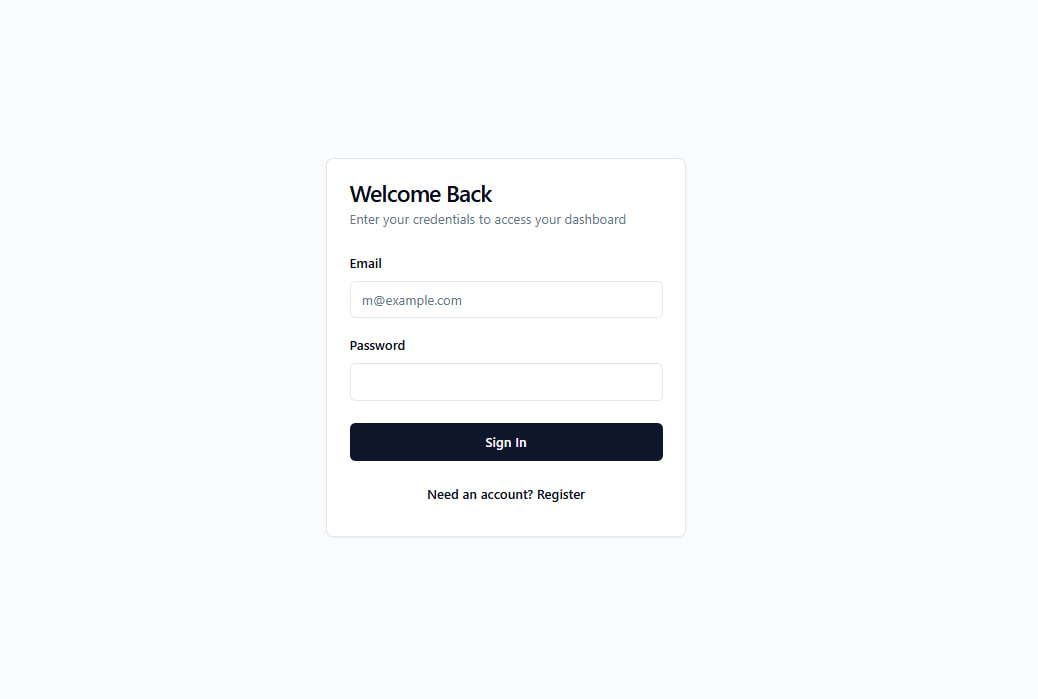
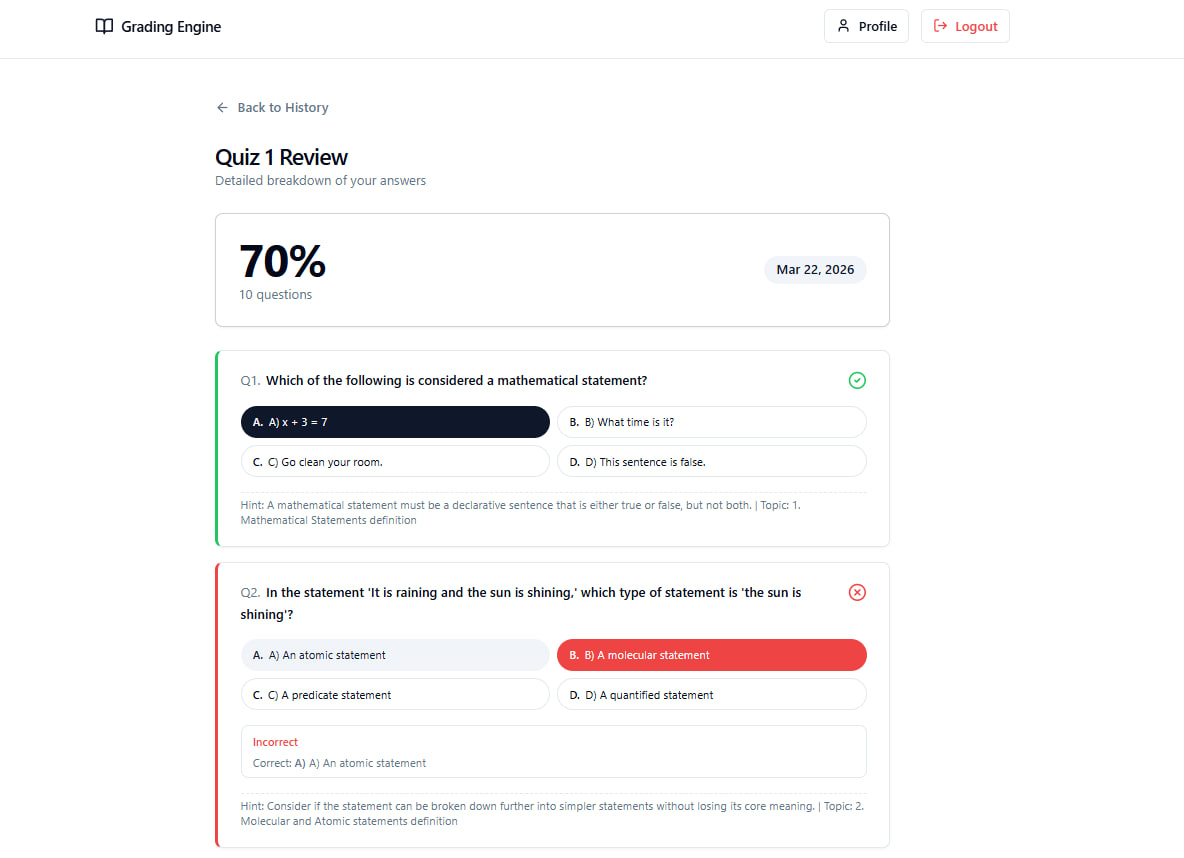
We built TikiTaka as a full-stack web application with separate experiences for teachers and students. Teachers can create classes, upload course materials, collect PDF submissions, and review AI-assisted grading results. Students can submit work, receive feedback on their assignments, and complete practice activities based on class content.
The core of the platform is the PDF grading workflow. We designed the system to process uploaded PDFs, analyze them with AI, generate structured grading results, assign scores, and attach comments directly to the student’s work. On top of that, we built dashboards and analytics that help teachers spot patterns across assignments so they can understand both individual progress and class-wide trends.
On the front end, we focused on making the experience calm, organized, and easy to use. We wanted the interface to feel simple for teachers and students, even though there is a lot happening behind the scenes.
Challenges we ran into
One of the biggest challenges was making the AI grading useful instead of generic. It is easy to generate a score, but it is much harder to make feedback feel clear, specific, and actionable for both students and teachers. We wanted the PDF grader to do more than just mark answers. We wanted it to give meaningful feedback that actually supports learning.
Another challenge was making learning-gap detection valuable in a real classroom setting. We did not want the platform to simply show low scores. We wanted it to help teachers understand which concepts students were missing, what chapters needed more review, and what should be reteached next.
We also had to balance complexity and simplicity. Behind the scenes, TikiTaka handles file uploads, grading flows, feedback generation, analytics, question support, and multiple user roles. But on the surface, it still needed to feel clean and easy to use.
Accomplishments that we're proud of
We are proud that TikiTaka solves two real classroom problems in one platform. It helps teachers grade PDF assignments faster with inline AI feedback, and it helps them understand what students are struggling with so they can teach more effectively.
We are also proud that this project grew out of real classroom experience. It was shaped by our conversations with teachers, our own experience as students, and the time we spent working as TAs. Because of that, the problem felt real from the start, and so did the solution we were trying to build.
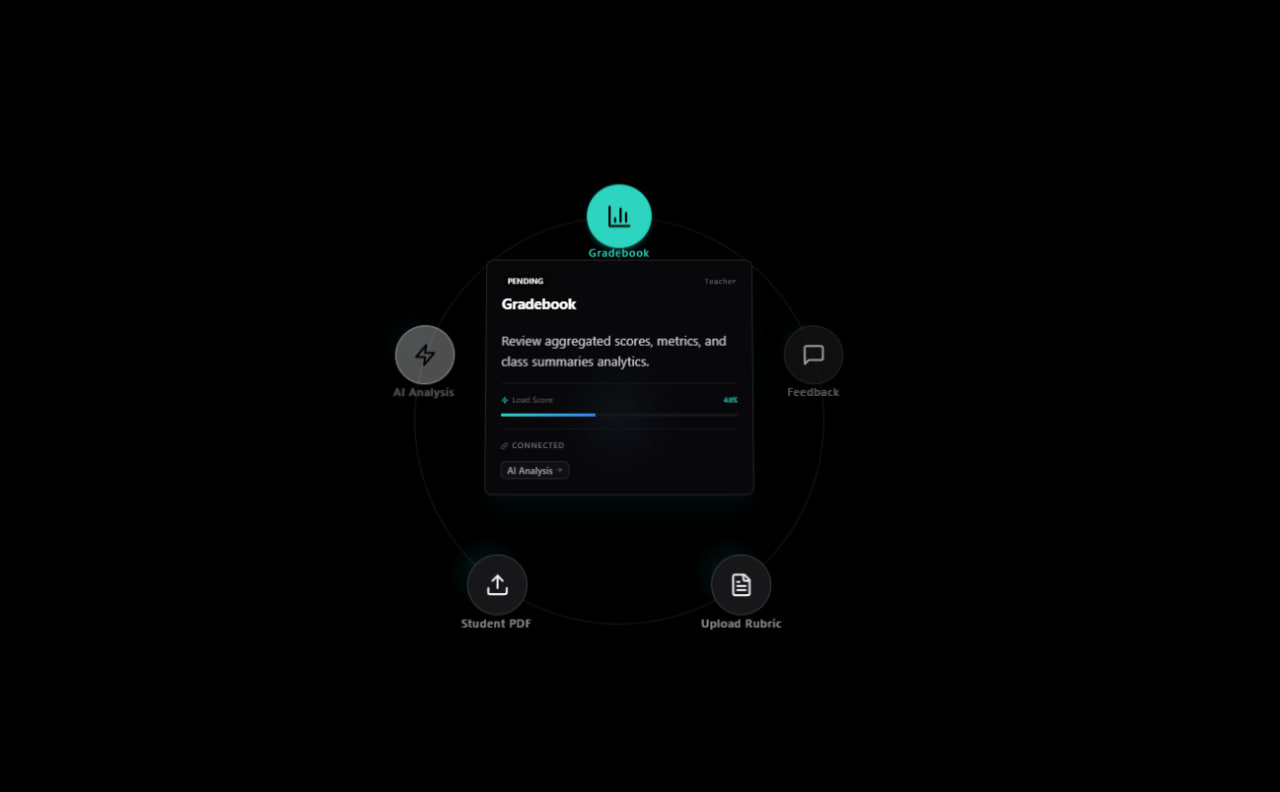
Another accomplishment we are proud of is bringing grading, feedback, learning-gap analysis, and practice support together into one workflow. Instead of treating these as separate challenges, TikiTaka connects them in a way that feels practical for real classrooms.
What we learned
One of the biggest things we learned is that useful education technology is not just about automation. It is about clarity, trust, and helping teachers make better decisions. Teachers do not only need faster grading. They also need better visibility into what students understand, what they are missing, and what to focus on next.
We also learned how important it is to build for real classroom behavior. Students do not always ask for help when they are confused, and teachers do not always have enough time to identify patterns by hand. That showed us that AI is most helpful when it makes hidden learning problems easier to see.
We also learned that every student learns differently. That is why we thought beyond grading and included targeted feedback, concept tracking, and practice support as part of the same system.
What's next for TikiTaka
Next, we want to make TikiTaka even better at AI grading and personalized support. We want to improve the quality and reliability of the PDF grader, make feedback even more precise, and give teachers stronger control over how results are reviewed and adjusted.
We also want to improve the learning-gap side of the platform by making recommendations more actionable. That means helping teachers see not just what students are struggling with, but also what to reteach, what practice to assign next, and how student progress changes over time.
In the future, we want TikiTaka to grow into a more complete classroom support system where PDF grading, feedback, class analytics, concept review, and adaptive practice all work together to help teachers save time and help students learn more effectively.
Built With
- firebase
- firebase-authentication
- firebase-cloud-functions
- firebase-emulator-suite
- firebase-firestore
- firebase-hosting
- firebase-storage
- google-gemini-api
- google-generativeai
- javascript
- next.js
- node.js
- npm-workspaces
- pillow
- pymupdf-(fitz)
- python
- react
- react-hook-form
- recharts
- shadcn/ui
- tailwind-css
- zod


Log in or sign up for Devpost to join the conversation.