-
-
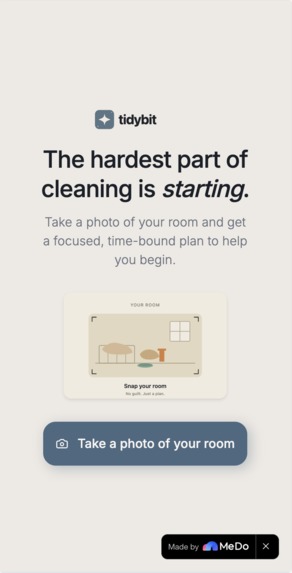
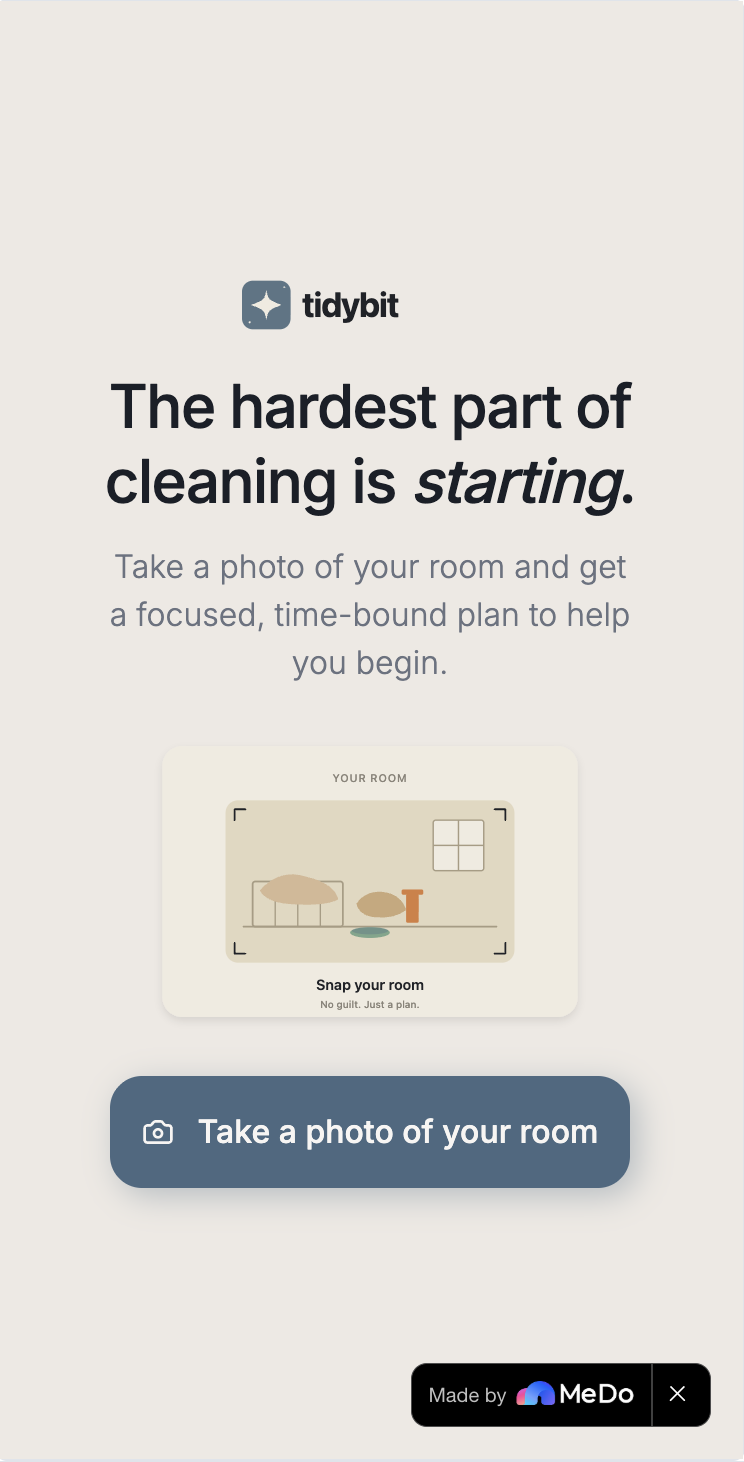
main screen
-
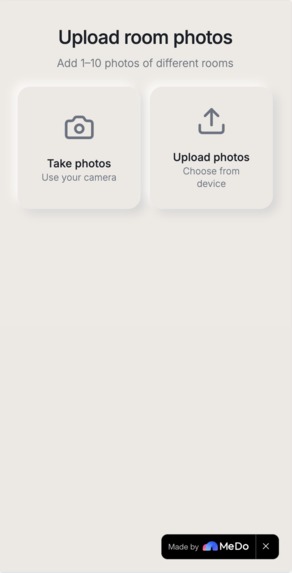
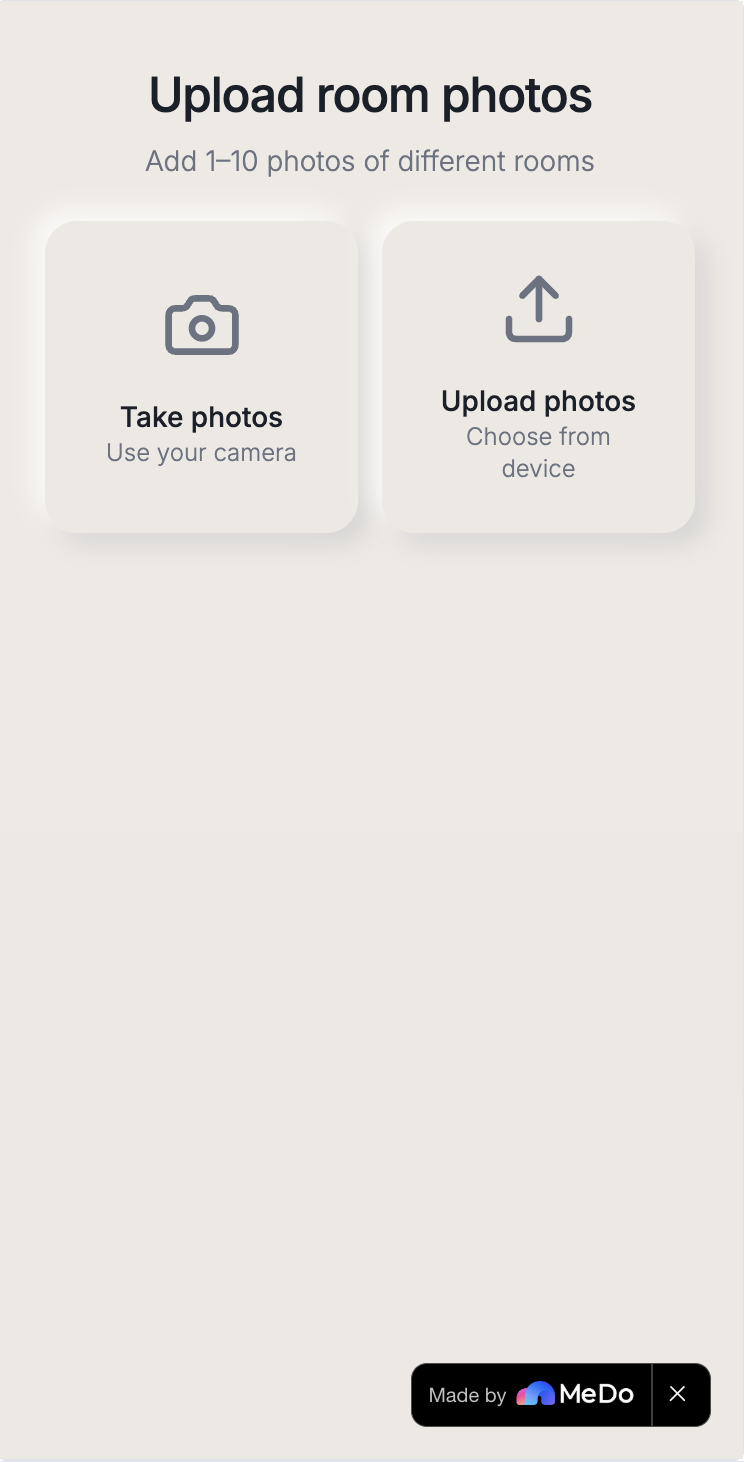
photo upload
-
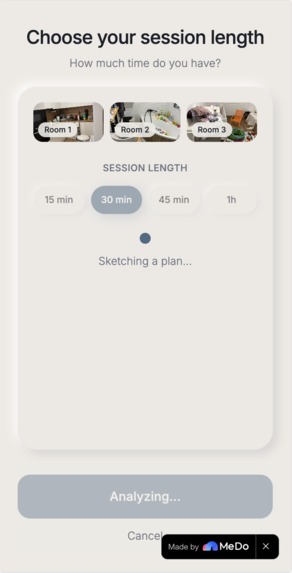
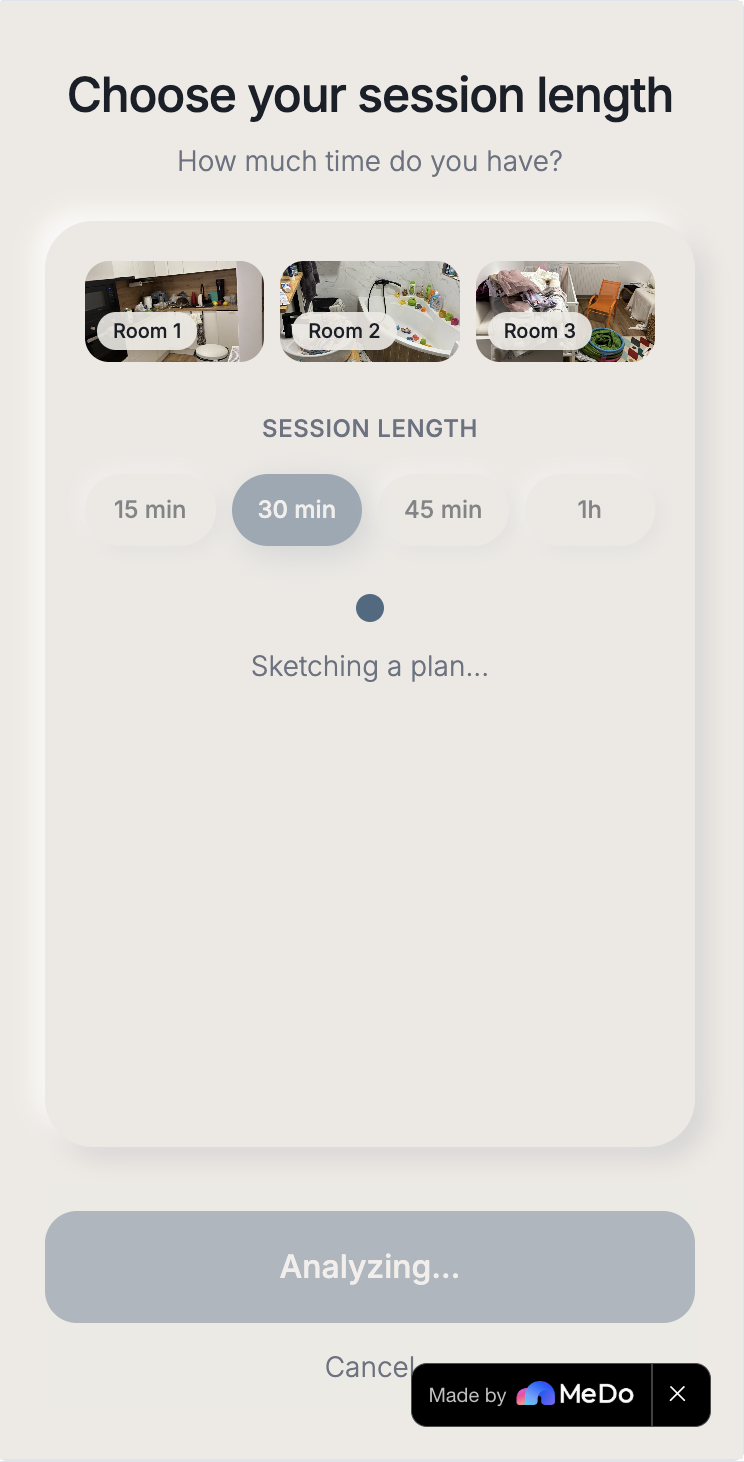
session length
-
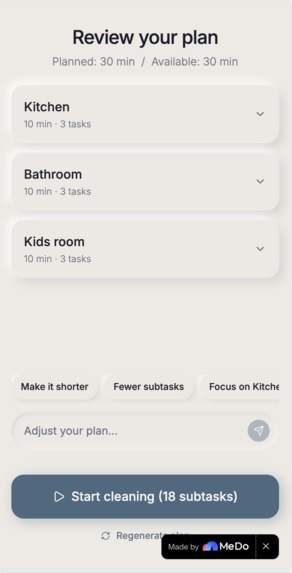
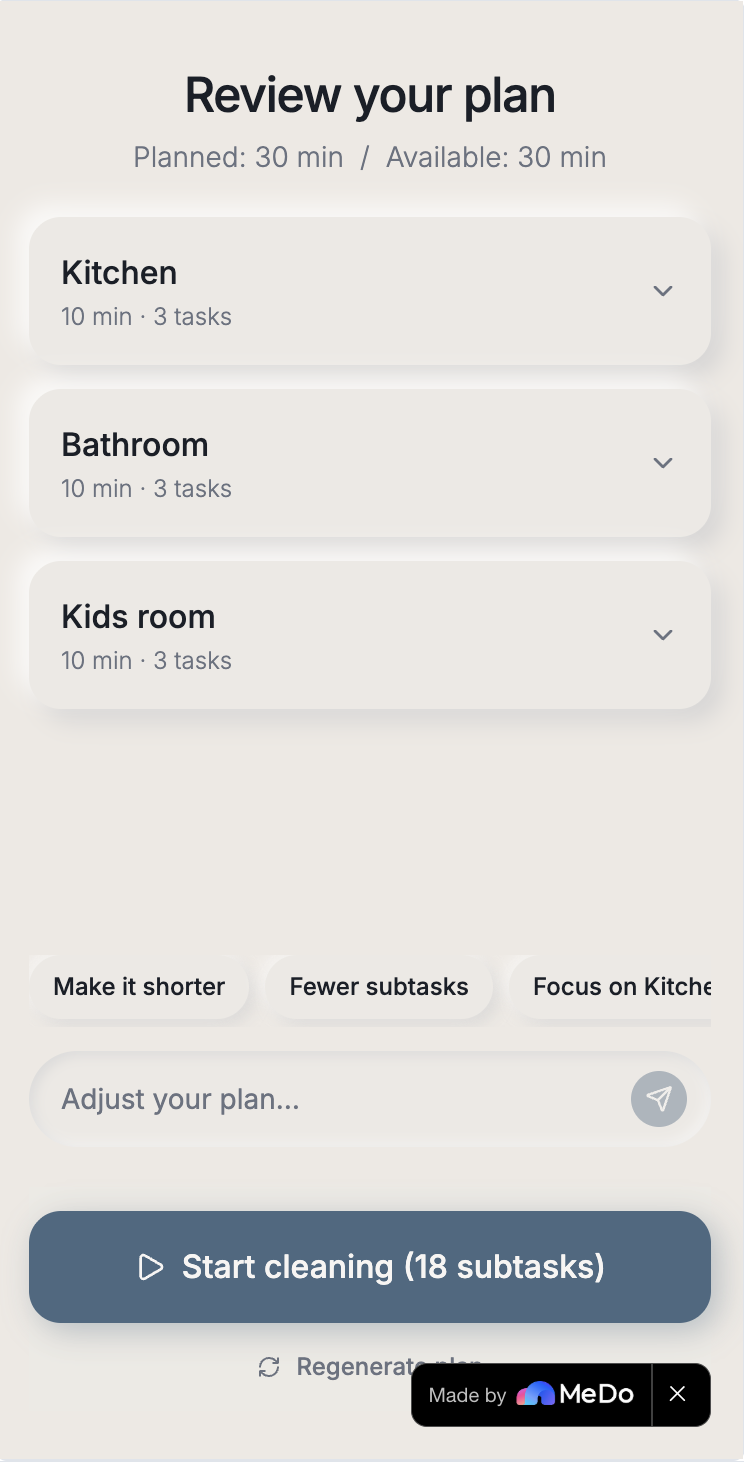
plan
-
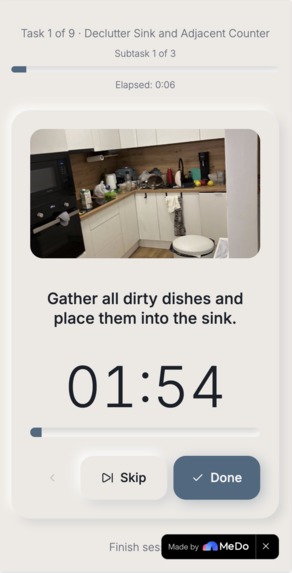
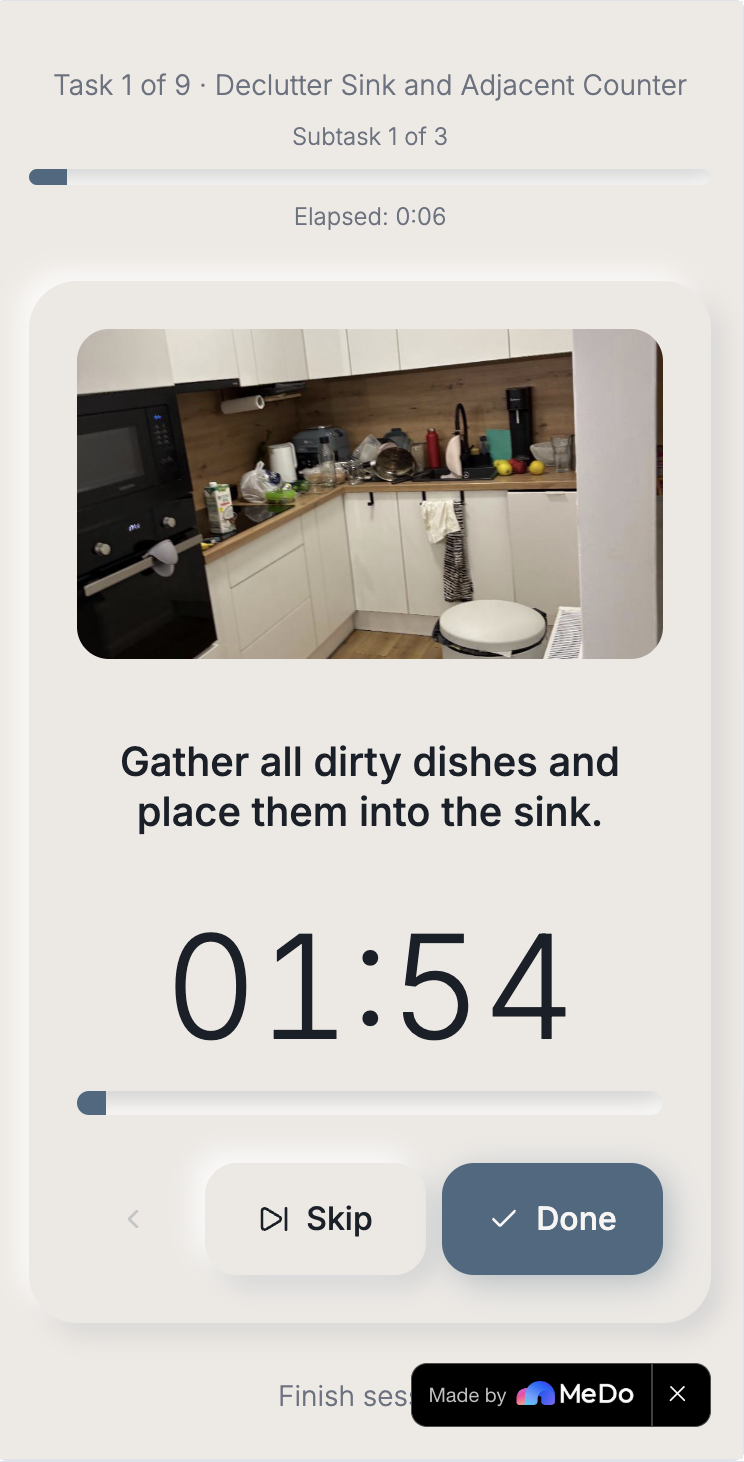
timer
-
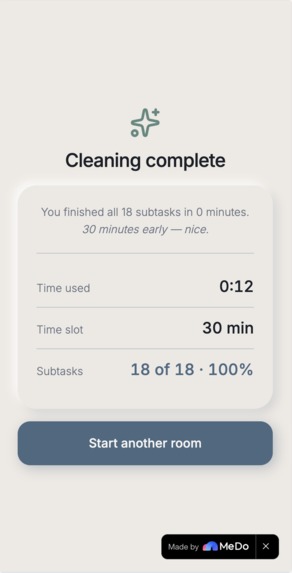
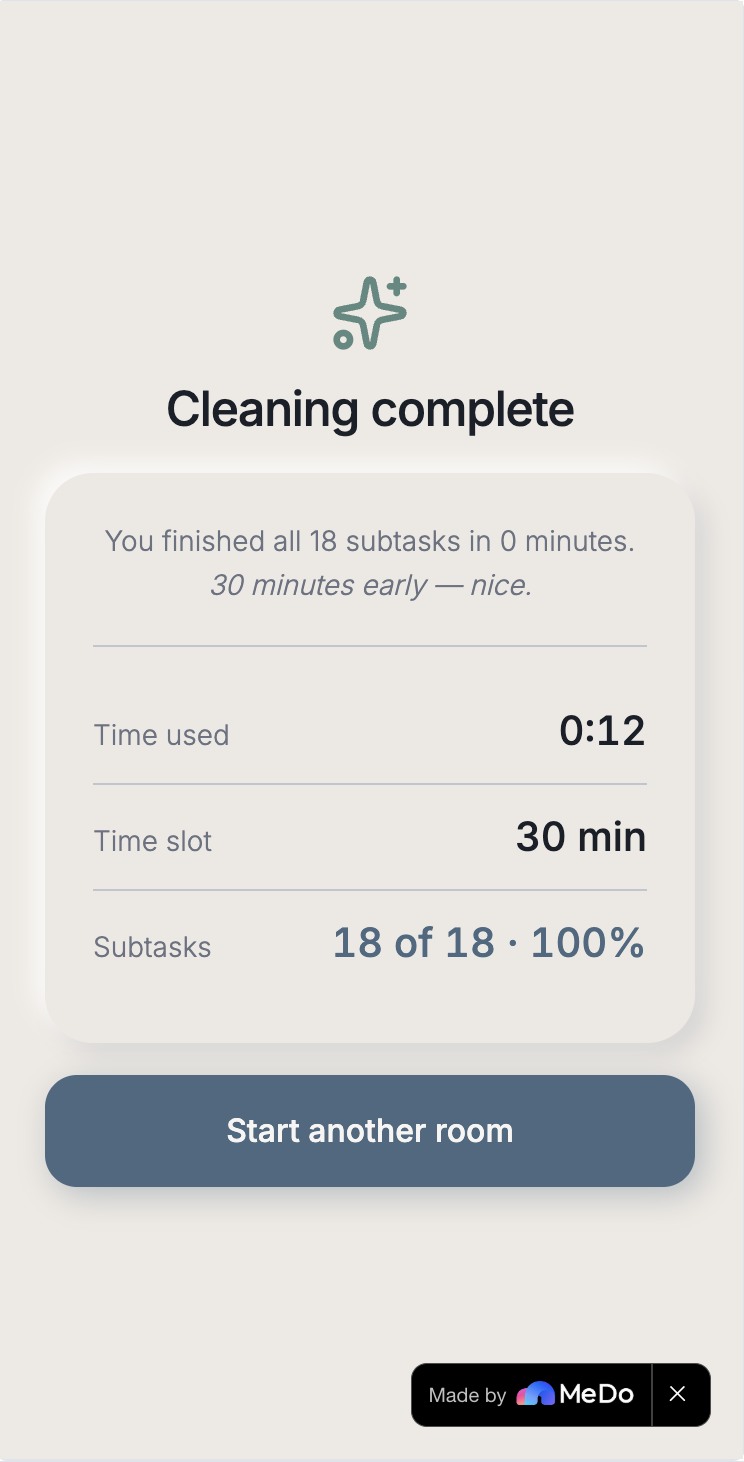
completion
Inspiration
Cleaning didn't get hard for me because there was too much of it. It got hard because I didn't know where to start. As a mother of a two-year-old with a full-time job, I'd stand in our small apartment and see mess in every direction. I'd give it my time. I'd put on music, I'd start somewhere, and within five minutes my mind would wander — to dinner, to a deadline, to whatever I'd forgotten that morning. All the time in the world wouldn't have been enough to keep even this small space in order, and I knew it. I wasn't alone in this. Almost every mother I talked to lived the same thing. The reasons are layered: as mothers we have less time and we have to prioritize. No one ever taught us how to clean systematically — we picked it up by osmosis, badly. Many of us live with some degree of attention issues, diagnosed or not. A cleaner isn't a realistic option for everyone, and even among those who could afford one, there's a stubborn "I'll just do it myself" instinct that resists delegation. So the problem wasn't the work. It was the starting. That insight is the seed of Tidybit. Once you stop trying to solve "how do I clean my apartment" and start trying to solve "how do I make the first fifteen minutes feel possible," everything changes. You don't need a 20-item checklist. You need one small step, time-bound, that fits the actual minutes you have. Mothers were where I started, but the pattern showed up everywhere I looked. People with ADHD. People coming out of burnout. Students before exams. Anyone who's ever stood in a room and felt frozen. They all needed the same thing — not more discipline, not more guilt, but a way in.
What it does
Tidybit turns photos of your room into a focused, time-aware cleaning plan.
You take a few photos — one room, or several. You pick how much time you actually have. Fifteen, thirty, forty-five, or sixty minutes. Not more. Long sessions defeat the purpose. MeDo's multimodal AI looks at each photo, identifies the room type automatically (Kitchen, Bedroom, Living room, and so on), and generates a structured plan — a small number of tasks per room, each with subtasks, all timed to fit your session. If something doesn't fit your day, you refine the plan in plain language. "Skip the kitchen." "Only fifteen minutes." "More focus on the bedroom." The AI rewrites the plan with the full context of the previous version. When you start, the focused flow shows one subtask at a time with a large countdown timer, and reads each instruction aloud. You put your phone down. You work hands-free. When you're done, you get a calm summary. Time used versus time chosen. No streaks. No badges. No "you crushed it!" The reward is the room.
How we built it
Everything was built with MeDo, end-to-end. We used three of MeDo's capabilities deeply: Multimodal vision for room understanding. Each uploaded photo is analyzed by MeDo's vision-capable LLM, which both classifies the room type from a controlled vocabulary (12 categories) and grounds the task plan in what it actually sees. A kitchen needs different tasks than a bedroom, and the AI knows because it can look. Multi-turn refinement chat. The Plan Review screen has a conversational input. The user types natural language adjustments, the LLM rewrites the plan with full context of the prior version, and the conversation stays visible so refinements compound. This is the feature that makes the app feel responsive rather than one-shot. TTS plugin for hands-free accessibility. When the user enters the focused flow, MeDo's text-to-speech plugin reads each subtask out loud. This isn't decoration. For a mother holding a basket of laundry, for a visually impaired user, for anyone whose hands are busy — it's the difference between "an app I have to keep checking" and "an app I can actually use while I work." The frontend is React with Tailwind. The visual system is a custom cool-calm slate palette with pragmatic neumorphism — filled, high-contrast primary buttons over a soft cream background. The full stack — UI, backend, multimodal LLM integration, plugin orchestration, deployment — was generated and iterated entirely through MeDo's conversational interface.
Challenges we ran into
The neumorphism trap. Pure neumorphism looks beautiful in design portfolios and fails catastrophically in production — primary buttons disappear. We had to break orthodoxy: filled, high-contrast buttons for primary actions; neumorphic surfaces only for backgrounds and secondary buttons. This compromise turned out to be the right one, and it's now baked into every screen. Cognitive overload in the plan view. The first version showed a flat list of ten or more tasks. Even when the AI generated good tasks, the user's first reaction was overwhelm — the exact opposite of what the app is for. We restructured into collapsible per-room sections, defaulting to collapsed. Same plan, half the perceived complexity. Controlled vocabulary for room detection. Early iterations had the LLM generating freeform labels — "kitchen", "Kitchen", "the cooking area", occasionally drifting into the photographed language of a label on a jar. We locked the LLM to a 12-item vocabulary with a fallback, and consistency snapped into place. The positioning tightrope. Tidybit was inspired by my experience as a mother, but a "cleaning app for moms" reduces the audience and misses the broader truth — that starting is a universal block. We worked hard on copy that lets a mother feel seen without making anyone else feel excluded. The italic "starting" in the hero, the gentle "Right on time" completion message, the absence of any gendered or family-coded imagery — every microcopy decision pushes against the niche framing while staying emotionally honest.
Accomplishments that we're proud of
A real, working product — not a demo of a demo. The end-to-end flow handles real photos, real LLM responses, real timer flow. Accessibility built in from day one, not retrofitted. The TTS plugin is how the focused flow is meant to be used, not a bolt-on for compliance. Emotionally calibrated copy throughout. No streaks, no XP, no "you crushed it." The reward is the room itself, and the app gets out of the way.
What we learned
The "no code" promise of MeDo isn't really about avoiding code. It's about compressing the design-iteration loop. A change we'd normally describe in a Jira ticket, hand to a designer, hand to a developer, ship in two weeks — we shipped in one sentence and thirty seconds. The bottleneck stopped being the building and became the deciding. That's a different kind of work, and it raises the bar on taste, restraint, and clarity about what you're not building. We also learned that the easiest way to make an AI app feel magical is to remove the parts where the user has to configure something. We never ask the user to name a photo, tag a room, or fill out a form. The app looks, infers, and asks for confirmation only when it has reason to be unsure. Every removed input is a small invitation to keep going.
What's next for Tidybit — The hardest part of cleaning is starting
Personalization based on patterns. "You usually struggle with the bedroom — start there?" requires persistent user data we deliberately didn't ship for the hackathon scope, but it's the natural next step. Voice input for refinement. Instead of typing "skip the kitchen", just say it. Your hands are full anyway. Energy-aware plans. A 15-minute session on a low-energy day is different from a high-energy day. The plan should adapt. A soft Pro tier — more sessions per day, longer plans, multilingual TTS — without ever putting the core one task at a time experience behind a paywall. Open source the prompts. The system prompt for the multimodal analysis, the refinement controller, the controlled vocabulary — these are the real product. Sharing them is how the next builder learns from us.
Built With
- llm
- medo
- multimodal-ai
- react
- shadcn-ui
- tailwindcss
- text-to-speech
- tts
- typescript
- vite

Log in or sign up for Devpost to join the conversation.