Inspiration
Cleaning is one of those tasks that feels harder than it actually is. Often, the problem isn’t the work itself, but deciding where to start. Standing in a messy room can be mentally overwhelming because you have to identify what needs cleaning, prioritize tasks, and create a plan before you even begin.
Tidy was inspired by the idea of removing that mental burden. By letting the app analyze a room and instantly generate a checklist, cleaning becomes a clear, guided process rather than an open-ended chore.
This becomes even more powerful for children. Instead of a parent repeatedly giving verbal instructions like “pick up your toys”, “arrange your books”, “make your bed”, the app turns the room itself into a visual, step-by-step guide. Kids don’t have to figure out what “clean your room” means — they simply follow a checklist created from their own environment. Over time, this helps them build independence, responsibility, and a natural understanding of how to maintain their space without constant supervision.
Tidy doesn’t just help people clean — it helps them learn how to clean.
What it does
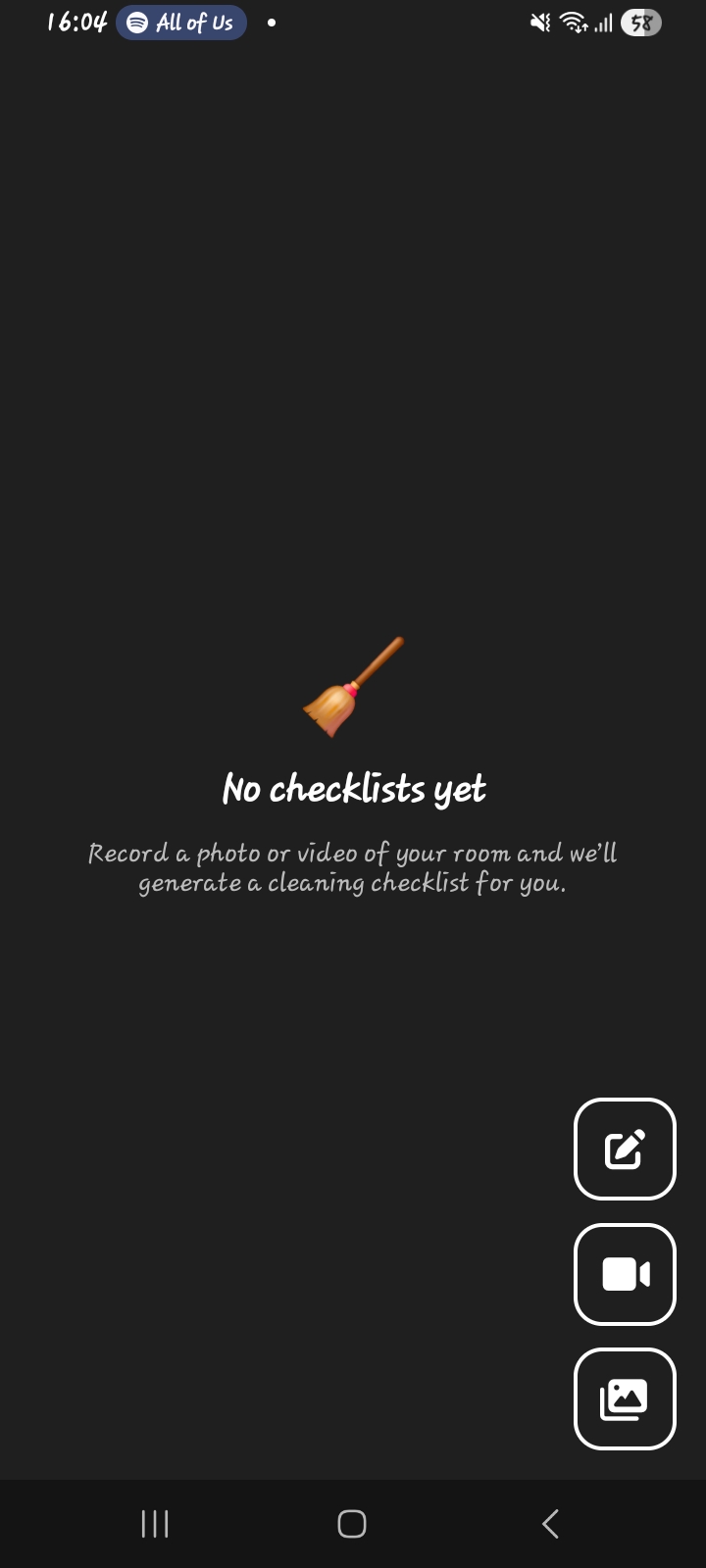
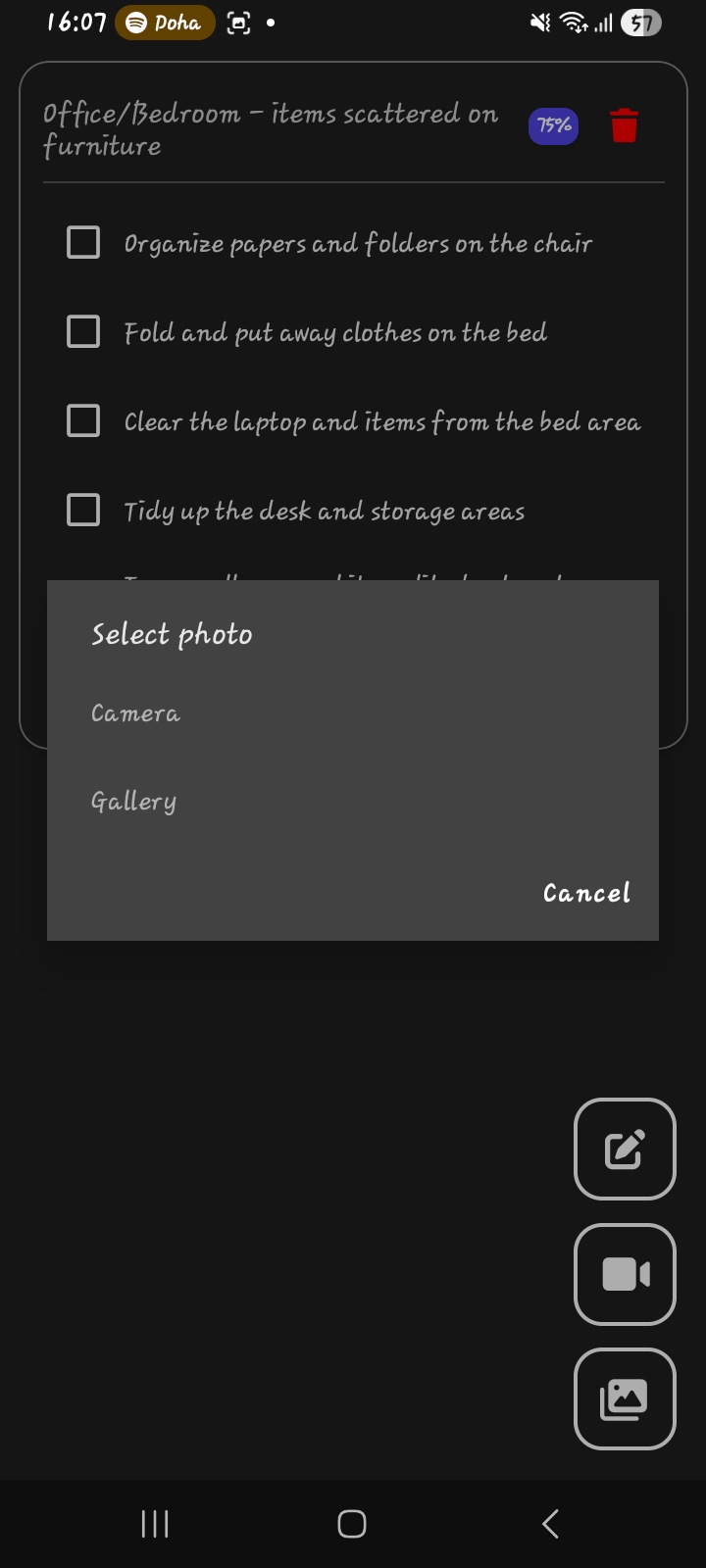
Tidy is a mobile app that automatically generates cleaning checklists from photos or short videos of a room. Users can:
- Capture or select an image or video of a space
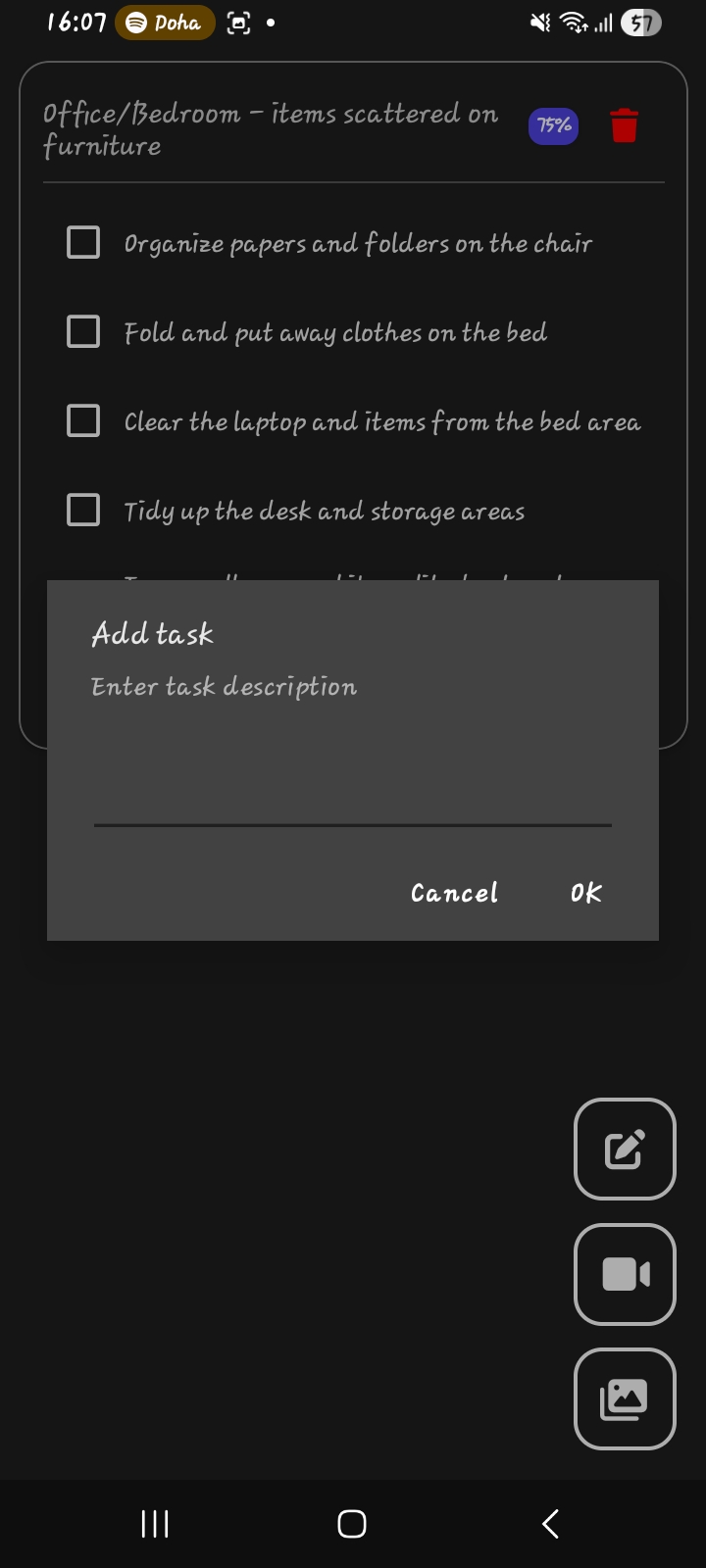
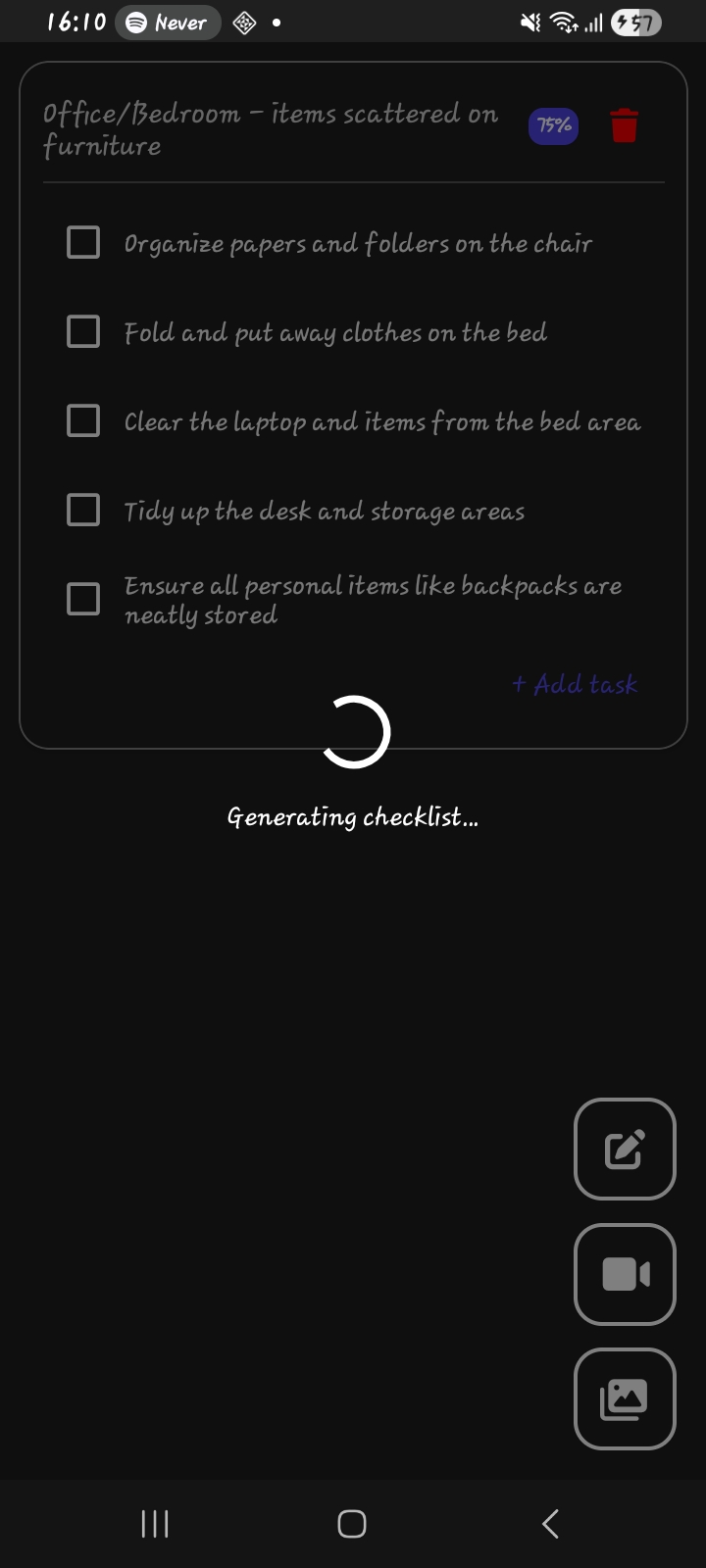
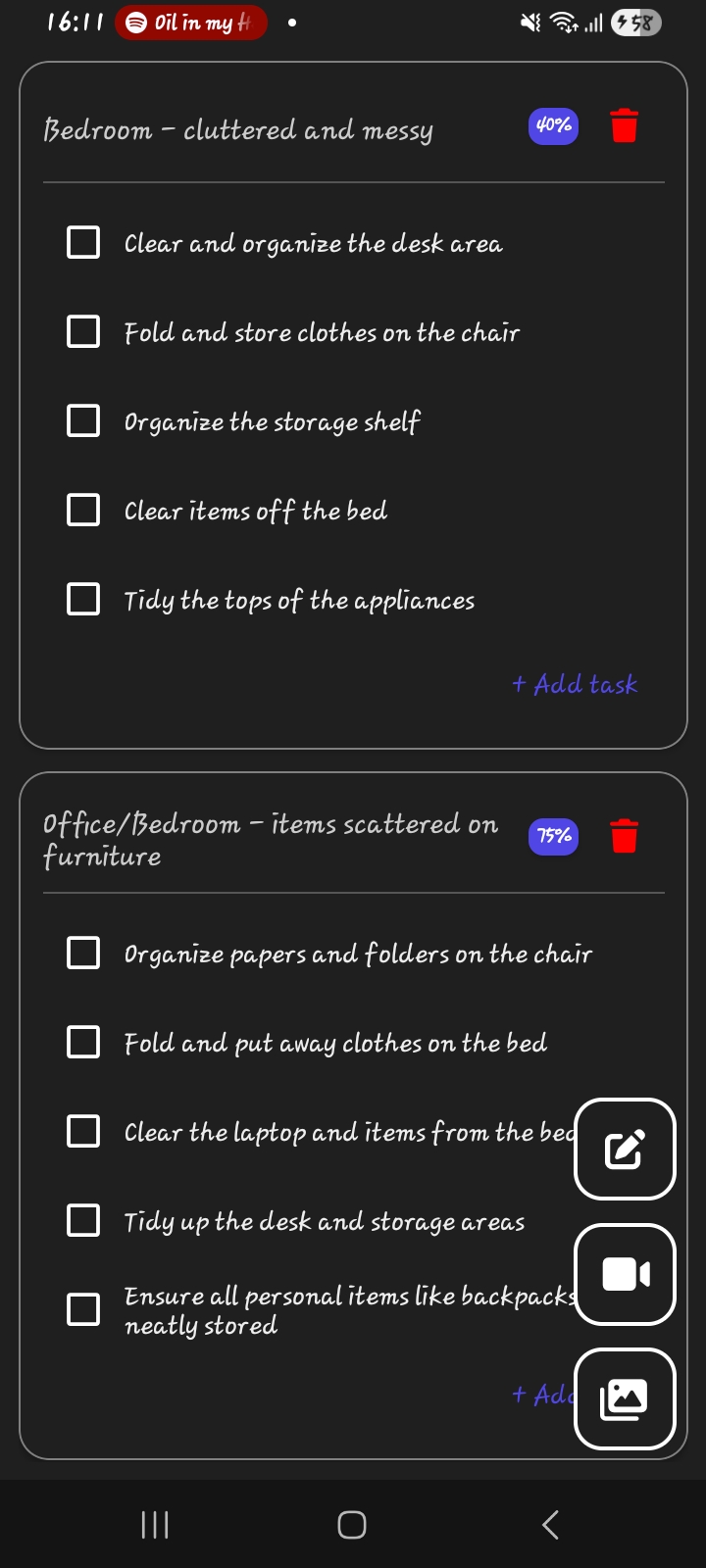
- Receive an AI-generated checklist of cleaning tasks
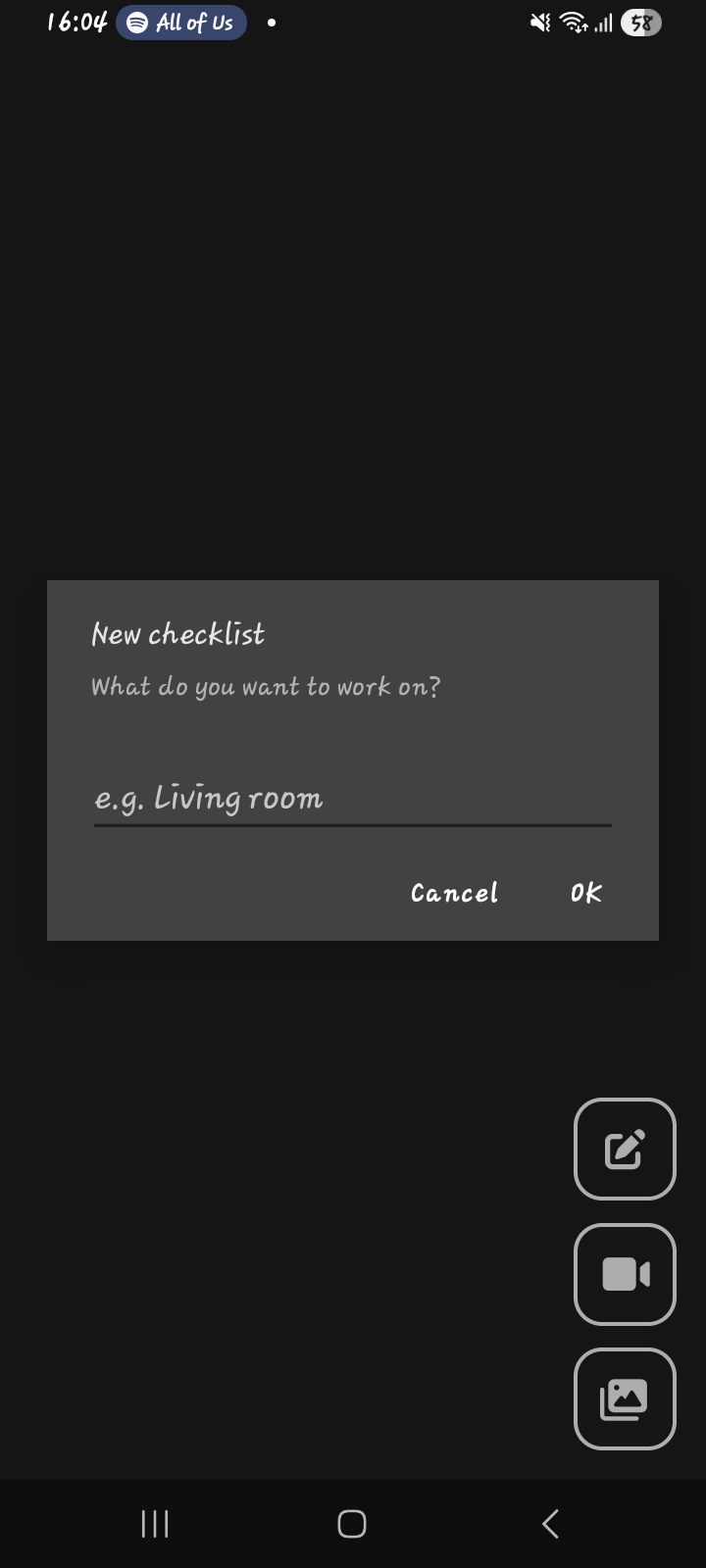
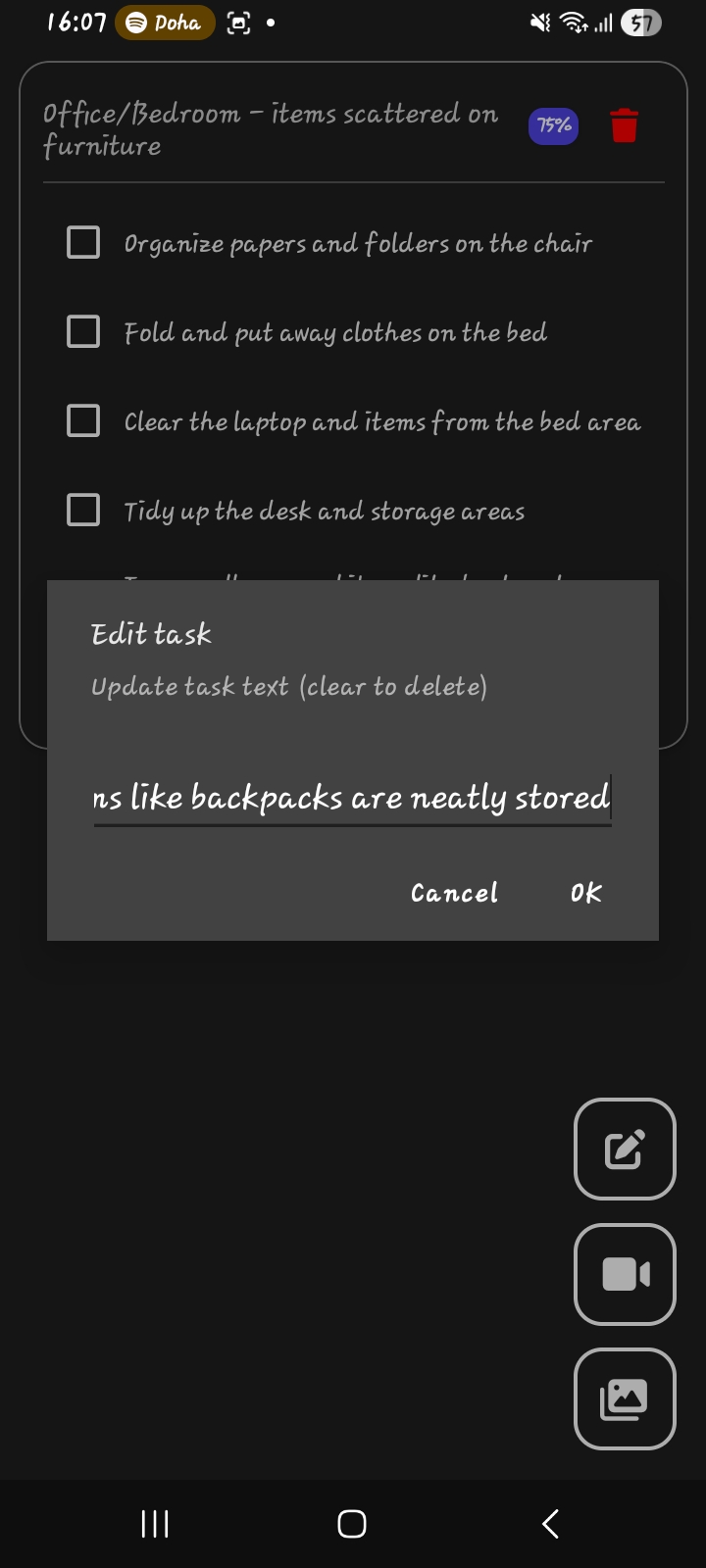
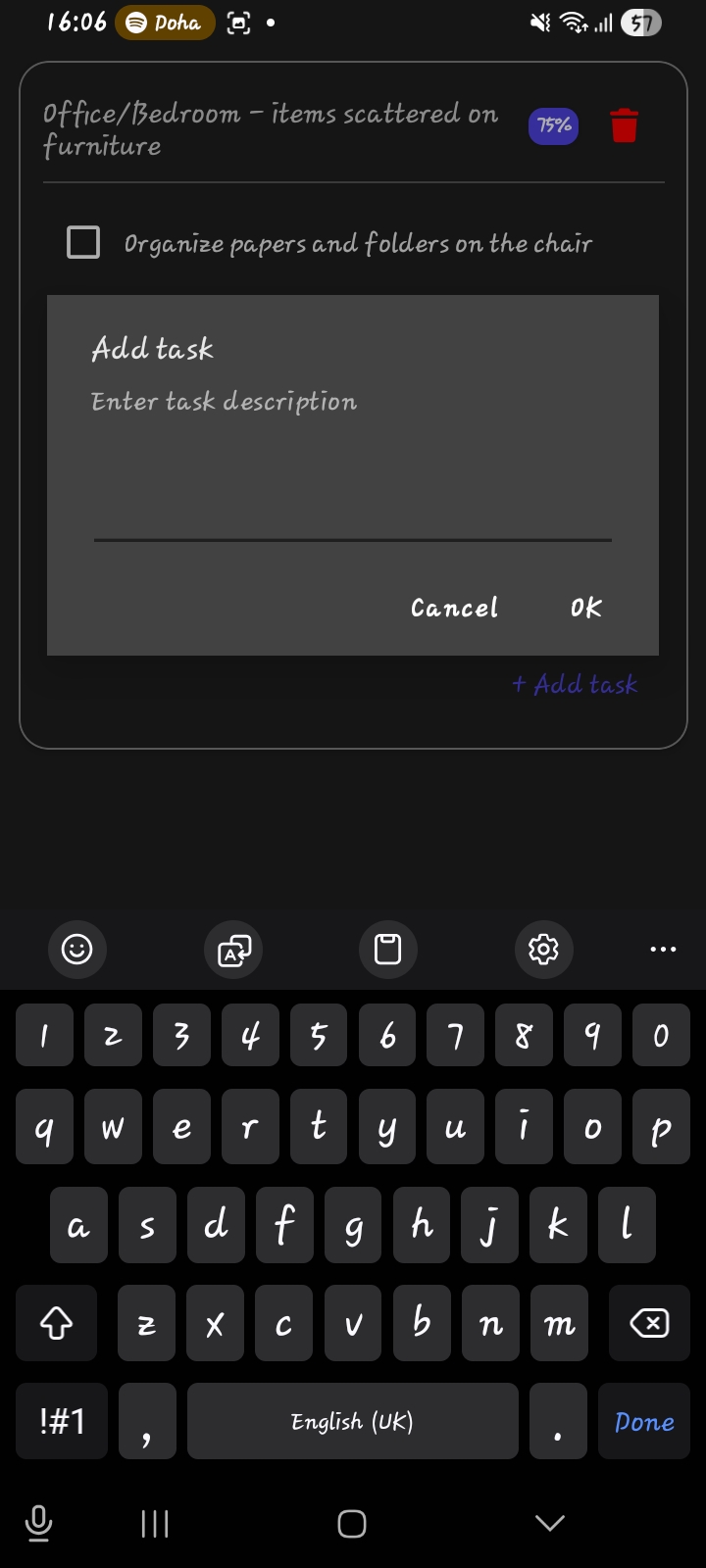
- Add, edit, or delete tasks manually
- Mark tasks as complete as they clean
- Store checklists locally on their device
Gemini 3 features used by Tidy
- Video understanding
- Image understanding
- Structured outputs
How I built it
Tidy was built using .NET MAUI to support multiple platforms from a single codebase. The UI is implemented with XAML.
On the backend, Azure Functions handle media uploads and communication with a Gemini 3 API model(using the Google.GenAI SDK) that analyzes the room and returns a structured checklist in JSON format. The app uses local storage (SQLite) to save checklists and tasks, ensuring fast performance and offline access.
The overall flow is:
- User captures or selects media
- Media is sent to the backend
- Gemini 3 API makes use of video or image understanding to generate a structured checklist
- Checklist is sent to the frontend and saved locally and displayed in the app
Challenges I ran into
Prompt engineering was one of the major challenges, as it required designing prompts that produced detailed, accurate results without being too vague or overly verbose.
One of the main challenges was handling media efficiently. Photos and videos can be large, so I had to enforce strict size limits and validate files before upload to avoid performance and API issues.
Another challenge was working with structured AI responses. Ensuring the AI consistently returned valid, predictable JSON required careful schema design and error handling.
On the UI side, managing dynamic lists with expandable sections and loading states without causing lag or unnecessary re-renders took careful tuning.
Accomplishments that I'm proud of
- Building a fully functional, polished MVP from scratch
- Successfully integrating Gemini 3 API in a way that feels practical and helpful
- Creating a smooth, responsive UI with expandable checklists and task editing
- Designing a clear, focused user experience that solves a real problem
What I learned
AI can be a very useful tool when integrated with current processes in creative ways.
I also gained deeper experience with mobile performance optimization, media handling, and state management in .NET MAUI.
What's next for Tidy
Next, I plan to:
- Include a feed tailored for the individual user (this would require login) where the article shown depends on the cleaning list generated.
- Introduce a subscription plan for unlimited checklist generation
- Improve task prioritization and checklist quality
- Add optional cloud sync for premium users
- Continue refining the UI with subtle animations and polish
Tidy is just the beginning, and I'm excited to keep building and improving it.


Log in or sign up for Devpost to join the conversation.