-
-
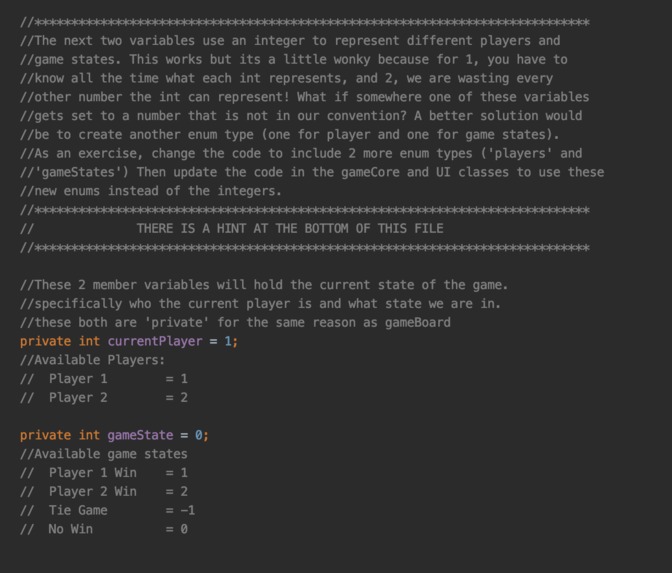
This is an example in one of our files where we suggest an optimization to the user
-
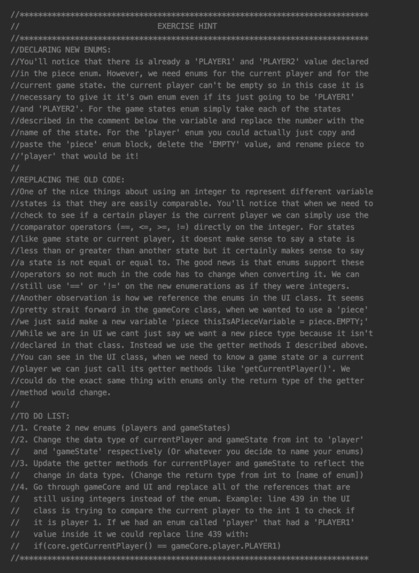
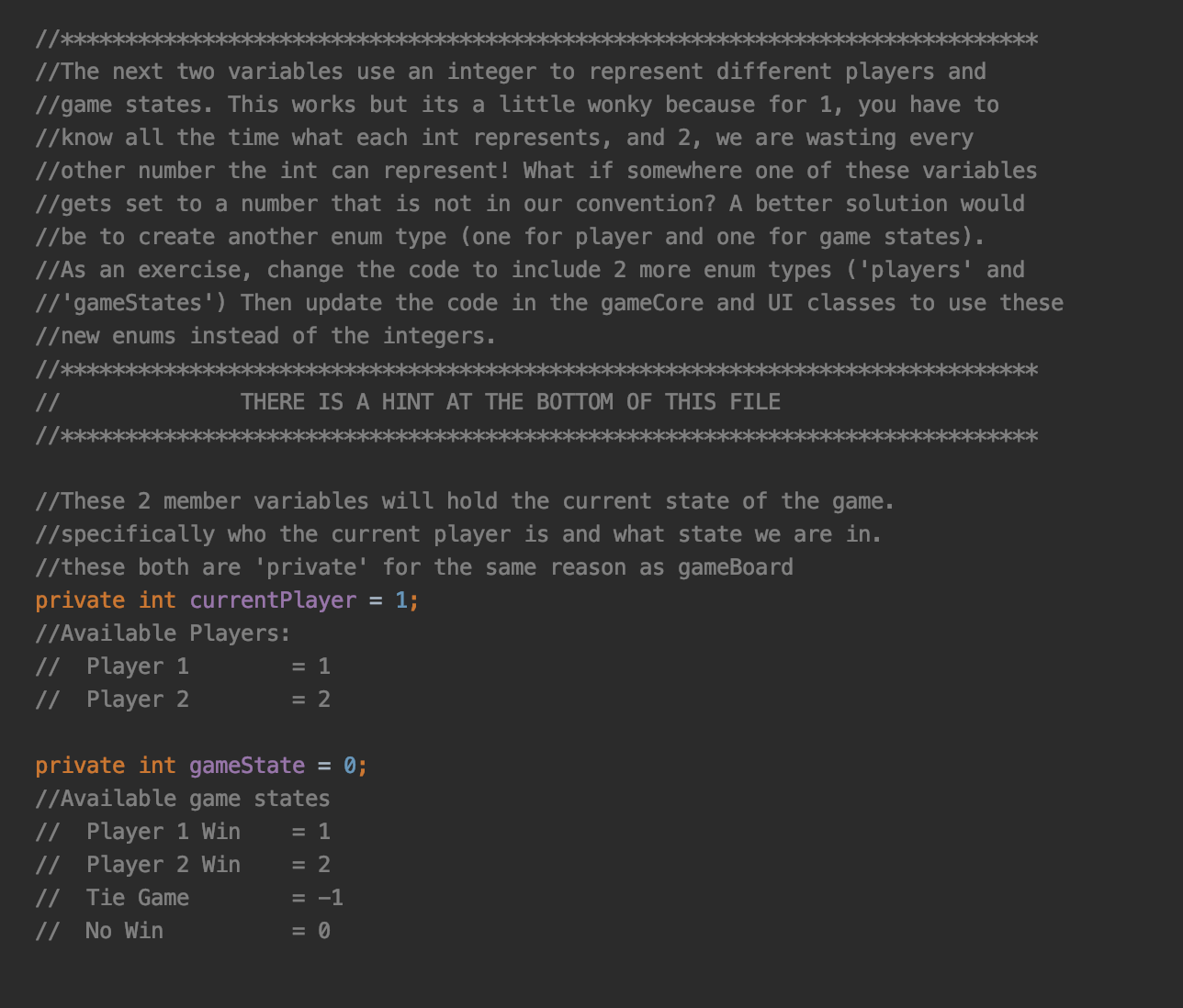
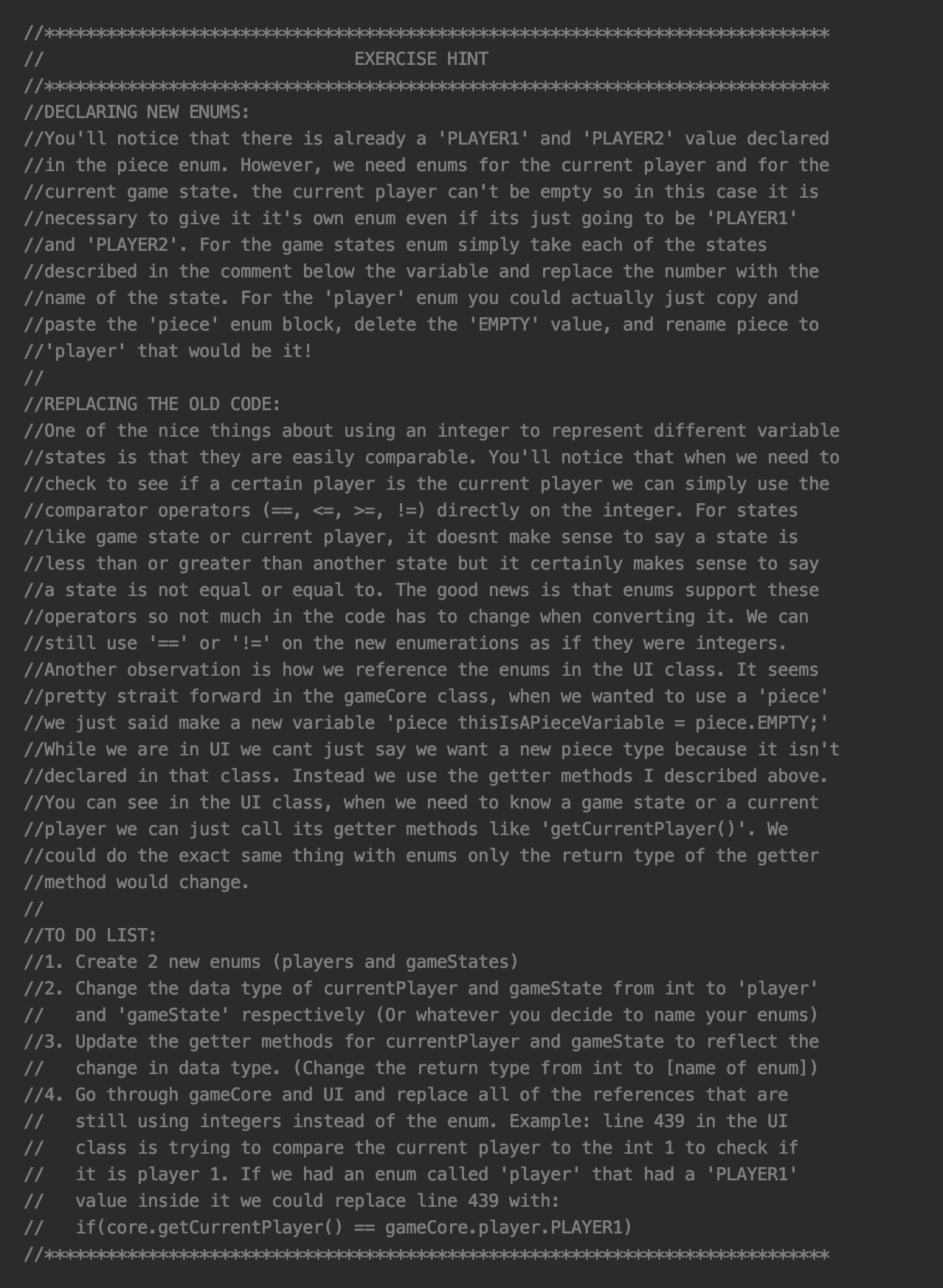
Here is a screeny of a cheat sheet in one of our files explaining to the users how to perform a certain refactor
-
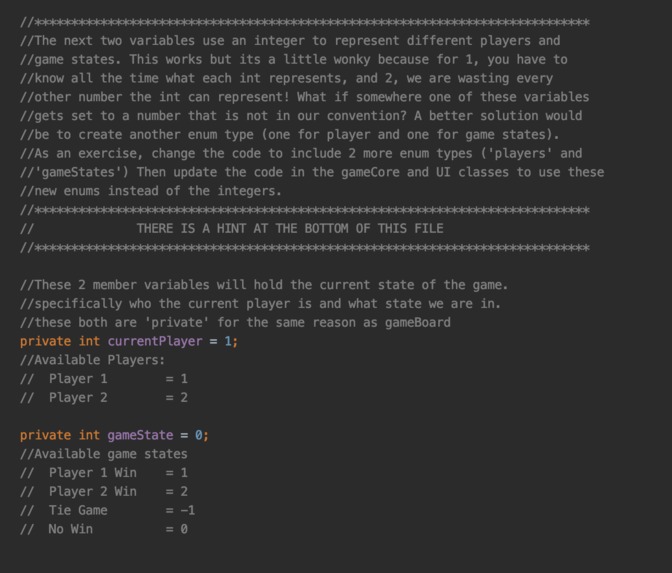
Explaining OOP was an important step, here is how we framed it!
-
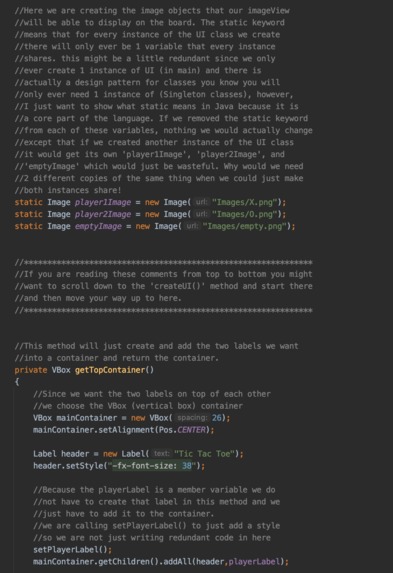
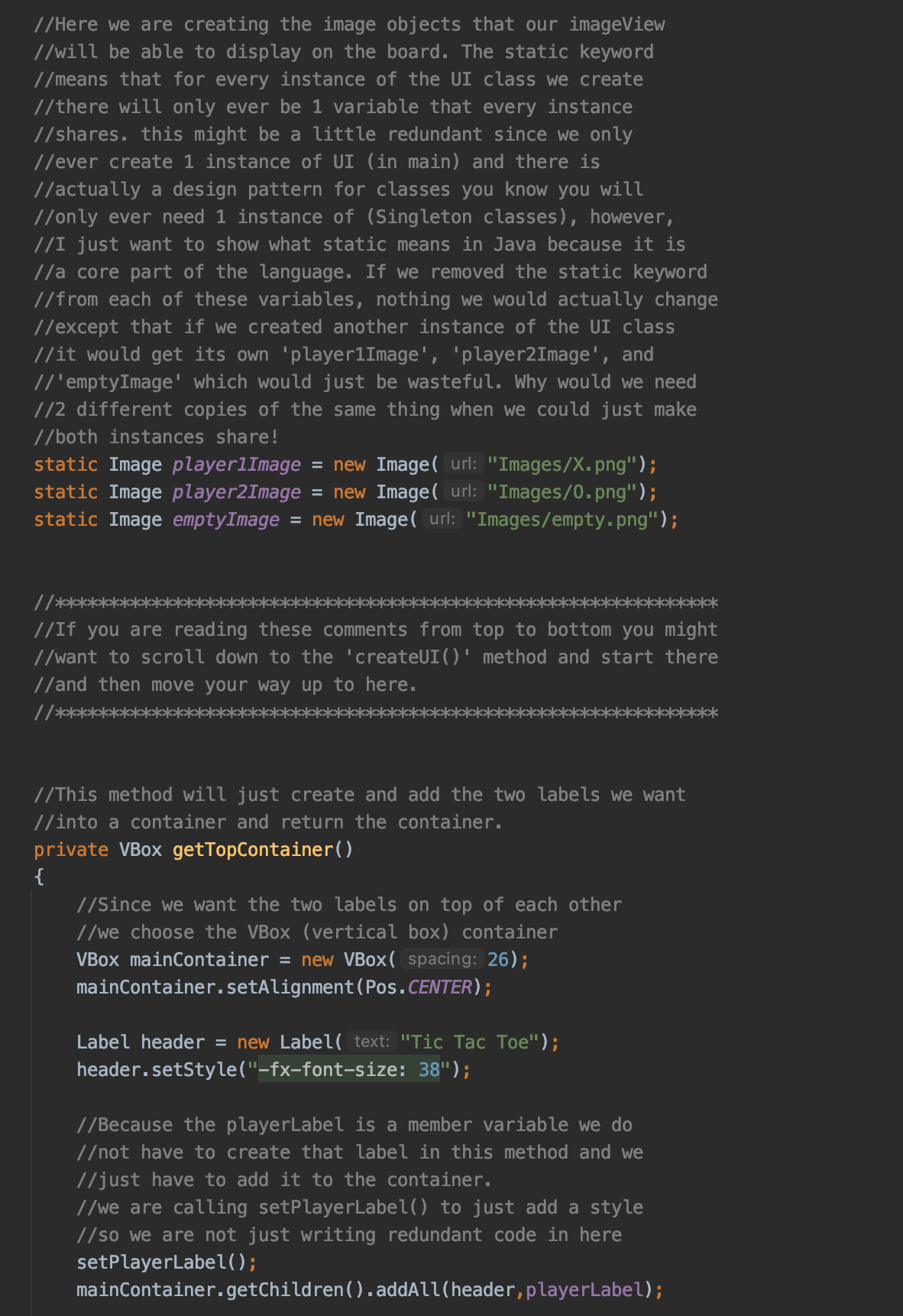
We wanted to show the integration off OOP and GUI concepts in our documentation
Inspiration
GUIs were always very foreign and mysterious to me and my partner. When we learned how to program in the beginning it was always just outputting to the console. Even now during this project my partner and I learned a lot about how to build them. We wanted to clear up ambiguity and help others understand that GUIs are just another powerful tool anyone can learn. After hours of reading the Javadocs and watching youtube videos, we think we have a novel way of introducing GUIs to those that want to learn. I wanted people to be able to use our codebase and final executable to see how real GUIs are built in a way that is easy to follow along. Additionally, we made sure our app was functional but left some optimizations that could be made by the users.
What it does
It is a simple Tic Tac Toe game with a full, responsive, graphical user interface. Not only can users actually play the game with friends, but they have an opportunity to view the source code we wrote. The project was EXTENSIVELY documented and commented and so the source code is just as important as the final executable. The project provides the user with a way to follow along for each line of code and see how a GUI in java was built. Another big feature is the interactive refactoring. We had to make sure the code actually worked of course, but we wrote it in a way that we left certain optimizations that we felt the user could make later on to improve the code. We carefully decided which topics we felt would help the user better understand difficult concepts, and slowly added them into the code with heavy documentation describing how the user could extend and refactor. We added hints along the way and a cheat sheet at the bottom.
How I built it
We started with our favorite Java IDE (IntelliJ) and created a new project. My partner and I had limited knowledge of GUIs and we wanted to make sure we were doing things the right way. To accomplish this we went off to youtube, JavaDocs, and any other online resources to look at sample code, tutorials, and documentation. We went through several iterations trying our best to refactor as much as possible. We had a private GitHub repository that helped with version control as well as allowed my partner and me to collaborate. Once we felt like we had enough background knowledge and brushed up on our Java skills, we began writing a list of requirements as well as a primitive storyboard. Most of this was just verbal between my partner and I, but it was great to make sure we were both on the same page as well as finding bugs before we even began to code. Once we straightened that out, we began coding.
Challenges I ran into
This project was meant to focus on teaching users how GUIs are built, not how object-oriented programming works. The biggest challenge we faced during the project was that OOP in Java is unavoidable so we had to balance explaining OOP concepts while not letting them overtake our main goal of describing GUIs in a language-agnostic way. We wanted to do everything the proper way without adding so much boilerplate that users would get lost. Overall we did in fact find a balance that leverages OOP while still keeping the focus on the GUI that we are very happy with.
Another challenge we had was finding images for our game. As silly as it sounds, we wanted to find stock images that would fit our GUI for each game piece and the board itself. We started with vector images of empty game boards and then looked for individual vector images of the X and O pieces. This took us a lot longer than we thought and we spent a very long time trying to make sure the sizes all fit together on the board itself. It was a juggling act between keeping resolutions clean, spacing symmetric, and style consistent. This took a lot of tweaking but in the end, we were very happy with the result.
Accomplishments that I'm proud of
We spent a huge portion of the time on documentation. Since our documentation was really the main part of our project we had to really think about what information we wanted to convey and how we would convey it. We wanted our project to be open to as many people as possible with all levels of programming experience. That meant that we would have to explain minor concepts in a way that kept the beginners following but didn't lose the attention of the more advanced users. We wrote and rewrote the documentation so many times to get it to a place we felt was perfect.
What I learned
My partner and I had a fantastic learning experience with this project. Not only did we learn new things about Java, Object-Oriented Programming, and GUI's, but we also learned a huge amount about technology communication. We love learning new things and our goal was always to help others experience the joy we do when learning. This project forced us to think hard about how to convey ideas and focus on the information we want to share in a way that preserves those learning moments for our users. We will definitely use what we learned from this project in the future!
What's next for TicTacToe For teaching GUIs in Java
Feedback!! (hopefully). We would love for others to try this and let us know what we can do to improve. it was always about helping people learn so we want to know what users found confusing and what they really helped so we can improve! Maybe in the far future a larger platform that makes it easier for users to view projects such as ours.

Log in or sign up for Devpost to join the conversation.