-
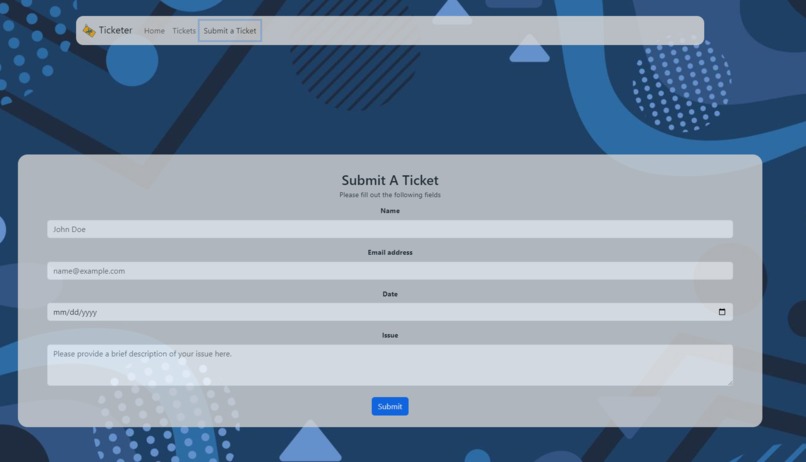
Our page for submitting tickets.
-
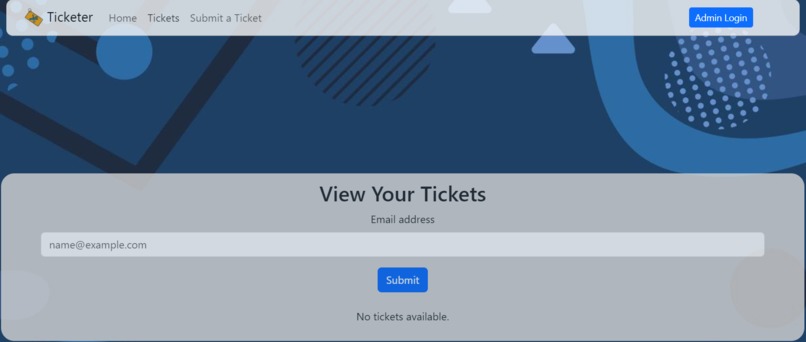
Our page for viewing and managing tickets
Inspiration
As students at UW-Madison, we've have received countless evaluation forms, research surveys, and various other form-based questionnaires at our time here. We wanted to create a project that could accelerate and automate these common ticketing systems, making it easier for the administrator to review results and work on what's really important to them.
What it does
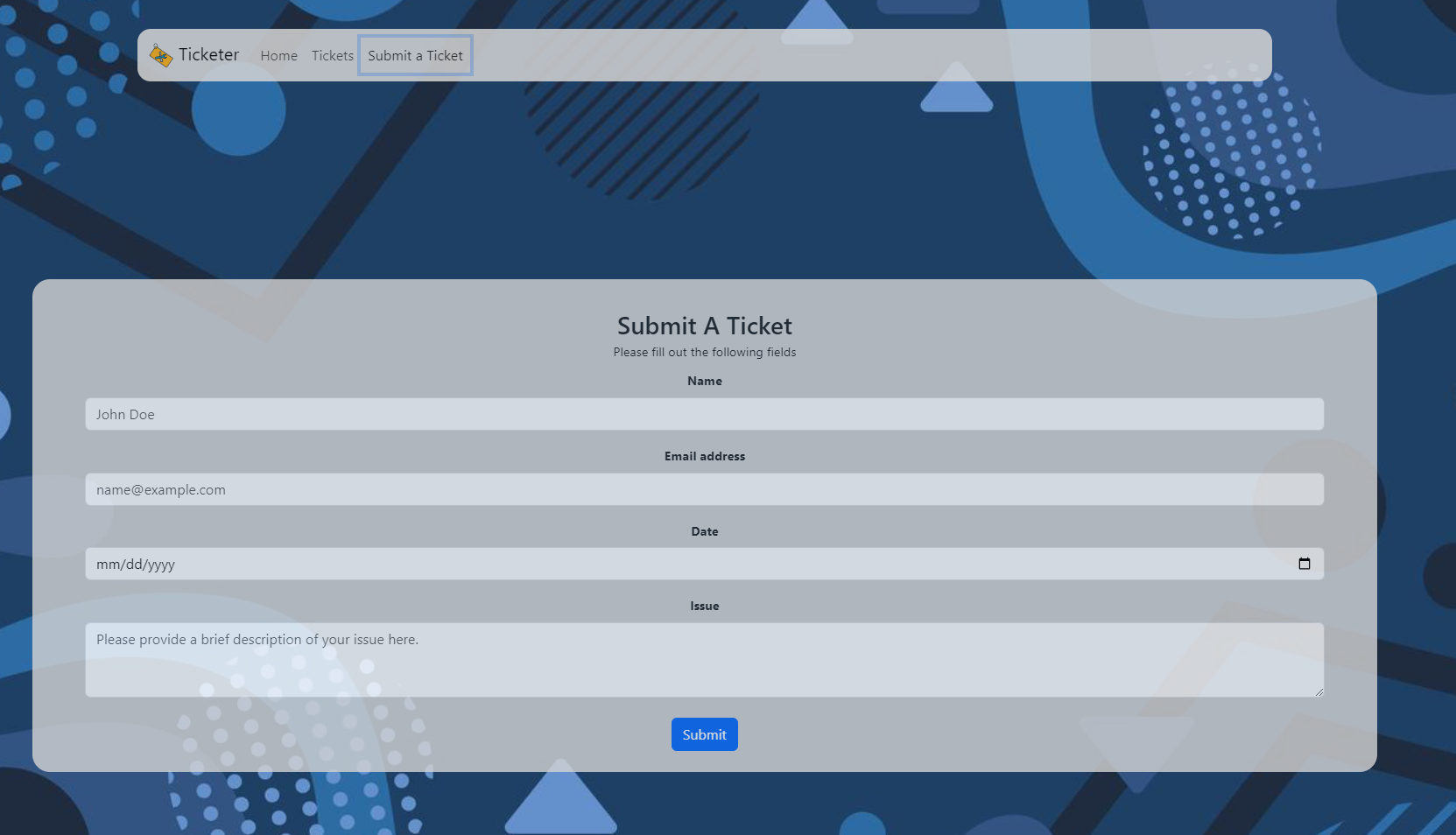
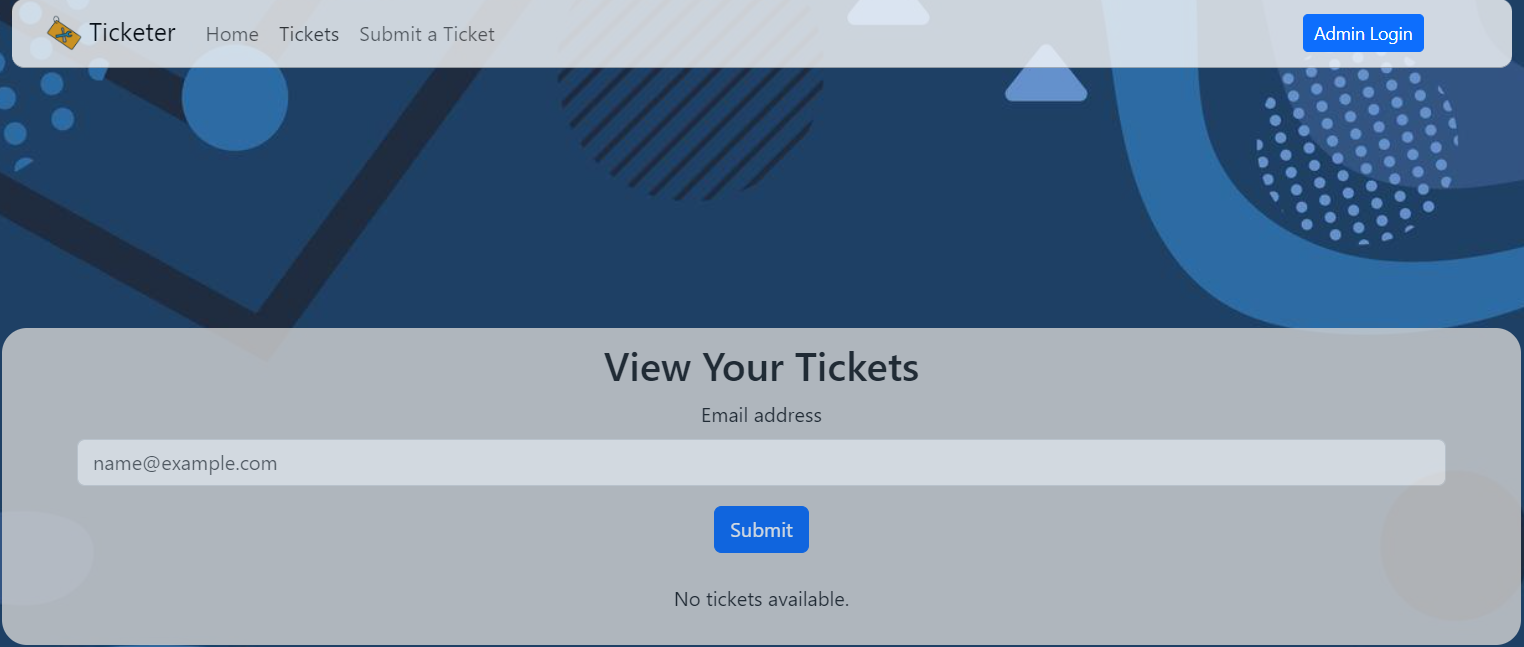
Our Ticketer project receives tickets (email, date, and description). It automatically gets assigned an ID number and it is filtered into specific categories. Then, the corresponding team (tech support, finance, general) can see the tickets they need to take care of, and not have to worry about tickets that have nothing to do with them.
How we built it
We first used a docker image to store SQL databases full of your customer's tickets. We then developed a backend API in python to bridge our frontend built on React.
Challenges we ran into
One issue we ran into was implementing Docker on different computers and trouble multithreading our SQL server with the API. We also found how to filter tickets into categories challenging, but quickly found a solution to do so. Last but not least, we had challenges formatting our frontend UI.
Accomplishments that we're proud of
We are proud of how our UI aesthetic and functionality came out and we are proud of how we were able to get our program to work with minimal bugs! We are proud of how well we worked as a team, fostering healthy communication and strong teamwork.
What we learned
We learned many new things while working on this project. For one, we learned how to use a Docker image to implement a SQL database. We also learned how to implement Axios and FastAPI.
What's next for Ticketer
As a naive project, we still need to make sure this can be industry ready. Therefore, we want to work on the security of the tickets and login. We also want to maximize the automation process of filtering tickets.


Log in or sign up for Devpost to join the conversation.