-
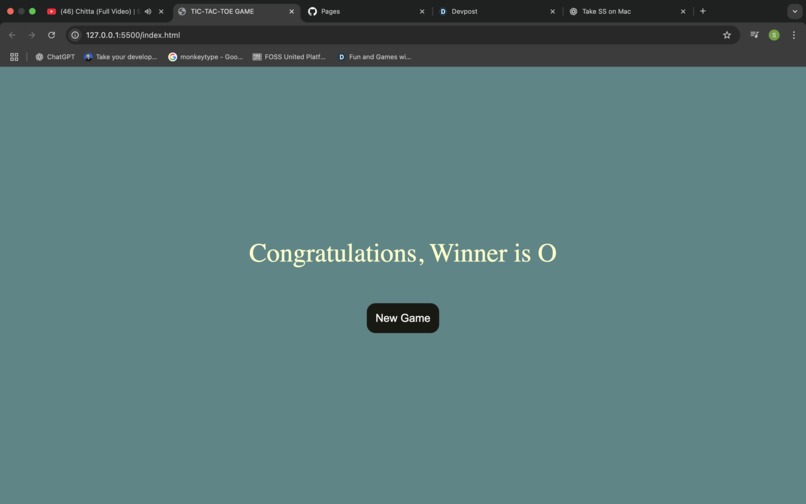
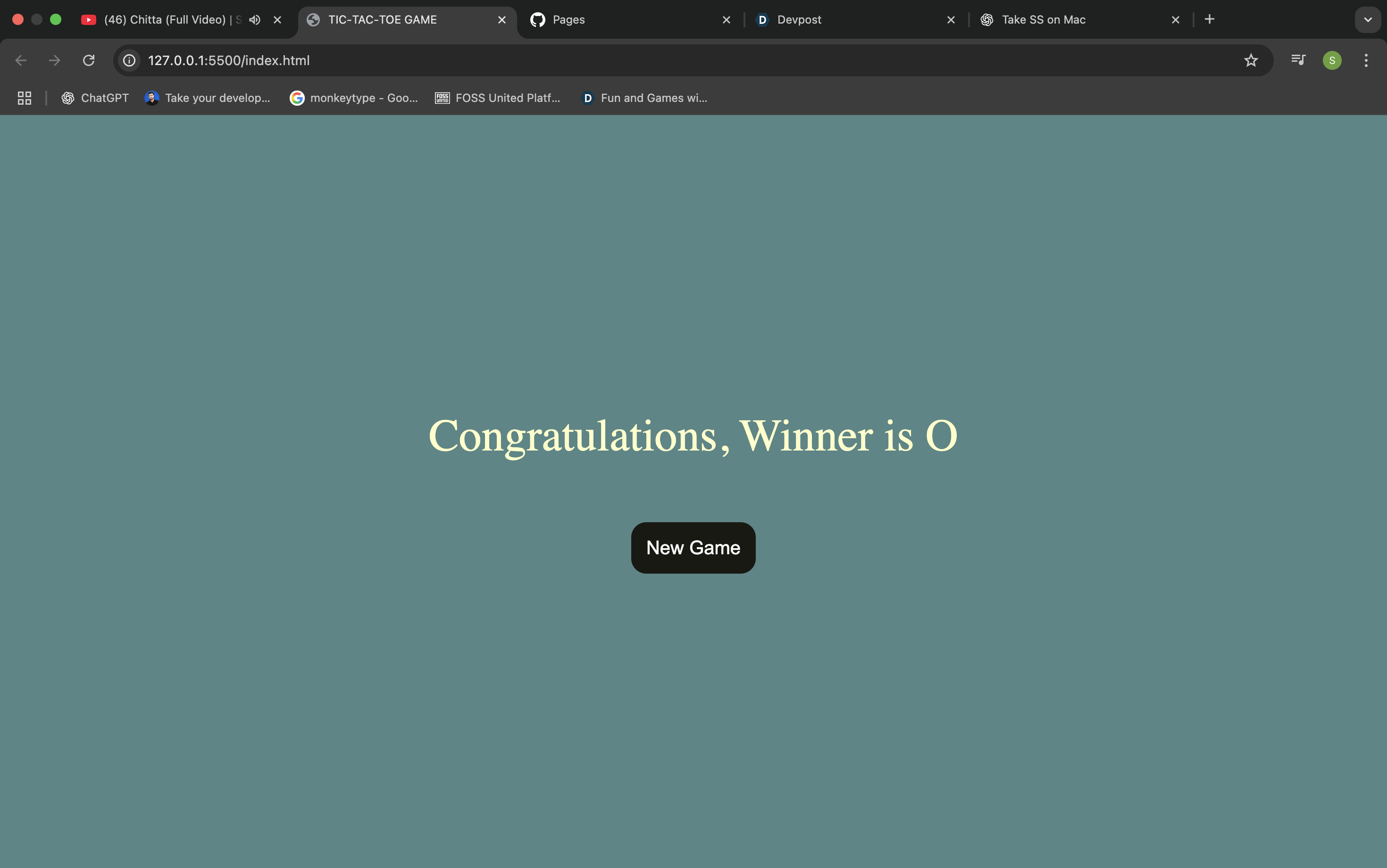
AFTER GAME
-
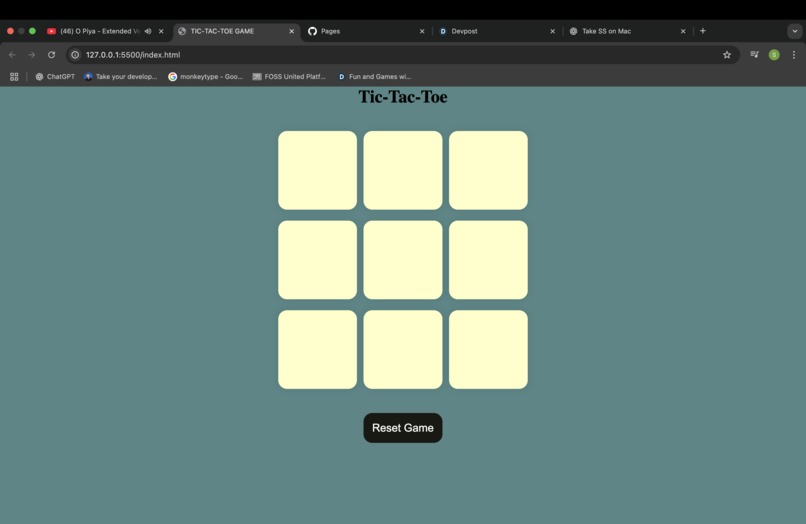
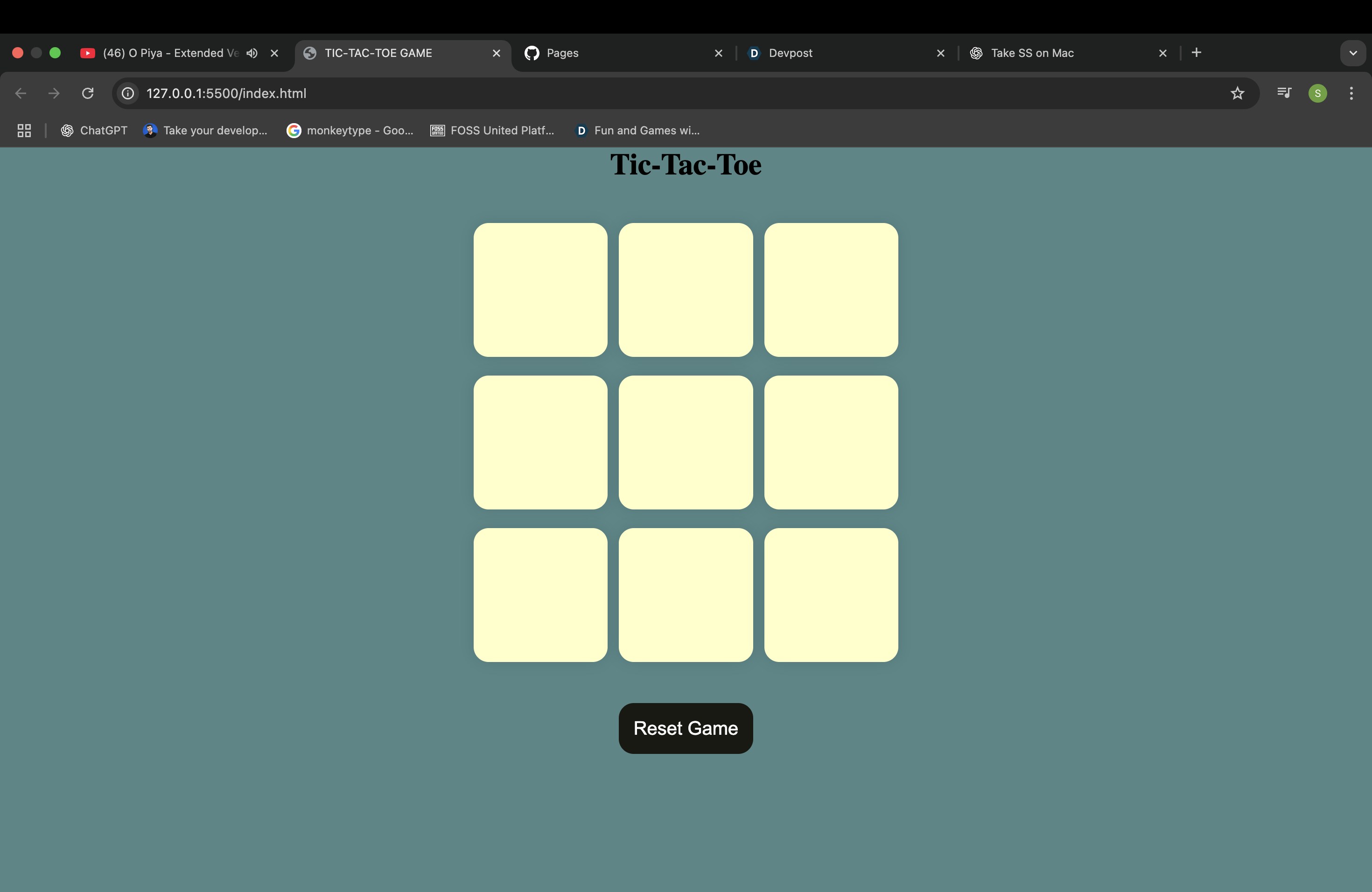
THIS IS FRONT
🎮 Tic Tac Toe Game
🌟 Inspiration
I wanted to build something simple but fun using HTML, CSS, and JavaScript. Tic Tac Toe is a classic game that everyone knows, so it felt like the best project to practice logic building and UI design.
🛠️ How I Built It
- HTML → Created the game board with a 3x3 grid.
- CSS → Styled the board and added hover effects.
- JavaScript →
- Wrote the logic to track turns (X and O).
- Checked for winning conditions (rows, columns, diagonals).
- Added a reset button to restart the game.
- Wrote the logic to track turns (X and O).
📚 What I Learned
- How to use DOM manipulation (
document.querySelector,addEventListener). - Writing clean conditional logic for win/draw situations.
- Basic UI design and styling with CSS Grid/Flexbox.
⚡ Challenges
- Making the win-check logic correct (especially diagonals).
- Handling draw situations without bugs.
- Keeping the code clean and understandable.
✅ Conclusion
This project helped me improve my JavaScript problem-solving skills.
In the future, I want to:
- Add a scoreboard.
- Make a computer opponent (AI) mode.
- Add better animations and sounds.
🧮 Math (optional)
I used basic logic similar to math:
- Winning condition means three values in a row are equal.
$$ board[i][0] = board[i][1] = board[i][2] $$ - For diagonals:
$$ board[0][0] = board[1][1] = board[2][2] $$ or
$$ board[0][2] = board[1][1] = board[2][0] $$


Log in or sign up for Devpost to join the conversation.