Morse meets Meta - The Vintage Code of the Future.
Inspiration
We were inspired by a classic Jay Leno bit proving morse code is faster than texting. With XR and AR becoming mainstream, we asked: why are we still poking at virtual keyboards? Meta's microgestures and upcoming neural band make morse code the perfect input method for the AR future - fast, subtle, and hands-free.
What it does
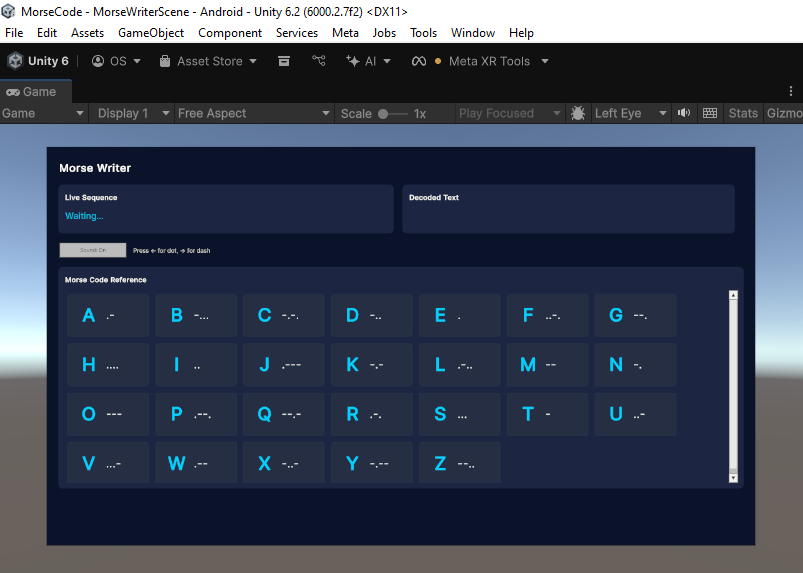
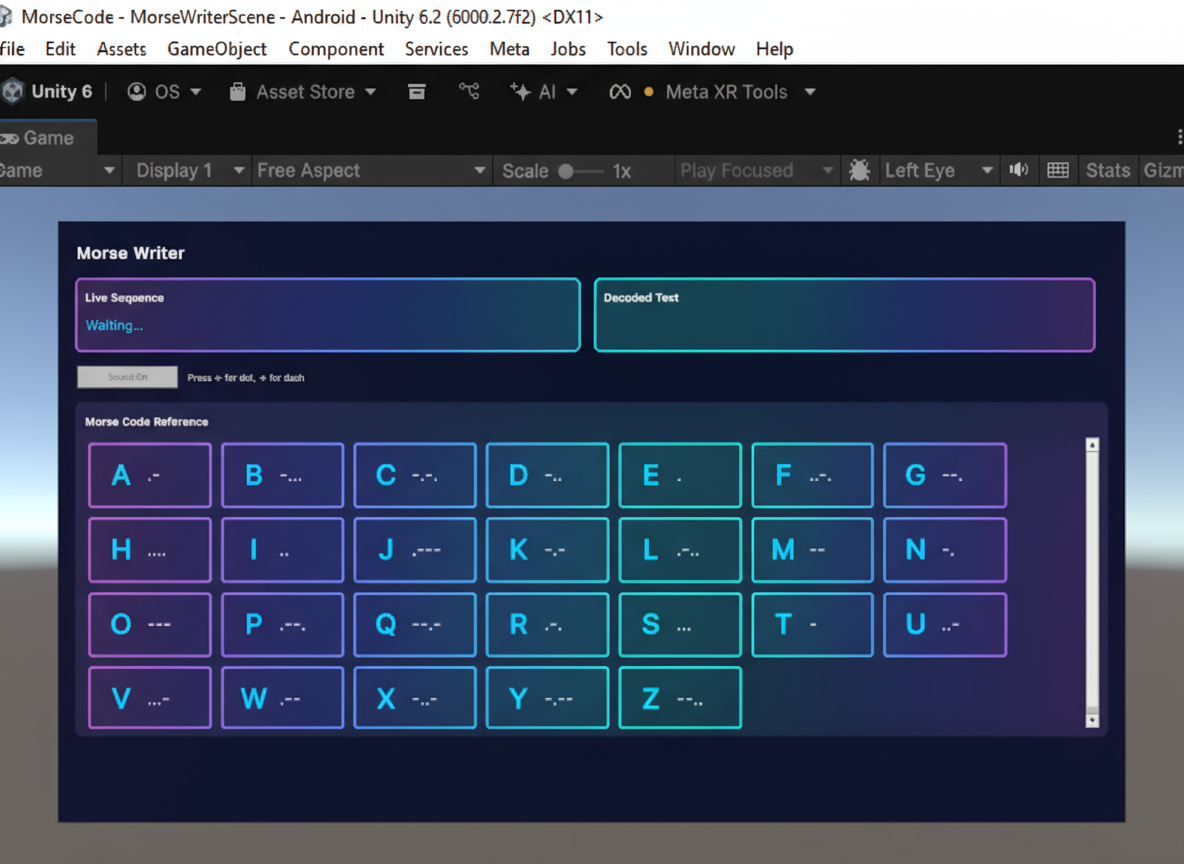
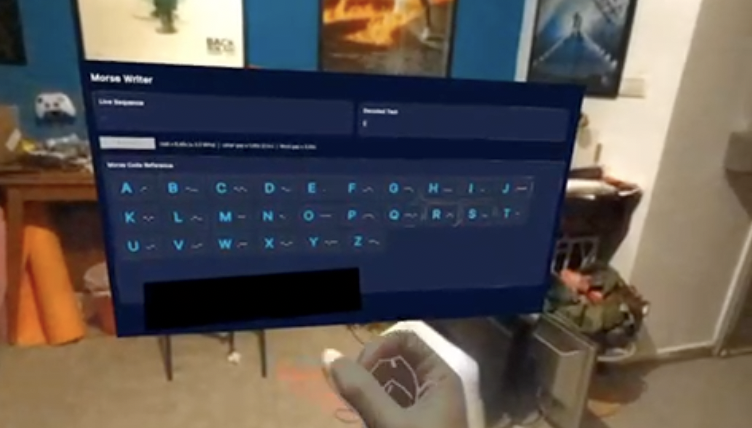
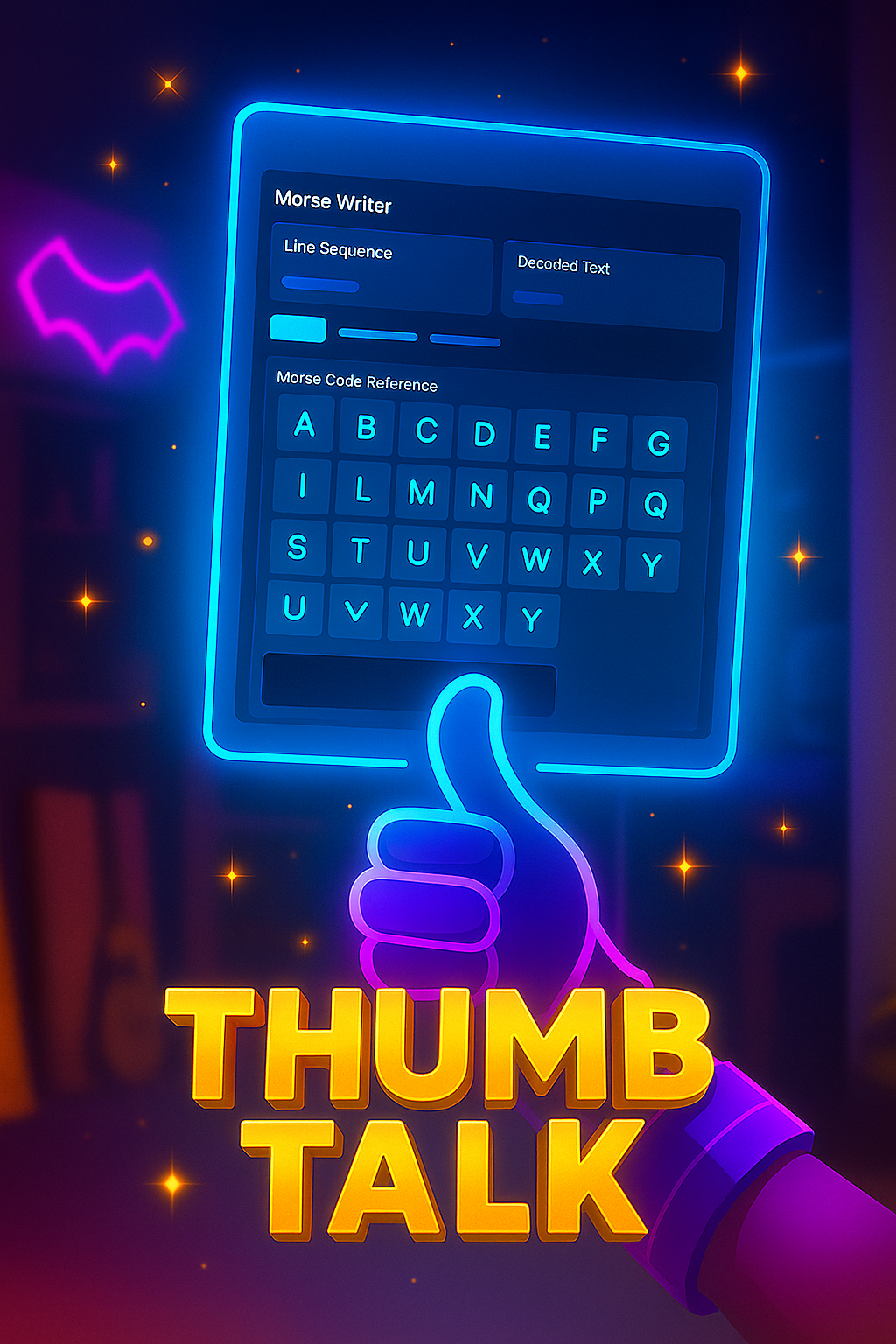
Thumb Talk transforms your thumb into a telegraph key. Using Meta SDK microgestures, you tap morse code on your index finger to send messages in XR. Dots and dashes appear as you tap, translate to text in real-time, and send to other users. It's faster than texting once you learn the basics, and perfectly suited for AR glasses where traditional keyboards don't make sense.
How we built it
Meta XR Core SDK v81 with microgesture hand tracking (tap detection) Unity with OpenXR for the XR environment Custom morse code decoder that translates tap patterns to characters Real-time messaging system for user-to-user communication Visual feedback system showing dots/dashes as you tap The app was also built in mind for cross platform development - offering options to use it also without microgestrues on WebXR and flat screens using other input devices.
Features
- Thumb tap microgesture input for morse code on Meta Quest
- Real-time morse-to-text translation
- Visual feedback for dots and dashes
- Tutorial mode to learn morse code
- Optimized for future Meta neural band compatibility
Accomplishments that we're proud of
Making morse code feel natural and intuitive with microgestures - it clicked faster than we expected! Also building a complete messaging system in a hackathon timeframe while learning Meta's realtively new microgesture API from scratch (Thanks Dilmer for your videos!)
Challenges we ran into
Time management was our biggest challenge - juggling XRCC alongside day jobs, Immersive X sessions, and another physical hackathon we participated in the same week. Technically, getting the boilerplate project working with Meta's microgesture API took several iterations. We leveraged AI-assisted coding to speed up development, but gesture detection accuracy required fine-tuning. We're still working on optimizing the letter recognition (adding a binary search tree so users don't wait 3 time units between letters), but we submitted a working demo despite the chaos!
What we learned
We learned how to implement Meta's microgesture API hands-on and more importantly, how to design for future hardware like the neural band while building for today's devices. We also discovered powerful new AI development tools (Unity AI and Meta MCP server) that dramatically accelerated our workflow. The biggest lesson: build with tomorrow's interfaces in mind, even when prototyping on today's hardware.
What's next for ThumbTalk
With more time, we'd add: actual message sending (currently text displays locally), cross-platform support beyond Quest, a comprehensive morse code tutorial system, smoother gesture detection with better algorithmic optimization, and significantly more UI polish. We'd also start with a more refined boilerplate earlier to maximize feature development time. The core concept works - now it needs refinement!



Log in or sign up for Devpost to join the conversation.