-
-
Through the Lens
-
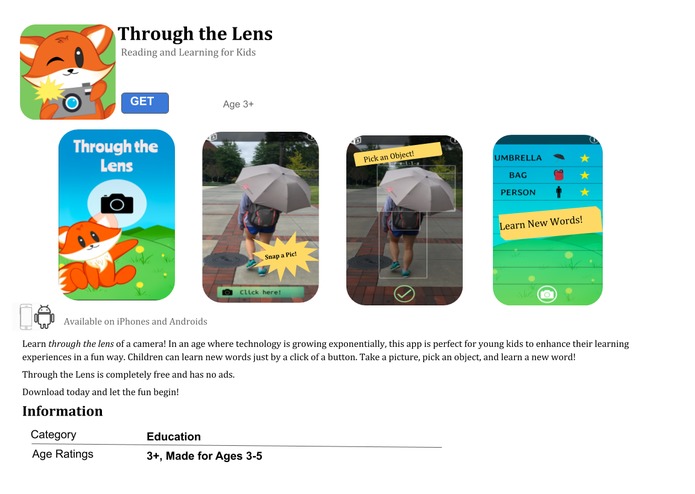
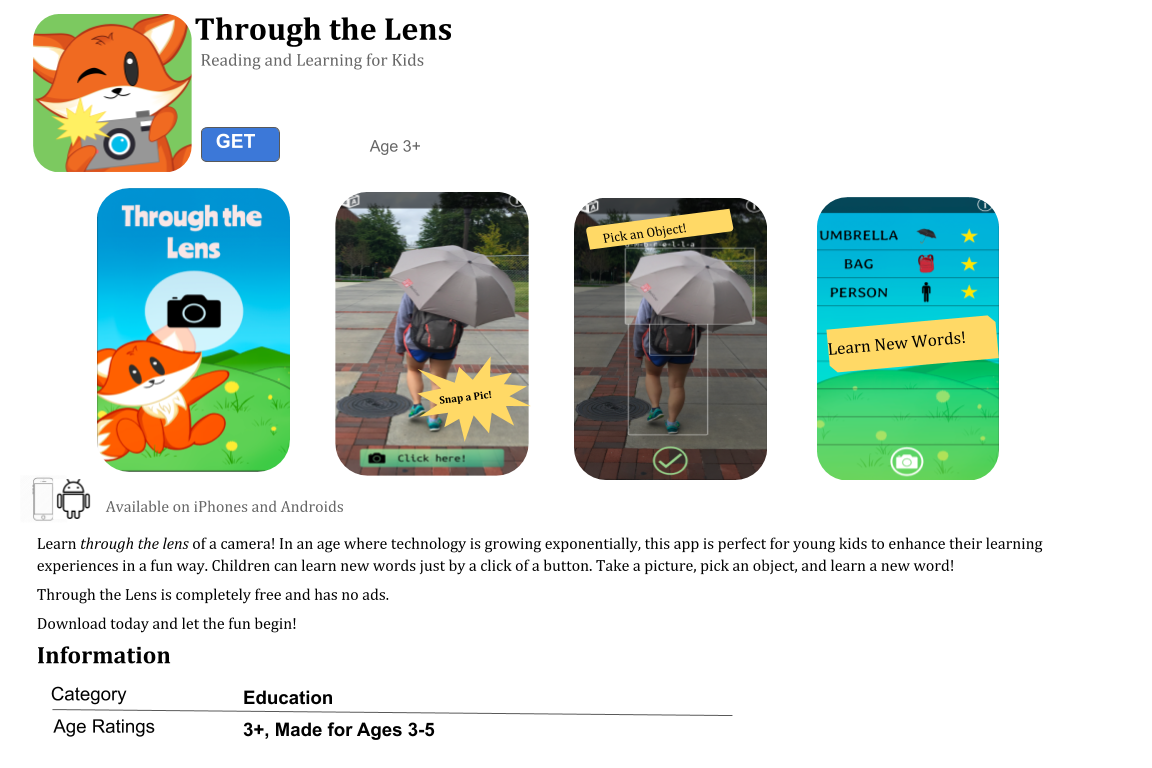
App store preview
-
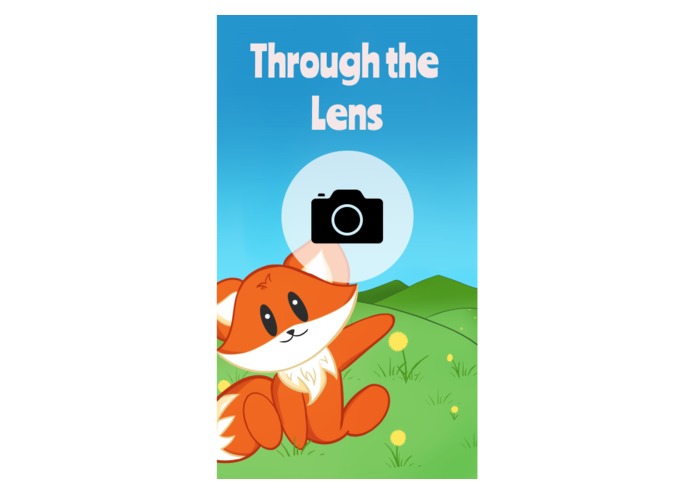
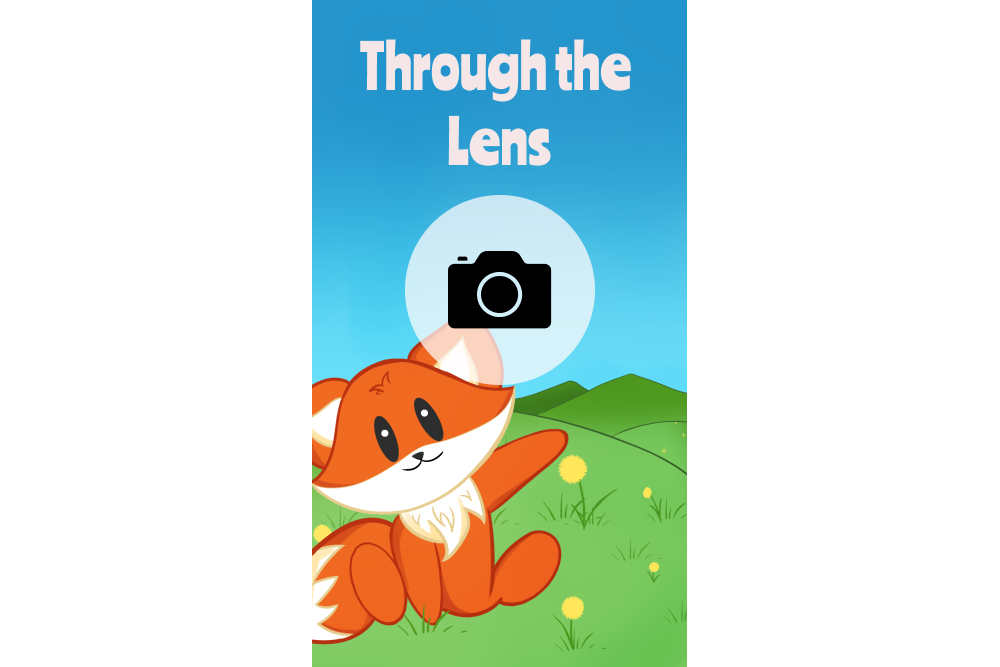
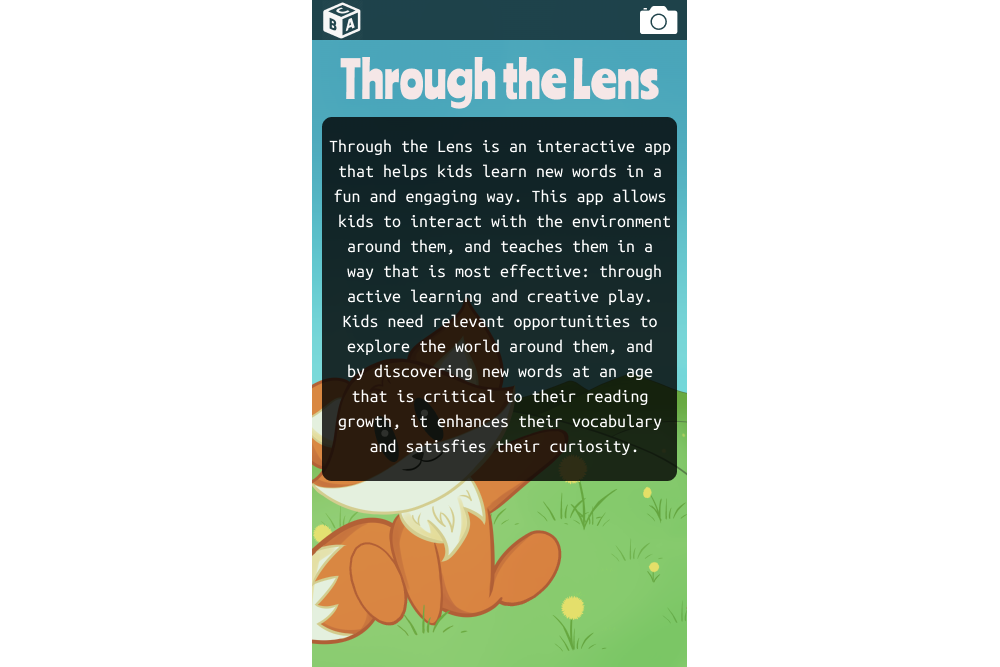
Home page
-
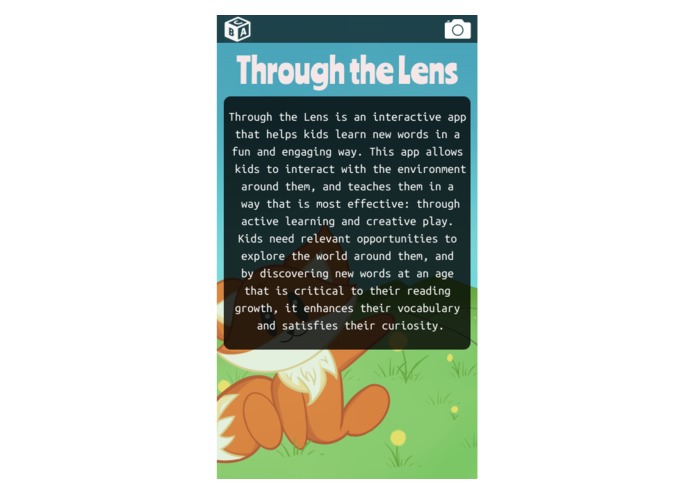
About page
-
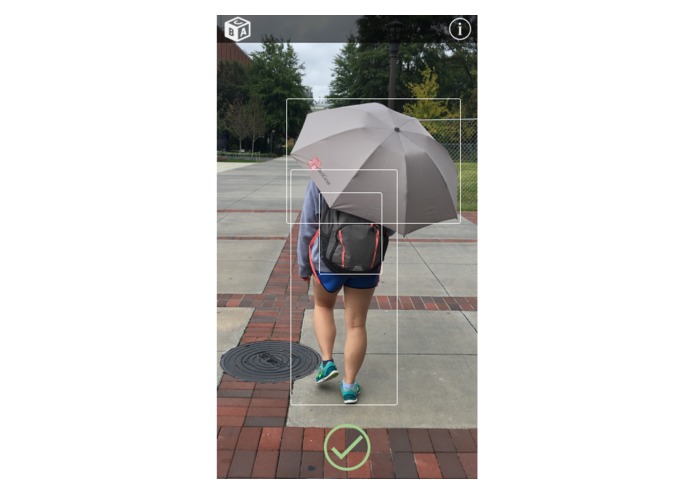
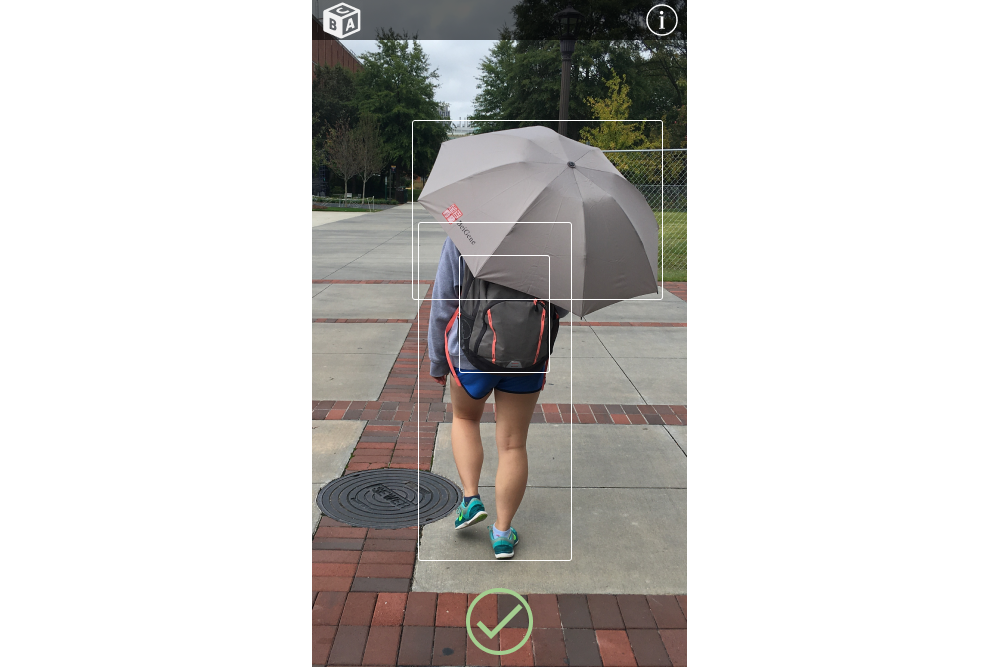
Analyzing photos using Azure technology
-
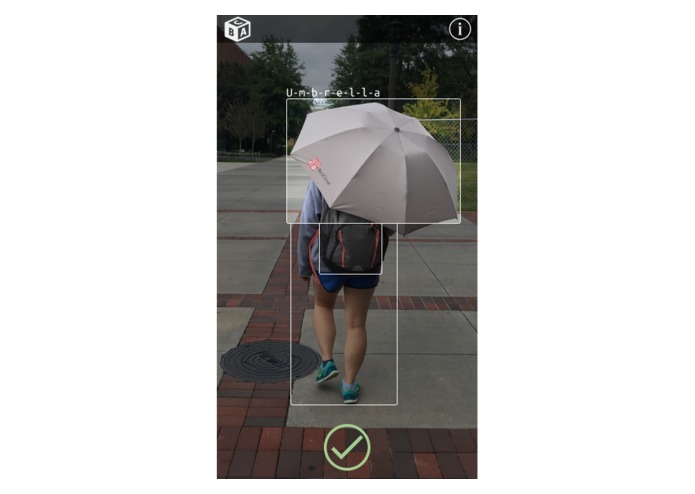
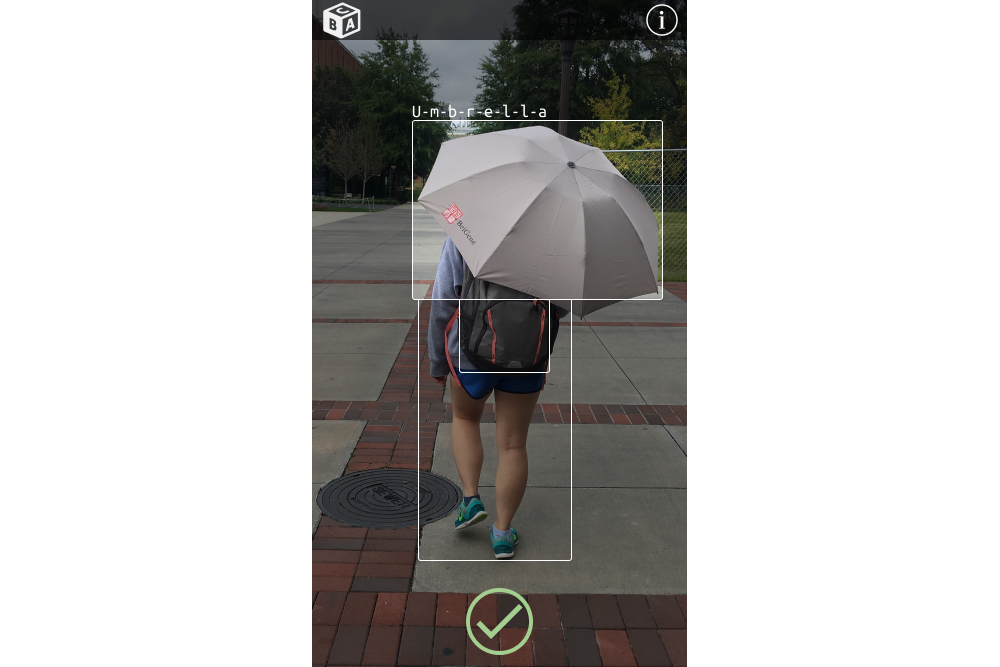
Choosing an object and hearing its pronunciation and spelling

Inspiration
When we went to the “Bootstrapping Hackathon Projects on Azure” workshop, we were inspired to create an app with the tools Azure offered. One of our group members, Sabean, learned about child development in her psychology class and was interested in implementing some of the concepts to creating an app that can help further improve the development of young children. Additionally, we thought that designing a children's app would be unique compared to designing apps for adults as the audience is drastically different. The design would have to be colorful and eye-catching, but also simple and intuitive so that young kids would be able to pick it up quickly.
What it does
Our app brings unsupervised learning to the real world by implementing Microsoft’s azure object detection. Kids take a picture which is then analyzed using Azure. If the picture is successful and has objects that are able to be detected, the user can click on an object to hear its pronunciation and see its spelling.
How we built it
First, we drafted how the pages of the app would look. The pages had to be simple and the icons had to be intuitive and easy to understand, even for a child. After that, the backgrounds and icons were drawn, and the mock ups were done using Figma. The app was programmed in Xamarin and Android Studio, and the Azure platform was implemented to analyze the photos taken by the user. Additionally, we implemented Xamarin's voice API that reads the word and says the letters/spelling.
Challenges we ran into
Designing the app to be intuitive to a child took some work, as certain icons or images that adults can easily recognize are not familiar to children. There needed to be a limited number of buttons as to not overwhelm the user, but also enough going on so as to not lose interest. Consolidating Android Studio and Xamarin syntax was an issue as well, which took a lot of decoding and testing. At times, Android Studio would crash or certain features would bug out and not work. The APIs also required some editing, as certain times it would not detect images properly. Working with Adobe Illustrator was also a struggle because it would not perform some of the actions. Because the program was difficult to use as it was our first time using it, we switched to Clip Studio Paint to complete our design for the background and icon.
Accomplishments that we're proud of
Julia and Stephanie are proud of the prototype that was created using Figma, especially since it was their first time using this program. Stephanie was very ecstatic when she was able to animate the buttons and the pictures. The prototype came out very nicely, and was able to be implemented in Xamarin and Android Studio. Patrick and Sabeen did the backend part of the project, and they learned many things such as performing in high pressure environments and new programming/debugging skills.
What we learned
Regarding the front-end half of the project, Stephanie and Julia learned how to do mock-ups on Figma, and used it to prototype. They experimented with different features and read through some of the xml code. They picked up some cool animation techniques. Patrick learned how to parse JSON, and implement APIs in projects. Sabeen touched up on Xamarin, as well as learned new skills in the platform and how to use the camera feature on the platform. She also learned how to use the Android emulator to showcase the product.
What's next for Through the Lens
We hope in the future to implement a reward system that gives positive feedback depending on the number of words the user has discovered. Words can be saved and then scrolled through for review, and clicking on a word will give its pronunciation and spelling. As a result of the time crunch, some of the code was not as polished as we would like it to be, and we would like to further program some of the more minute details.


Log in or sign up for Devpost to join the conversation.