-
-
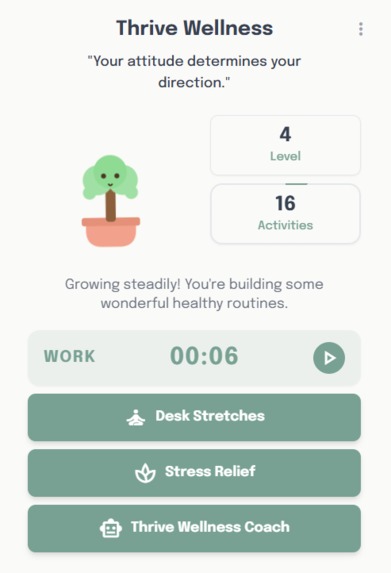
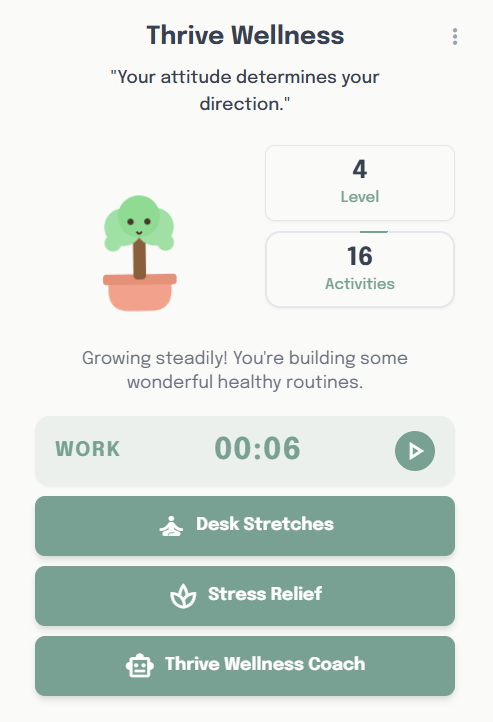
homepage
-
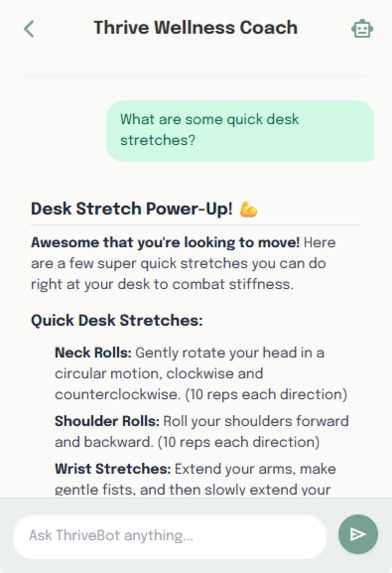
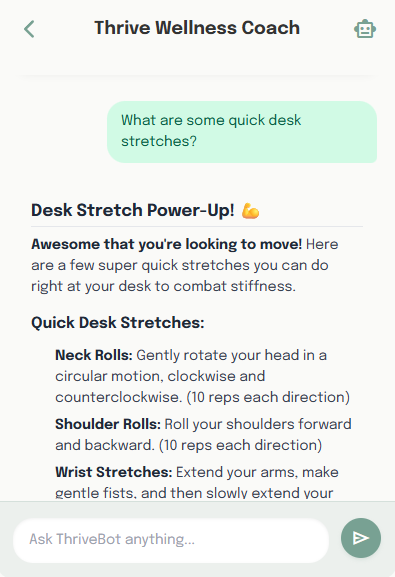
AI wellness coach
-
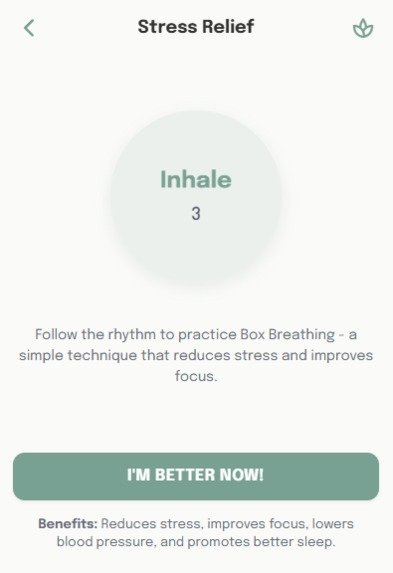
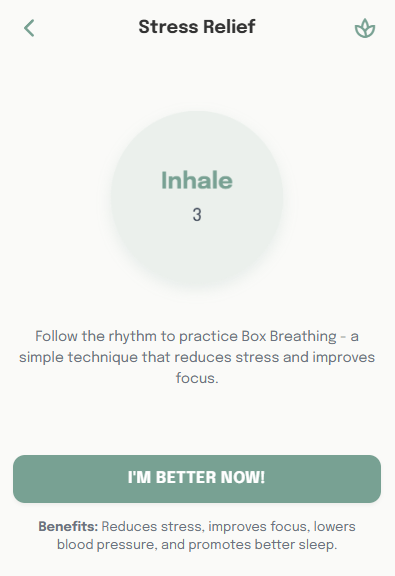
Stress Relief Feature based on Box Breathing Technique
-
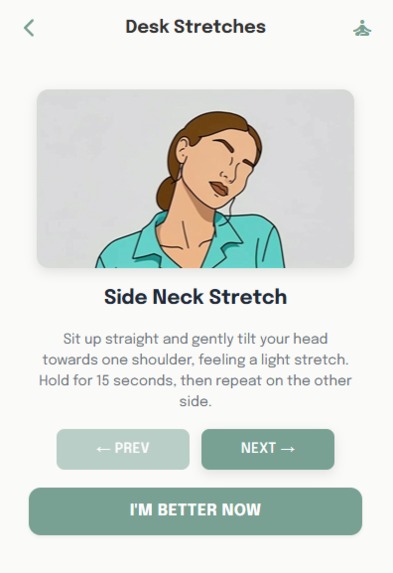
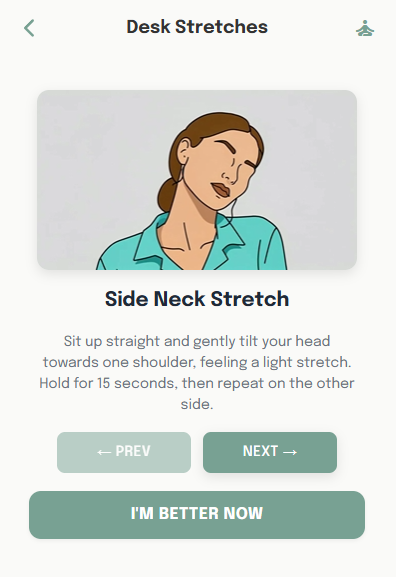
Desk Stretches Video and Text Guide
-
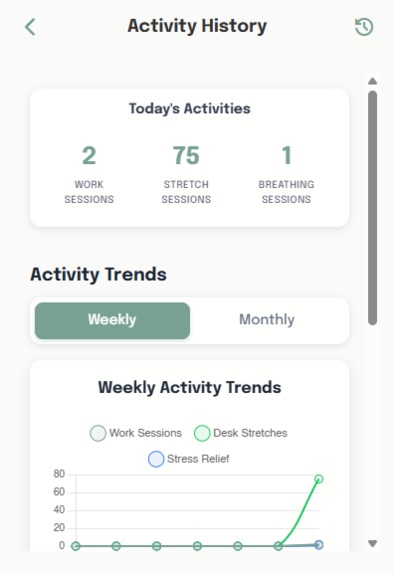
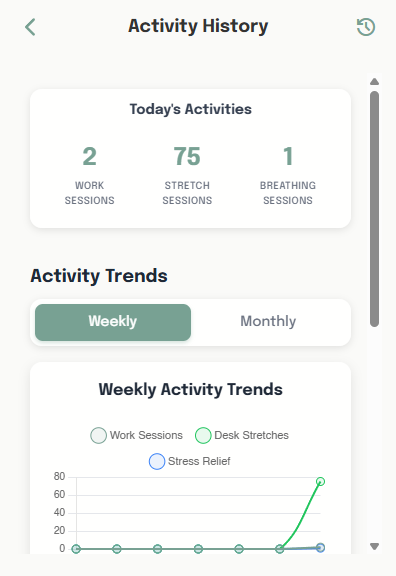
activity history
-
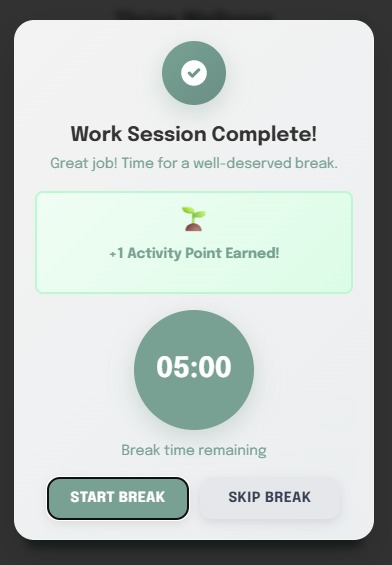
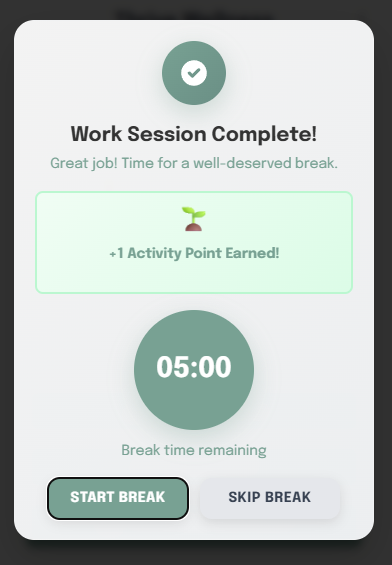
success modal
-
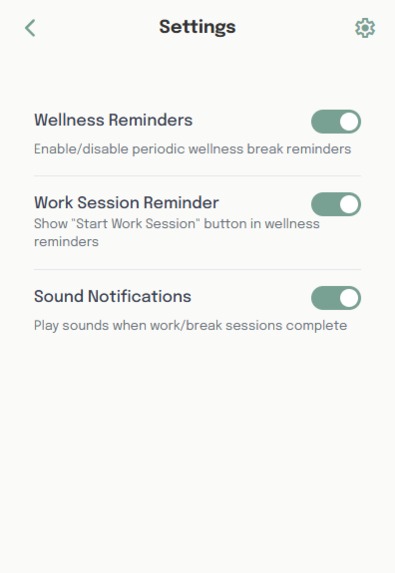
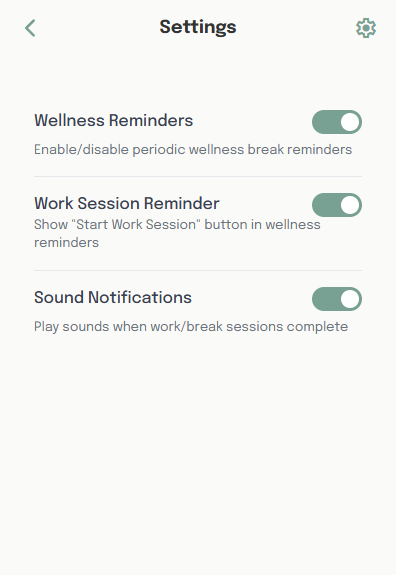
settings page
-
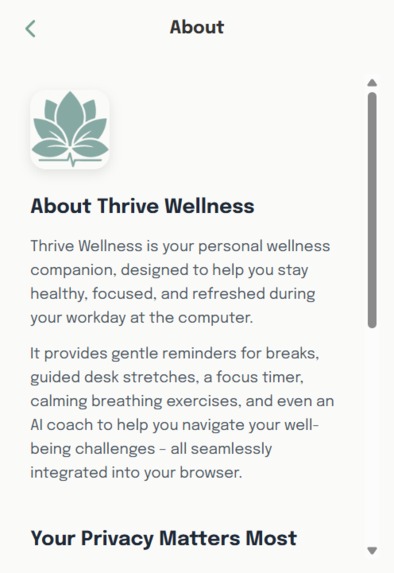
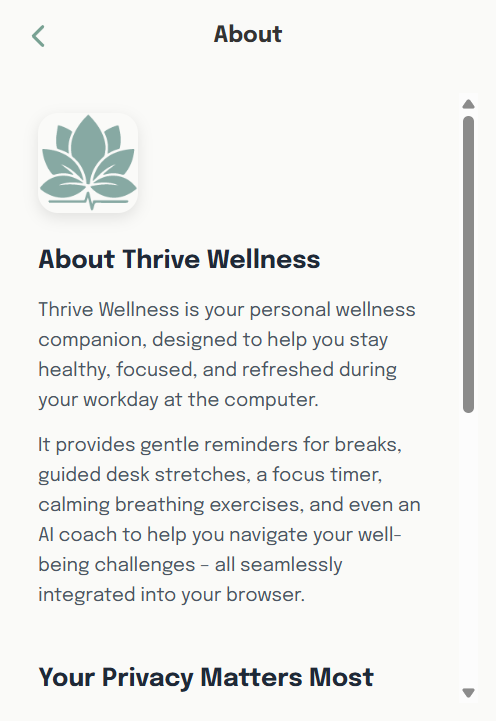
about page
What Inspired Me
Honestly, this whole project started from a really simple, personal problem: I was just plain burnt out.
Like most people with desk jobs, I spend all day at my desk, and I was really getting fed up of this. I had the classic back pain, eye strain, and that mental fatigue that just builds up.
I looked around for tools to help, but everything I tried just missed the mark. Most tools are completely passive. You have your timers, which you have to remember to start every time, and you have separate wellness apps that are totally disconnected from your actual work.
They're just one more thing to manage. None of them proactively guided me. None of them could intelligently notice I was heading for burnout and gently step in.
So I started thinking, "What if a wellness tool could actually be smart and proactive? What if it lived right in the browser, where I'm already working, and was smart enough to understand my workflow?"
That was the core idea. I didn't want to build just another passive tool; I wanted to build an intelligent companion.
How I Solved It
From that initial idea, my one and only goal was to solve that "passivity" problem. I knew I had to build something that could pick the right moment to help, without me having to think about it.
The real breakthrough was realizing I could use Chrome's built-in AI to be truly contextual.
This led to my main feature, the core of the whole project: the "Smart Proactive Notification" system. I combined a few Chrome APIs to make it work. First, I use chrome.idle to detect a natural pause in your workflow—like when you stop typing to read, or step away for a moment. Once it sees you're not in a deep flow state, it uses chrome.scripting to safely grab a small, non-personal snippet of text from your current tab to understand what you're doing.
It feeds that context to the on-device LanguageModel Prompt API. So, instead of me having to remember to take a break, Thrive Wellness sends a gentle notification that says, "Hey, you've been reading dense documentation for a while. How about a 2-minute breathing exercise to reset?" Or it might see I've been coding intensely and suggest, "That looked like a focus session. Why not do a quick neck stretch?"
This was the solution: a nudge that's empathetic, not annoying, because it has context.
But a smart nudge is useless if it's a hassle to follow. That was the next problem: how to fix the physical strain (the back pain and eye strain) right then and there.
So, I built the guided wellness tools directly into the extension. When that smart notification pops up, you can click a button and immediately launch a guided stretch session or my animated breathing helper. It makes the "healthy choice" the easiest choice, removing all the friction.
While I was building this, I also knew that sometimes you don't want to wait for a nudge. Sometimes you just feel stressed right now and need quick help.
This is where the on-device LanguageModel became my cornerstone. I built the "Thrive Wellness Coach," a 100% private, on-device chatbot. You can open it and ask, "I'm feeling stressed, what can I do?" or "show me a quick back stretch," and get an instant, safe answer. Because it all happens on your machine, you never have to worry about your health data going to a server. This was critical for me.
Finally, I had all these great tools, but I had to solve the motivation problem. How do you make this a long-term habit, not just something you use for two days?
This is where my gamification system, the "Thrive Tree," comes in. It's simple: every time you complete a wellness activity—a breathing session, a stretch, or even a Pomodoro session if you choose to use it—your little digital plant grows. It's a small, visual reward that ties all the features together and makes you want to come back and take that next small break.
The Hurdles Along the Way
Of course, it wasn't that simple. My biggest challenge was constantly tuning that "helpful, not annoying" balance. I spent so much time tweaking the chrome.idle sensitivity so it really wouldn't interrupt you during deep work. I also made sure to build a full settings panel, so you can turn off anything you don't like. The user always has the final say.
On the technical side, just getting the on-device AI to run reliably was an adventure. It meant making sure users were on the right Chrome version, had the right flags enabled, and that the model was actually downloaded. I had to build in a lot of checks to handle cases where the AI might not be available.
And the "prompt engineering" was a whole journey. It took a ton of trial and error to figure out how to get the most relevant snippet of text from a messy webpage to send to the AI, and then how to ask the AI to give a suggestion that was genuinely useful and supportive.
Even getting the right response in the format I wanted proved to be a challenge because some of the traditional things I used to get JSON responses from LLM API didn't work right out of the box. So, I had to spend a lot of time trying to get it to work the way I wanted.
What This Journey Taught Me
Looking back, this project taught me two huge things.
First, context is everything. I proved that the difference between a passive tool and a "smart," contextual suggestion is the difference between a tool that gets ignored and a tool that actually feels like a supportive companion.
And second, this on-device AI is a massive breakthrough for wellness tech. I learned that you can build smart, personalized features without compromising user privacy. That feeling of trust is something you just can't get when all your data is being sent to the cloud.
I started out just trying to solve my own burnout, and I ended up building the exact tool I'd always wished I had.
What's next for Thrive Wellness
Future additions need to to include some payment plans to make this a business, some advanced AI features to get the user activity analysis too if users prefer that, maybe progress sharing social features and more gamification to make this even more rewarding for the users to use.

Log in or sign up for Devpost to join the conversation.