Three21.view: AI-Assisted 3D Model Explorer
Inspiration
We were inspired by the idea of helping engineers and students reverse engineer complex 3D models using just a browser — enhanced with the latest AI technologies to reduce the learning curve and make technical education more engaging and enjoyable.
Our goal is to make assembly and disassembly intuitive, and to allow users to interact with model parts and learn through AI-generated insights.
What It Does
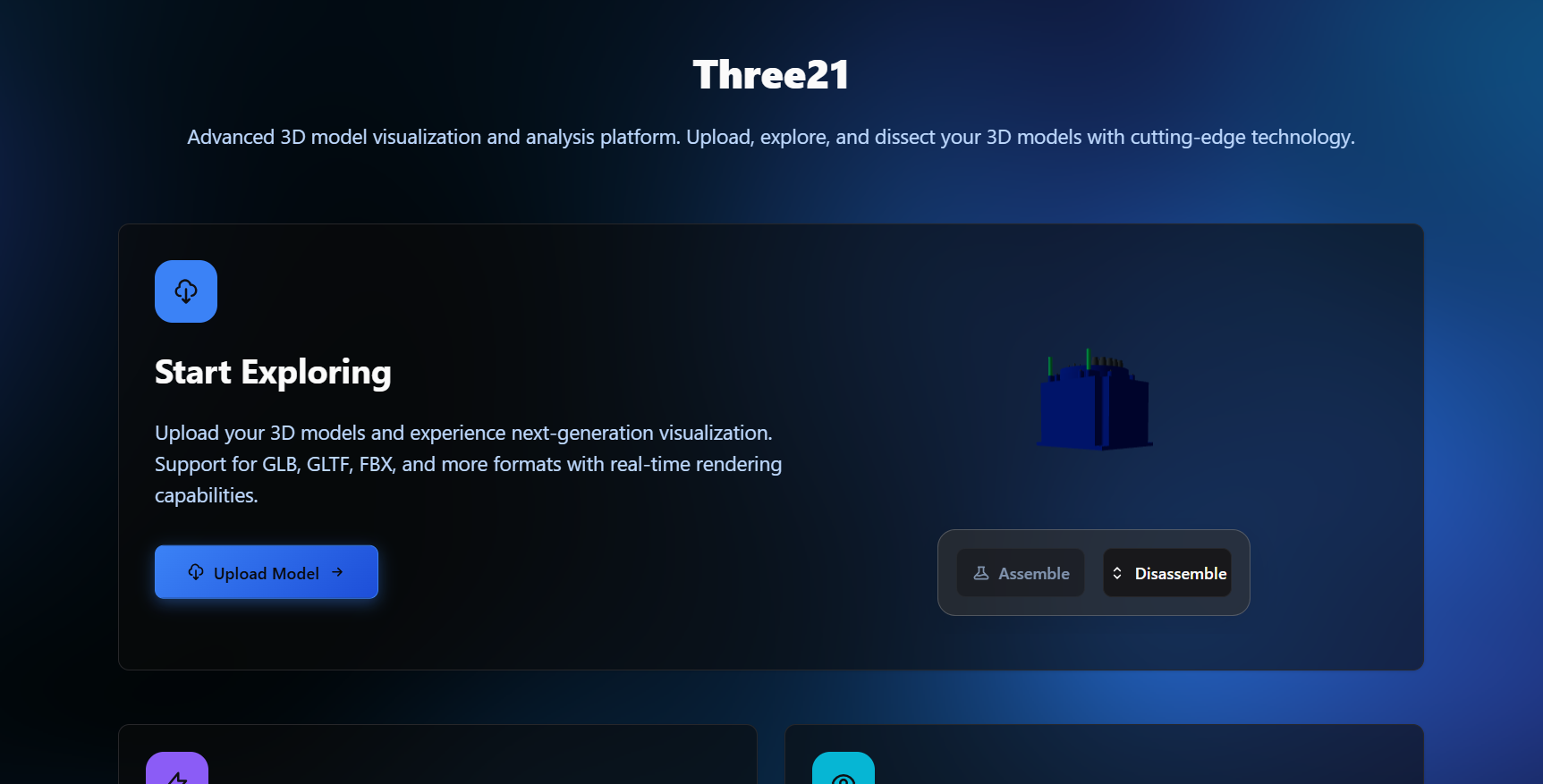
- Upload 3D models (
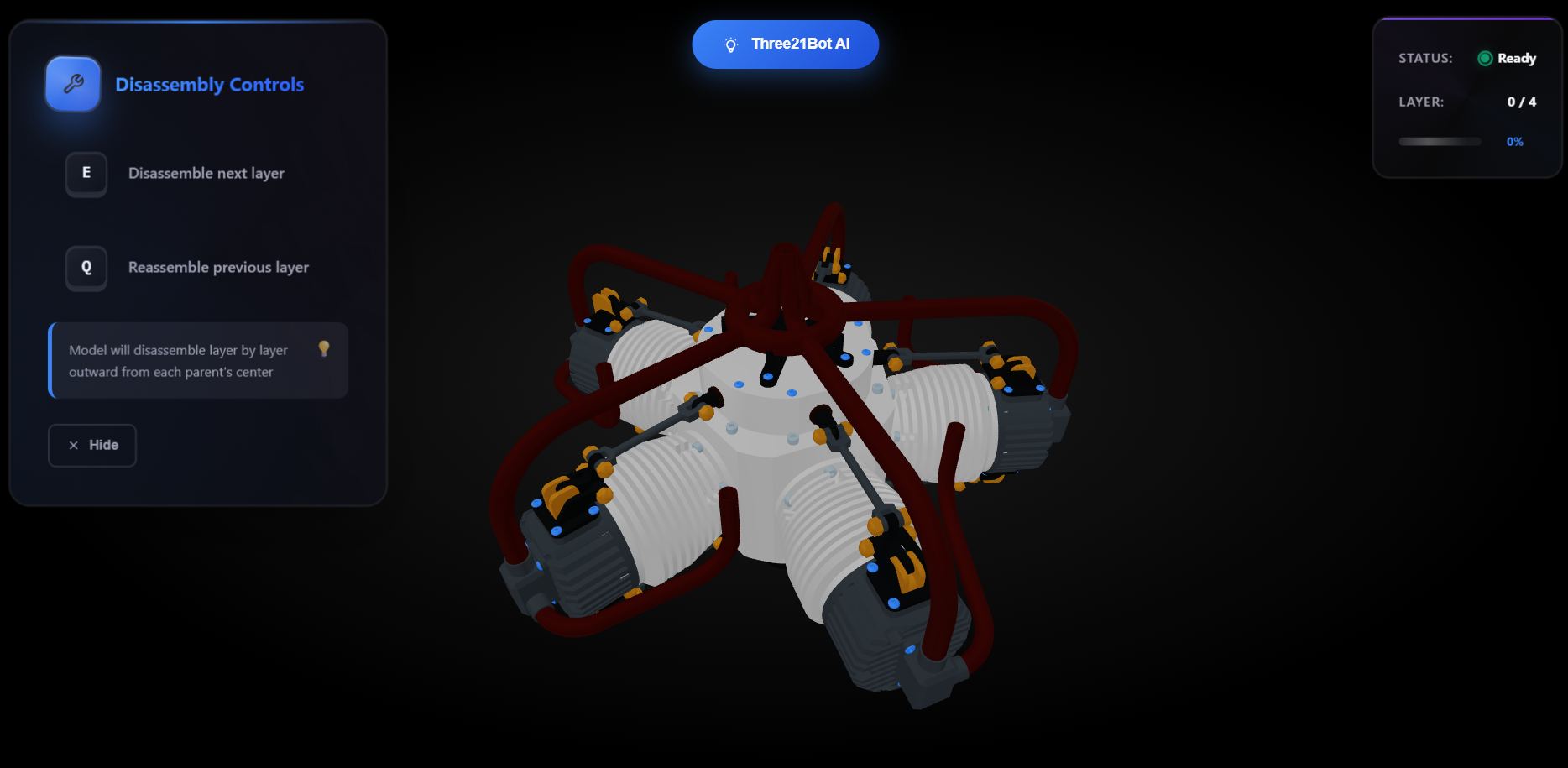
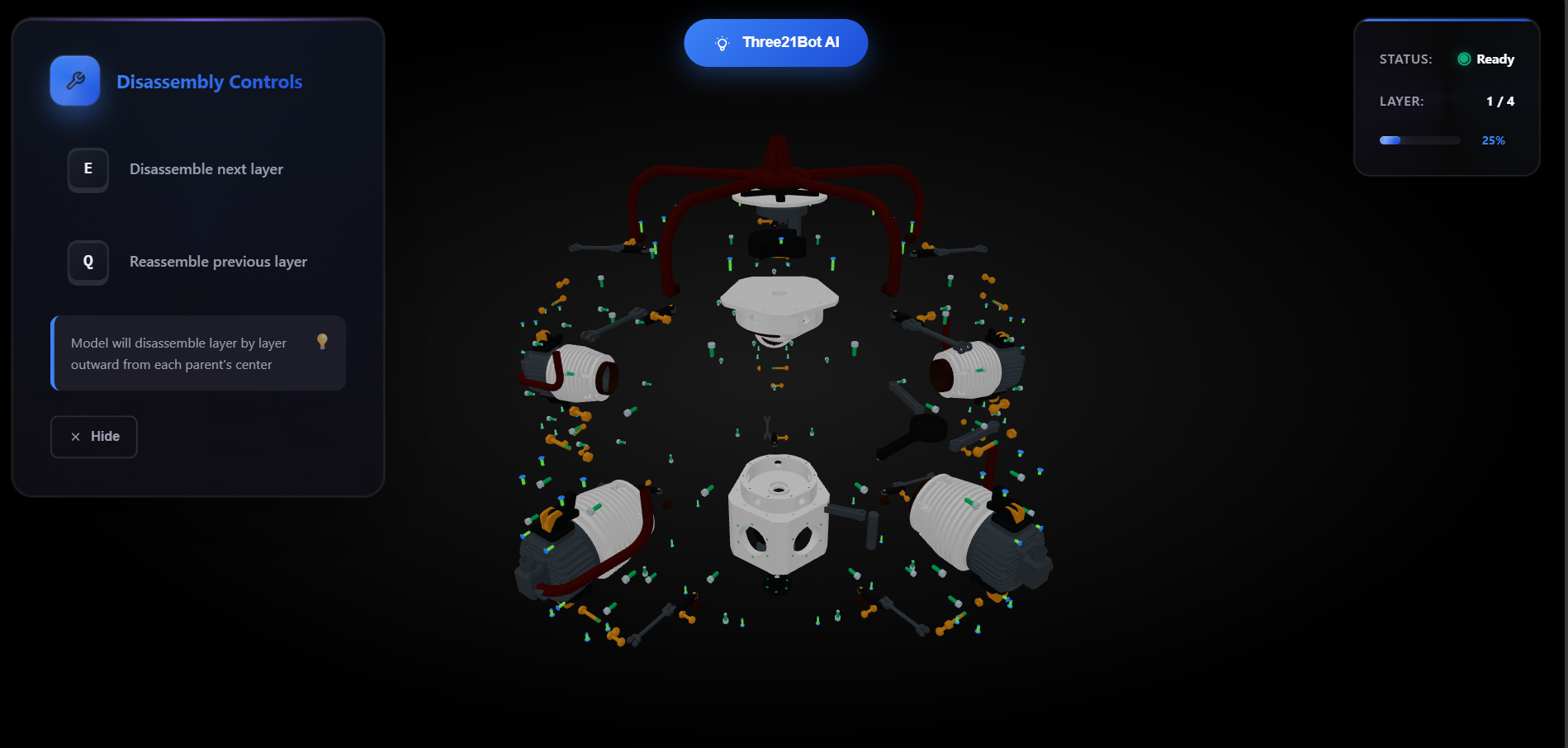
.glb,.fbx) directly from your device - Explore models layer-by-layer using:
- Press
Eto expand (disassemble) - Press
Qto compress (reassemble)
- Press
- Click on parts to get instant, detailed AI-generated explanations
- Supports intelligent layer-based assembly/disassembly
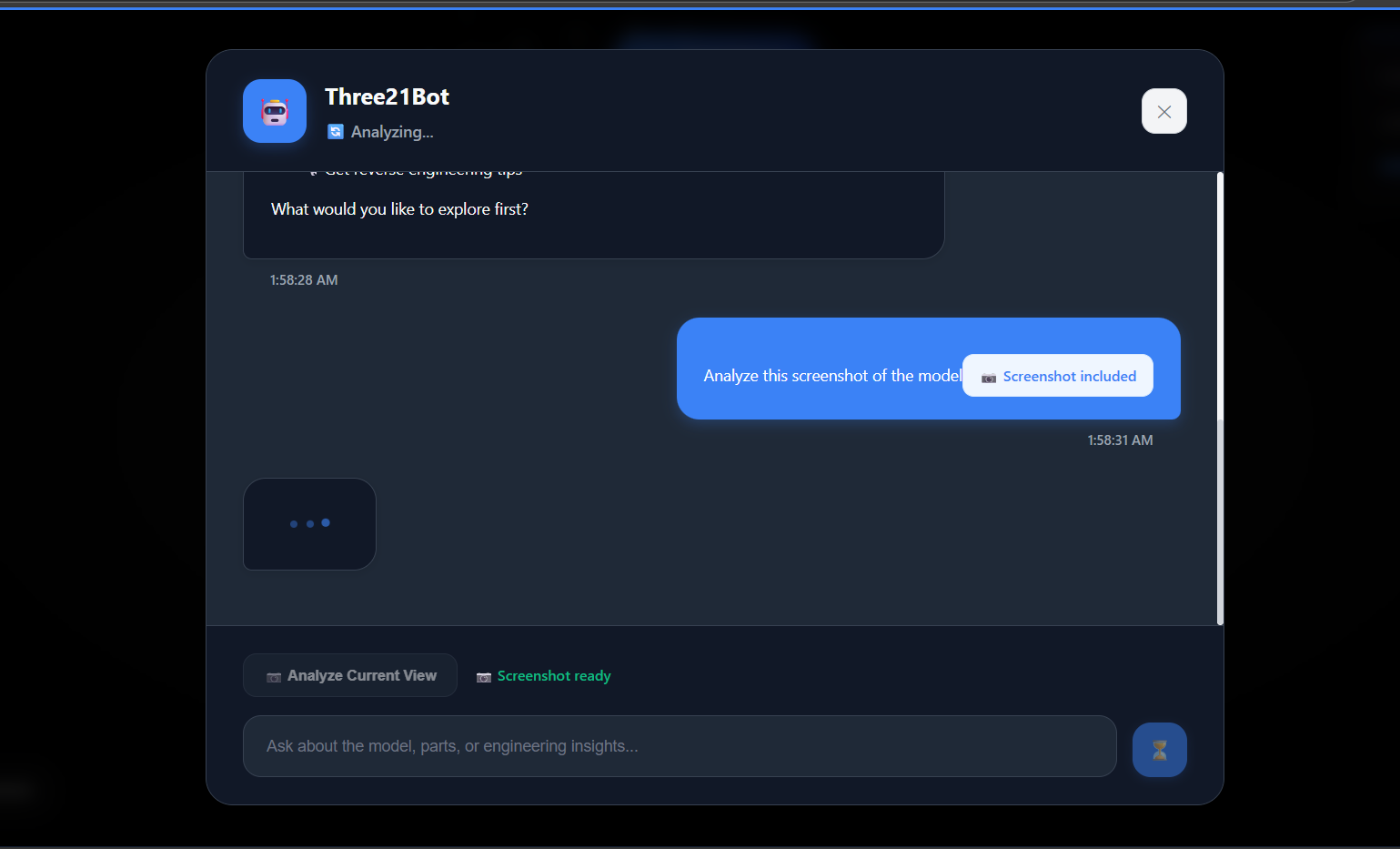
- Takes screenshots and generates model summaries with AI
- Helps engineers, designers, and educators visualize how things work
- Voice command support is currently under development
- Hand gesture control for model interaction is a future milestone
How We Built It
- Frontend: Next.js + Three.js using WebGL for high-performance rendering
- AI Backend: Multimodal GenAI (AI SDK + OpenAI)
- Voice: Web Speech API + ElevenLabs (in progress)
- Hand Tracking: MediaPipe + TensorFlow.js (planned)
- Storage: AWS S3 for 3D model storage, Supabase for metadata (planned, currently using IndexedDB)
- UI/UX: Glassmorphism + Gradient styling + Bento-style layout
Challenges
- Handling large 3D files in-browser with minimal server dependency
- Ensuring smooth performance with complex models in WebGL
- Linking AI responses to specific model parts accurately
- Designing a universal UI that works without AR/VR devices, on standard laptops
Accomplishments
- Built a functional AI-assisted 3D viewer entirely in the browser
- Implemented click-based part recognition with structured AI feedback
- Designed a fluid, animated UI with real-time part interaction
- Developed smooth assembly/disassembly animations for complex structures
What We Learned
- Integrating Three.js with multimodal GenAI backends
- Leveraging WebGPU/WebGL for high-performance visualization
- Designing intuitive UX for technical domains like engineering
- Mapping visual part context to conversational AI responses using screenshots
What’s Next
- Add hand gesture controls to open and interact with models
- Refine voice modulation and enable rich command sets
- Build an education mode with quizzes, tooltips, and layered hints
- Support multi-user collaboration for classroom or enterprise settings
- Expand beyond engineering to biology, product design, and training use cases
- Enable deployment for trainees, educators, and independent explorers
Built With
- indexdb
- netlify
- next
- next.js
- three
- webgl


Log in or sign up for Devpost to join the conversation.