-
-
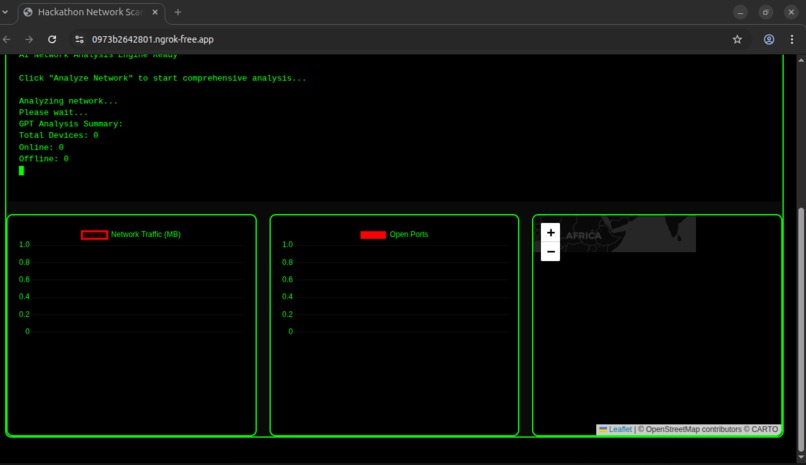
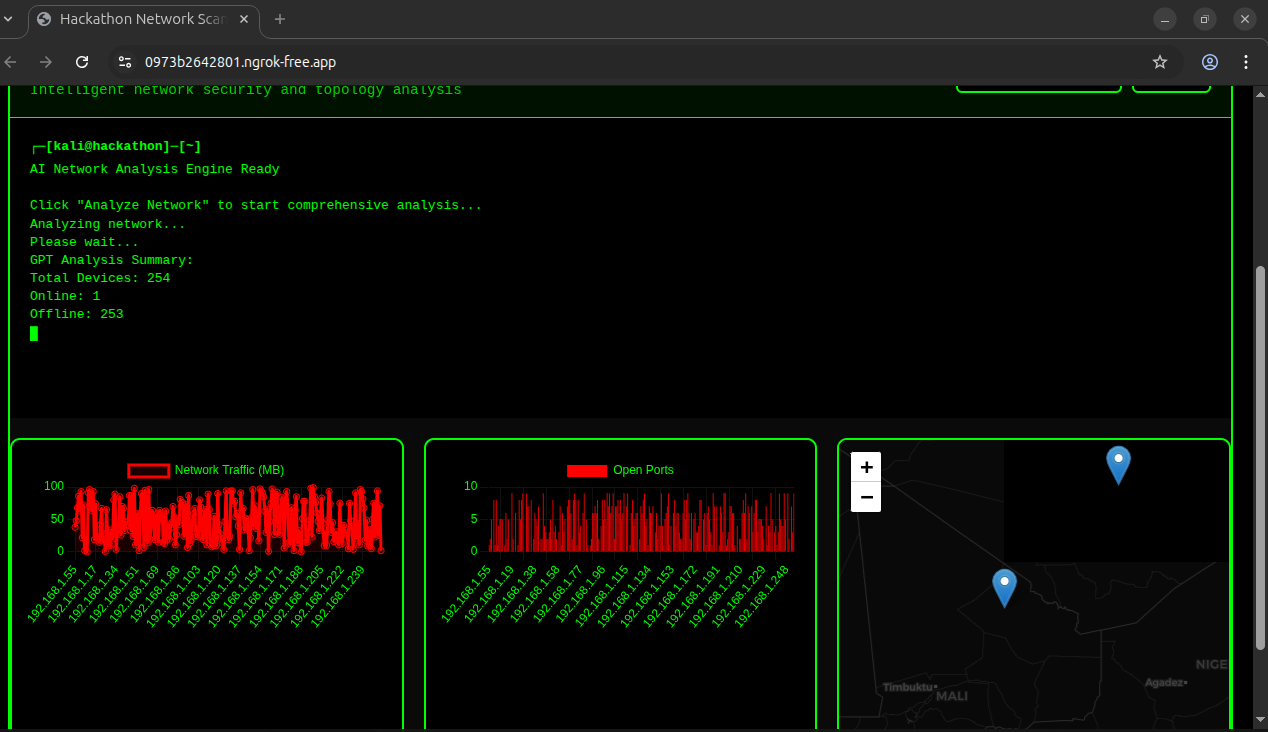
IA analyzing
-
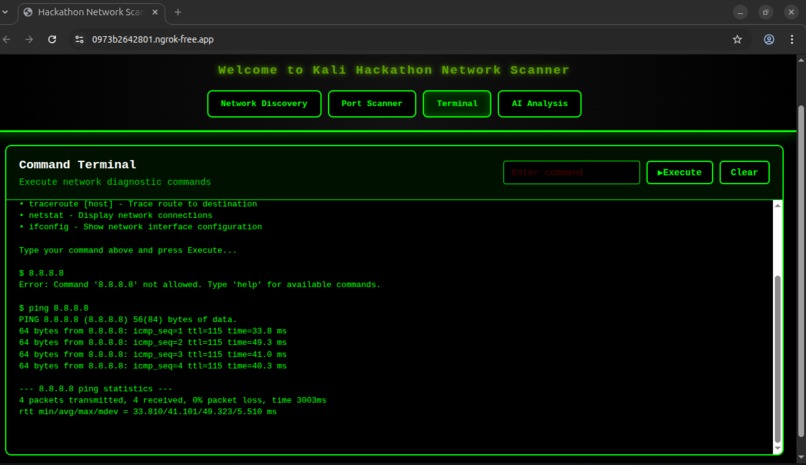
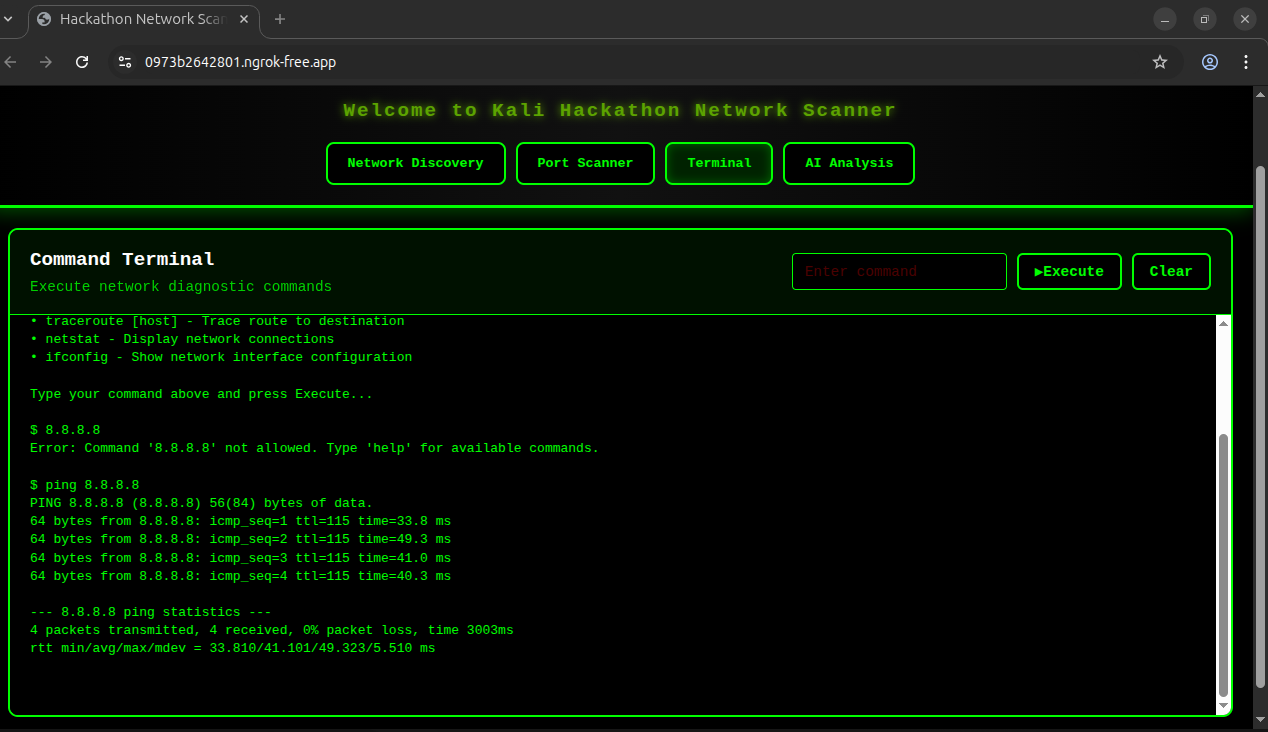
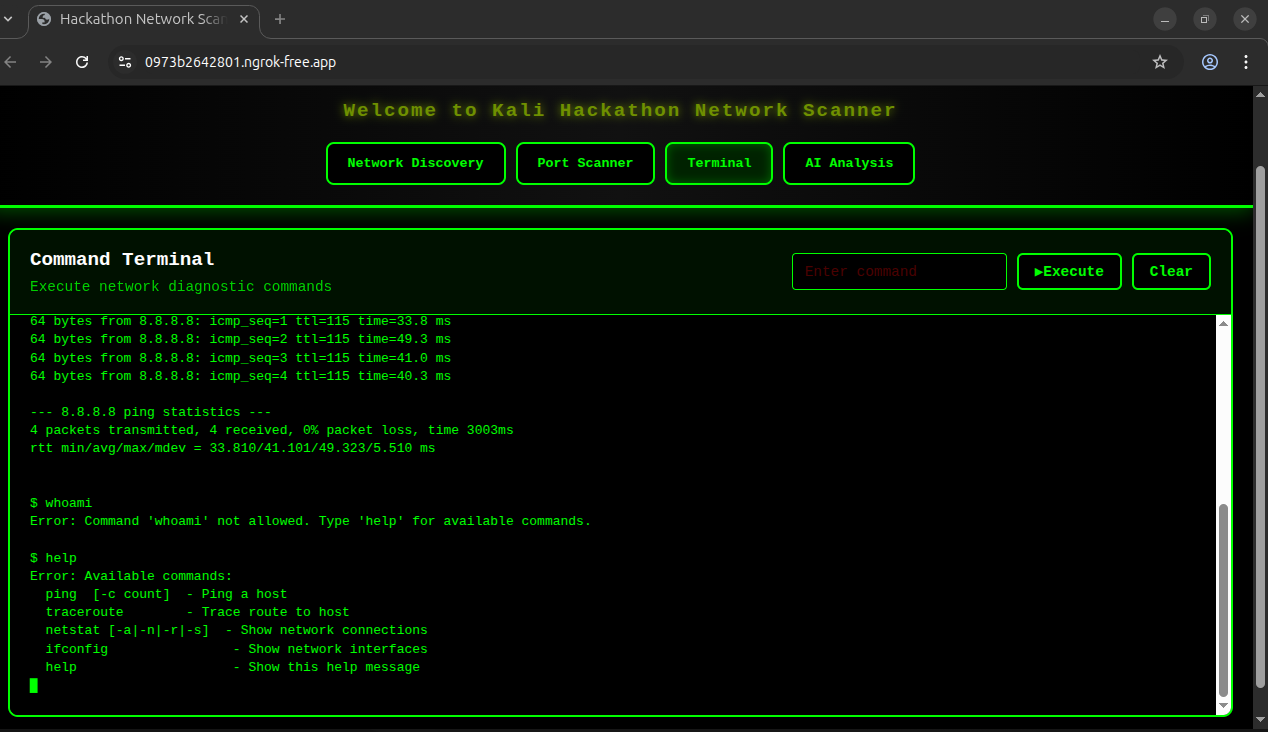
ping command
-
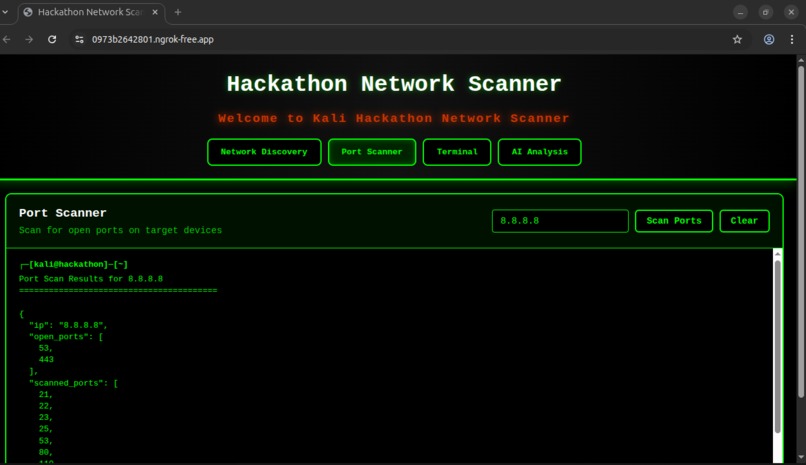
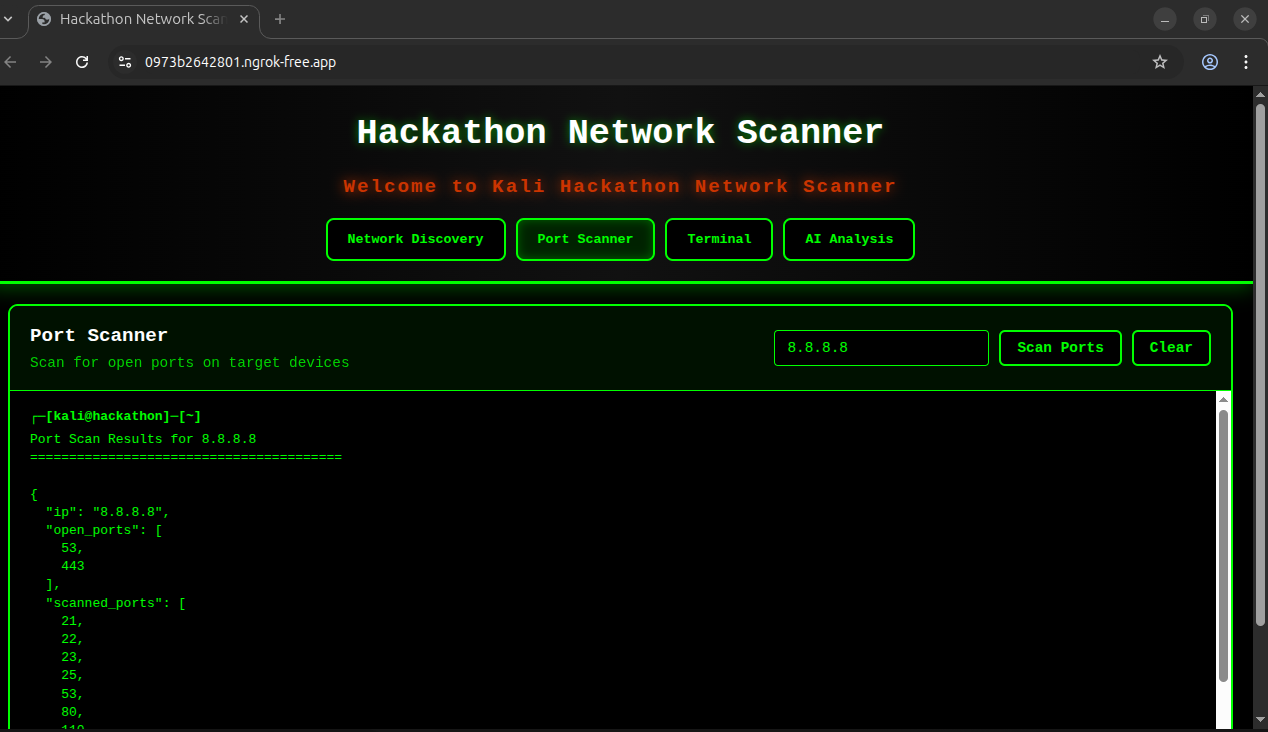
port scan command
-
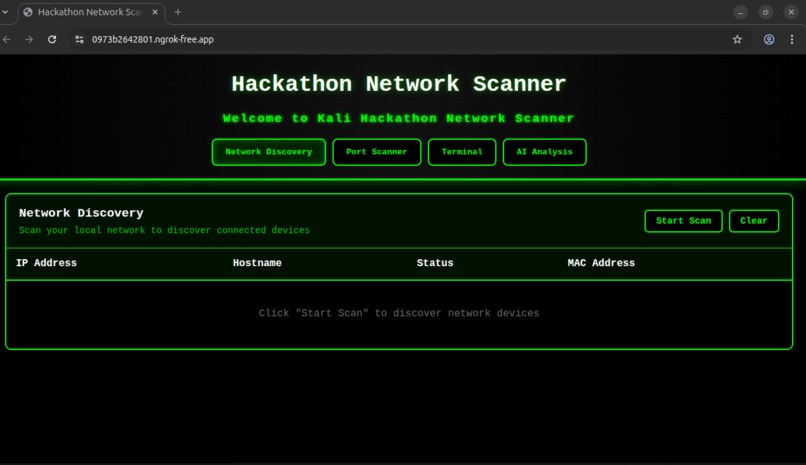
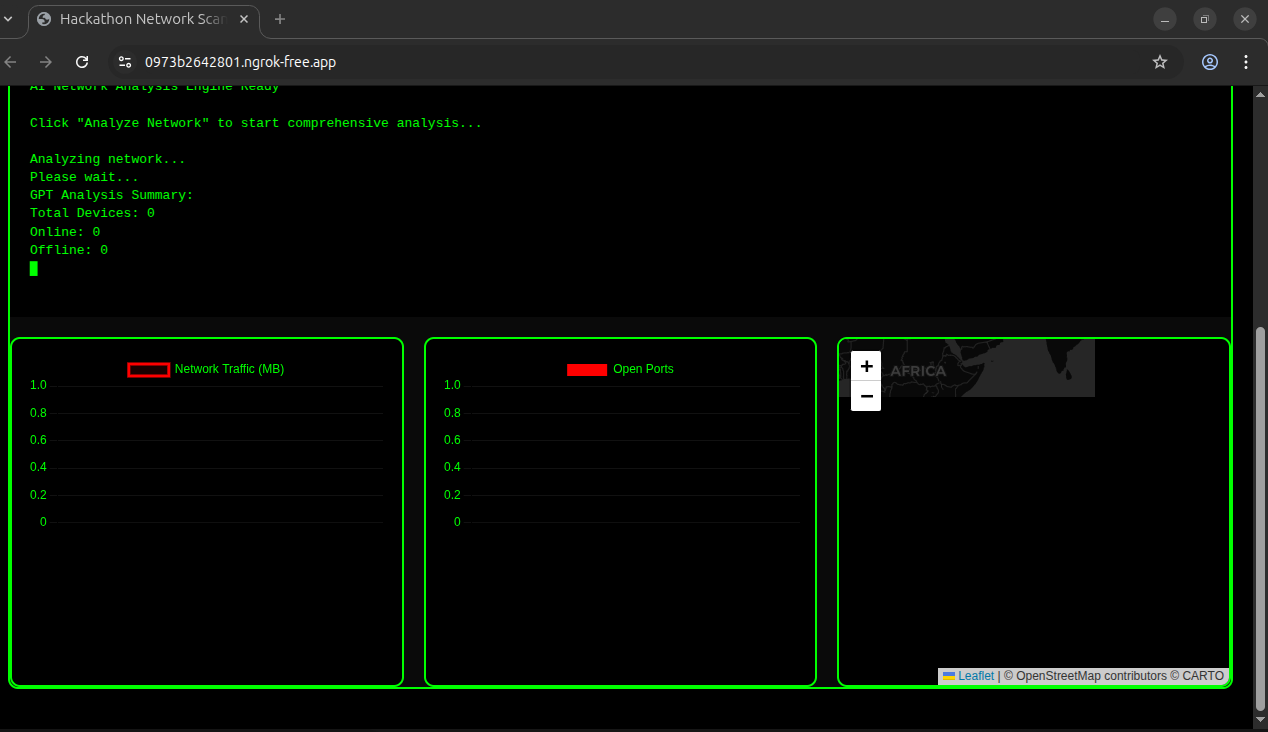
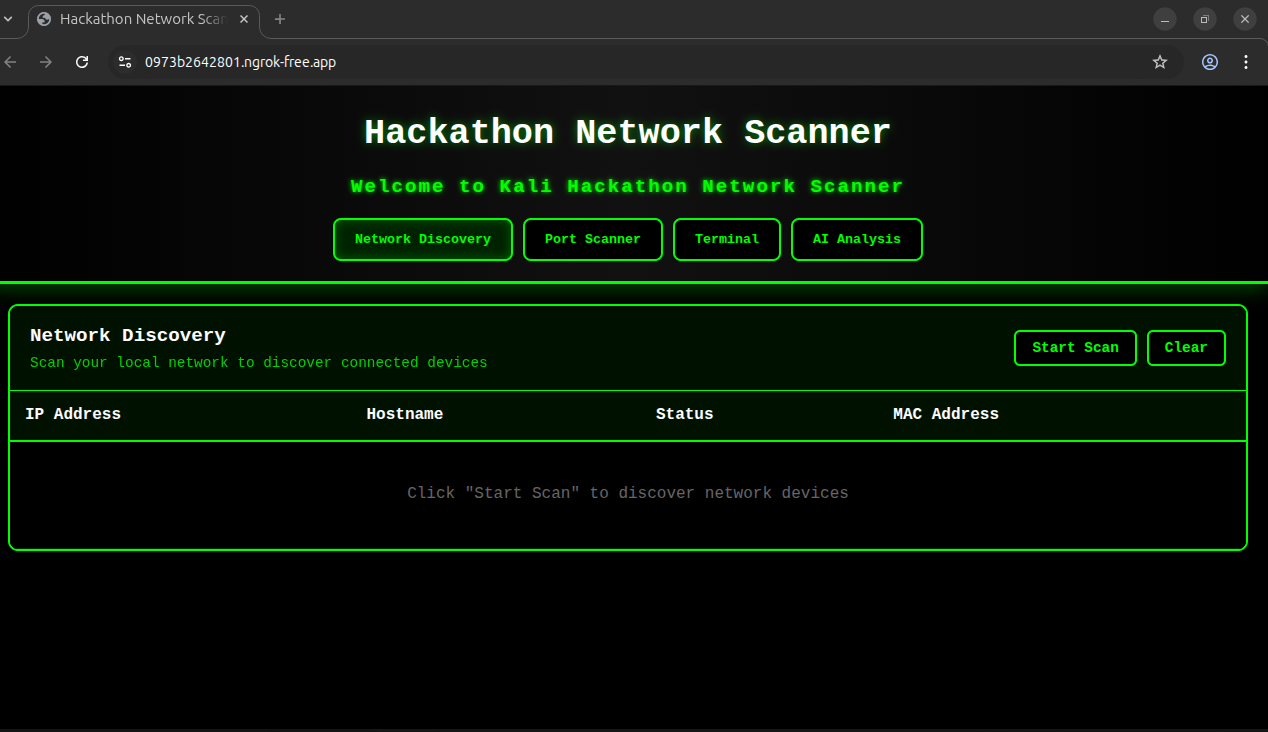
before analyzing network
-
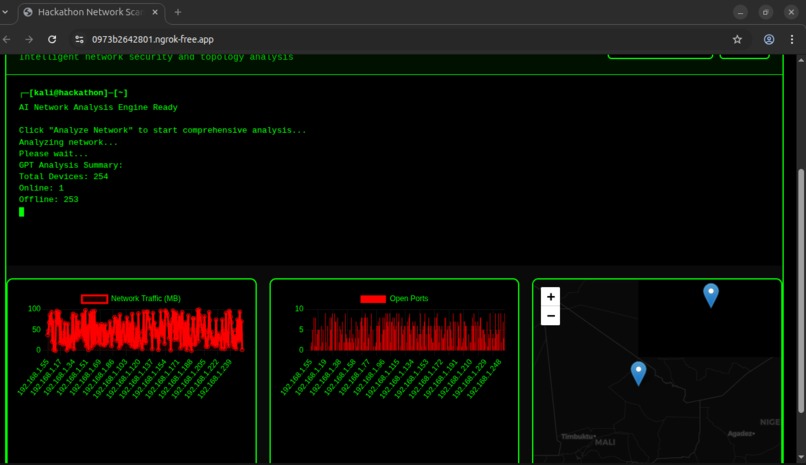
IA analyzing after scanning a network
-
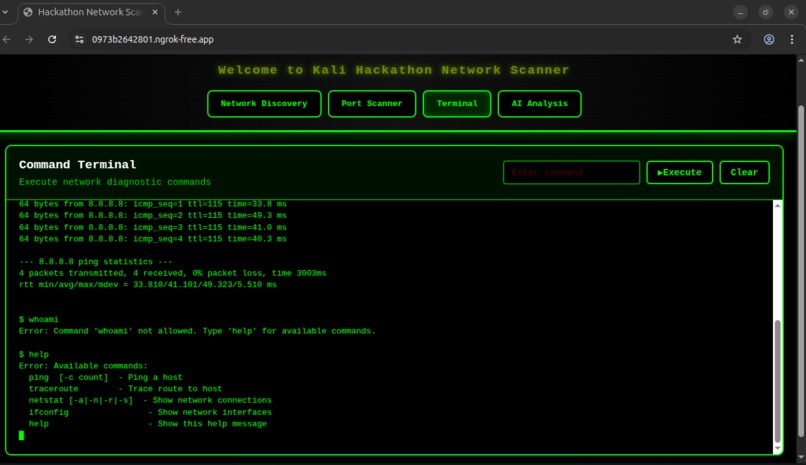
help command
Inspiration
I was inspired by professional network monitoring tools and Kali Linux dashboards. I wanted to create a web-based, AI-powered network analyzer that allows anyone to scan, analyze, and visualize their local network in real time, all from a browser.
What it does
The AI-Powered Network Analyzer scans your local network to detect devices, open ports, and hostnames. It provides visual insights through charts, interactive maps, and an AI-generated analysis of your network. It also includes a web-based terminal to execute safe network commands like ping and traceroute.
How we built it
Backend: Python with Flask handles scanning, port checks, terminal commands, and AI analysis. Frontend: HTML, CSS, JavaScript provide a dynamic interface with tabs, charts (Chart.js), and maps (Leaflet.js). AI Analysis: Uses a Python function to summarize network devices and statuses. Deployment: Hosted on Render for reliable, always-online access with HTTPS support.
Challenges i ran into
Cross-Origin Requests (CORS): Setting up proper CORS headers so mobile devices and remote clients could access the API without errors. Real-Time Updates: Making sure charts and maps refreshed live during scans without freezing or slowing down the frontend. UI Responsiveness: Designing a clean, user-friendly interface that stays responsive across multiple tabs (Scan, Ports, Terminal, AI Analysis). Scan Optimization: Balancing speed and accuracy when scanning multiple devices to avoid long delays or incomplete results.
Accomplishments that I am proud of
Built a full-stack, interactive network analyzer accessible via browser. Integrated AI-generated network insights that summarize devices and statuses. Created dynamic visualizations including bar/line charts and interactive maps. Developed a web terminal for executing safe network commands remotely.
What I learned
How to integrate Flask APIs with a rich JavaScript frontend. Handling network operations securely in Python, including ping and port scanning. Using Chart.js and Leaflet.js for dynamic, interactive data visualization. Designing a dark-themed, responsive UI for better user experience.
What's next for AI-Powered Network Analyzer
Real-Time LAN Monitoring: Integrate live LAN traffic tracking with historical logging to spot trends and anomalies. Smarter AI Insights: Enhance the AI module to provide actionable recommendations for network optimization and security hardening. User Authentication & Security: Add account-based access control and secure remote management features. Permanent Hosting: Move from temporary ngrok links to a stable, production-ready hosting solution.
Built With
- chart.js-(charts)
- css-frameworks/libraries:-flask-(api-backend)
- flask-cors-platforms/tools:-ngrok-(temporary-hosting)
- git-apis:-custom-ai-analysis-module-for-device-summarization-other-technologies:-socket-programming-for-port-scanning
- html
- javascript-(frontend)
- languages:-python-(backend)
- leaflet.js-(maps)
- subprocess-for-terminal-commands
- vs-code


Log in or sign up for Devpost to join the conversation.