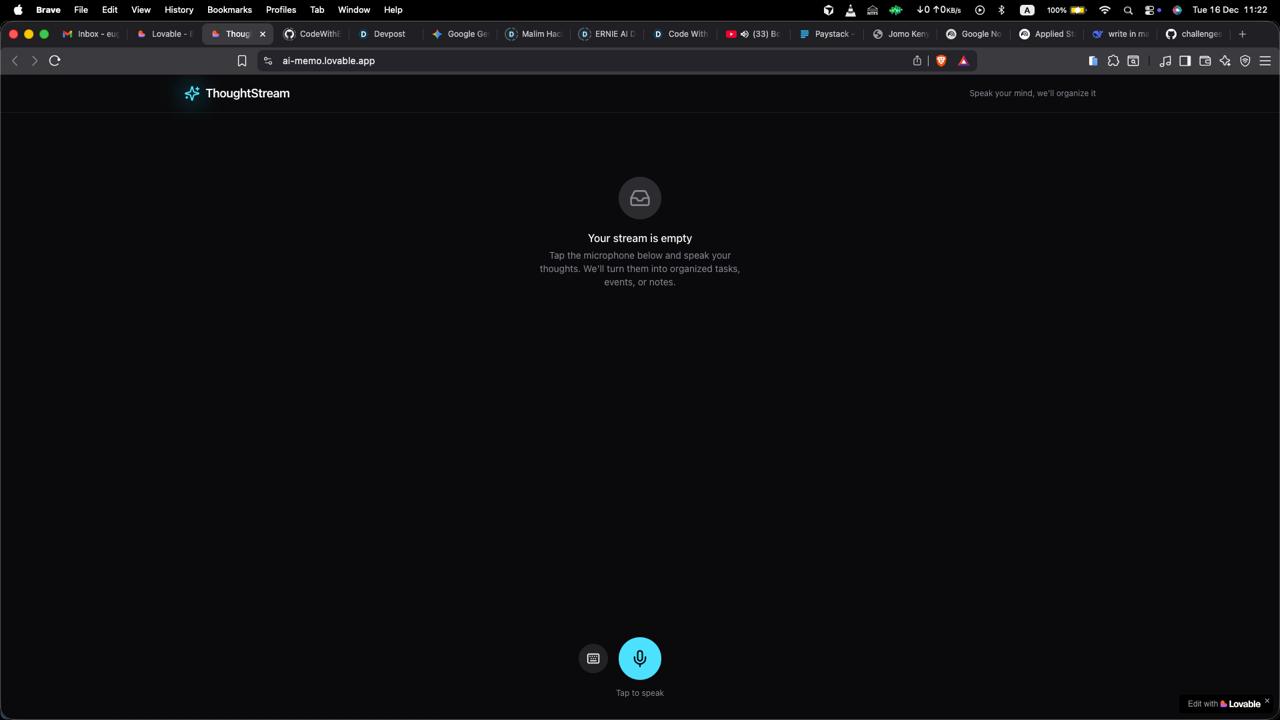
ThoughtStream: Don't Let Genius Slip Away
💡 Inspiration
I’ve often found myself driving, cooking, or in the middle of a workout when a brilliant idea strikes. I tell myself, "I'll write that down later." But I don't. By the time I reach my phone, unlock it, open a notes app, and start typing... the thought is gone. I realized that the friction of capturing ideas is the enemy of productivity. Existing voice assistants are clunky—they set alarms but fail to organize complex thoughts. As a solo developer, I wanted to build something that feels less like a tool and more like a second brain that listens, understands, and organizes my life for me.
🤖 What it does
ThoughtStream is a voice-first productivity engine.
I Speak: I record a chaotic "brain dump" (e.g., "I need to buy milk, email Sarah about the Q3 report by Friday, and oh, I should check out that new sci-fi book.")
AI Listens: The app uses OpenAI Whisper to transcribe speech with near-perfect accuracy.
AI Organizes: An LLM analyzes the context and instantly breaks it down into structured cards:
- 🛒 Task: Buy milk.
- 📅 Event: Email Sarah (Due: Friday).
- 📝 Note: Check out new sci-fi book.
It doesn't just transcribe; it extracts meaning and assigns urgency, giving me a clean, actionable dashboard without typing a single word.
⚙️ How I built it
I built ThoughtStream with a focus on speed and minimalism:
- Frontend: I chose Next.js 14 (App Router) for a snappy, responsive experience.
- Styling: I used Tailwind CSS with a mobile-first approach to ensure it looks great on my phone.
- AI Pipeline: I integrated the OpenAI API. Audio is processed via
Whisper-1, and the text is parsed into structured JSON objects usingGPT-4o-minifor low latency. - State: I implemented LocalStorage for a privacy-focused, zero-setup experience.
🚧 Challenges I ran into
Handling audio data in the browser was the biggest hurdle. I struggled initially with the MediaRecorder API across different browsers (getting Safari to play nice with Chrome) and managing the correct MIME types to send to the OpenAI API. I also had to refine my System Prompts extensively to ensure the AI didn't hallucinate dates that weren't there, or misclassify vague thoughts.
🏆 Accomplishments that I'm proud of
The "Magic Moment." The first time I rambled for 30 seconds about five different topics and watched the app instantly sort them into three distinct, color-coded categories with correct due dates... it felt like magic. I am also proud of the UI/UX—as a solo dev, it's hard to balance code and design, but I managed to keep it incredibly clean.
📚 What I learned
I learned that Context is King. A simple transcription isn't useful; structured data is. I also gained a deeper appreciation for Prompt Engineering—treating the LLM not just as a chatbot, but as a logic engine to return strict JSON was a game-changer for my development process.
🚀 What's next for ThoughtStream
- Calendar Integration: One-click sync to Google Calendar or Apple Reminders.
- Offline Mode: Storing audio locally to sync when the connection returns.
- Voice Response: Having the AI read back a summary of my day while I drive.
Built With
- css
- css3
- git
- gpt-4o-mini-for-logic/parsing)-libraries:-lucide-react-(icons)
- html5
- html5-frameworks:-next.js-14-(app-router)
- javascript
- next.js
- npm
- openai
- react
- react-dom-hosting/deployment:-vercel-tools:-visual-studio-code
- tailwind-css
- tailwind-css-apis:-openai-api-(whisper-1-for-transcription
- typescript
- vercel

Log in or sign up for Devpost to join the conversation.