-
-
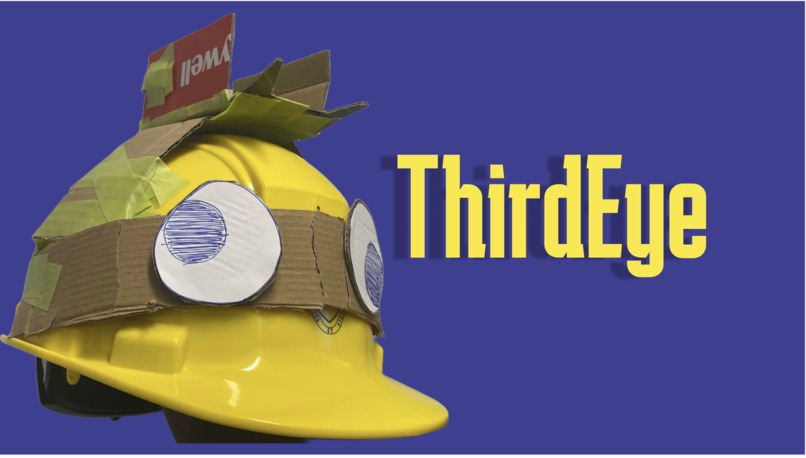
Thumbnail
-
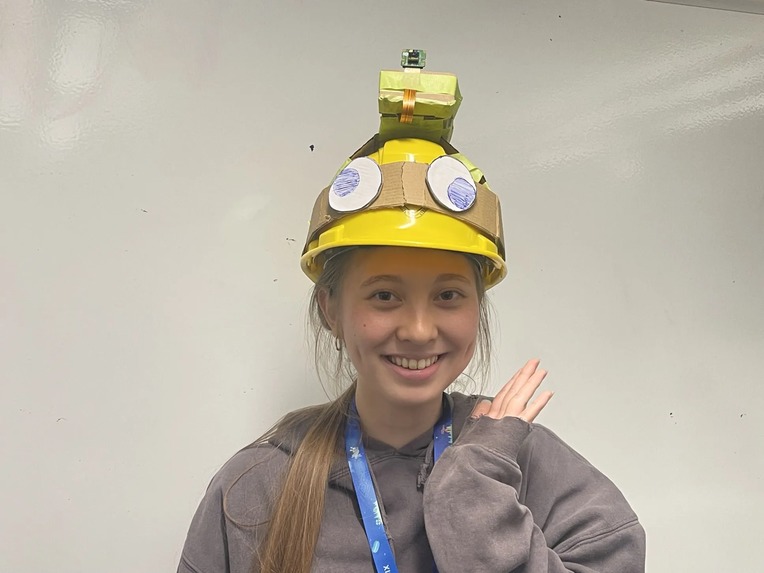
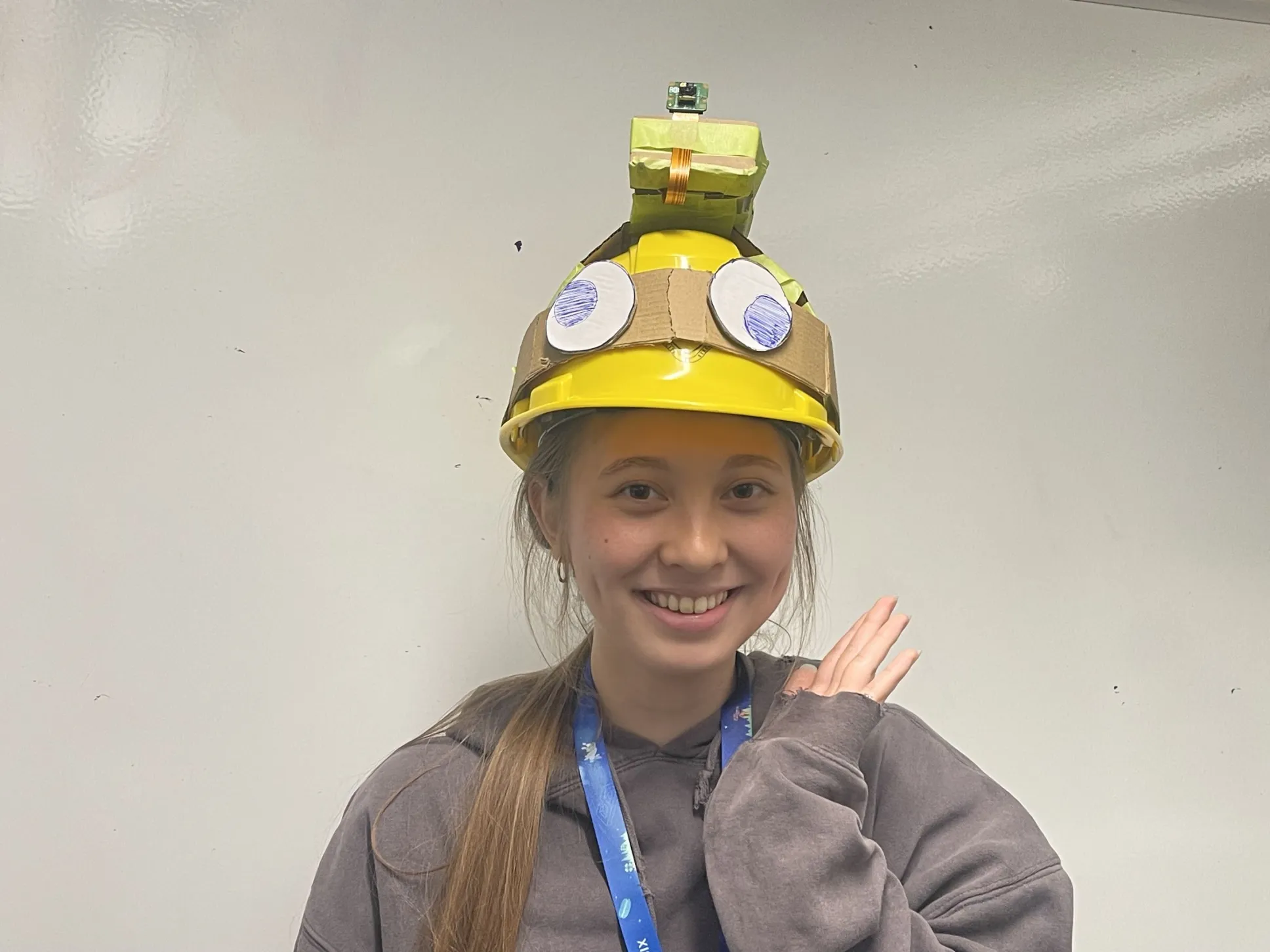
A user wearing our technology
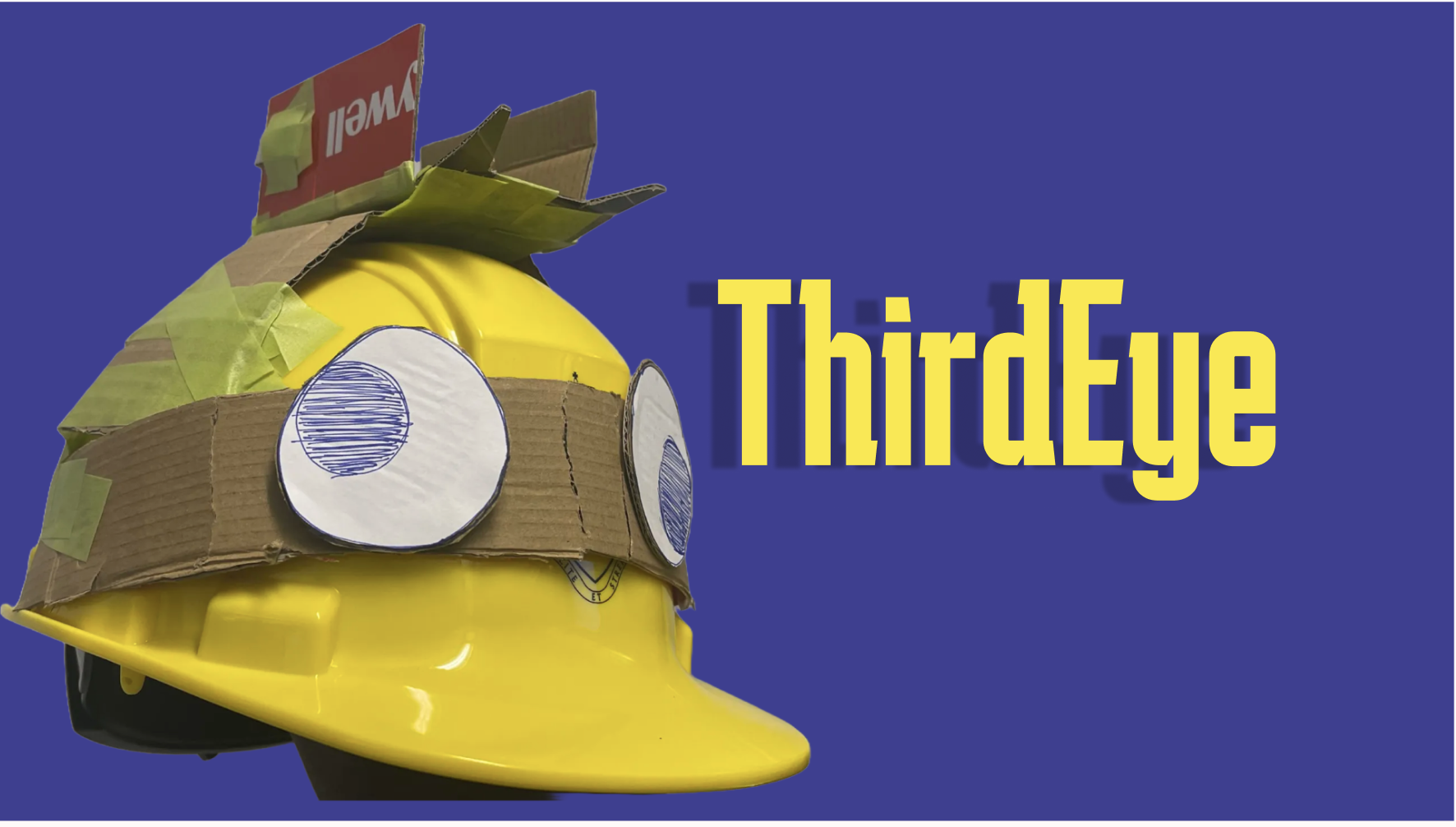
Third Eye
A wearable AI device that reads the world out loud.
Inspiration
Every day, people with visual impairments run into barriers most of us never notice. Menus, signs, labels, and other everyday information are often inaccessible. Information that's "obvious" to a sighted person is invisible to over 43 million people around the world with vision impairments.
So we built Third Eye, our first-ever hardware project: a wearable device that acts as a second set of eyes. At the press of a button, it captures what you're looking at and narrates the text and surroundings out loud, in real time.
What it does
The interaction loop is simple: one button, one spoken answer.
- You press a button to capture a photo of whatever is in front of you.
- The image is sent to the Gemini 3.5 Flash model, which transcribes visible text and describes the scene. It preserves the structure of what it reads — prices, headings, menu items, warnings — instead of flattening everything into one blob.
- The response is converted to speech and played back through your headphones, or any other connected Bluetooth device.
The vision model is prompted to behave like a careful assistant for a blind or low-vision user: it gives left/right/center and clock-face directions when position matters, keeps answers short and natural for text-to-speech, never invents text or hazards, and explicitly says when something is unreadable. It also never claims a path is "safe" — a single camera frame can miss hazards, and we didn't want the device to give false confidence.
How we built it
Third Eye is two halves that talk over HTTP: a device side that runs on the Raspberry Pi, and a backend that calls the LLM.
Hardware
- Raspberry Pi 5
- Pi Camera 3
- Arduino UNO Q
- Push button
- Headphones (Bluetooth audio)
Software
- QNX SDP 8.0 — the real-time OS running on the Pi (not Linux)
- C — native camera capture against the QNX camera framework
- Python — the device loop and glue code
- FastAPI — the backend server
- Google Gemini API — vision + speech-to-text
- ElevenLabs API — text-to-speech
The camera pipeline
Because Third Eye runs on QNX, not Linux, the capture code is native C written directly
against QNX's <camera/camera_api.h>. It opens CAMERA_UNIT_0 in read-only
mode, grabs a single viewfinder frame in RGB8888 (4 bytes per pixel), and
writes it to a raw file.
Python then shells out to the compiled capture_image binary, converts the raw
RGB8888 bytes into a PNG with Pillow, and downscales to 1024 px on the long
edge. Full-resolution QNX frames produce enormous payloads that would
time out when uploaded from the Pi, so we keep text legible while cutting the
request size dramatically.
The AI backend
The backend talks to Gemini 3.5 Flash for vision. We wrote the integration with the raw Gemini REST API, so the device-side client has almost no dependencies to install on the Pi. The image is sent alongside the user's question and a carefully tuned system prompt, thus returning a concise spoken answer from the LLM.
For voice, Gemini also handles speech-to-text (transcribing the user's
spoken question), and ElevenLabs handles text-to-speech (turning the answer
into natural audio via the eleven_multilingual_v2 model). A FastAPI server
ties the pieces together and serves the generated audio back to the device.
Challenges we ran into
As our first hardware hack ever, almost everything was a first.
- Getting QNX running on the Pi 5. Setting up QNX SDP 8.0 on a Raspberry Pi 5 — a non-standard, non-Linux target — was a large.
- Interfacing with the Pi Camera through C on QNX. With no prior hardware experience, learning the QNX camera API and reading through documentation took hours of debugging and trial and error.
- Payload size vs. timeouts. Full-resolution frames were too big to upload reliably from the Pi. We had to downscale on-device to keep requests fast without losing readable text.
- Integrating independent components. Making the Raspberry Pi, the LLM backend, the Bluetooth audio device, and the Arduino all work together as one coherent device was a real systems-integration challenge.
- Reading dense documentation as non-hardware students. The camera and QNX docs assumed a lot of context we didn't have, which created a steep learning curve.
Accomplishments that we're proud of
- QNX OS booting on the Raspberry Pi 5.
- The camera capturing real frames through native C on QNX.
- Camera + Gemini reading and correctly displaying text end-to-end — the full pipeline from a button press to accurately transcribed, structured text.
What we learned
We went from zero hardware experience to a working assistive device across a weekend. We learned how to bring up a real-time OS on a Pi, how to talk to a camera at the buffer level in C, how memory layout details like stride can make or break an image, and how to stitch vision, speech-to-text, and text-to-speech into a single low-latency loop.
What's next
- Add hazard-aware navigation cues and richer scene understanding.
- Test ThirdEye in person at restaurants and cafes.
- Refine the wearable form factor for real, comfortable daily use.

Log in or sign up for Devpost to join the conversation.